需要登入
請使用您的 iOSGods 帳戶登入以繼續。
請使用您的 iOSGods 帳戶登入以繼續。
此應用程式已啟用 iGameGod Jailed,讓您可以根據喜好使用 Cheat Engine、Speed Hack 或 Touch Recorder!如果您想將 iGameGod Jailed 新增至您的應用程式,可以按照 此主題 中的說明進行操作!
此遊戲的教學:點擊此處
如需有關如何使用 iGameGod 的教學、影片和範例,請造訪:https://iosgods.com/tags/iGameGod/
從上方連結下載 Match 3D Hack - iGameGod modded IPA。點選安裝按鈕並依照畫面指示在 iPhone、iPad 或 Apple Silicon 上安裝此 iOS 應用程式修改版。
需要更多協助?請查看我們的 iOSGods 應用程式常見問題 以獲得詳細解答與疑難排解。
Get ready for a new, challenging and original matching pairs game.
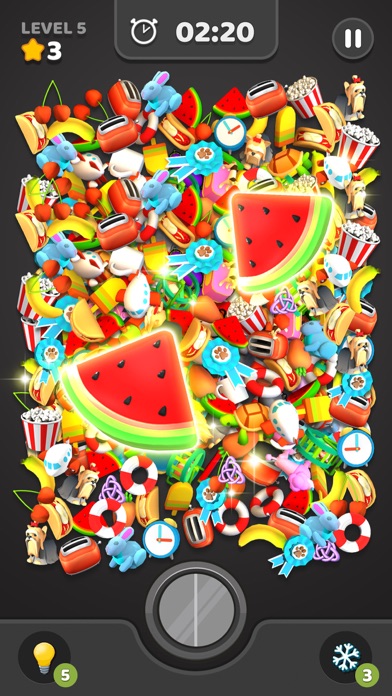
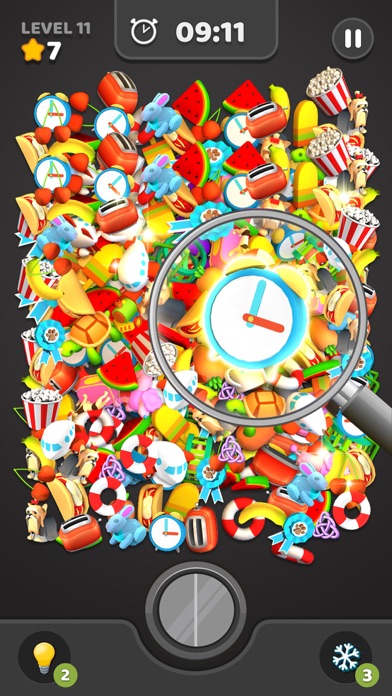
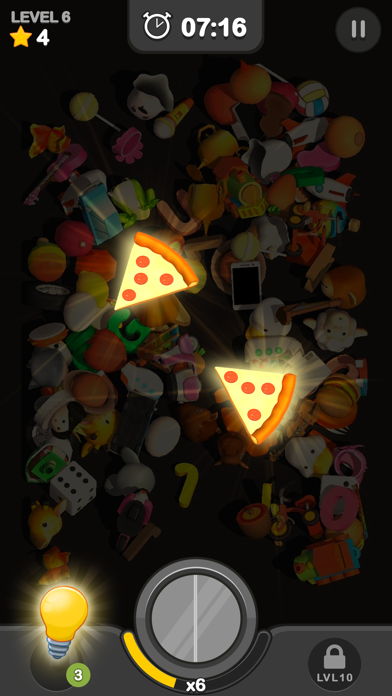
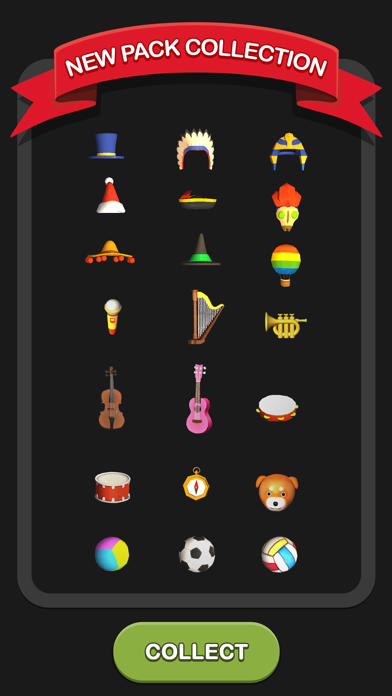
You need to match 3D objects on the ground and pop them all! When you clear a level, you will find new objects to pair.
Features
Shiny 3D visual effects and objects:
Every level of Match 3D will give you an enjoyable fun experience of matching 3D objects on the screen, every move you make will give you a satisfying 3D effect that will elevate your game experience.
Well-designed brain trainer levels
We are happy to tell you that our game will make it easier for you to memorize objects and small details by playing our brain trainer levels, you will start to notice your that memorizing abilities getting better with time.
Pause it whenever you want
Because we know that you are a busy person, and we value your time, we implemented the pause feature where you are able to pause whenever you want, so you can get back to matching 3D objects anytime you want.
Cute animals, sweet yummy food, cool toys, exciting emojis, and much more stuff to puzzle out.
Auto-save game to continue from where you left off.
Match 3D is easy to play for everyone!
Shiny pairs of animals, food, school items, household objects, emojis, and many more exciting type levels to unlock by simply matching the pairs!
How To Play 3D Match:
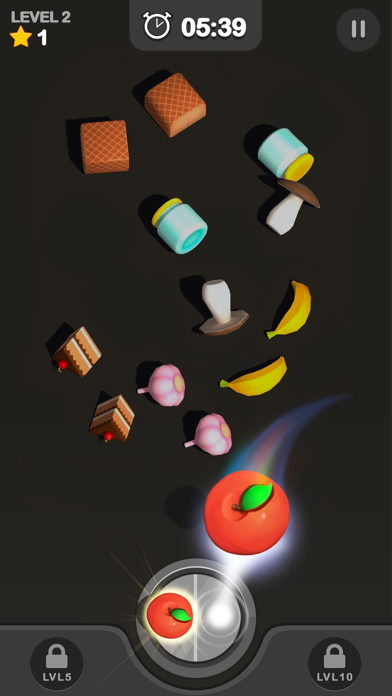
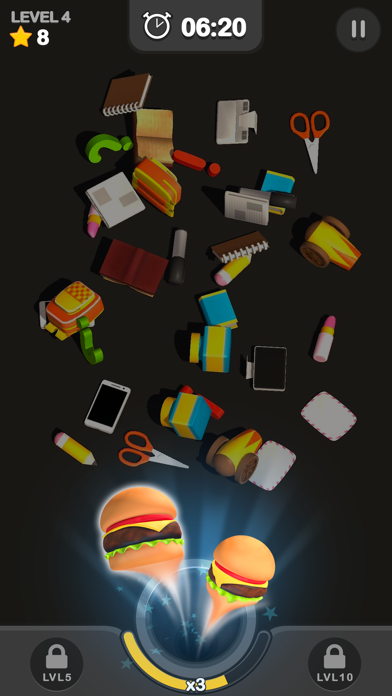
- Pick the 1st 3d object it can be (a shiny 3D object, animal, or an emoji)
- Then pick up the 2nd 3d object & move both of them to the circle in the middle of the screen.
- Keep doing that until you clear the whole screen & win the level.
- Then keep having fun & start a new level
Offering tons of cute combinations, this free game will power up your brain and increase your memory speed.
All you need to do is play this connection-based game with various 3D levels that set it apart from all other games. This matching pairs game is so easy that anyone can play it.
Follow us to get news and updates on our other Award Winning titles;
https://lionstudios.cc/
Facebook.com/LionStudios.cc
Instagram.com/LionStudioscc
Twitter.com/LionStudiosCC
Youtube.com/c/LionStudiosCC
- 未越獄/受限或已越獄的 iPhone 或 iPad。
- Sideloadly 或替代方案。
- 執行 Windows/macOS/Linux 且已安裝 iTunes 的電腦。
步驟 1: 透過上方連結將已破解的 .IPA 檔案下載到您的電腦。若要從 iOSGods App 下載,請參閱我們的 iOSGods App IPA 下載教學,其中包含影片範例。
步驟 2: 下載 Sideloadly 並將其安裝在您的 Windows 或 Mac 上。
步驟 3: 在電腦上開啟 Sideloadly,連接您的 iOS 裝置,並等待裝置名稱出現在 Sideloadly 中。
步驟 4: 當 Sideloadly 辨識到您的 iOS 裝置後,將下載好的修改版 .IPA 檔案拖曳並放到 Sideloadly 應用程式中。
步驟 5: 輸入您的 Apple Account 電子郵件,然後按下「Start」。系統會要求您輸入密碼,請依指示提供所需資訊。
步驟 6: 等待 Sideloadly 完成已破解 IPA 的旁載/安裝。如果安裝過程中發生問題,請閱讀下方的注意事項。
步驟 7: 安裝完成並在主畫面上看到該應用程式後,您需要前往 設定 → 一般 → 描述檔 / VPN 與裝置管理。進入後,點選您在步驟 6 中輸入的電子郵件,然後點選「信任 [email protected]」。
步驟 8: 現在回到主畫面並開啟新安裝的應用程式,一切應該都能正常運作。您可能需要依照遊戲內破解彈出視窗中的進一步指示操作。
注意: 在 iOS/iPadOS 16 及更新版本上,您必須 啟用開發者模式。若使用免費的 Apple Developer 帳號,您將需要每 7 天重複此程序。如有任何疑問或問題,請閱讀我們的 主題中的 Sideloadly 常見問題區段。