Потрібен вхід
Увійдіть у свій обліковий запис iOSGods, щоб продовжити.
Увійдіть у свій обліковий запис iOSGods, щоб продовжити.

Цей динамічний нескінченний раннер для Red Ball Super Run дарує вам величезні бонуси валюти, щоб пройти крізь пригоди. Мчіться крізь яскраві локації як один з чотирьох героїв Red Ball, уникаючи перешкод та стрибаючи на ворогів, насолоджуючись цією модифікованою грою для iOS з необмеженими ресурсами для витрат на покращення та розблокування.
- 65535 Самоцвітів (Збирати) → величезний запас преміум-валюти
- 65535 Монет (Збирати) → багато внутрішньоігрової валюти для покращень
Цей застосунок також постачається з iGameGod, який надає доступ до Auto Touch для автоматизації повторюваних дій, App Speed Manager для регулювання швидкості гри, редагування значень за допомогою Memory Engine та інших потужних інструментів для iOS-ігор.
Завантажте Red Ball Super Run Hack modded IPA за посиланнями вище. Натисніть кнопку встановлення та дотримуйтесь інструкцій, щоб встановити цей хак iOS на iPhone, iPad або Apple Silicon.
Потрібна додаткова допомога? Перегляньте наш Поширені запитання про застосунок iOSGods для детальних відповідей та порад з усунення несправностей.
Red Alert!
The evil square minions are back and they wreak havoc everywhere.
The world calls out for the Red Ball Super Running Heroes!
Run, Roll, Dodge and Dash through an all-new and exciting Red Ball endless running adventure.
Coming from the team behind the original smash hit Red Ball 4.
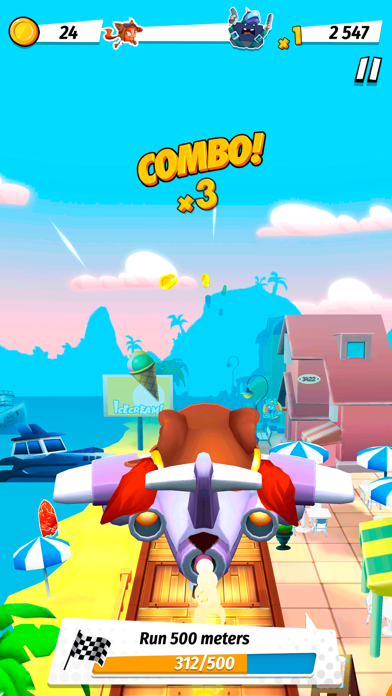
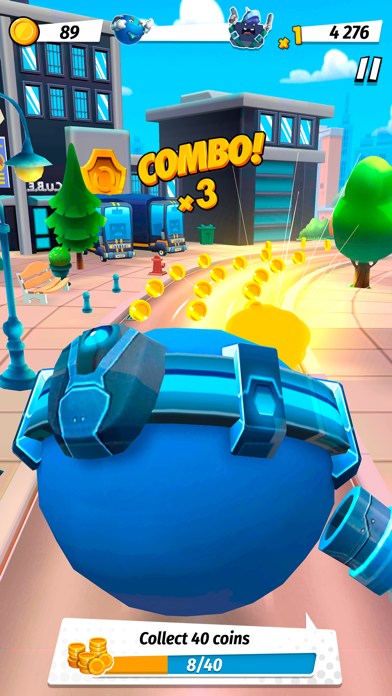
- Chase through the streets with one of 4 playable Red Ball super heroes.
- Run and Dodge obstacles to gain speed.
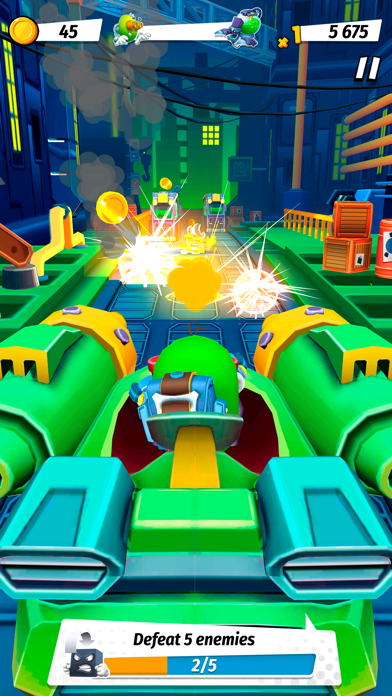
- Jump on enemies to defeat them - just like you loved to do in the previous Red Ball games
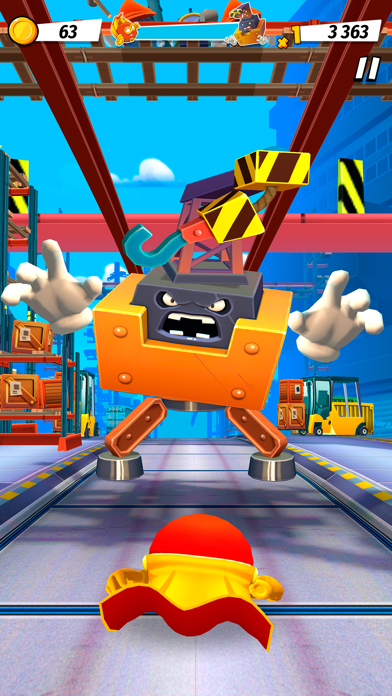
- Explore 4 different locations including City, Harbour, Subway and Factory with more to come!
- Activate your special skills to become the best runner of all time
- Defeat 4 epic bosses with unique action and shooting mechanics
- Feel the rush while you race through the all-new 3D Red Ball game!
- Collect stickers and complete your comic album to unlock new costumes for your heroes
Who's got the balls to save the world again?
- iPhone або iPad без джейлбрейку/у заводському стані або з джейлбрейком.
- Sideloadly або альтернативи.
- Комп'ютер під керуванням Windows/macOS/Linux із встановленим iTunes.
КРОК 1: Завантажте попередньо зламаний .IPA-файл за посиланням вище на свій комп'ютер. Щоб завантажити з iOSGods App, перегляньте наш Посібник із завантаження IPA в iOSGods App, який містить відеоприклад.
КРОК 2: Завантажте Sideloadly і встановіть його на своєму Windows або Mac.
КРОК 3: Відкрийте Sideloadly на комп'ютері, підключіть свій iOS-пристрій і зачекайте, поки назва пристрою з'явиться у Sideloadly.
КРОК 4: Коли ваш iDevice буде розпізнано, перетягніть завантажений модифікований .IPA-файл і відпустіть його в застосунок Sideloadly.
КРОК 5: Введіть електронну пошту вашого Apple Account, потім натисніть «Start». Після цього вас попросять ввести пароль. Введіть необхідні дані.
КРОК 6: Зачекайте, доки Sideloadly завершить sideload/встановлення зламаного IPA. Якщо під час встановлення виникнуть проблеми, прочитайте примітку нижче.
КРОК 7: Коли встановлення завершено й ви побачите застосунок на головному екрані, перейдіть до Налаштування → Загальні → Профілі / VPN і керування пристроєм. Там натисніть на електронну пошту, яку ви ввели на кроці 6, а потім натисніть «Довіряти [email protected]».
КРОК 8: Тепер перейдіть на головний екран і відкрийте щойно встановлений застосунок — усе має працювати належним чином. Можливо, доведеться виконати додаткові інструкції для конкретного застосунку в спливаючому вікні хака в грі.
ПРИМІТКА: У iOS/iPadOS 16 і пізніших версіях потрібно увімкнути режим розробника. Для безкоштовних облікових записів Apple Developer цей процес доведеться повторювати кожні 7 днів. Якщо у вас є запитання або проблеми, прочитайте наш розділ FAQ зі Sideloadly у темі.