تسجيل الدخول مطلوب
سجّل الدخول بحساب iOSGods للمتابعة.
سجّل الدخول بحساب iOSGods للمتابعة.
المفاتيح اللانهائية واللعب بدون إعلانات يحولان Brain Out -Tricky riddle games iOS Mod IPA، لعبة الألغاز الماكرة التي تتحدى منطقك وإبداعك بحلول ألغاز غير تقليدية. يزيل هذا التعديل iOS Mod IPA الانقطاعات حتى تتمكن من التركيز على التفوق على كل لغز دماغي دون القلق بشأن نفاد العملات داخل اللعبة.
- مفاتيح لانهائية (أنفق بعضاً / احصل على بعض) → تقدم لانهائي في الألغاز
- بدون إعلانات → لعب بدون انقطاع
يأتي هذا التطبيق أيضًا مع iGameGod، مما يتيح لك الوصول إلى Auto Touch لأتمتة المهام المتكررة، وApp Speed Manager لضبط سرعة اللعب، وتعديل القيم عبر Memory Engine، والمزيد من أدوات ألعاب iOS القوية.
قم بتنزيل Brain Out -Tricky riddle games iOS Mod IPA من الروابط أعلاه. اضغط على زر التثبيت واتبع التعليمات لتثبيت هذا التعديل لـ iOS على iPhone أو iPad أو Apple Silicon.
هل تحتاج إلى مزيد من المساعدة؟ راجع الأسئلة الشائعة لتطبيق iOSGods للحصول على إجابات مفصلة ونصائح لاستكشاف الأخطاء.
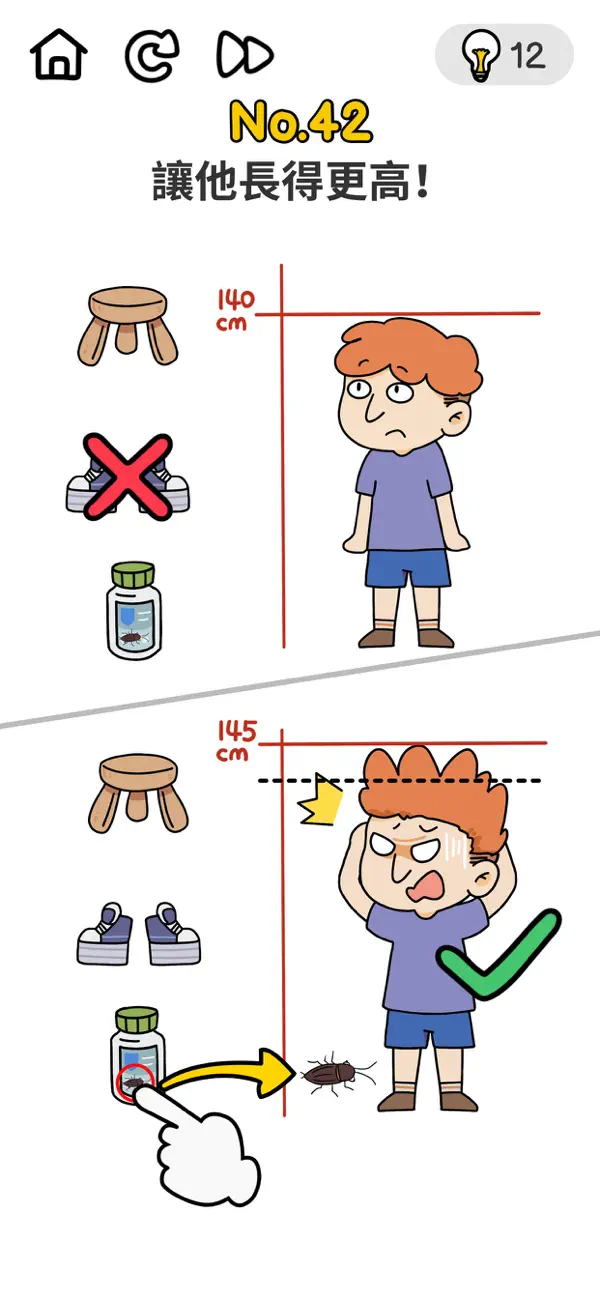
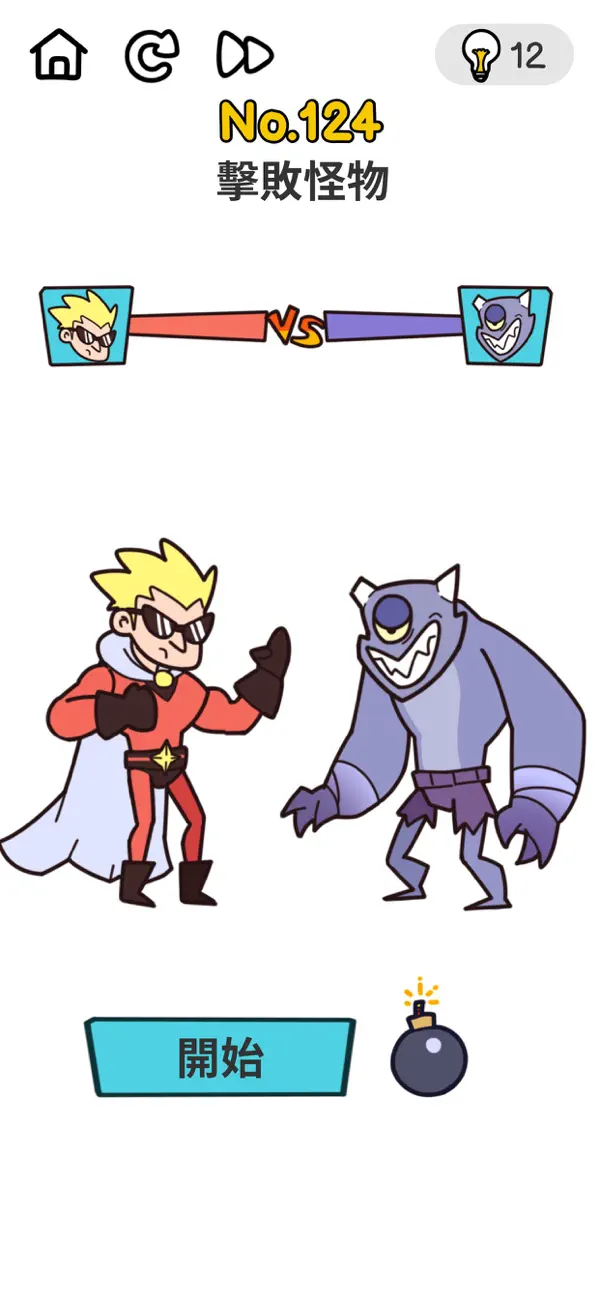
搞怪無厘頭的腦筋急轉彎題目,萬萬沒想到的謎底
這款最囧挑戰遊戲充滿了惡搞,趣味橫生,顛覆你的想像
智商挑戰與逆向思維的完美結合情商,智商與囧商的三重考驗
必須打破常規要通關?必須打破常規!沒有不可能的過關方式,只有你想不到的答案
各種奇奇怪怪的關卡絕對能帶給你無限的歡樂!
精彩亮點
不按常理出牌的遊戲玩法
輕鬆簡單充滿歡樂的的解謎過程
好玩的音樂和清爽簡潔的遊戲界面
絕對出乎意料的遊戲答案
精彩好玩的遊戲關卡,笑料不斷,囧事不停
用最囧的答題思路,逆向思維去思考問題給你一個不一樣的遊戲體驗,看你能否玩通關!
這款史上最強大腦最有趣的腦經急轉彎遊戲等你挑戰!
快和你朋友一起絞盡腦汁,刷新三觀,放聲大笑!
盡情享受吧

- iPhone أو iPad بجيلبريك أو بدون جيلبريك.
- Sideloadly أو بدائلها.
- كمبيوتر يعمل بنظام Windows/macOS/Linux مع تثبيت iTunes.
الخطوة 1: قم بتنزيل ملف .IPA المعدّل مسبقًا من الرابط أعلاه إلى الكمبيوتر الخاص بك. للتنزيل من تطبيق iOSGods App، اطلع على دليل تنزيل IPA من تطبيق iOSGods App الذي يتضمن مثالًا بالفيديو.
الخطوة 2: قم بتنزيل Sideloadly وتثبيته على جهاز Windows أو Mac.
الخطوة 3: افتح Sideloadly على الكمبيوتر، ووصّل جهاز iOS الخاص بك، وانتظر حتى يظهر اسم جهازك داخل Sideloadly.
الخطوة 4: بمجرد التعرّف على جهاز iDevice الخاص بك، اسحب ملف .IPA المعدّل الذي قمت بتنزيله وأفلِته داخل تطبيق Sideloadly.
الخطوة 5: أدخل البريد الإلكتروني لحساب Apple Account الخاص بك، ثم اضغط على «Start». سيُطلب منك بعد ذلك إدخال كلمة المرور. تابع وأدخل المعلومات المطلوبة.
الخطوة 6: انتظر حتى ينتهي Sideloadly من تحميل/تثبيت ملف IPA المعدّل. في حال واجهت أي مشاكل أثناء التثبيت، يرجى قراءة الملاحظة أدناه.
الخطوة 7: بعد اكتمال التثبيت ورؤية التطبيق على الشاشة الرئيسية، انتقل إلى Settings → General → Profiles / VPN & Device Management. ثم اضغط على البريد الإلكتروني الذي أدخلته في الخطوة 6، ثم اضغط على «الوثوق بـ [email protected]».
الخطوة 8: الآن انتقل إلى الشاشة الرئيسية وافتح التطبيق الذي تم تثبيته للتو وسيعمل كل شيء بشكل صحيح. قد تحتاج إلى اتباع تعليمات إضافية خاصة بكل تطبيق داخل النافذة المنبثقة للتعديل أثناء اللعب.
ملاحظة: بدءًا من iOS/iPadOS 16 وما بعده، يجب تفعيل وضع المطور (Developer Mode). بالنسبة لحسابات Apple Developer المجانية، ستحتاج إلى تكرار هذه العملية كل 7 أيام. إذا كانت لديك أي أسئلة أو مشاكل، يرجى قراءة قسم الأسئلة الشائعة حول Sideloadly في الموضوع.





![[Puzzle & Dragons JP] パズル&ドラゴンズ Hack](https://is1-ssl.mzstatic.com/image/thumb/Purple211/v4/ca/88/05/ca880549-d75e-5b3d-321e-b111dbb2fcda/AppIcon-0-0-1x_U007emarketing-0-8-0-85-220.png/100x100bb.jpg)


