需要登录
请使用您的 iOSGods 账户登录以继续。
Mod Features
- Freeze Gems
- Freeze Coins
- Freeze Energy
从上方按钮下载 Viking Island: Merge Adventure Mod APK。点击下载后,只需按照屏幕提示将修改版 APK 安装到您的 Android 设备或模拟器上。
需要帮助?请查看我们的 Android 常见问题解答 获取详细解答和故障排除技巧。
What if you left everything behind to start fresh on a mysterious island? A Viking family did, and now it's your turn to help them rebuild one merge at a time.
Welcome to Viking Island Merge Adventure!
Join a cheerful Viking family, complete with curious kids and twin troublemakers—as they roll up their sleeves and get to work! Every item you merge helps them clear land, gather resources, and unlock the next chapter of their island adventure.
Merge, collect, and grow!
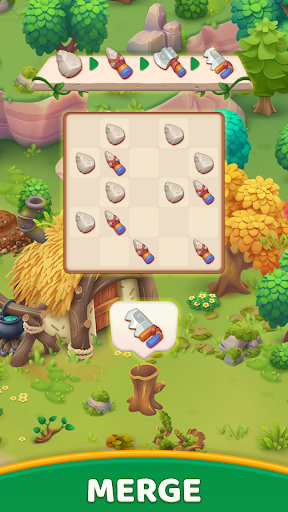
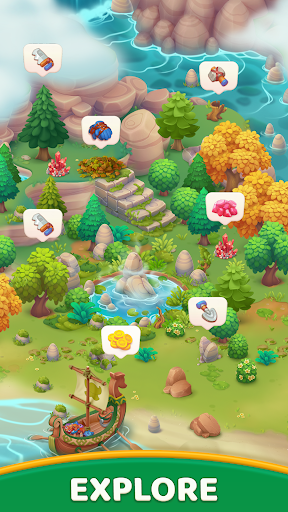
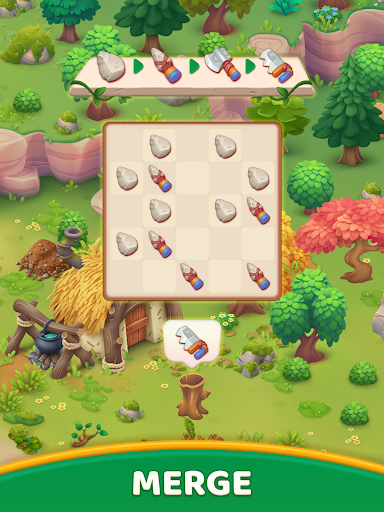
Merge hundreds of items to craft tools, gather wood, collect stones, and unlock new areas of the island. The more you merge, the more the world expands.
Build it from the ground up!
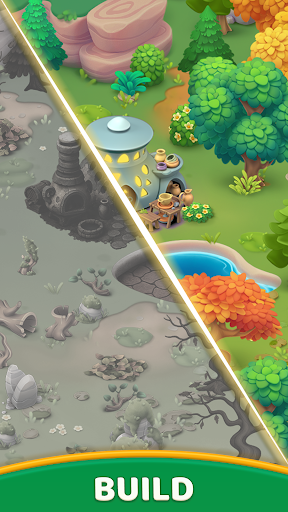
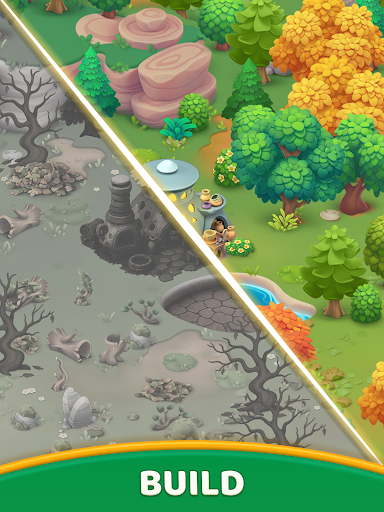
Start with wild, overgrown land and transform it into a bustling Viking settlement. Build a grand main hall, a cozy henhouse, a pottery house, and even a Viking ship—each crafted from scratch and completely your own.
Your own Viking story!
No stress, no timers—just satisfying progress, silly moments, and a warm family adventure. You’re not just guiding the family... you’re part of it.
Features
• 500+ mergeable items to craft and combine
• A merge → gather → build loop that drives everything
• An adorable Viking family with real personality
• A growing island full of unlockable zones and surprises
• No timers — play at your own pace
If you're looking for a merge game that’s rich in progression, rewarding in gameplay, and full of character — your Viking adventure starts here!
- 未越狱/受限或已越狱的 iPhone 或 iPad。
- Sideloadly 或替代方案。
- 运行 Windows/macOS/Linux 且已安装 iTunes 的电脑。
步骤 1: 通过上方链接将已破解的 .IPA 文件下载到您的电脑。如需从 iOSGods App 下载,请参阅我们的 iOSGods App IPA 下载教程,其中包含视频示例。
步骤 2: 下载 Sideloadly 并将其安装到您的 Windows 或 Mac 上。
步骤 3: 在电脑上打开 Sideloadly,连接您的 iOS 设备,等待设备名称在 Sideloadly 中显示。
步骤 4: 当 Sideloadly 识别到您的 iOS 设备后,将下载好的修改版 .IPA 文件拖放到 Sideloadly 应用中。
步骤 5: 输入您的 Apple Account 邮箱,然后点击 "Start"。系统会提示您输入密码,请按要求填写信息。
步骤 6: 等待 Sideloadly 完成已破解 IPA 的旁加载/安装。如果安装过程中出现问题,请阅读下方的注意事项。
步骤 7: 安装完成并在主屏幕上看到该应用后,您需要前往 设置 → 通用 → 描述文件 / VPN 与设备管理。进入后,点击您在第 6 步中输入的邮箱,然后点击 "信任 [email protected]"。
步骤 8: 现在返回主屏幕并打开新安装的应用,一切应可正常运行。您可能需要按照游戏内修改弹窗中的具体说明执行进一步操作。
注意: 在 iOS/iPadOS 16 及更高版本上,您必须 启用开发者模式。对于免费的 Apple Developer 账户,您需要每 7 天重复一次此操作。如有任何疑问或问题,请阅读我们的 主题中的 Sideloadly 常见问题部分。