Требуется вход
Войдите в учётную запись iOSGods, чтобы продолжить.
Войдите в учётную запись iOSGods, чтобы продолжить.

Разблокируйте неостановимую мощь в Kaz Warrior 3 - Shinobi Legend Mod APK, бесплатном Android взломе, который преобразует вашу приключение ниндзя с изменяющими игру читами. Никогда не сталкивайтесь с поражением благодаря неуязвимости, ускорьте свой прогресс с более быстрым накоплением ярости и максимизируйте свои награды, продавая предметы по премиальным ценам. Доминируйте в каждом сражении и поднимайтесь в рангах как неостановимый воин-синоби.
- Никогда не умирайте → оставайтесь неуязвимыми во время боя
- Более быстрое накопление ярости → быстрее заполняйте шкалу мощи
- Высокая цена продажи предметов → зарабатывайте больше валюты из добычи
Скачайте Kaz Warrior 3 - Shinobi Legend Mod APK по кнопке выше. После начала загрузки следуйте инструкциям, чтобы установить модифицированный APK на устройство Android или эмулятор.
Нужна помощь? Посмотрите наши Часто задаваемые вопросы по Android, чтобы получить подробные ответы и советы по устранению неполадок.
Become a powerful Kaz Warrior – a Ninja ready to confront the formidable Boss! Play the action Role playing game: Kaz Warrior 3 – Shinobi Legend!
Features in fighting game - Kaz Warrior 3:
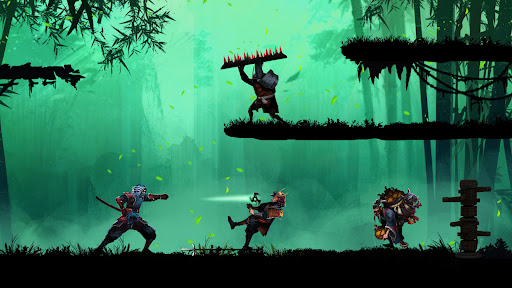
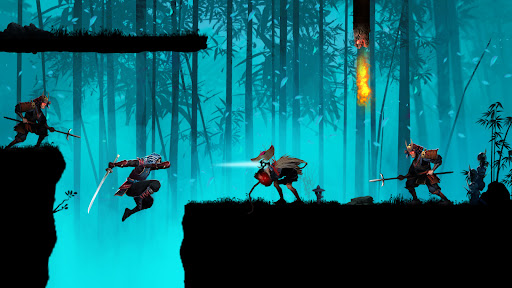
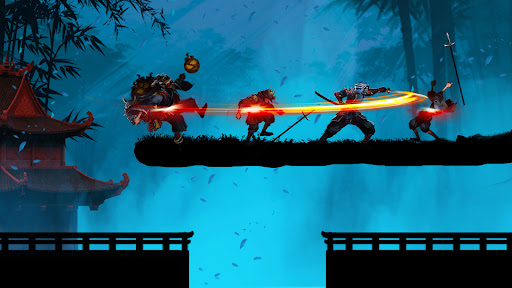
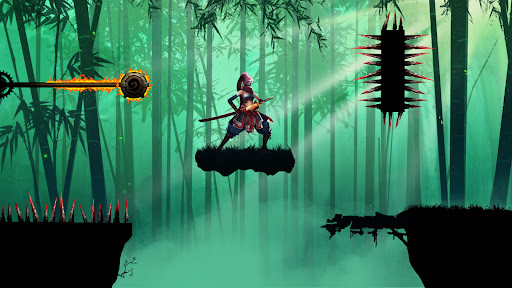
- Immerse yourself in epic battle scenes with beautiful graphics
- Role playing game with lively and powerful sound
- Ninja game: Shadow fight is a role playing game with an attractive storyline
- Easy gameplay in RPG
- Strategy game has thousands of different challenges
- Diverse weapons in fighting game: darts, swords, poison, ...
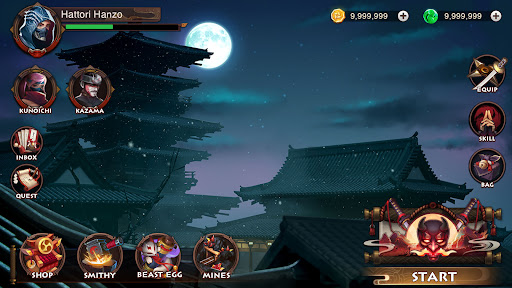
- In fighting game, dress the character in its own style
- Optimal ninja game design takes up less memory
The backstory of Kaz in Ninja game – Shinobi Legend:
The land of Fukui was peaceful hand happy. Suddenly, a brutal force invaded the village and burned it. They brutally massacred people, including Kaz’s parents and wife.
After returning from the forest, he saw that scene and felt extremely sad and angry. His heart boiled with the will to find and rescue his wife. And from that moment on, he embarked on a journey full of hardships, challenges and enemy traps.
Not only that, the enemy forces still had the intention of invading, so he and the villagers continued to fight.
The henchmen under the boss's leadership raided the village, stole the shinobi's thousand-year-old treasures, and the dragon blood scrolls were stolen by them.
Kaz could not let his beloved village be destroyed by them, so he stood up to fight to reclaim the treasures and destroy the demons.
And on that arduous journey, Kaz Warrior Kaz met shinobi and samurai friends. Samurai, ninjas and Kaz fight together to defeat enemies and rebuilding a peaceful, beautiful homeland.
Skills of a shinobi – ninja in shadow fight game:
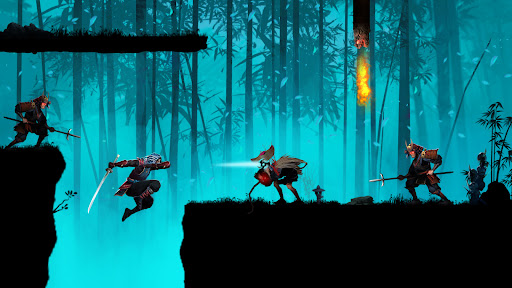
- Skillful use of swords with quick slashes
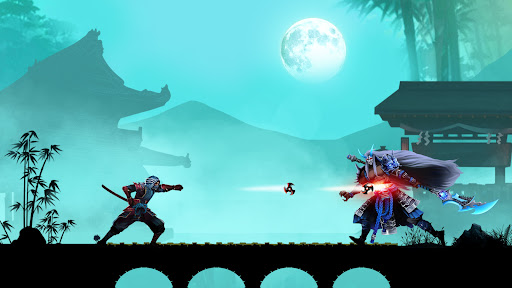
- Throws four-bladed shurikens forward, dealing high damage
- The fire breathing technique causes burns to the target
- The art of disguising and hiding oneself so as not to be recognized by enemies
- Extreme teleportation, high jumping, and acrobatics
Complete difficult challenges in ninja game:
- In the action game – shadow fight, a shinobi – ninja defeats the enemy and fights to final boss
- With the shinobi legend, prove your bravery in epic shadow fight and complete battle chains to receive more items and increase your combat power.
- Come back every day to take on different challenges and diversify your collection.
Fight epic Boss battles
With equipped power, shinobi Kaz is ready to confront the Boss.
This will be a battle that promises many exciting and epic things when the Boss is destroyed at the hands of Kaz.
The new era of blood and fire is coming, is your shinobi (ninja) spirit ready? Download the action RPG - Kaz Warrior 3 to start your adventure and fight! Can you become the strongest assassin?
Please contact us if you have any questions or suggestions about this ninja game!