ログインが必要
iOSGodsアカウントでサインインして続けてください。
iOSGodsアカウントでサインインして続けてください。

- Level Manager
- Infinite Currencies
- Infinite Boosters
- Infinite Lifes
- No Ads
このアプリにはiGameGodも搭載されており、繰り返し作業を自動化するAuto Touch、ゲーム速度を調整できるApp Speed Manager、Memory Engineによる値の編集など、強力なiOSゲーム用ツールをご利用いただけます。
Block Pals iOS Mod IPAを上のリンクからダウンロードします。インストールボタンをタップし、画面の指示に従ってiPhone、iPad、Apple SiliconにこのiOSアプリハックをインストールします。
さらにヘルプが必要ですか? 詳しい回答とトラブルシューティングはiOSGodsアプリ よくある質問をご覧ください。
Block Pals – Smart Match Puzzle Adventure!
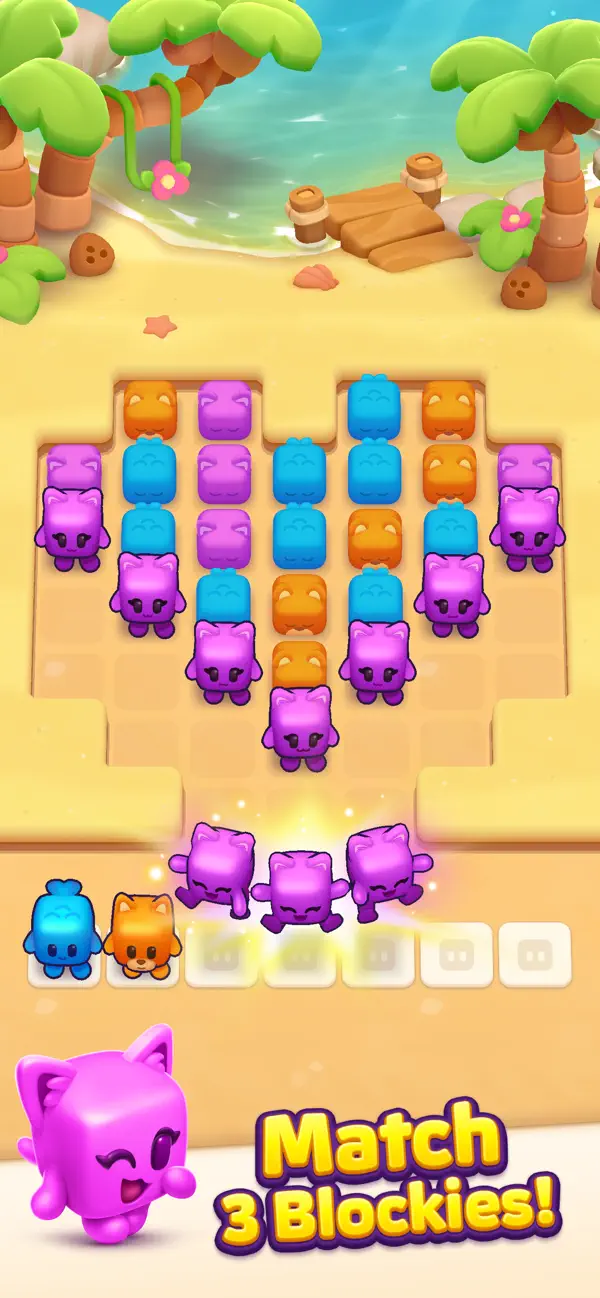
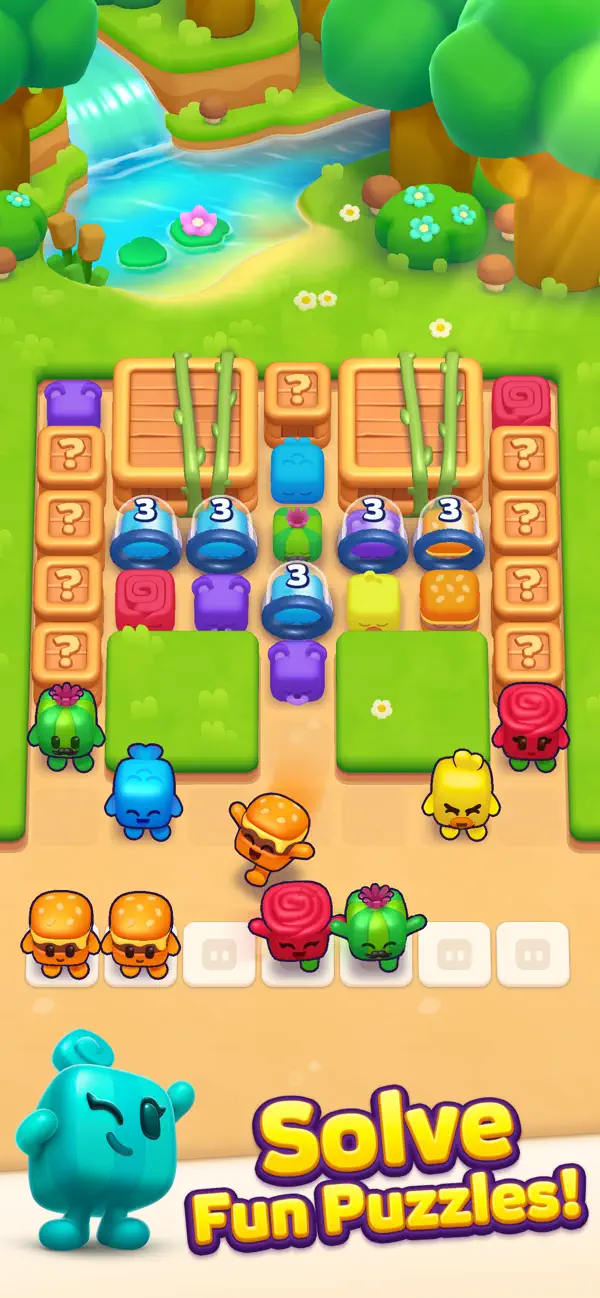
Block Pals is a free puzzle game where you match adorable Blockies in clever sets of three. It’s easy to start, satisfying to master, and packed with playful chaos. Plan your moves, manage your tray, and outsmart tricky obstacles — all at your own pace.
Quick session or long brain workout? Your Blockies are ready.
How It Works:
• Match Blockies in threes – Tap to collect matching Blockies and clear them from the board.
• Think ahead – Every Blockie lands in your tray. Keep it organized and don’t let it overflow!
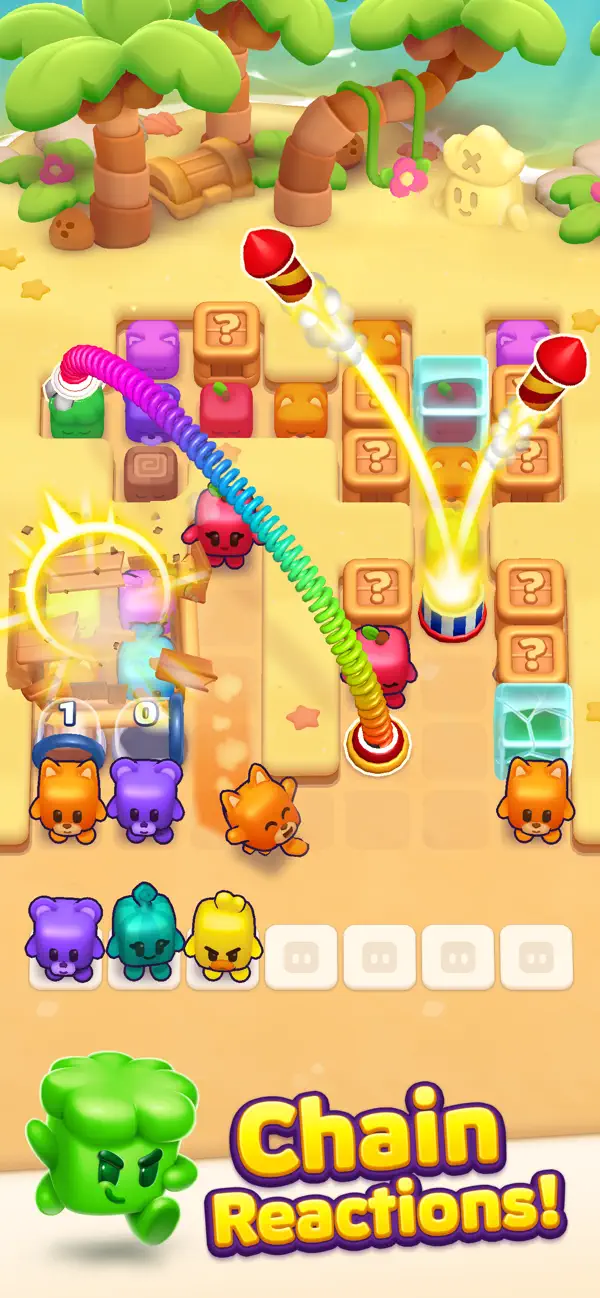
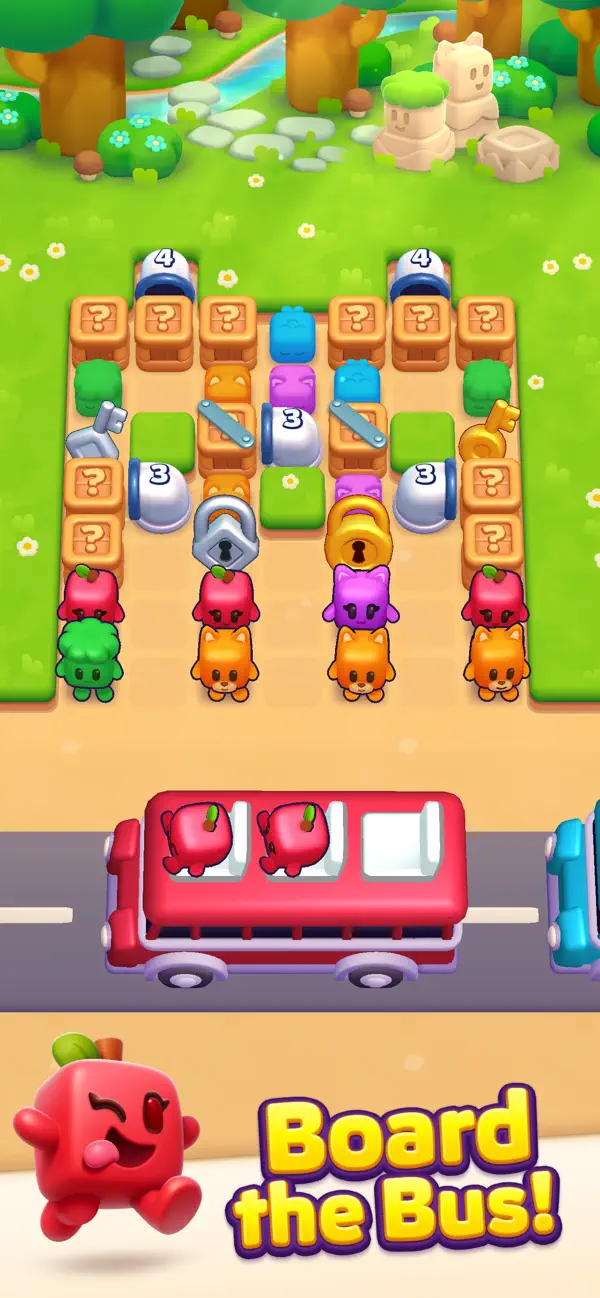
• Playful obstacles – Glue, pipes, barrels, locks, and other surprises keep each level fresh.
• Powerful boosters – Step Out, Shuffle, Magnet — choose the right tool at the right time.
• Offline play – No internet? No problem. Blockies never ghost you.
Progress & Rewards
• Leagues – Compete in weekly leaderboards and climb through 6 competitive tiers.
• Season Pass – Monthly themes with free and premium reward tracks. Unlock hats, boosters, coins, and exclusive Blockie styles.
• Missions – Chain challenges together and keep your streak alive.
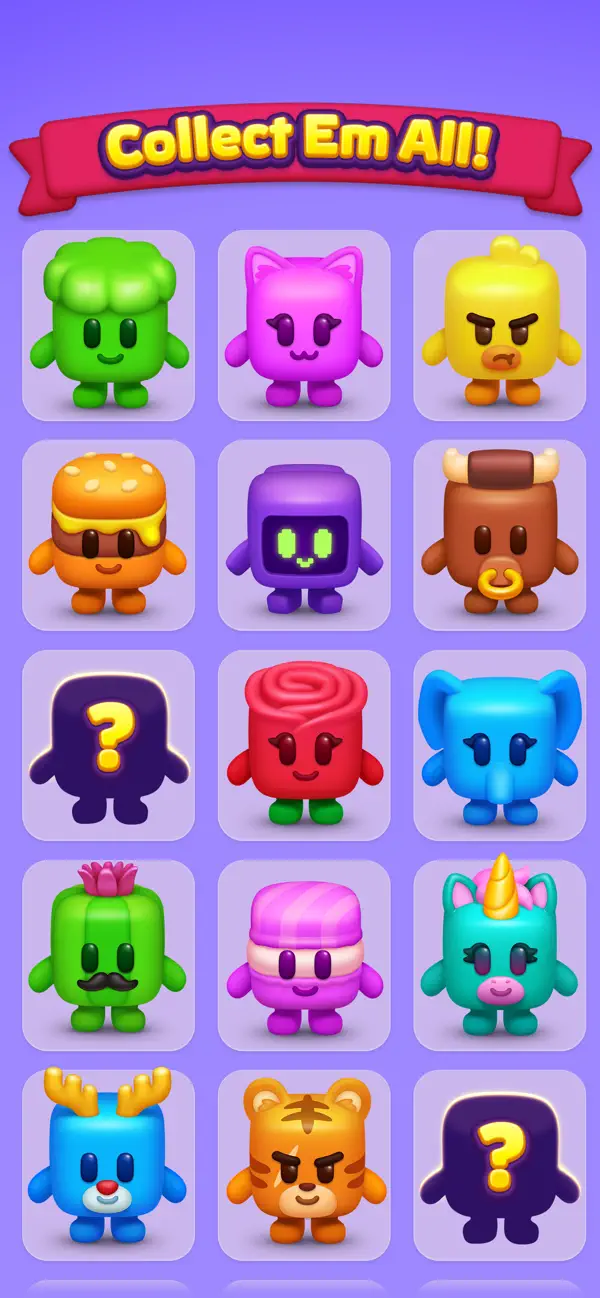
• Collections – Complete themed card albums and discover more about your favorite Blockies.
Live Events
• Treasure Island – Play with 99 other players for a chance to find the grand pirate treasure!
• Pastry Partners – Team up to bake cakes and earn co-op prizes!
• Bomb Duel – Real-time competitive puzzle mode. The bomb moves closer with every mistake!
• More events weekly – There’s always something new to try.
Download Block Pals and start matching today!
- 脱獄/Jailed済みまたは脱獄済みのiPhoneまたはiPad。
- Sideloadlyまたは代替手段。
- iTunesがインストールされているWindows/macOS/Linuxを実行しているコンピュータ。
ステップ1: 上のリンクから事前にハックされた.IPAファイルをコンピュータにダウンロードします。iOSGodsアプリからダウンロードする方法は、ビデオ例付きのiOSGodsアプリIPAダウンロードチュートリアルをご覧ください。
ステップ2: SideloadlyをダウンロードしてWindowsまたはMacにインストールします。
ステップ3: コンピュータでSideloadlyを開き、iOSデバイスを接続して、デバイス名がSideloadlyに表示されるまで待ちます。
ステップ4: iDeviceが認識されたら、ダウンロードしたModされた.IPAファイルをSideloadlyアプリにドラッグ&ドロップします。
ステップ5: Apple Accountのメールアドレスを入力し、「Start」を押します。次にパスワードの入力を求められます。必要な情報を入力してください。
ステップ6: Sideloadlyがハックされたipaのサイドロード/インストールを完了するのを待ちます。インストール中に問題が発生した場合は、以下の注意事項をお読みください。
ステップ7: インストールが完了し、ホーム画面にアプリが表示されたら、設定 → 一般 → プロファイル / VPNとデバイス管理に移動する必要があります。そこで、ステップ6で入力したメールをタップし、「Trust [email protected]」をタップします。
ステップ8: ホーム画面に戻り、新しくインストールされたアプリを開けば、すべて正常に動作するはずです。ゲーム内のハックのポップアップで、アプリごとの追加指示に従う必要がある場合があります。
注意: iOS/iPadOS 16以降では、デベロッパモードを有効にするが必要です。無料のApple Developerアカウントの場合、このプロセスを7日ごとに繰り返す必要があります。質問や問題がある場合は、トピックのSideloadly FAQセクションをお読みください。