需要登入
請使用您的 iOSGods 帳戶登入以繼續。
請使用您的 iOSGods 帳戶登入以繼續。
- Unlimited Gems
- Unlimited Coins
ADBlocker Luna Use
此應用程式也內建 iGameGod,讓你可以使用 Auto Touch 自動執行重複操作、透過 App Speed Manager 調整遊戲速度、使用 Memory Engine 修改記憶體數值,以及更多強大的 iOS 遊戲工具。
從上方連結下載 Hungry Hours iOS Mod IPA。點選安裝按鈕並依照畫面指示在 iPhone、iPad 或 Apple Silicon 上安裝此 iOS 應用程式修改版。
需要更多協助?請查看我們的 iOSGods 應用程式常見問題 以獲得詳細解答與疑難排解。
Welcome to Hungry Hours – Where Every Minute Feels Like Mealtime Magic!
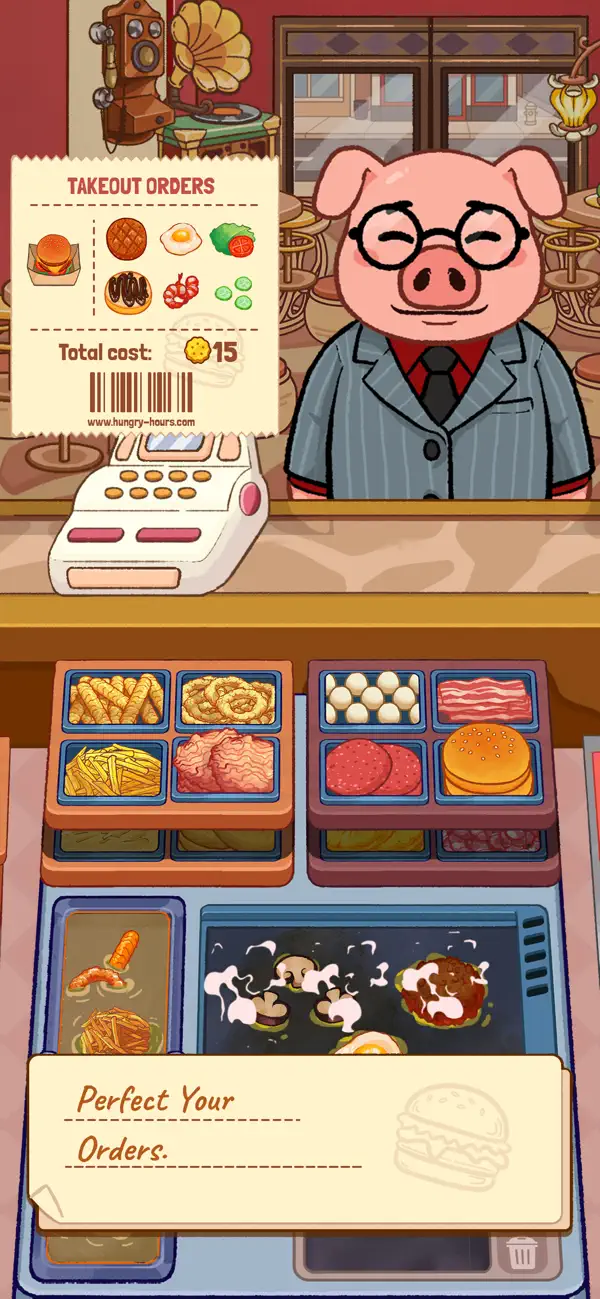
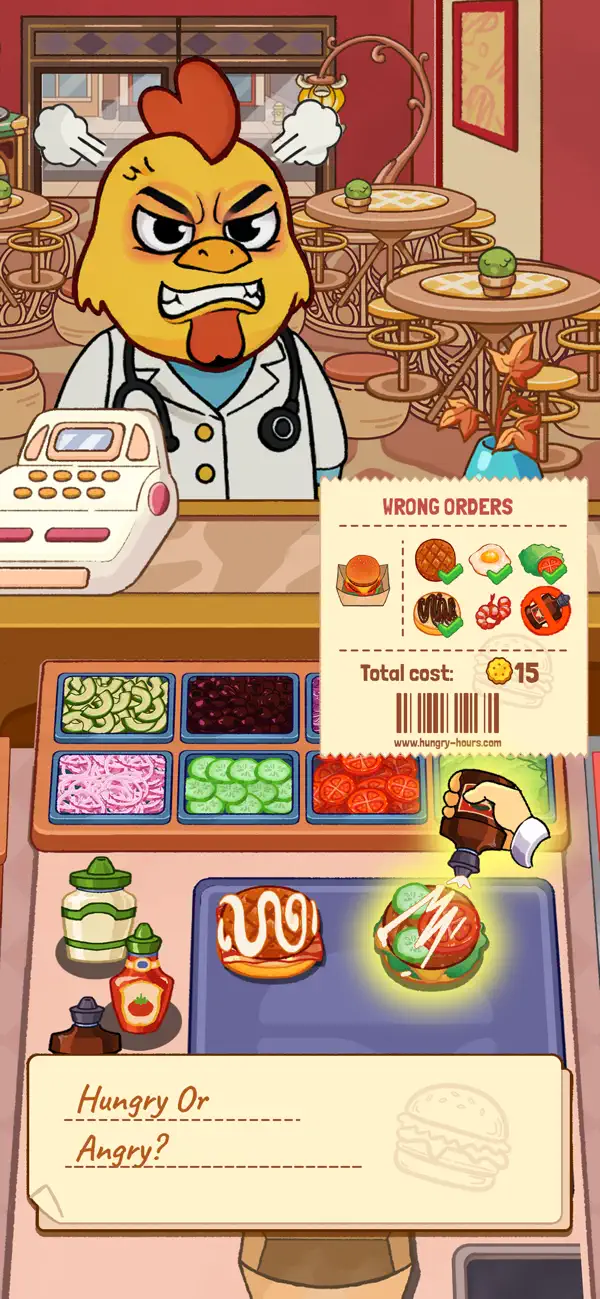
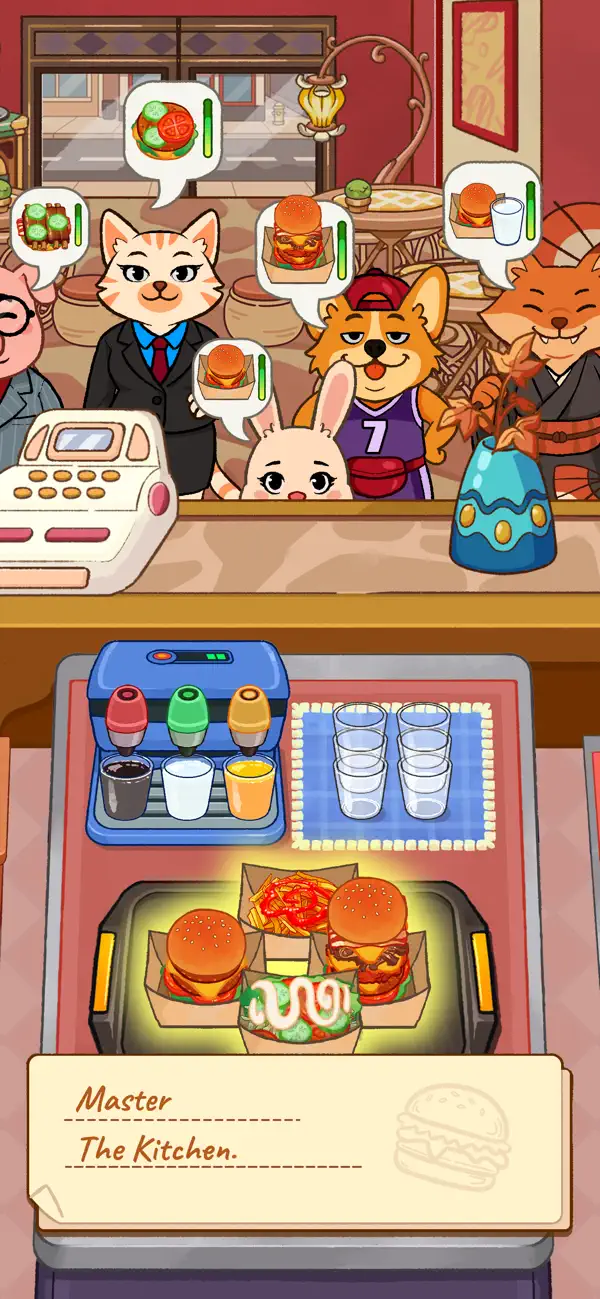
Step into your warm and bustling restaurant, where the grill is always sizzling, the kitchen is perfectly organized, and the sound of burgers and pizza cooking creates a relaxing ASMR vibe. Hungry Hours is one of those good cooking games that instantly makes you smile. You’re not just cooking — you’re running the coziest fast-food spot in town, serving hungry customers and spreading joy, one juicy burger at a time.
This isn’t just another simulation game. It’s a comfort-food playground made for every foodie out there — especially players who love perfect tidy gameplay and oddly satisfying ASMR cooking. From towering cheeseburgers dripping with melty cheese to crispy fried chicken, golden fries lined up neatly, stretchy cheesy nachos, creamy milkshakes, and hot pizza slices — every action feels clean, smooth, and satisfying.
WHAT MAKE HUNGRY HOURS SO DELICIOUSLY FUN
- Burger Bliss – Flip, stack, and serve mouth-watering burgers with perfect precision
- Pizza Party – Slice, bake, and serve pizza like a true pizza maker
- Beyond the Bun – Fries, hot dogs, nuggets, desserts, and more
- Speed & Skill – Cook fast, stay tidy, and earn big tips
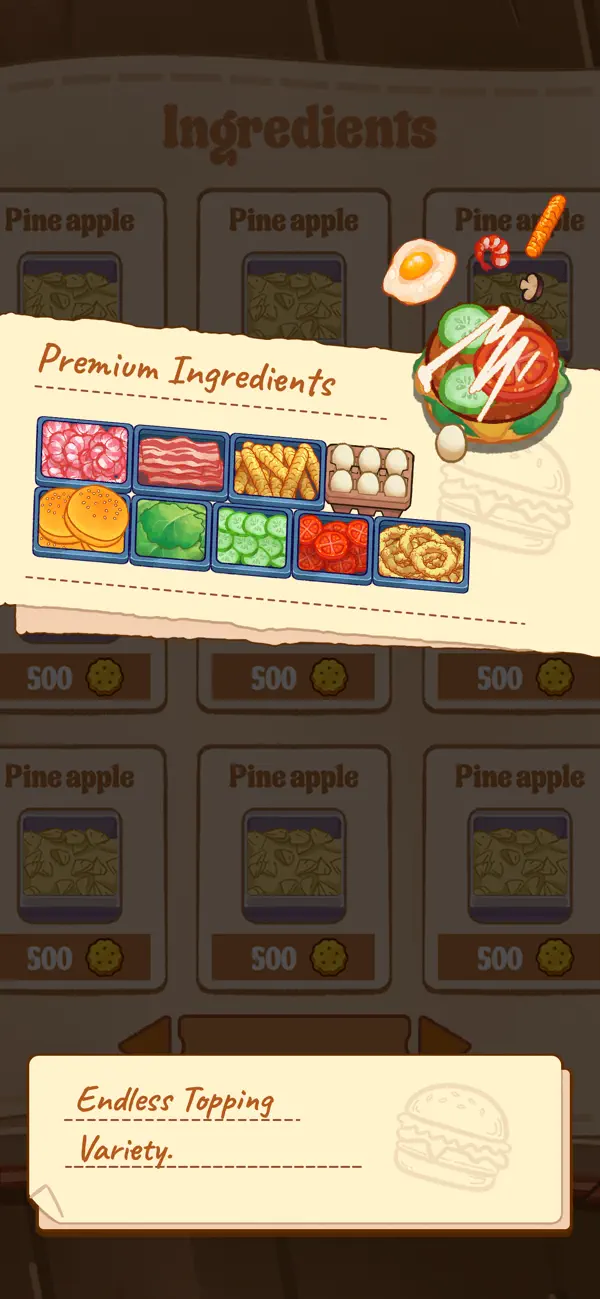
- Kitchen Upgrades – Unlock new tools, toppings, and cozy, perfect tidy décor
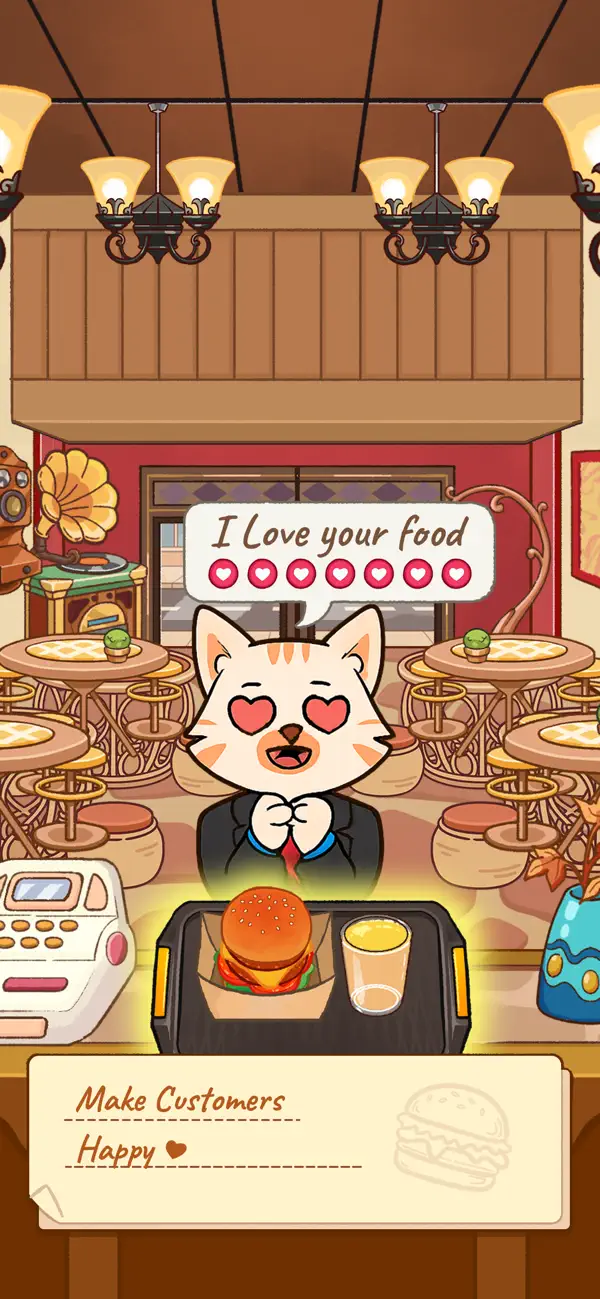
- Charming Customers – Quirky guests with funny reactions and personalities
- Endless Challenges – Improve timing, memory, and multitasking
HOW TO PLAY
- Take the order – Listen carefully and enjoy the calm, focused flow
- Prepare the meal – Grill, fry, bake pizza, and arrange everything neatly
- Serve it hot – Deliver clean, perfect orders before time runs out
- Earn rewards – Collect coins, unlock ingredients, and expand your menu
WHY YOU'LL LOVE HUNGRY HOURS
Whether you’re into relaxing pizza games, casual burger cooking, cozy pizza simulation, or soothing ASMR gameplay, Hungry Hours is made for you. Easy to learn, deeply satisfying to play, and perfect for short chill sessions or long, stress-free cooking time.
Feel the gentle rush of lunch hours, enjoy the satisfying sounds of cooking, experiment with fun burger and pizza combos, and watch your small shop grow into a beloved fast-food empire.
It’s Hungry Hours — all day, every day.
Put on your apron, cook with love, keep everything perfectly tidy, and prove you can run the happiest restaurant in town.

- 未越獄/受限或已越獄的 iPhone 或 iPad。
- Sideloadly 或替代方案。
- 執行 Windows/macOS/Linux 且已安裝 iTunes 的電腦。
步驟 1: 透過上方連結將已破解的 .IPA 檔案下載到您的電腦。若要從 iOSGods App 下載,請參閱我們的 iOSGods App IPA 下載教學,其中包含影片範例。
步驟 2: 下載 Sideloadly 並將其安裝在您的 Windows 或 Mac 上。
步驟 3: 在電腦上開啟 Sideloadly,連接您的 iOS 裝置,並等待裝置名稱出現在 Sideloadly 中。
步驟 4: 當 Sideloadly 辨識到您的 iOS 裝置後,將下載好的修改版 .IPA 檔案拖曳並放到 Sideloadly 應用程式中。
步驟 5: 輸入您的 Apple Account 電子郵件,然後按下「Start」。系統會要求您輸入密碼,請依指示提供所需資訊。
步驟 6: 等待 Sideloadly 完成已破解 IPA 的旁載/安裝。如果安裝過程中發生問題,請閱讀下方的注意事項。
步驟 7: 安裝完成並在主畫面上看到該應用程式後,您需要前往 設定 → 一般 → 描述檔 / VPN 與裝置管理。進入後,點選您在步驟 6 中輸入的電子郵件,然後點選「信任 [email protected]」。
步驟 8: 現在回到主畫面並開啟新安裝的應用程式,一切應該都能正常運作。您可能需要依照遊戲內破解彈出視窗中的進一步指示操作。
注意: 在 iOS/iPadOS 16 及更新版本上,您必須 啟用開發者模式。若使用免費的 Apple Developer 帳號,您將需要每 7 天重複此程序。如有任何疑問或問題,請閱讀我們的 主題中的 Sideloadly 常見問題區段。