تسجيل الدخول مطلوب
سجّل الدخول بحساب iOSGods للمتابعة.
Hack Features
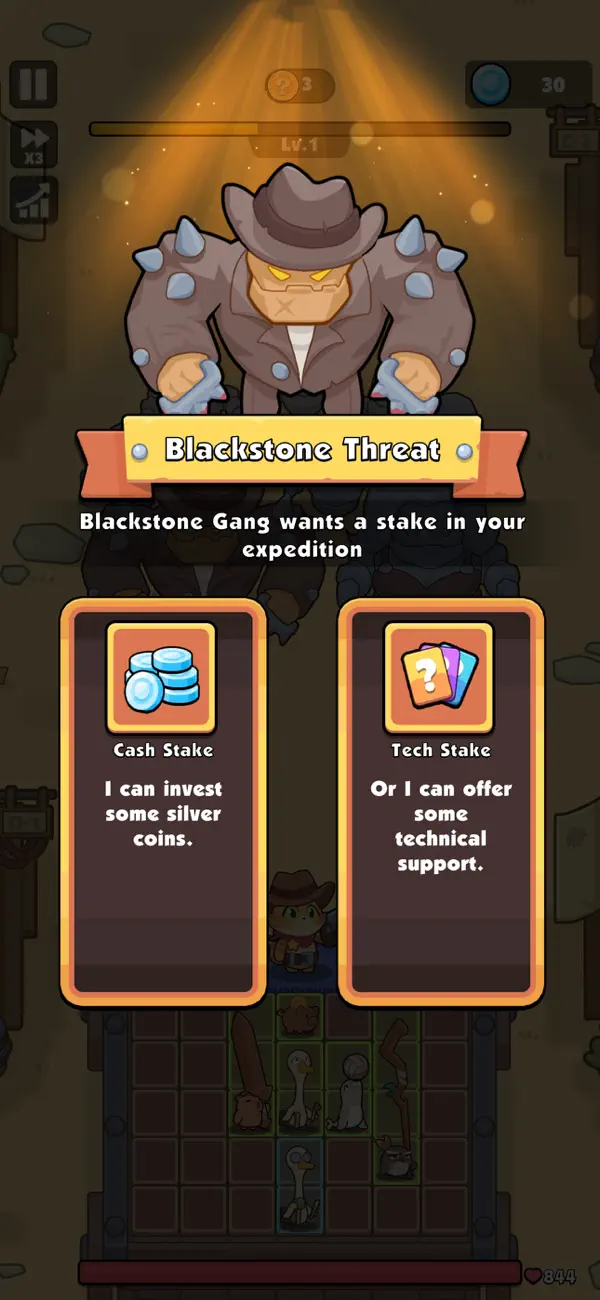
- ADS NO / Rewards Free
- Triple Speed Active
- Unlimited Gems
- Unlimited Coins
- Unlimited Energy
- Unlimited Fragment
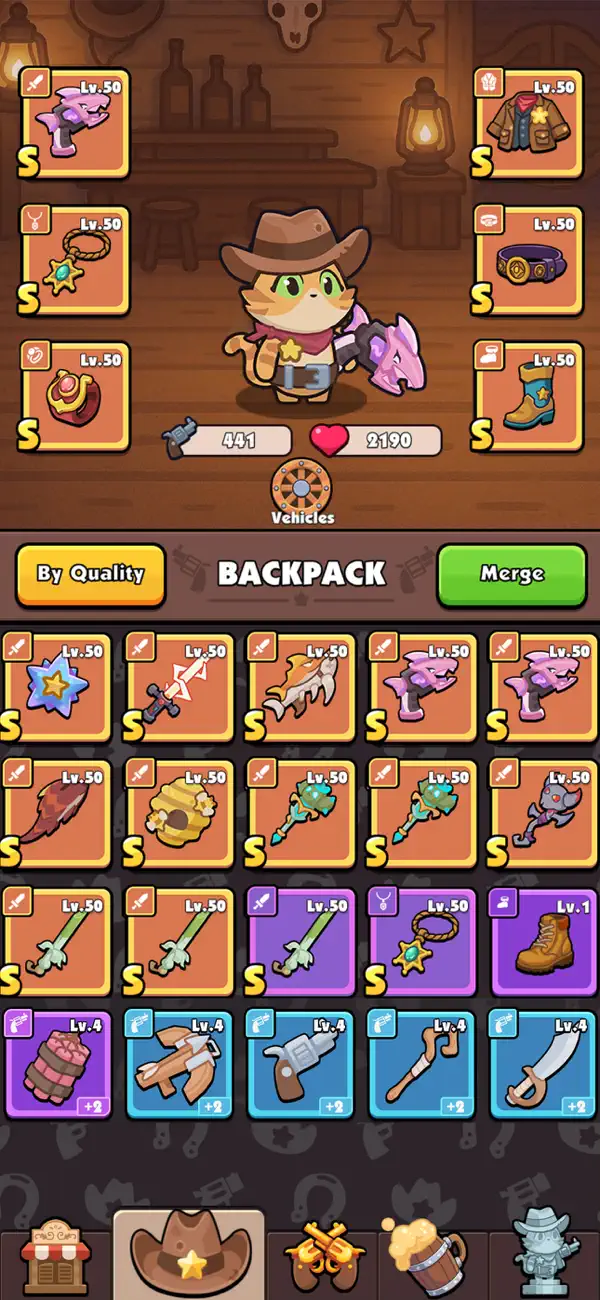
- Unlimited Equip Items
- Unlimited Epic Keys
- Unlimited Golden Keys
- Unlimited Silver Keys
- Unlimited Battle Coins
قم بتنزيل Rumble Paws: Backpack Battle Hack modded IPA من الروابط أعلاه. اضغط على زر التثبيت واتبع التعليمات لتثبيت هذا التعديل لـ iOS على iPhone أو iPad أو Apple Silicon.
هل تحتاج إلى مزيد من المساعدة؟ راجع الأسئلة الشائعة لتطبيق iOSGods للحصول على إجابات مفصلة ونصائح لاستكشاف الأخطاء.
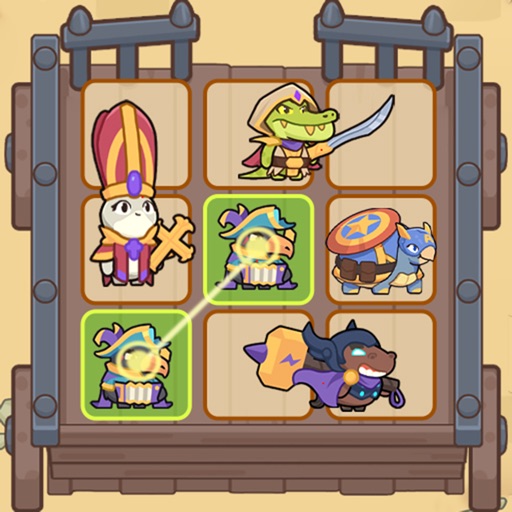
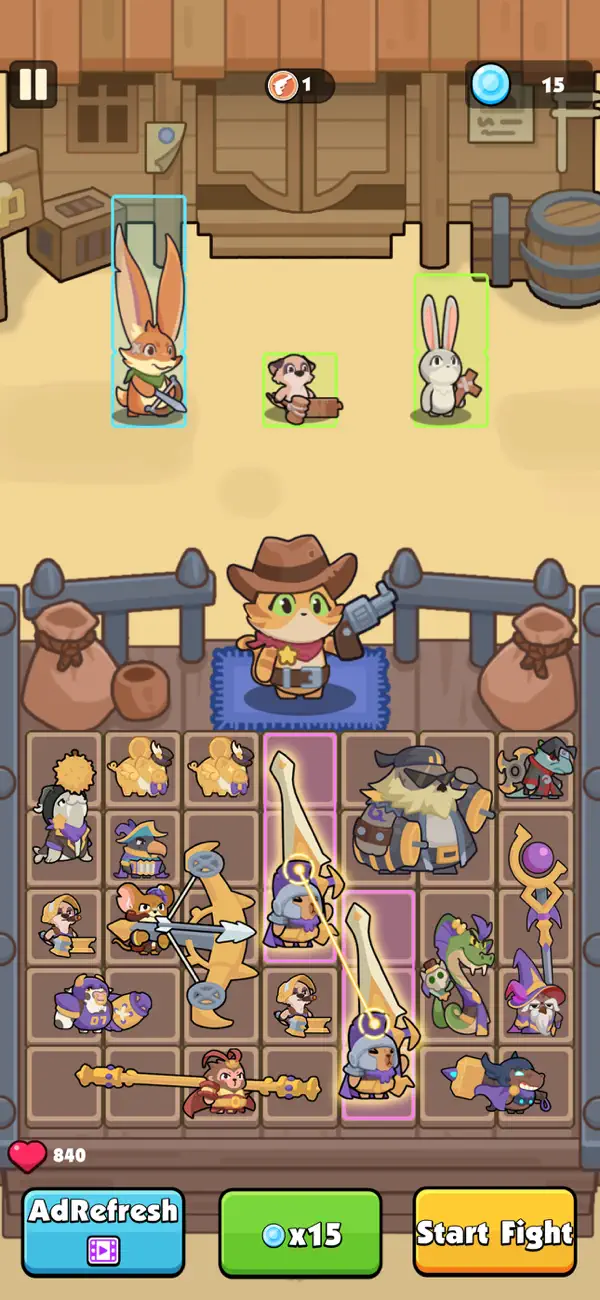
Love tactical thinking and casual merging? Rumble Paws is your perfect match. It's tailored for strategy lovers who enjoy thoughtful planning over quick reflexes, focusing on backpack management and merging adorable critters into powerful heroes for victory.
Here’s your path to becoming a master strategist:
Plan Your Way to Victory
- Think, Then Act: Outsmart enemies with clever decisions. Each battle rewards intelligent planning, letting you feel the satisfaction of a well-earned win.
- Merge & Manage Your Backpack: Combine adorable animals into stronger heroes and master your backpack's layout. Your organizational skills directly shape your success on the battlefield.
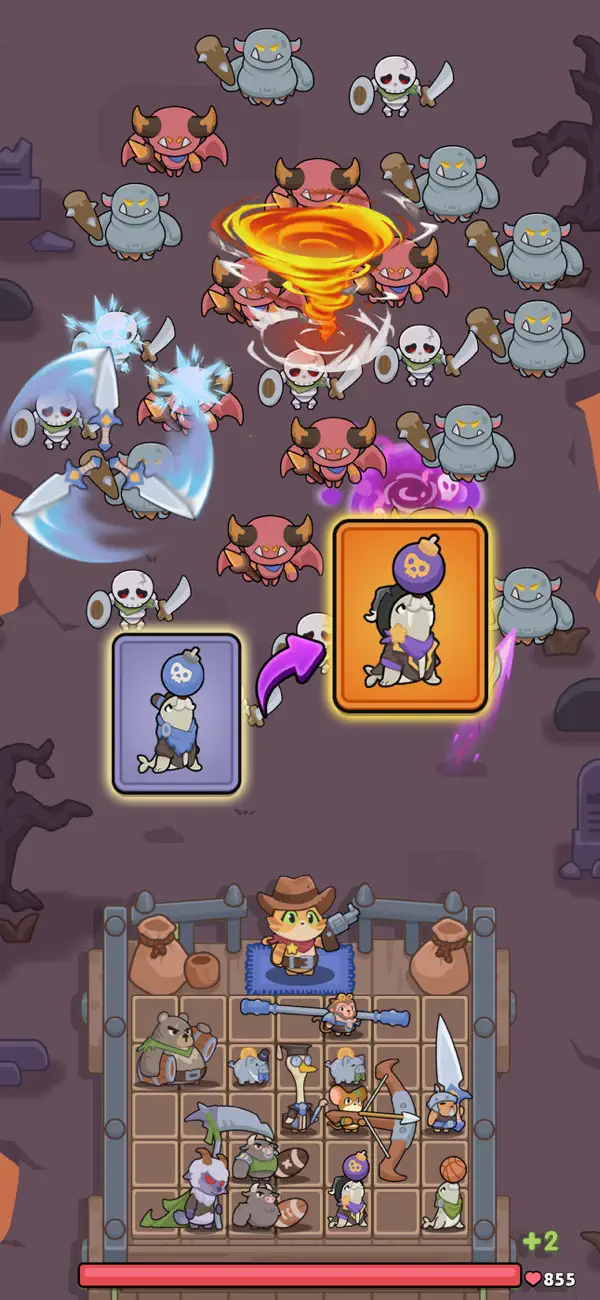
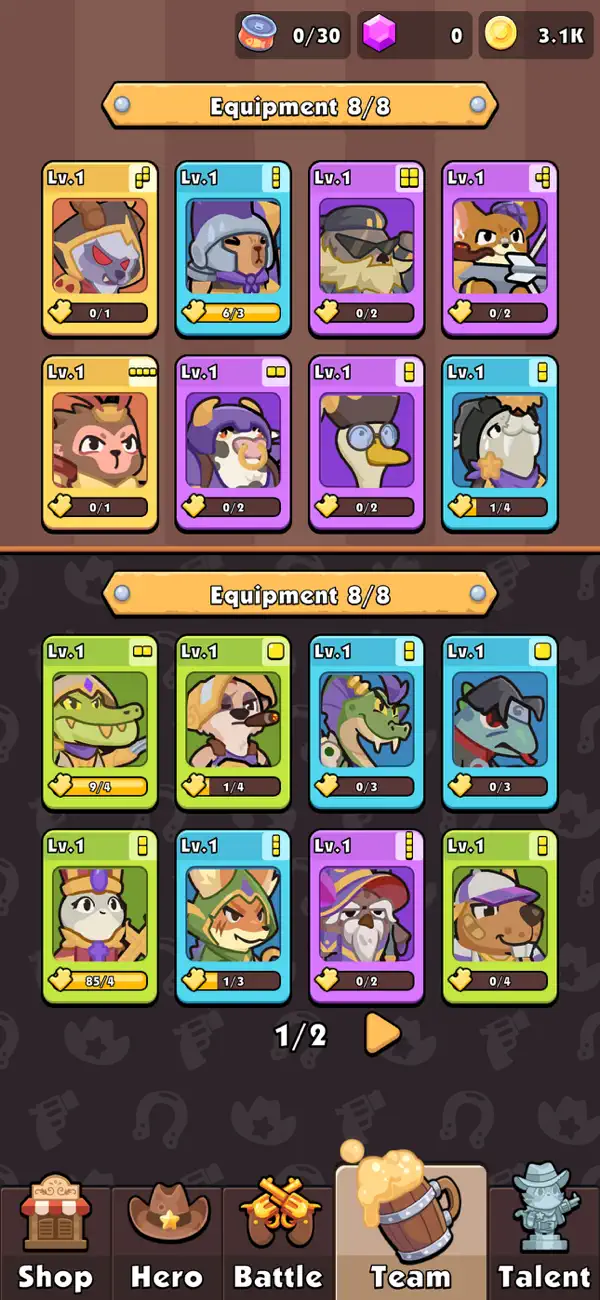
- Grow Your Strength: Experience steady progress as you upgrade heroes and discover powerful synergies. Your tactical genius expands with every victory.
Engage in Dynamic Battles
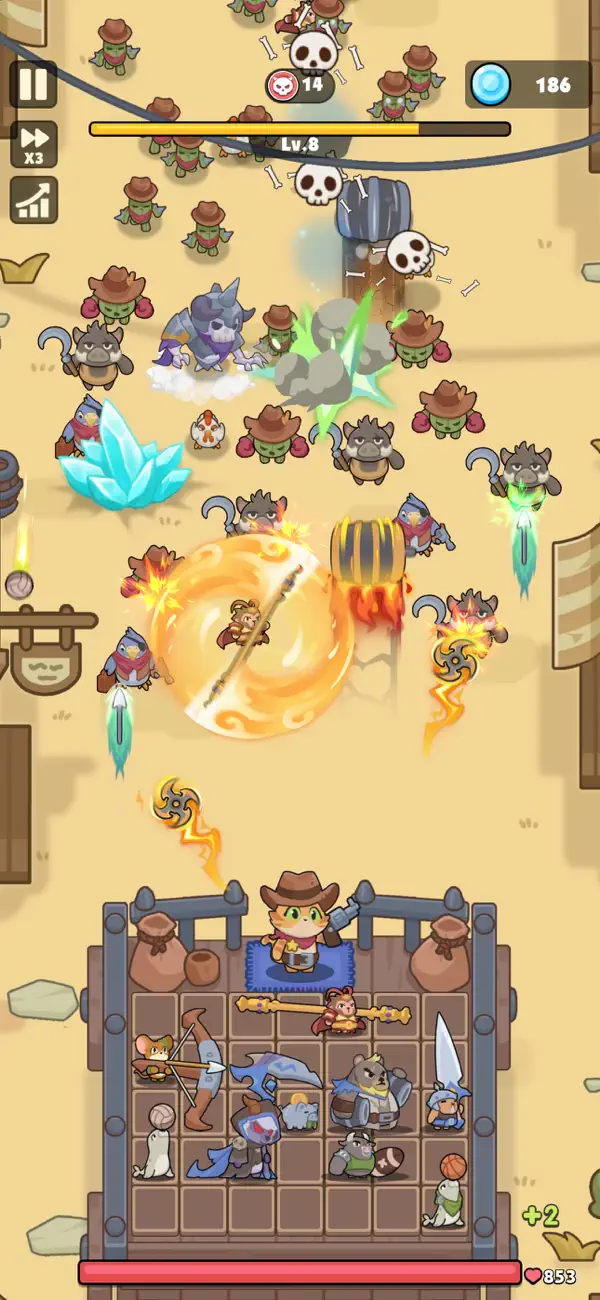
- Face Unique Challenges: Encounter unpredictable events and bosses that test your adaptability, ensuring no two playthroughs are the same.
- Master a Deep Tactical System: Enjoy a rich combat experience where positioning, timing, and resource management are key to victory.
Download Rumble Paws today! Prove your brilliance in a game where smart strategy leads to every triumph. Ready to command your heroes and fight for survival?
Subscription Agreement Notice:
1. Content:
For 30 days, get 3x Battle Speed plus a large amount of Diamonds.
2. Subscription duration: 1 month.
- Monthly subscription, no discount, $6.99.
3. Payment will be charged to your account at confirmation of purchase.
4. Subscriptions will automatically renew at the same price and duration as the original "Monthly" packages, unless auto-renew is turned off at least 24 hours in advance before the end of the current previous subscription period.
5. Free trial subscriptions will automatically renew unless canceled 24 hours before renewal.
6. The account will be automatically debited for the renewal of the selected subscription (weekly or monthly) within 24 hours before the end of the current subscription period.
7. Subscriptions may be managed by the user and auto-renewal may be turned off by going to the user's Account Settings after purchase. Please head to Settings - iTunes Store & App Store - Check Apple ID - Account Settings - Subscription.
Privacy Policy: https://www.viroplay.com/policy.html
Terms Of Use:https://www.viroplay.com/service.html
- iPhone أو iPad بجيلبريك أو بدون جيلبريك.
- Sideloadly أو بدائلها.
- كمبيوتر يعمل بنظام Windows/macOS/Linux مع تثبيت iTunes.
الخطوة 1: قم بتنزيل ملف .IPA المعدّل مسبقًا من الرابط أعلاه إلى الكمبيوتر الخاص بك. للتنزيل من تطبيق iOSGods App، اطلع على دليل تنزيل IPA من تطبيق iOSGods App الذي يتضمن مثالًا بالفيديو.
الخطوة 2: قم بتنزيل Sideloadly وتثبيته على جهاز Windows أو Mac.
الخطوة 3: افتح Sideloadly على الكمبيوتر، ووصّل جهاز iOS الخاص بك، وانتظر حتى يظهر اسم جهازك داخل Sideloadly.
الخطوة 4: بمجرد التعرّف على جهاز iDevice الخاص بك، اسحب ملف .IPA المعدّل الذي قمت بتنزيله وأفلِته داخل تطبيق Sideloadly.
الخطوة 5: أدخل البريد الإلكتروني لحساب Apple Account الخاص بك، ثم اضغط على «Start». سيُطلب منك بعد ذلك إدخال كلمة المرور. تابع وأدخل المعلومات المطلوبة.
الخطوة 6: انتظر حتى ينتهي Sideloadly من تحميل/تثبيت ملف IPA المعدّل. في حال واجهت أي مشاكل أثناء التثبيت، يرجى قراءة الملاحظة أدناه.
الخطوة 7: بعد اكتمال التثبيت ورؤية التطبيق على الشاشة الرئيسية، انتقل إلى Settings → General → Profiles / VPN & Device Management. ثم اضغط على البريد الإلكتروني الذي أدخلته في الخطوة 6، ثم اضغط على «الوثوق بـ [email protected]».
الخطوة 8: الآن انتقل إلى الشاشة الرئيسية وافتح التطبيق الذي تم تثبيته للتو وسيعمل كل شيء بشكل صحيح. قد تحتاج إلى اتباع تعليمات إضافية خاصة بكل تطبيق داخل النافذة المنبثقة للتعديل أثناء اللعب.
ملاحظة: بدءًا من iOS/iPadOS 16 وما بعده، يجب تفعيل وضع المطور (Developer Mode). بالنسبة لحسابات Apple Developer المجانية، ستحتاج إلى تكرار هذه العملية كل 7 أيام. إذا كانت لديك أي أسئلة أو مشاكل، يرجى قراءة قسم الأسئلة الشائعة حول Sideloadly في الموضوع.