Login Required
Sign in with your iOSGods account to continue.
Sign in with your iOSGods account to continue.

Lead your stick war army through medieval conquest in Empire Battle: Kingdom Games Mod APK, where resource management and tactical deployment determine whether your stronghold stands or falls. This hack removes the grind, letting you focus on pure strategy and domination across the Argodell campaign.
With unlimited resources and no survival limits, you can experiment with any army composition and battle approach without fear of defeat or resource scarcity. Whether you're testing new tactics or pushing through the toughest sieges, this modded version transforms the experience into pure strategic freedom.
- Unlimited Gold → build and upgrade without resource constraints
- Unlimited Gems (Enable and win fight) → activate during combat for premium currency
- No Population Limit → deploy armies of any size
- Never Die → survive any battle undefeated
Download Empire Battle: Kingdom Games Mod APK from the button above. Once you tap on download, simply follow the on-screen instructions to install the modded APK on your Android device or emulator.
Need help? Check out our Android Frequently Asked Questions for detailed answers and troubleshooting tips.
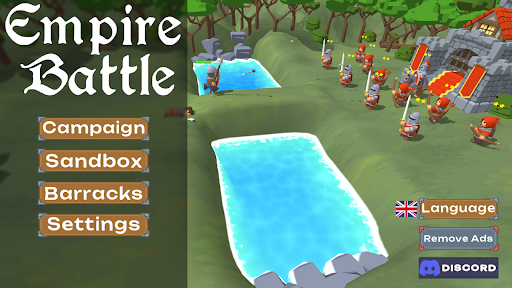
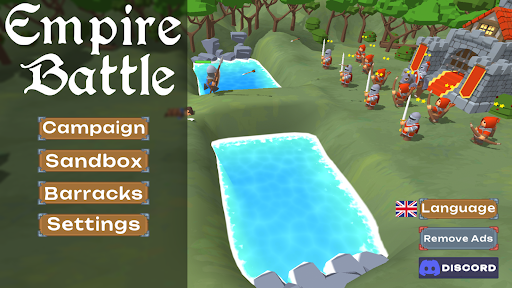
Welcome to Empire Battle, an all new experience of stick war medieval games. Deploy your army in classic medieval fashion.
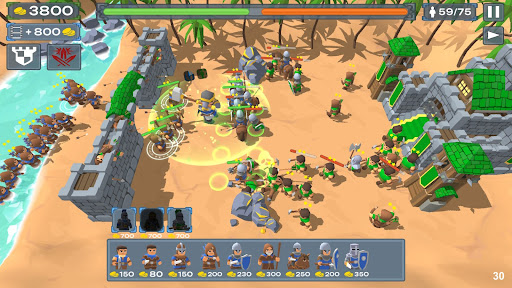
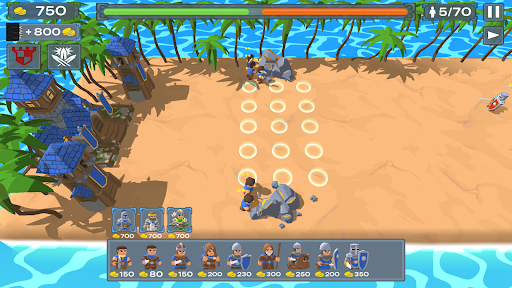
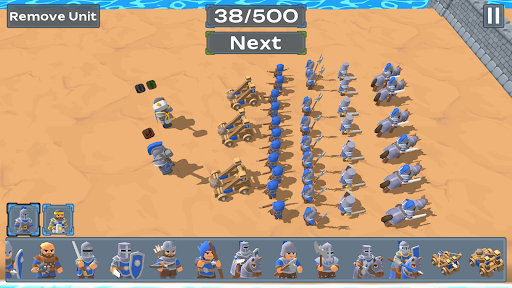
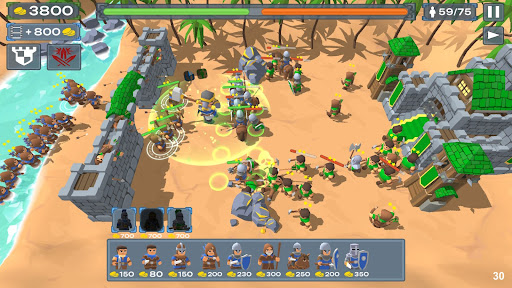
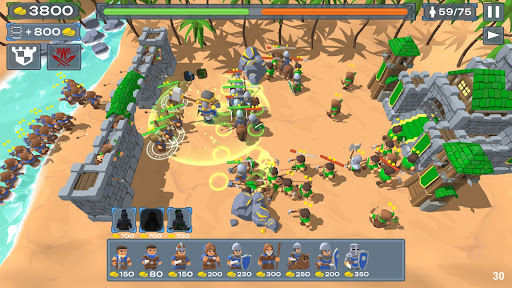
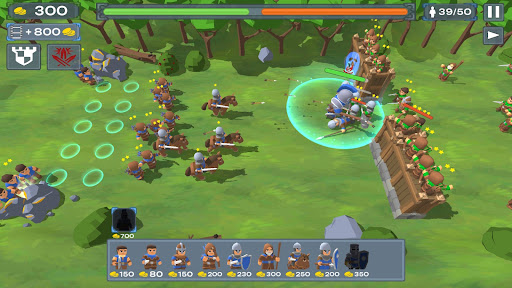
Dive into the heart of this medieval games where resource management and war strategies are the key to success. In this medieval games of castle defense you get to protect your stronghold in a stick war like battle. Timelines from the stronghold era advances in a completely different kind of game.
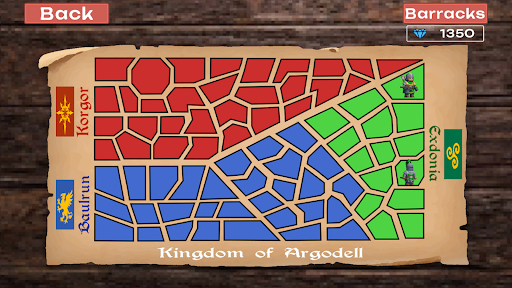
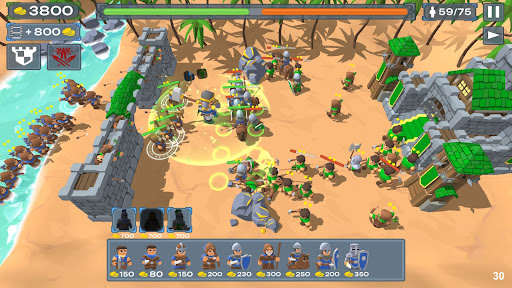
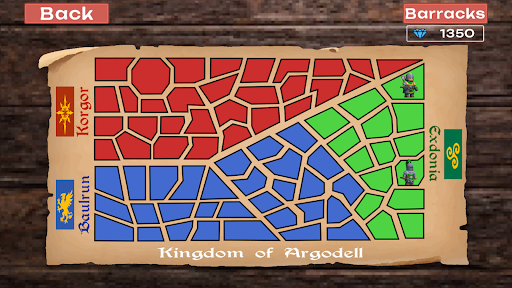
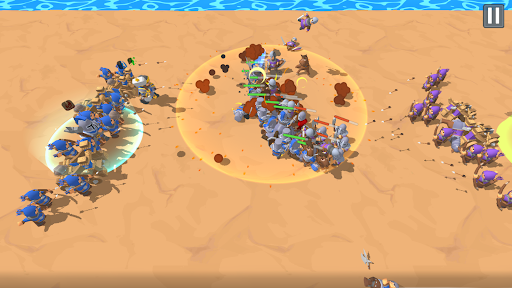
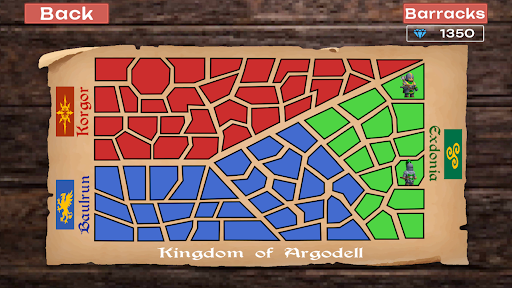
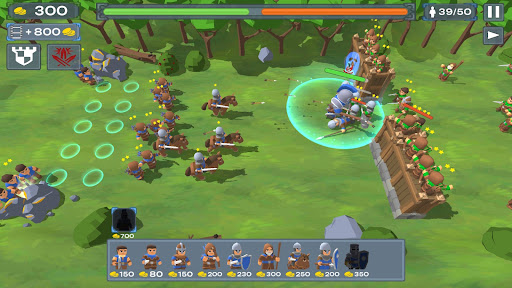
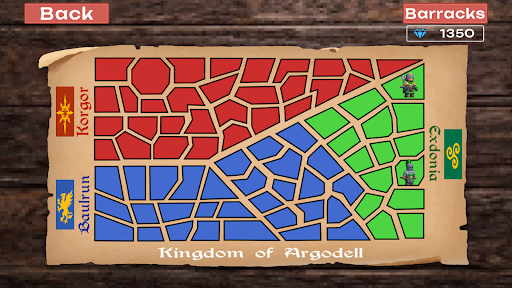
Deploy your mighty stick war army of Baulrun in epic offline experience to conquer the stronghold of Argodell. Advance in your conquests and take down the stronghold of your enemy in multiple strategy war games. An engaging offline medieval 3D stick war style story unfolds as your continue to crush your enemies in a unique battle simulator experience.
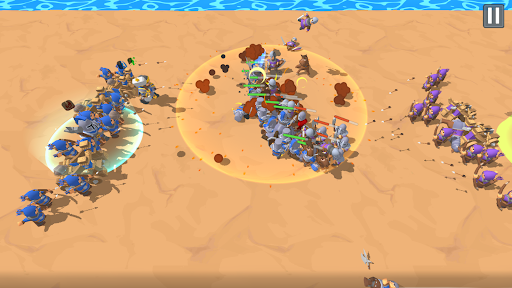
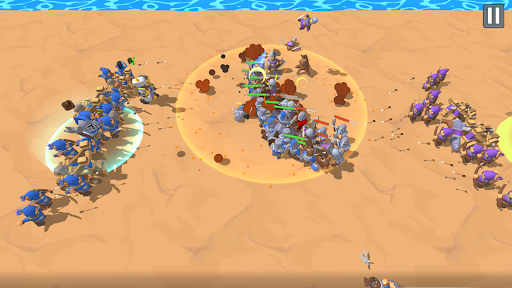
In this battle simulator war strategy game you would need to carefully select your medieval stronghold for all medieval games. The experience for each mission may be different but you must command your 3D stick war army to achieve victory. As you achieve victories brought forward by your battle simulator tactics you will be able to unlock more medieval games modes for you to enjoy in the battle for your stronghold.
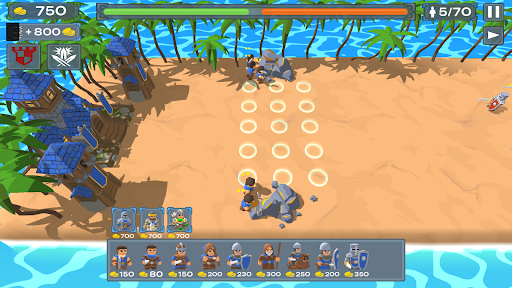
An epic game of medieval games calls upon your skills as a stronghold commander to lead your 3D stick war army into a series of castle defense battles. Medieval skills are needed to conquer the enemy stronghold in multiple castle defense missions.
CALL UPON MEDIEVAL GAMES KNOWLEGDE TO LEAD YOUR 3D STICK WAR INTO CASTLE DEFENSE OF YOUR STRONGHOLD.
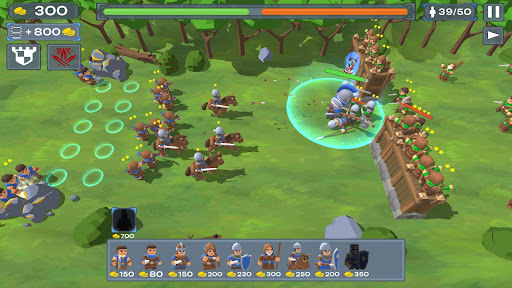
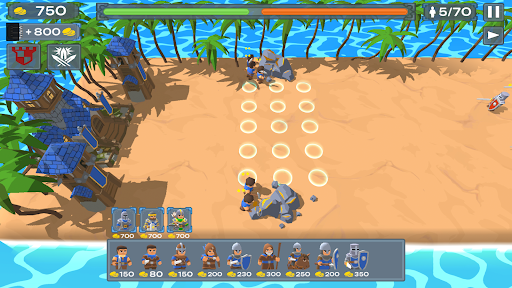
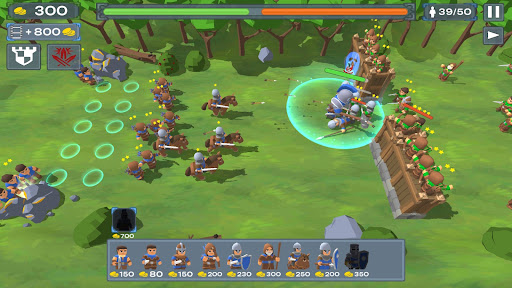
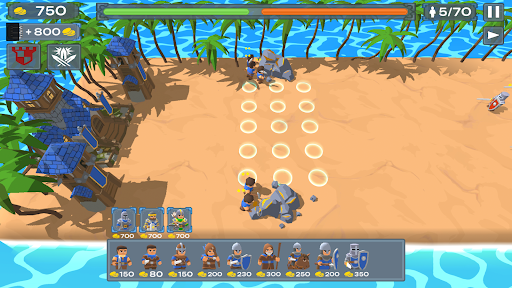
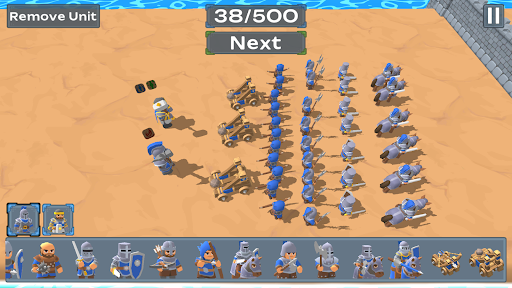
- Deploy your 3D stick war champions in this medieval games and lead them to the protection of your stronghold.
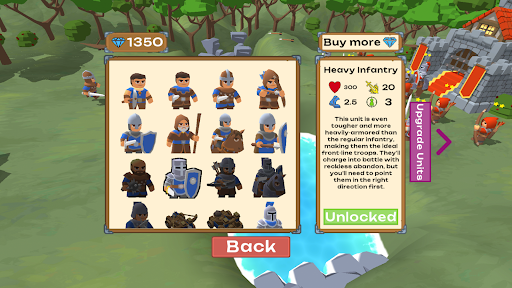
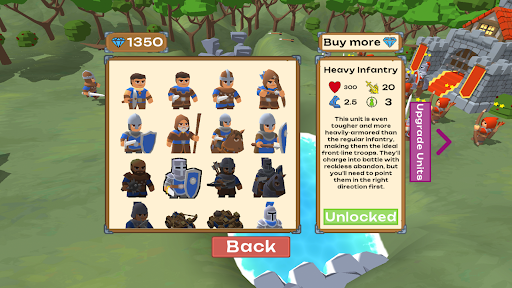
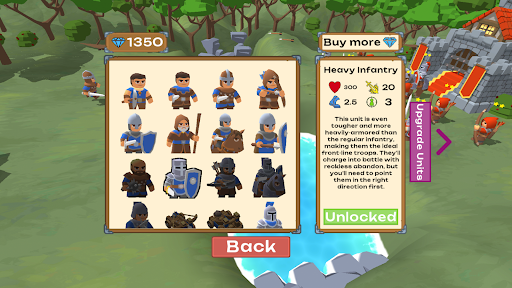
- Upgrade brave hero units so that they lead your stronghold in to an age of medieval prosperity.
STRATEGY WAR GAMES WITH AN ENGAGING CAMPAIGN STORY OF MEDIEVAL GAMES AND MORE
- 75+ challenging stronghold battles await you so that you can test your strategy war games skills to guide your 3D stick war army.
- 5 unique medieval games hero units with powerful special abilities.
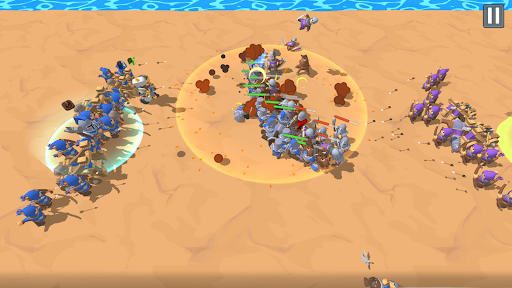
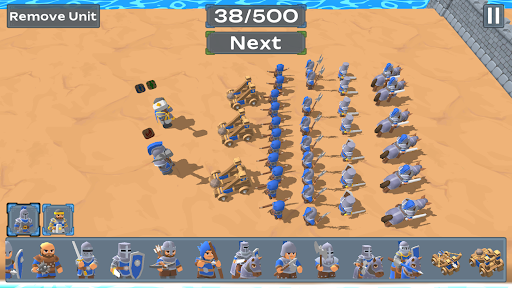
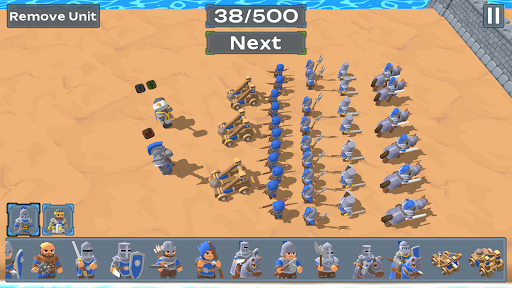
- A sandbox 3D stick war mode to simulate your strategy war games.
- All new stronghold like missions for that classic strategy war games battle simulator feeling.
- As the progress of your stronghold grows you will gain special abilities to help you in your battles.
Enjoy this stronghold style game for hours upon hours of castle defense content that are set in the medieval era. Stronghold protection never looked this good with medieval expert strategy war games tactics and special ability hero units.