需要登入
請使用您的 iOSGods 帳戶登入以繼續。
請使用您的 iOSGods 帳戶登入以繼續。
在這個 Unfolded: Webtoon Stories Mod IPA 中凍結你的遊戲內貨幣,讓你能夠延伸資源的使用,享受優質故事內容而無需不斷磨練。深入探索 WEBTOON 熱門作品的官方改編,如《在我19歲時見》和《行動:真愛》,你的選擇將塑造浪漫和戲劇敘事,跨越豐富的分支故事選擇。
- 凍結貨幣 → 保留你的遊戲內資源
ViP
- 除錯菜單(進入設定並切換支援按鈕) → 存取進階選項以進行測試和自訂
此應用程式也內建 iGameGod,讓你可以使用 Auto Touch 自動執行重複操作、透過 App Speed Manager 調整遊戲速度、使用 Memory Engine 修改記憶體數值,以及更多強大的 iOS 遊戲工具。
從上方連結下載 Unfolded: Webtoon Stories iOS Mod IPA。點選安裝按鈕並依照畫面指示在 iPhone、iPad 或 Apple Silicon 上安裝此 iOS 應用程式修改版。
需要更多協助?請查看我們的 iOSGods 應用程式常見問題 以獲得詳細解答與疑難排解。
Play the official game adaptation of hits like See You in My 19th Life and Operation: True Love, created in direct collaboration with WEBTOON. Immerse yourself as your favorite stories come to life!
Ready to unfold your destiny? Whether you’re chasing love, uncovering secrets, or rewriting fate, adventure begins with you!
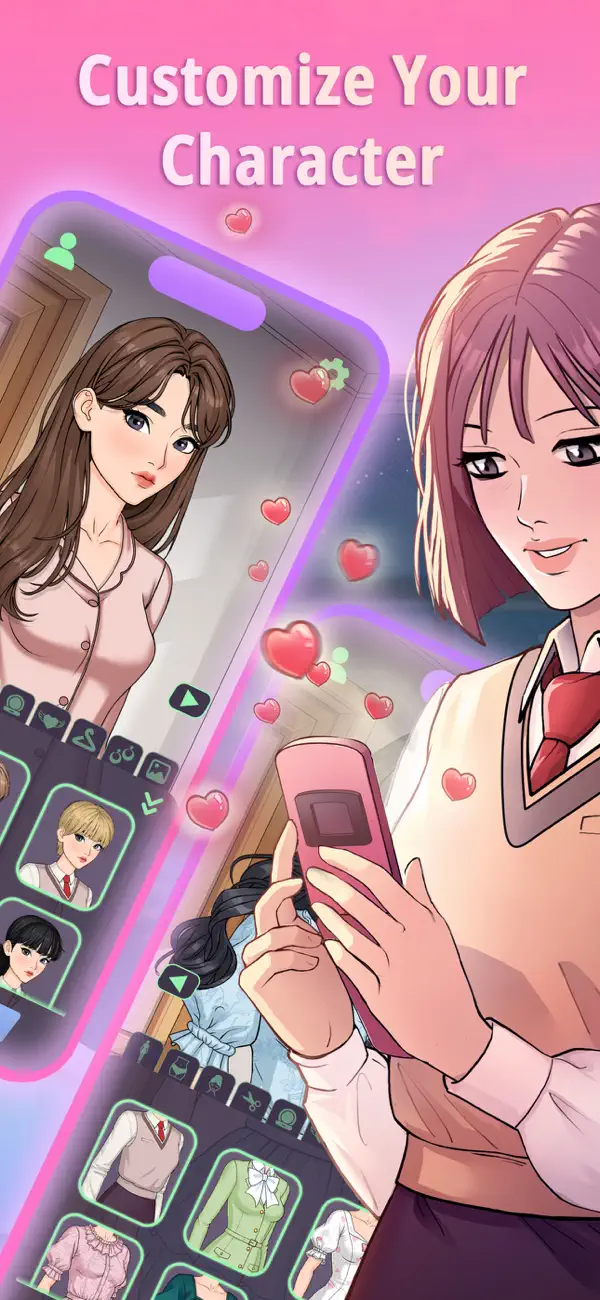
Choose your avatar with a wide selection of facial features, hairstyles, outfits, and accessories. Are you going full glam or radiating laid-back charm? Your style reflects who you are!
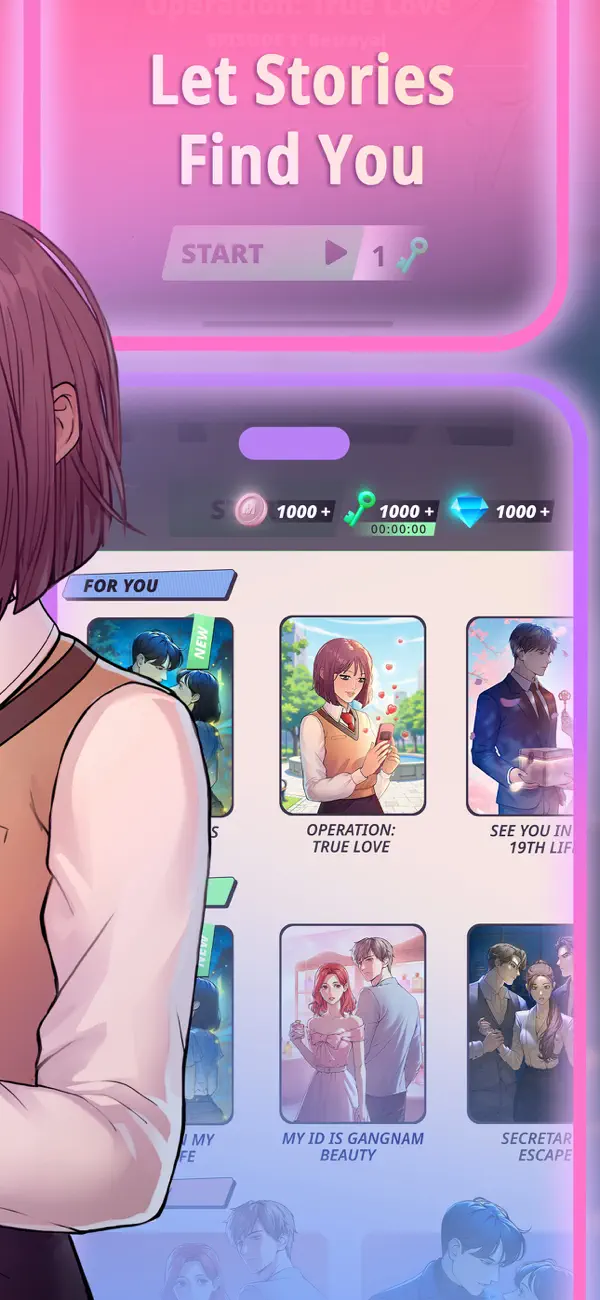
Explore a variety of stories inspired by hit Webtoon original webcomics. From slow-burn romances, over exciting dramas, to supernatural mysteries, there’s a story for every mood!
Build deep, meaningful relationships with your favorite characters. Will you become friends or something more? Choose how your bonds form, grow, or break!
The path is yours to shape. Take bold risks or play it safe. Follow your heart or trust your head. Your choices steer the narrative, leading to multiple endings and surprising twists!
- Live, die and love again in "See You in My 19th Life"
- Navigate the chaos of high school dramas with "Operation: True Love"
- Step into a world of a legendary spirit fox god in supernatural romance "My Roommate is A Gumiho"
- Discover the meaning of true beauty with "My ID is Gangnam Beauty"
- Two heirs. One secretary. Endless tension. Step into the thrilling love triangle of “Secretary’s Escape”
With new episodes arriving regularly, your adventure never stops growing. Every decision reshapes your future and opens doors to thrilling twists. The story is yours to unfold - one choice at a time.
Check Unfolded out on social media:
Facebook: Unfolded: Webtoon Stories
Instagram: @unfolded_webtoon

- 未越獄/受限或已越獄的 iPhone 或 iPad。
- Sideloadly 或替代方案。
- 執行 Windows/macOS/Linux 且已安裝 iTunes 的電腦。
步驟 1: 透過上方連結將已破解的 .IPA 檔案下載到您的電腦。若要從 iOSGods App 下載,請參閱我們的 iOSGods App IPA 下載教學,其中包含影片範例。
步驟 2: 下載 Sideloadly 並將其安裝在您的 Windows 或 Mac 上。
步驟 3: 在電腦上開啟 Sideloadly,連接您的 iOS 裝置,並等待裝置名稱出現在 Sideloadly 中。
步驟 4: 當 Sideloadly 辨識到您的 iOS 裝置後,將下載好的修改版 .IPA 檔案拖曳並放到 Sideloadly 應用程式中。
步驟 5: 輸入您的 Apple Account 電子郵件,然後按下「Start」。系統會要求您輸入密碼,請依指示提供所需資訊。
步驟 6: 等待 Sideloadly 完成已破解 IPA 的旁載/安裝。如果安裝過程中發生問題,請閱讀下方的注意事項。
步驟 7: 安裝完成並在主畫面上看到該應用程式後,您需要前往 設定 → 一般 → 描述檔 / VPN 與裝置管理。進入後,點選您在步驟 6 中輸入的電子郵件,然後點選「信任 [email protected]」。
步驟 8: 現在回到主畫面並開啟新安裝的應用程式,一切應該都能正常運作。您可能需要依照遊戲內破解彈出視窗中的進一步指示操作。
注意: 在 iOS/iPadOS 16 及更新版本上,您必須 啟用開發者模式。若使用免費的 Apple Developer 帳號,您將需要每 7 天重複此程序。如有任何疑問或問題,請閱讀我們的 主題中的 Sideloadly 常見問題區段。



![Arrow Rush: Archer Roguelike [ Debug Menu ]](https://is1-ssl.mzstatic.com/image/thumb/Purple221/v4/0c/7c/c4/0c7cc403-8b09-7021-9af9-1043a46d8cf5/AppIcon-0-0-1x_U007emarketing-0-8-0-85-220.png/100x100bb.jpg)


![Path of Kings iOS Mod IPA [ Debug Menu ]](https://is1-ssl.mzstatic.com/image/thumb/Purple211/v4/63/d0/71/63d0712a-dc71-638b-573c-1977509e82e9/AppIcon-0-0-1x_U007emarketing-0-8-0-85-220.png/100x100bb.jpg)


![Urban Heat: FPS iOS Mod IPA [ ESP Boxes, Lines ]](https://is1-ssl.mzstatic.com/image/thumb/Purple211/v4/f3/e4/ce/f3e4ce11-df2c-ab33-5b04-58087c134bc7/AppIcon-0-0-1x_U007emarketing-0-8-0-85-220.png/100x100bb.jpg)


