Потрібен вхід
Увійдіть у свій обліковий запис iOSGods, щоб продовжити.
Увійдіть у свій обліковий запис iOSGods, щоб продовжити.

Розблокуйте преміум-функції VidHub за допомогою цієї модифікованої програми для iOS, отримавши повний доступ до розширеного управління медіатекою та мережевого обміну без обмежень. VidHub - це багатофункціональний відеоплеєр, який підтримує кілька форматів на iOS, Mac та Apple TV з синхронізацією iCloud, а цей злам видаляє платіж, щоб ви могли користуватися всіма можливостями миттєво. НЕ ВХОДЬТЕ З ОБЛІКОВИМ ЗАПИСОМ GOOGLE ДЛЯ СИНХРОНІЗАЦІЇ, ІНАКШЕ ЦЕ НЕ ПРАЦЮВАТИМЕ
- Преміум розблокований → повний доступ до всіх функцій
Цей застосунок також постачається з iGameGod, який надає доступ до Auto Touch для автоматизації повторюваних дій, App Speed Manager для регулювання швидкості гри, редагування значень за допомогою Memory Engine та інших потужних інструментів для iOS-ігор.
Завантажте VidHub -Video Library & Player Modded modded IPA за посиланнями вище. Натисніть кнопку встановлення та дотримуйтесь інструкцій, щоб встановити цей хак iOS на iPhone, iPad або Apple Silicon.
Потрібна додаткова допомога? Перегляньте наш Поширені запитання про застосунок iOSGods для детальних відповідей та порад з усунення несправностей.
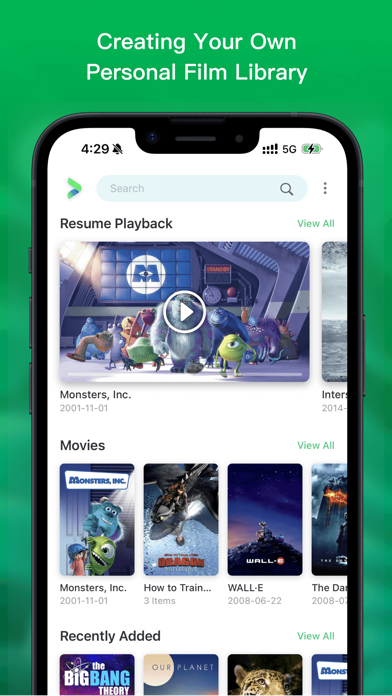
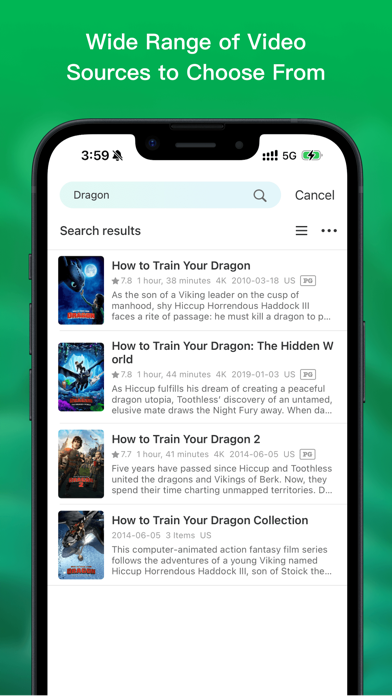
Looking for a feature-packed and efficient media player to manage, organize, and play different types of video content? Enter VidHub! As the newest and most popular media player, VidHub serves up more than just the ability to play all types of video formats. With extensive media library management and network sharing functionalities, VidHub promises stable and speedy video playback for an exceptional user experience.
Some of the key features that VidHub offers include:
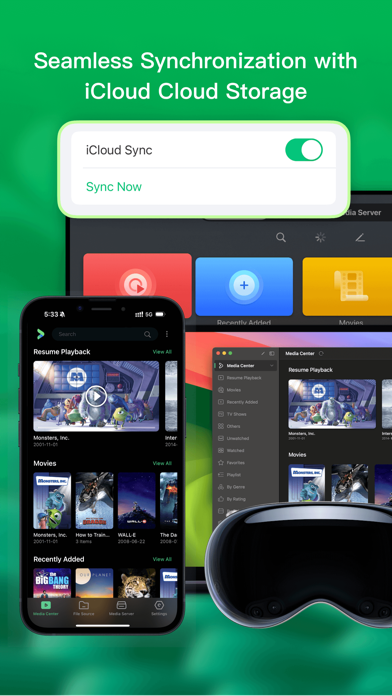
- Support iOS, Mac, Apple TV platform, data synchronization through iCloud
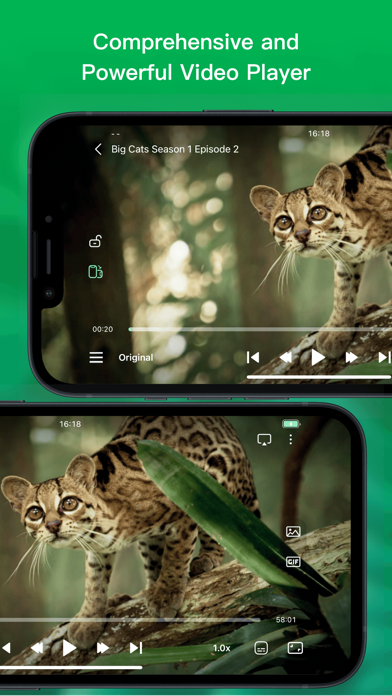
- Support for a comprehensive range of video formats, including .mkv、.avi、.mp4、.mov、.rmvb、.wmv, and more
- High-quality video playback for HD, 4K, HDR, and various other resolutions
- The ability to enable and disable subtitles, with support for embedded and external subtitle formats such as SRT, SSA, and SUB
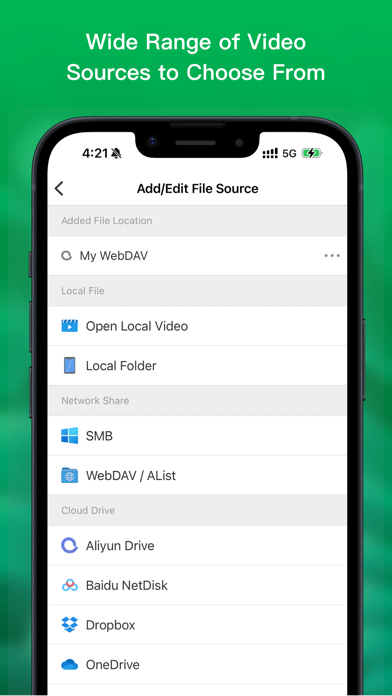
- Network sharing capabilities, with support for SMB/CIFS, WebDav, and other protocols, as well as access to cloud-based video files from Dropbox, Google Drive, OneDrive, and Baidu Netdisk, Aliyun disk, 139 drive, 115 netdisk, enabling easy access to video files on remote servers and cloud storage services.
- Support downloading and deleting cloud files
- Support renaming cloud files, support add character, replace character, regular expression renaming method.
- Support direct-link to Emby, Jellyfin, Plex media server.
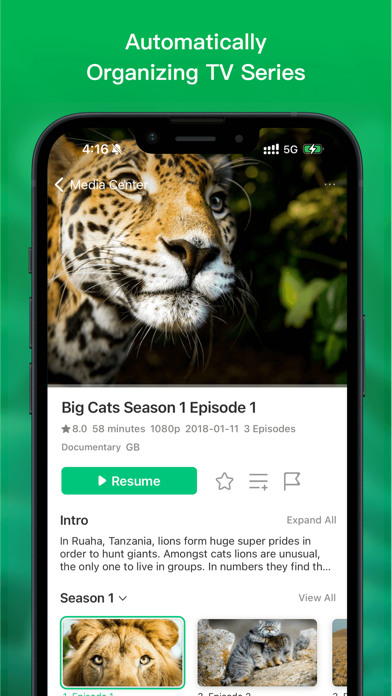
- Built-in media library management tools, with an intuitive interface for displaying videos and customizable sorting options by type, date, rating, and more.
All in all, VidHub offers a fully-featured and outstanding media player experience, delivering the smoothest and highest-quality viewing experience for all types of video content, with all the customizations and features one could desire.
Note: The metadata and artwork are sourced from TMDB, a movie and TV show database that is maintained by the community.
Privacy Policy and Terms of Use
https://okaapps.com/privacy_vidhub
https://okaapps.com/terms_vidhub
- iPhone або iPad без джейлбрейку/у заводському стані або з джейлбрейком.
- Sideloadly або альтернативи.
- Комп'ютер під керуванням Windows/macOS/Linux із встановленим iTunes.
КРОК 1: Завантажте попередньо зламаний .IPA-файл за посиланням вище на свій комп'ютер. Щоб завантажити з iOSGods App, перегляньте наш Посібник із завантаження IPA в iOSGods App, який містить відеоприклад.
КРОК 2: Завантажте Sideloadly і встановіть його на своєму Windows або Mac.
КРОК 3: Відкрийте Sideloadly на комп'ютері, підключіть свій iOS-пристрій і зачекайте, поки назва пристрою з'явиться у Sideloadly.
КРОК 4: Коли ваш iDevice буде розпізнано, перетягніть завантажений модифікований .IPA-файл і відпустіть його в застосунок Sideloadly.
КРОК 5: Введіть електронну пошту вашого Apple Account, потім натисніть «Start». Після цього вас попросять ввести пароль. Введіть необхідні дані.
КРОК 6: Зачекайте, доки Sideloadly завершить sideload/встановлення зламаного IPA. Якщо під час встановлення виникнуть проблеми, прочитайте примітку нижче.
КРОК 7: Коли встановлення завершено й ви побачите застосунок на головному екрані, перейдіть до Налаштування → Загальні → Профілі / VPN і керування пристроєм. Там натисніть на електронну пошту, яку ви ввели на кроці 6, а потім натисніть «Довіряти [email protected]».
КРОК 8: Тепер перейдіть на головний екран і відкрийте щойно встановлений застосунок — усе має працювати належним чином. Можливо, доведеться виконати додаткові інструкції для конкретного застосунку в спливаючому вікні хака в грі.
ПРИМІТКА: У iOS/iPadOS 16 і пізніших версіях потрібно увімкнути режим розробника. Для безкоштовних облікових записів Apple Developer цей процес доведеться повторювати кожні 7 днів. Якщо у вас є запитання або проблеми, прочитайте наш розділ FAQ зі Sideloadly у темі.