Connexion requise
Connectez-vous avec votre compte iOSGods pour continuer.
Connectez-vous avec votre compte iOSGods pour continuer.

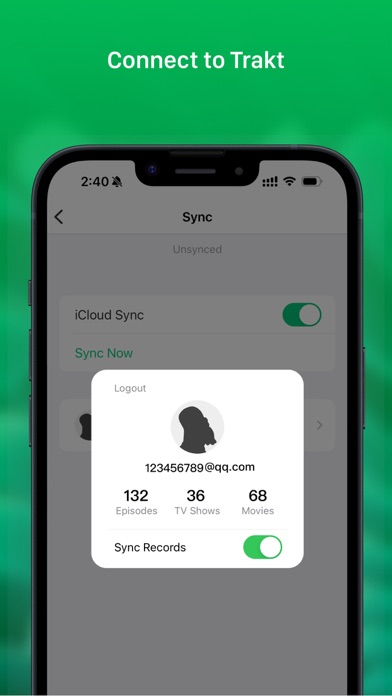
Déverrouillez les fonctionnalités premium de VidHub avec cette application iOS modifiée, en obtenant un accès complet à la gestion avancée de la bibliothèque multimédia et au partage réseau sans restrictions. VidHub est un lecteur vidéo riche en fonctionnalités qui supporte plusieurs formats sur iOS, Mac et Apple TV avec synchronisation iCloud, et cette modification supprime le paywall pour que vous profitiez de toutes les capacités instantanément. NE PAS SE CONNECTER AVEC UN COMPTE GOOGLE POUR LA SYNCHRONISATION SINON CELA NE FONCTIONNERA PAS
- Premium Déverrouillé → accès complet à toutes les fonctionnalités
Cette app est également livrée avec iGameGod, qui vous donne accès à Auto Touch pour automatiser les tâches répétitives, App Speed Manager pour ajuster la vitesse de jeu, à l'édition de valeurs avec Memory Engine, et à d'autres outils puissants pour les jeux iOS.
Téléchargez VidHub -Video Library & Player Modded modded IPA depuis les liens ci-dessus. Appuyez sur le bouton d'installation et suivez les instructions pour installer ce hack iOS sur votre iPhone, iPad ou Apple Silicon.
Besoin de plus d'aide ? Consultez notre FAQ de l'app iOSGods pour des réponses détaillées et des conseils de dépannage.
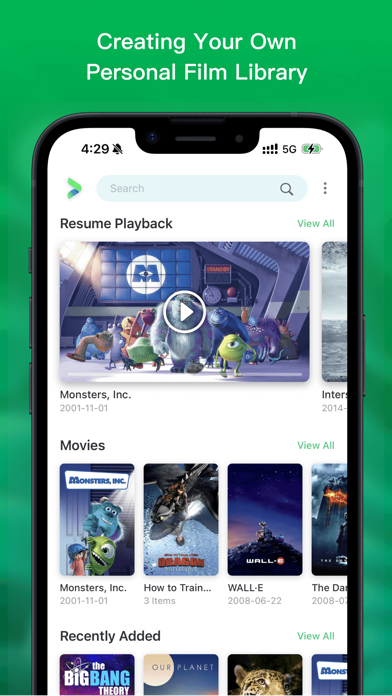
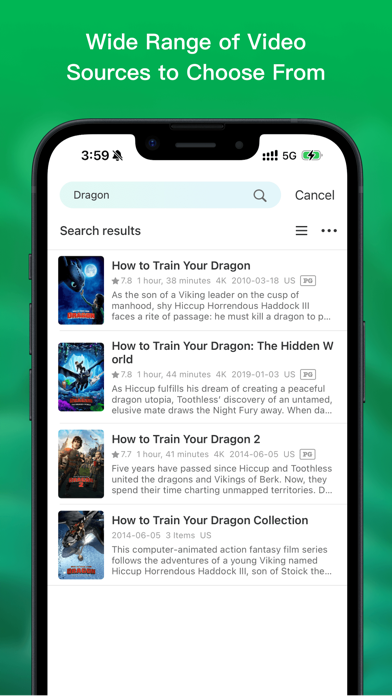
Looking for a feature-packed and efficient media player to manage, organize, and play different types of video content? Enter VidHub! As the newest and most popular media player, VidHub serves up more than just the ability to play all types of video formats. With extensive media library management and network sharing functionalities, VidHub promises stable and speedy video playback for an exceptional user experience.
Some of the key features that VidHub offers include:
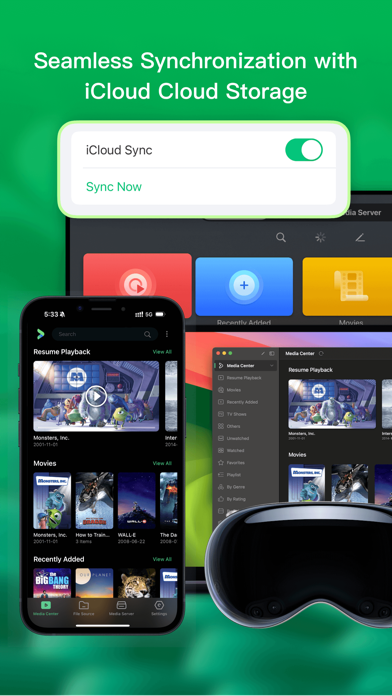
- Support iOS, Mac, Apple TV platform, data synchronization through iCloud
- Support for a comprehensive range of video formats, including .mkv、.avi、.mp4、.mov、.rmvb、.wmv, and more
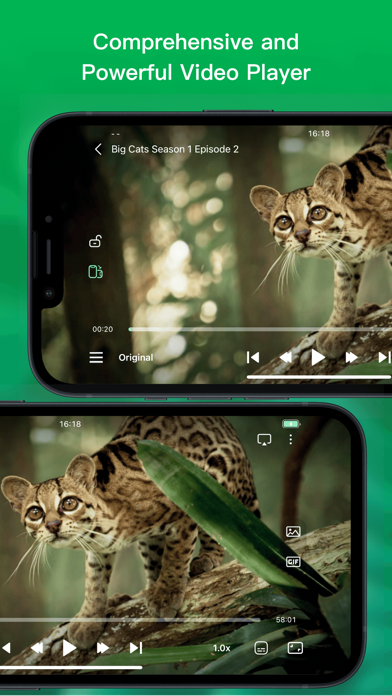
- High-quality video playback for HD, 4K, HDR, and various other resolutions
- The ability to enable and disable subtitles, with support for embedded and external subtitle formats such as SRT, SSA, and SUB
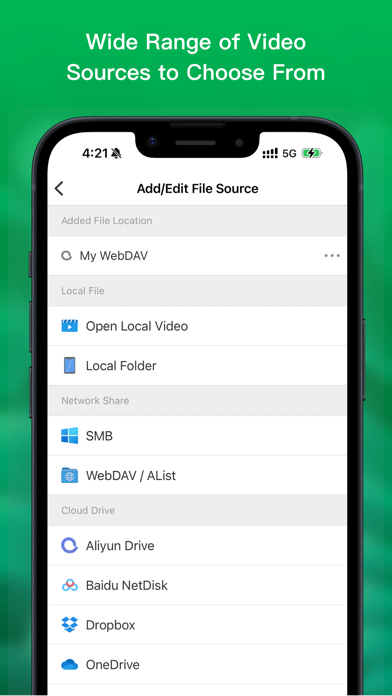
- Network sharing capabilities, with support for SMB/CIFS, WebDav, and other protocols, as well as access to cloud-based video files from Dropbox, Google Drive, OneDrive, and Baidu Netdisk, Aliyun disk, 139 drive, 115 netdisk, enabling easy access to video files on remote servers and cloud storage services.
- Support downloading and deleting cloud files
- Support renaming cloud files, support add character, replace character, regular expression renaming method.
- Support direct-link to Emby, Jellyfin, Plex media server.
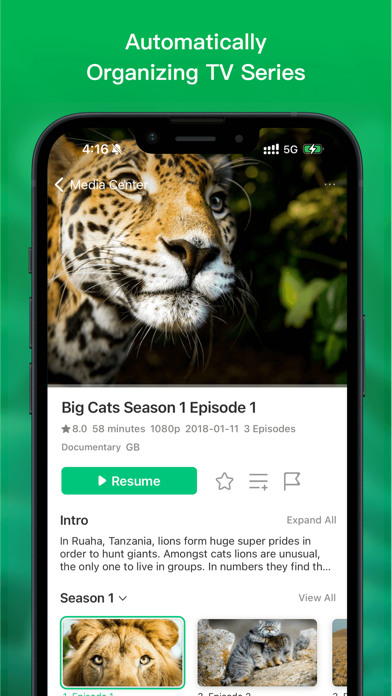
- Built-in media library management tools, with an intuitive interface for displaying videos and customizable sorting options by type, date, rating, and more.
All in all, VidHub offers a fully-featured and outstanding media player experience, delivering the smoothest and highest-quality viewing experience for all types of video content, with all the customizations and features one could desire.
Note: The metadata and artwork are sourced from TMDB, a movie and TV show database that is maintained by the community.
Privacy Policy and Terms of Use
https://okaapps.com/privacy_vidhub
https://okaapps.com/terms_vidhub
- iPhone ou iPad avec ou sans Jailbreak.
- Sideloadly ou alternatives.
- Ordinateur sous Windows/macOS/Linux avec iTunes installé.
ÉTAPE 1: Téléchargez le fichier .IPA pré-modifié depuis le lien ci-dessus sur votre ordinateur. Pour le télécharger depuis l'iOSGods App, consultez notre Tutoriel de téléchargement de l'IPA depuis l'iOSGods App qui comprend un exemple en vidéo.
ÉTAPE 2: Téléchargez Sideloadly et installez-le sur votre Windows ou Mac.
ÉTAPE 3: Ouvrez Sideloadly sur votre ordinateur, connectez votre appareil iOS et attendez que le nom de votre appareil apparaisse dans Sideloadly.
ÉTAPE 4: Une fois votre iDevice reconnu, glissez le fichier .IPA modifié que vous avez téléchargé et déposez-le dans l'application Sideloadly.
ÉTAPE 5: Saisissez l'adresse e-mail de votre Apple Account, puis appuyez sur « Start ». Il vous sera ensuite demandé d'entrer votre mot de passe. Fournissez les informations requises.
ÉTAPE 6: Attendez que Sideloadly termine le sideloading/l'installation de l'IPA modifié. En cas de problème durant l'installation, veuillez lire la remarque ci-dessous.
ÉTAPE 7: Une fois l'installation terminée et l'app visible sur votre écran d'accueil, vous devez aller dans Réglages → Général → Profils / VPN et gestion de l'appareil. Là, appuyez sur l'adresse e-mail saisie à l'étape 6, puis appuyez sur « Faire confiance à [email protected] ».
ÉTAPE 8: Allez maintenant sur votre écran d'accueil et ouvrez l'app nouvellement installée ; tout devrait fonctionner correctement. Vous devrez peut-être suivre des instructions supplémentaires propres à chaque app, dans la fenêtre du hack en jeu.
REMARQUE : À partir d'iOS/iPadOS 16, vous devez activer le mode Développeur. Pour les comptes Apple Developer gratuits, vous devrez répéter ce processus tous les 7 jours. Pour toute question ou problème, lisez notre section FAQ Sideloadly du sujet.