需要登入
請使用您的 iOSGods 帳戶登入以繼續。
Hack Features:
- Free iAP (Turn on inside iOSGods Menu first)
- iGameGod Added
從上方連結下載 Egg, Inc. iOS Mod IPA。點選安裝按鈕並依照畫面指示在 iPhone、iPad 或 Apple Silicon 上安裝此 iOS 應用程式修改版。
需要更多協助?請查看我們的 iOSGods 應用程式常見問題 以獲得詳細解答與疑難排解。
In the near future, the secrets of the universe will be unlocked in the chicken egg. You have decided to get in on the gold rush and sell as many eggs as you can.
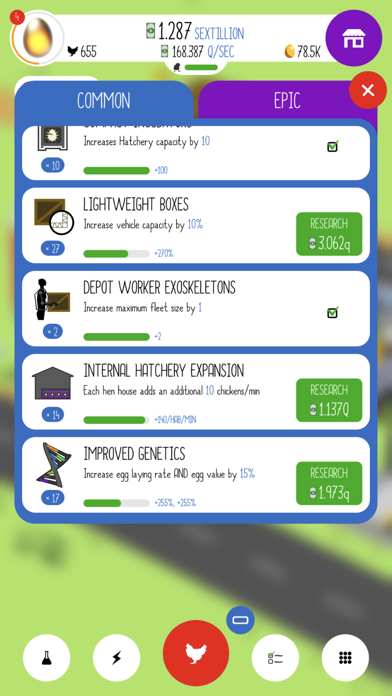
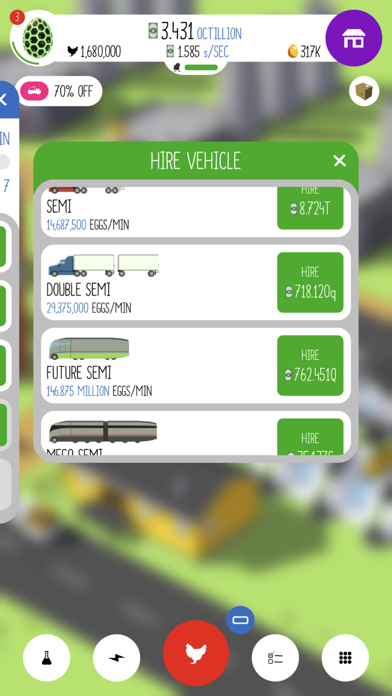
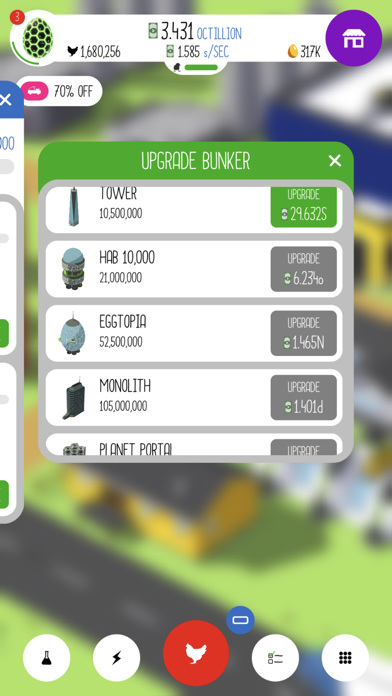
Hatch chickens, build hen houses, hire drivers, and commission research to build the most advanced egg farm in the world.
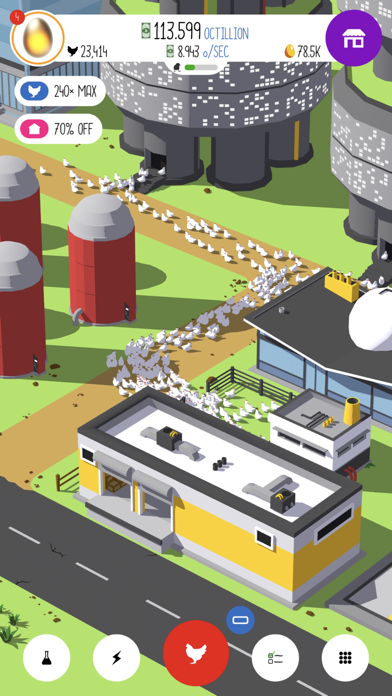
An incremental (clicker) game at its core, Egg, Inc. uses many elements from simulation games that give it a unique feel and play style. Instead of menus, you are presented with crisp and colorful 3D graphics and a delightful simulation of a swarm of chickens. In addition to choosing your investments wisely you must also balance your resources to ensure a smooth running and efficient egg farm.
There is something for everyone here:
Casual players love Egg Inc's laid back feel and beautiful appearance. Take your time to build a wonderful egg farm and explore all the content.
More experienced incremental (clicker) players will love the emergent gameplay and depth afforded by the different play styles needed throughout the game. To reach the ultimate goal of having a ginormous egg farm with an astronomical value, you will need to balance strategies throughout many prestiges to make best use of your time.
Features
- Simple, Casual gameplay with opportunities to challenge yourself
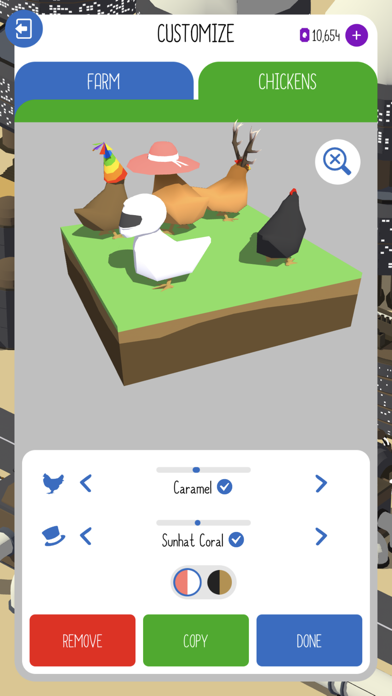
- Chicken swarm!
- Dozens of research items
- Dozens of missions
- Many different hen houses and shipping vehicles
- A "Nested" Prestige system has the game always feeling new
- Wonderful 3D graphics with pixel perfect UI and shadows
- Game Center achievements and leaderboards to compete with your friends and the world!
Terms of Use (EULA): https://www.apple.com/legal/internet-services/itunes/dev/stdeula/
- 未越獄/受限或已越獄的 iPhone 或 iPad。
- Sideloadly 或替代方案。
- 執行 Windows/macOS/Linux 且已安裝 iTunes 的電腦。
步驟 1: 透過上方連結將已破解的 .IPA 檔案下載到您的電腦。若要從 iOSGods App 下載,請參閱我們的 iOSGods App IPA 下載教學,其中包含影片範例。
步驟 2: 下載 Sideloadly 並將其安裝在您的 Windows 或 Mac 上。
步驟 3: 在電腦上開啟 Sideloadly,連接您的 iOS 裝置,並等待裝置名稱出現在 Sideloadly 中。
步驟 4: 當 Sideloadly 辨識到您的 iOS 裝置後,將下載好的修改版 .IPA 檔案拖曳並放到 Sideloadly 應用程式中。
步驟 5: 輸入您的 Apple Account 電子郵件,然後按下「Start」。系統會要求您輸入密碼,請依指示提供所需資訊。
步驟 6: 等待 Sideloadly 完成已破解 IPA 的旁載/安裝。如果安裝過程中發生問題,請閱讀下方的注意事項。
步驟 7: 安裝完成並在主畫面上看到該應用程式後,您需要前往 設定 → 一般 → 描述檔 / VPN 與裝置管理。進入後,點選您在步驟 6 中輸入的電子郵件,然後點選「信任 [email protected]」。
步驟 8: 現在回到主畫面並開啟新安裝的應用程式,一切應該都能正常運作。您可能需要依照遊戲內破解彈出視窗中的進一步指示操作。
注意: 在 iOS/iPadOS 16 及更新版本上,您必須 啟用開發者模式。若使用免費的 Apple Developer 帳號,您將需要每 7 天重複此程序。如有任何疑問或問題,請閱讀我們的 主題中的 Sideloadly 常見問題區段。