Требуется вход
Войдите в учётную запись iOSGods, чтобы продолжить.
Войдите в учётную запись iOSGods, чтобы продолжить.

Этот взлом головоломной приключенческой игры Swappy Cat - Free Hack убирает ограничения на прогресс, которые замедляют вашу охоту за сокровищами, позволяя сосредоточиться на решении головоломок с перестановкой плиток без ожидания восстановления ресурсов.
С неограниченными ходами, бустерами, жизнями и кристаллами всегда под рукой, вы можете проходить каждый уровень в своем темпе, экспериментировать с различными стратегиями и раскрывать все золото и секреты потерянной цивилизации без обычных ограничений на энергию и перезарядку.
- Неограниченные кристаллы → зарабатывайте или тратьте свободно
- Неограниченные ходы → не будут уменьшаться
- Неограниченные бустеры → не будут уменьшаться
- Неограниченные жизни → не будут уменьшаться
Это приложение также поставляется с iGameGod, который открывает доступ к Auto Touch для автоматизации повторяющихся действий, App Speed Manager для регулируемой скорости игры, редактированию значений Memory Engine и другим мощным инструментам для iOS-игр.
Скачайте Swappy Cat - Free Hack modded IPA по ссылкам выше. Нажмите кнопку установки и следуйте инструкциям, чтобы установить этот хак iOS на iPhone, iPad или Mac с Apple Silicon.
Нужна помощь? Посмотрите наши Часто задаваемые вопросы по приложению iOSGods, чтобы получить подробные ответы и советы по устранению неполадок.
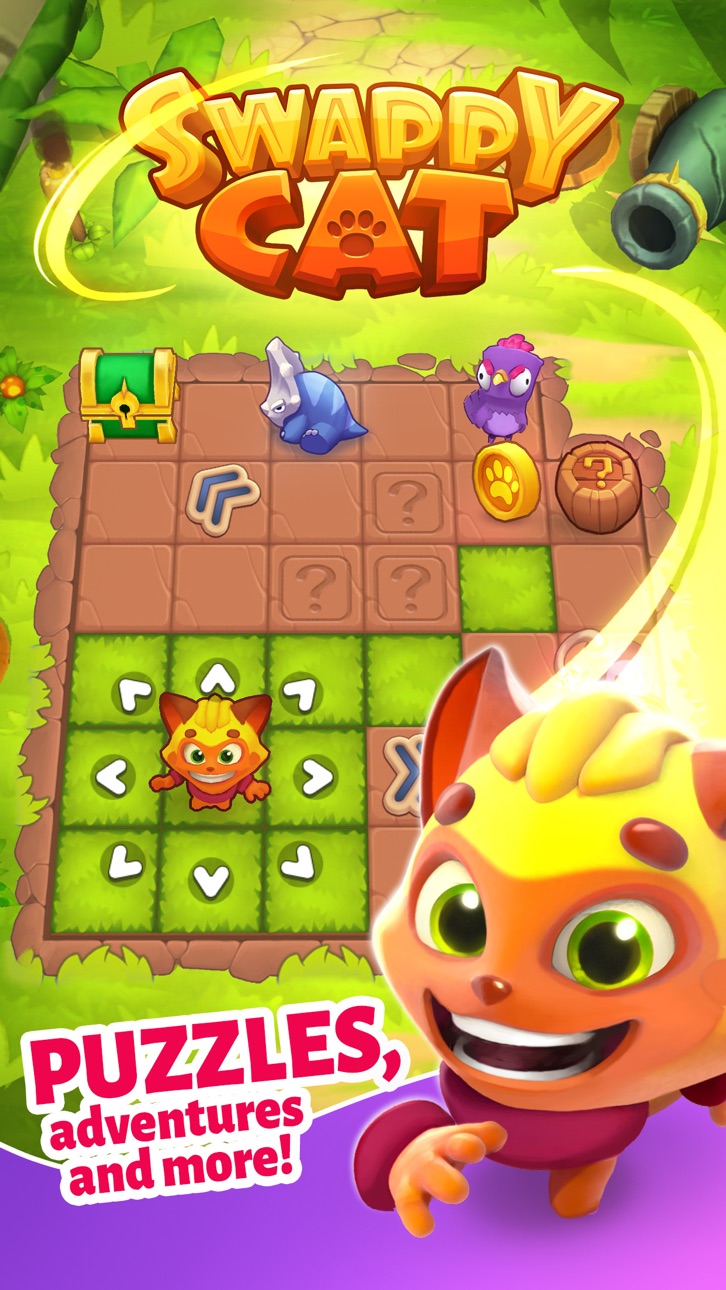
Swappy the cat likes treasures and looks for them all over the world. Chasing shiny coins took him to mysterious jungles with whole piles of gold, however sly pigeons won't let grab them that easily!
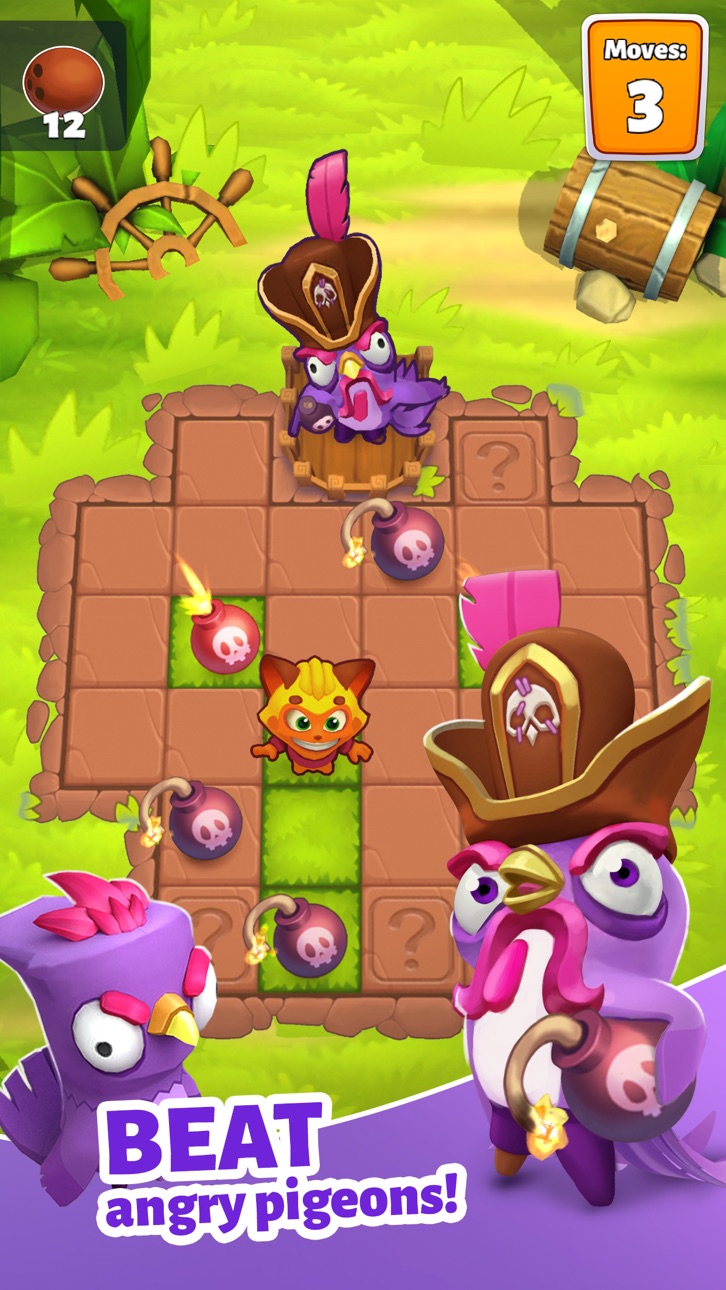
Find the shortest way to the desired treasures! Swipe or tap, attack pigeons and avoid obstacles! Enter the exciting journey and find a lost civilization!
ENGAGING PAWZZLE
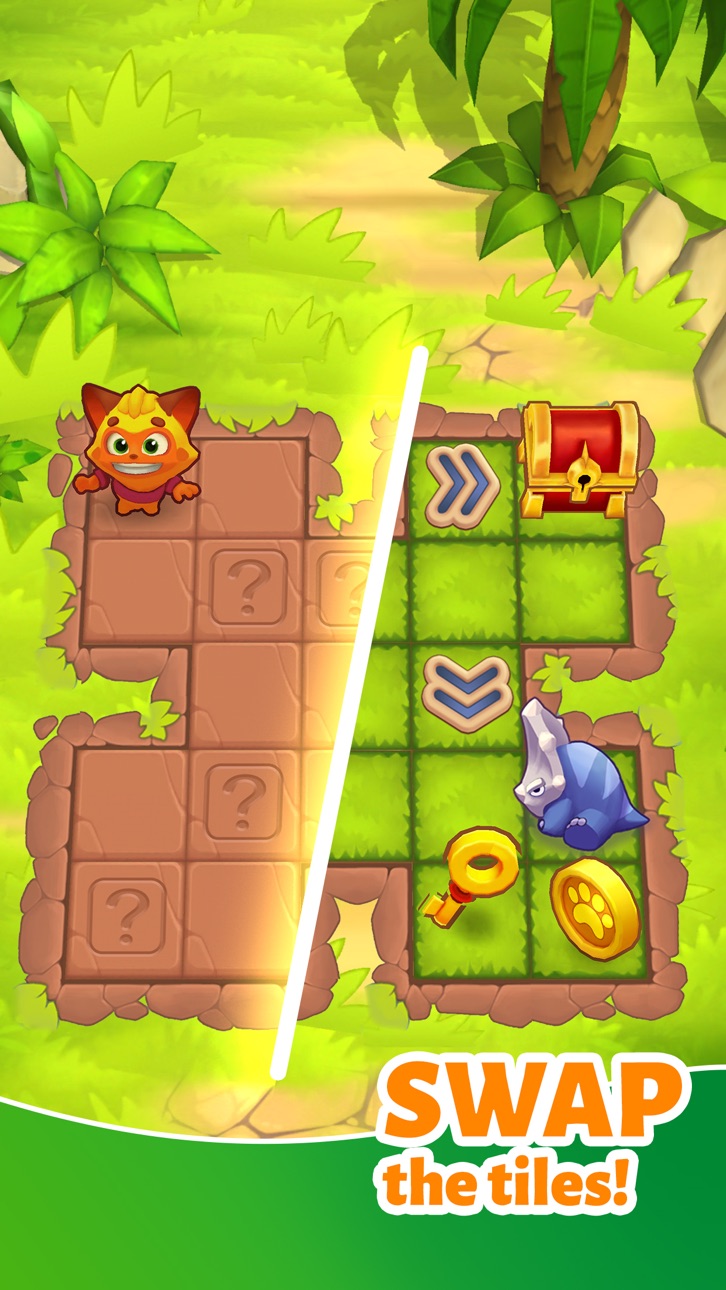
- Swap the tiles and solve the secrets!
- Think carefully and use your logic - your every move counts!
- Use boosts to improve your results in the level!
FIND ALL PURR GOLD
- Collect coins and open crates full of treasures!
- Avoid obstacles and defeat enemies standing on your way!
- Guide the fluffy treasure hunter straight to trophies!
AMAZING CATVENTURE
- 100 engaging levels - challenging but fun!
- Capture air ship of the pigeons and open the lost civilization!
Скриншоты © их владельцев · App Store



iOSGods не связана с Apple Inc., Google LLC или разработчиками перечисленных здесь приложений, не одобрена и не спонсируется ими. Apple, iOS и App Store — товарные знаки Apple Inc. Android и Google Play — товарные знаки Google LLC. Все остальные названия приложений, значки, изображения и товарные знаки принадлежат их владельцам.
- iPhone или iPad без джейлбрейка/в обычном режиме или с джейлбрейком.
- Sideloadly или альтернативы.
- Компьютер с Windows/macOS/Linux и установленным iTunes.
ШАГ 1: Скачайте предварительно взломанный файл .IPA по ссылке выше на свой компьютер. Чтобы скачать его из приложения iOSGods, посмотрите наш Туториал по скачиванию IPA в приложении iOSGods, в котором есть видеопример.
ШАГ 2: Скачайте Sideloadly и установите его на Windows или Mac.
ШАГ 3: Откройте Sideloadly на компьютере, подключите iOS-устройство и дождитесь, пока его имя появится в Sideloadly.
ШАГ 4: Когда устройство будет распознано, перетащите скачанный модифицированный файл .IPA в окно Sideloadly.
ШАГ 5: Введите адрес электронной почты вашего Apple Account, затем нажмите «Start». После этого вас попросят ввести пароль. Укажите необходимые данные.
ШАГ 6: Дождитесь, пока Sideloadly завершит sideload/установку взломанного IPA. При возникновении проблем во время установки ознакомьтесь с примечанием ниже.
ШАГ 7: После завершения установки и появления приложения на главном экране перейдите в Настройки → Основные → Профили / VPN и управление устройством. Там нажмите на email, который вы ввели на шаге 6, а затем нажмите «Доверять [email protected]».
ШАГ 8: Теперь перейдите на главный экран и откройте установленное приложение — всё должно работать. Возможно, потребуется выполнить дополнительные инструкции в попапе мода внутри игры.
ПРИМЕЧАНИЕ: На iOS/iPadOS 16 и новее необходимо включить режим разработчика. Для бесплатных учётных записей Apple Developer этот процесс нужно повторять каждые 7 дней. Если возникнут вопросы или проблемы, ознакомьтесь с нашим разделом FAQ по Sideloadly в теме.
Game Name iOS Mod IPA is an action adventure game enhanced with powerful gameplay boosts and quality-of-life improvements. Win battles faster, earn rewards quicker, and enjoy uninterrupted play without ads.
- Unlimited Gold - spend freely to unlock premium content
- Damage Multiplier - deal significantly more damage in combat
- Defense Multiplier - take less damage and survive longer
- Reward Multiplier - earn more loot from every battle
- Max Level - instantly reach the highest player rank
- No Ads - play without interruptions or advertisements
This app also comes with iGameGod, giving you access to Auto Touch to automate repetitive tasks, App Speed Manager for adjustable gameplay speed, Memory Engine value editing, and more powerful iOS game tools.
Скачайте Game Name Mod IPA по ссылкам выше. Нажмите кнопку установки и следуйте инструкциям, чтобы установить этот хак iOS на iPhone, iPad или Mac с Apple Silicon.
Нужна помощь Посмотрите наши Часто задаваемые вопросы по приложению iOSGods, чтобы получить подробные ответы и советы по устранению неполадок.
----------------------------------------------------------
--------------------------------------------------