Login Diperlukan
Masuk dengan akun iOSGods kamu untuk melanjutkan.
Masuk dengan akun iOSGods kamu untuk melanjutkan.
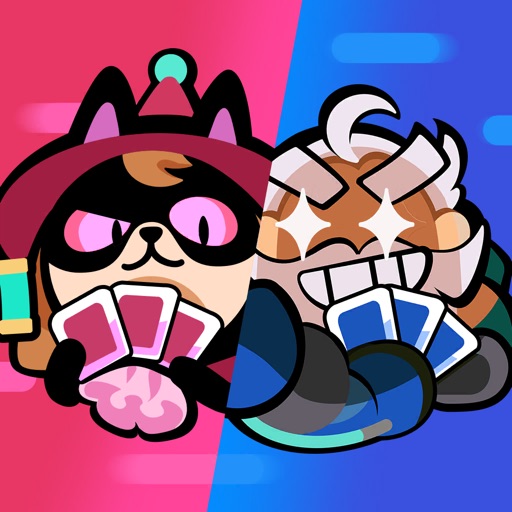
Bangun dek Anda dan dominasi pertempuran PvP real-time di empat faksi Soul of Eden dengan hack Mod IPA yang dimodifikasi ini. Bersaing dalam pertandingan empat menit yang cepat melawan pemain di seluruh dunia sambil menikmati pembangkitan energi yang ditingkatkan untuk menjaga strategi Anda tetap lancar tanpa gangguan.
- Energi (Tingkatkan Energi dengan kecepatan cepat) → mempercepat regenerasi energi selama pertandingan
Aplikasi ini juga dilengkapi dengan iGameGod, yang memberi Anda akses ke Auto Touch untuk mengotomatiskan tugas berulang, App Speed Manager untuk mengatur kecepatan permainan, pengeditan nilai Memory Engine, dan alat permainan iOS lainnya yang lebih canggih.
Unduh Soul of Eden Hack modded IPA dari tautan di atas. Ketuk tombol pasang dan ikuti petunjuk di layar untuk memasang hack iOS ini di iPhone, iPad, atau Apple Silicon.
Butuh bantuan lebih lanjut? Lihat Pertanyaan yang Sering Diajukan untuk Aplikasi iOSGods kami untuk jawaban dan tips lengkap.
Les premiers pas de Rayark vers un titre E-sports !
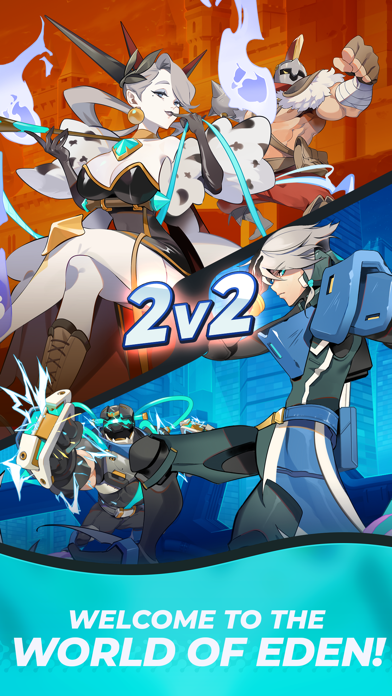
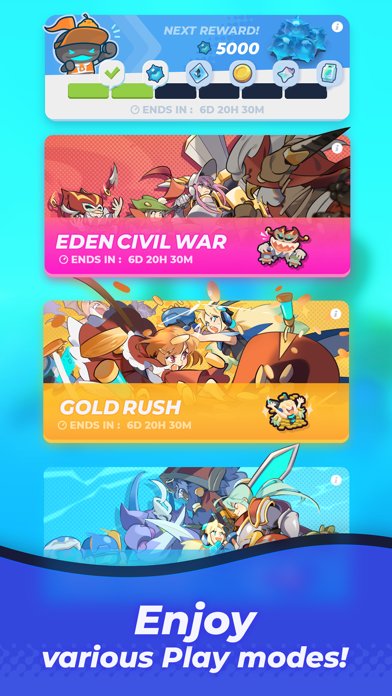
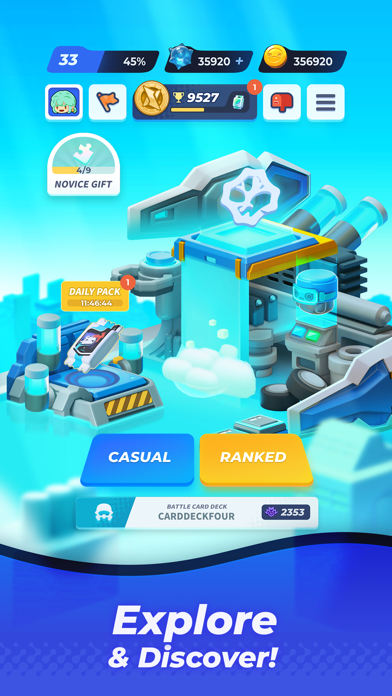
Soul of Eden est un jeu JcJ qui combine à la fois la stratégie en temps réel et les jeux de cartes. Le jeu possède un système de déploiement unique et des parties passionnantes d'une durée de quatre minutes. Chaque match possède un défi différent ! Choisissez votre destinée parmi les quatre grandes factions et mesurez-vous à des participants du monde entier !
#Choisissez votre faction
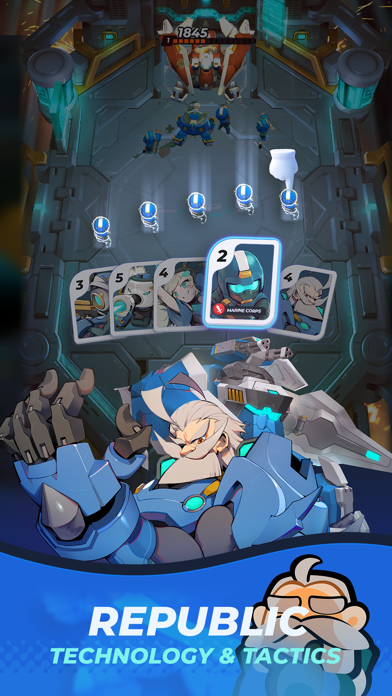
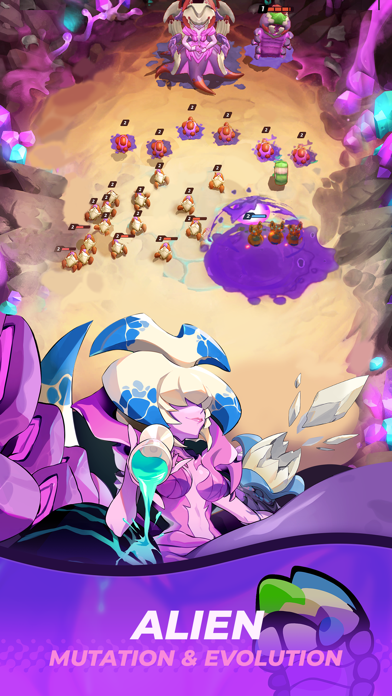
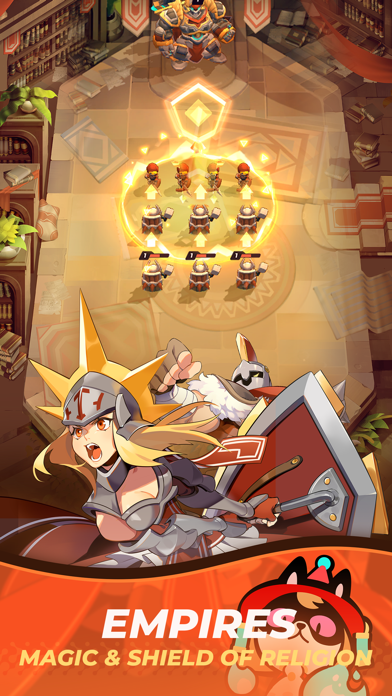
La République high-tech, les Aliens imprévisibles, l'Empire maniant aussi bien l'épée que la magie, et les Bêtes sauvages. Les joueurs peuvent choisir entre quatre factions, quatre styles complètement différents. Les histoires des factions sont liées les unes aux autres. Quelle faction allez-vous mener à la gloire ?
#Construisez votre deck
Plus de 100 cartes uniques, avec un deck personnalisable pouvant contenir 30 cartes. Libérez votre potentiel stratégique et établissez vos propres tactiques.
#Montrez votre capacité de contrôle
Le système unique de déploiement permet de créer des formations illimitées pendant un combat. Les compétences des héros légendaires permettent de renverser le cours de la bataille à elles seules ! Sur le champ de bataille en constante évolution, vos contrôles et vos décisions seront la clé de la victoire.
- iPhone atau iPad tanpa Jailbreak atau dengan Jailbreak.
- Sideloadly atau alternatifnya.
- Komputer dengan Windows/macOS/Linux dan iTunes terpasang.
LANGKAH 1: Unduh file .IPA yang sudah di-hack dari tautan di atas ke komputer Anda. Untuk mengunduhnya dari iOSGods App, silakan lihat Tutorial Mengunduh IPA dari iOSGods App kami yang dilengkapi contoh video.
LANGKAH 2: Unduh Sideloadly dan pasang di Windows atau Mac Anda.
LANGKAH 3: Buka Sideloadly di komputer Anda, sambungkan perangkat iOS Anda, dan tunggu hingga nama perangkat Anda muncul di Sideloadly.
LANGKAH 4: Setelah iDevice Anda terdeteksi, seret file .IPA yang sudah dimodifikasi dan lepaskan ke dalam aplikasi Sideloadly.
LANGKAH 5: Masukkan email Apple Account Anda, lalu tekan "Start". Anda kemudian akan diminta memasukkan kata sandi. Silakan isi informasi yang diminta.
LANGKAH 6: Tunggu hingga Sideloadly selesai melakukan sideloading/pemasangan IPA yang di-hack. Jika terjadi masalah saat pemasangan, silakan baca catatan di bawah ini.
LANGKAH 7: Setelah pemasangan selesai dan Anda melihat aplikasi di Layar Beranda, Anda perlu masuk ke Pengaturan → Umum → Profil / VPN & Manajemen Perangkat. Setelah itu, ketuk email yang Anda masukkan pada langkah 6, lalu ketuk "Percayai [email protected]".
LANGKAH 8: Sekarang buka Layar Beranda dan jalankan aplikasi yang baru saja dipasang; semuanya seharusnya berjalan normal. Anda mungkin perlu mengikuti petunjuk tambahan per aplikasi yang muncul di popup hack di dalam game.
CATATAN: Pada iOS/iPadOS 16 dan yang lebih baru, Anda harus mengaktifkan Mode Pengembang. Untuk akun Apple Developer gratis, Anda perlu mengulangi proses ini setiap 7 hari. Jika Anda memiliki pertanyaan atau masalah, silakan baca bagian FAQ Sideloadly di topik tersebut kami.