Inloggen vereist
Log in met je iOSGods-account om door te gaan.
Log in met je iOSGods-account om door te gaan.

Onbeperkte edelstenen en geen advertenties transformeren je Runefall match-3-ervaring met deze gratis iOS hack, zodat je Rivermoor kunt herbouwen zonder grinden of onderbrekingen. Concentreer je puur op de puzzelstrategie en stadsherstel die dit middeleeuwse avontuur boeiend maken.
- Onbeperkte edelstenen → geef vrijelijk uit aan power-ups en boosts
- Geen advertenties → ononderbroken gameplay
Deze app bevat ook iGameGod, waarmee je toegang krijgt tot Auto Touch om repetitieve taken te automatiseren, App Speed Manager voor een aanpasbare spelsnelheid, het bewerken van waarden met Memory Engine en andere krachtige iOS-gametools.
Download Runefall - Medieval Match 3 Hack modded IPA via de bovenstaande links. Tik op de installatieknop en volg de instructies om deze iOS-app-hack op je iPhone, iPad of Apple Silicon te installeren.
Meer hulp nodig? Bekijk onze Veelgestelde vragen over de iOSGods-app voor uitgebreide antwoorden en probleemoplossingstips.
Bienvenue dans la ville médiévale historique de Rivermoor !
Votre hôte, Hadrick, le gardien de Rivermoor vous attend. Choisissez votre avatar et commencez une aventure épique ! Aidez Hadrick à maintenir la paix dans cette ville médiévale déserte.
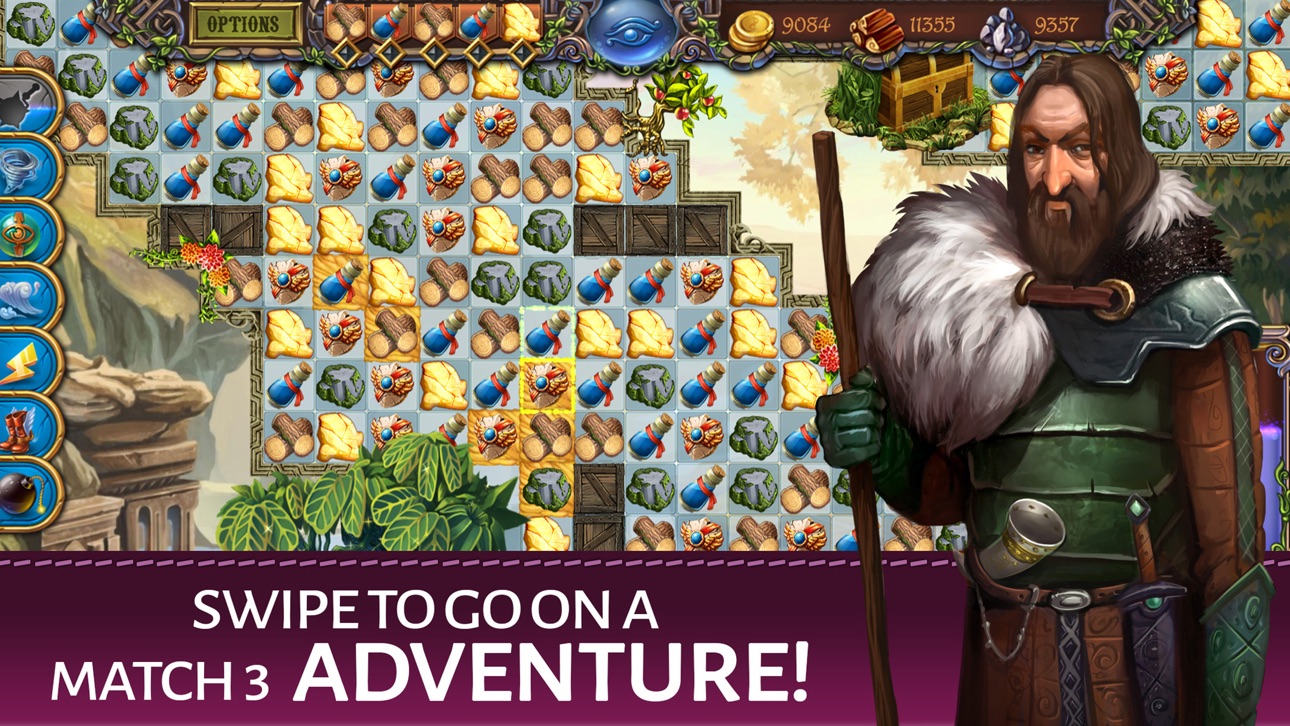
Alignez 3 ou plusieurs pièces d'or, de pierre et de bois pour obtenir ces ressources. Plus vous alignez d'objets, plus vous recevez de ressources. Utilisez vos ressources pour aider à reconstruire le village de Rivermoor. Rivermoor est un ancien village médiéval abandonné pendant la guerre et ne compte que 3 habitants. Ils ont désespérément besoin d'un coup de main supplémentaire pour gagner de quoi payer leur dû au roi !
Découvrez les zones secrètes dans chaque défi du Match 3 et détruisez des cases pour révéler des artefacts cachés ! Chaque niveau est terminé lorsque vous avez trouvé les artefacts. Quels secrets et runes anciens allez-vous découvrir ? Utilisez votre inventaire pour faire le point sur les artefacts, runes et ressources que vous avez obtenus. Rassemblez des informations pour résoudre des missions et remplir vos devoirs envers le village !
Gagnez plus de bonus avec les SÉQUENCES ! Alignez des objets dans la séquence de 5, figurant en haut de l'écran, pour gagner plus de ressources.
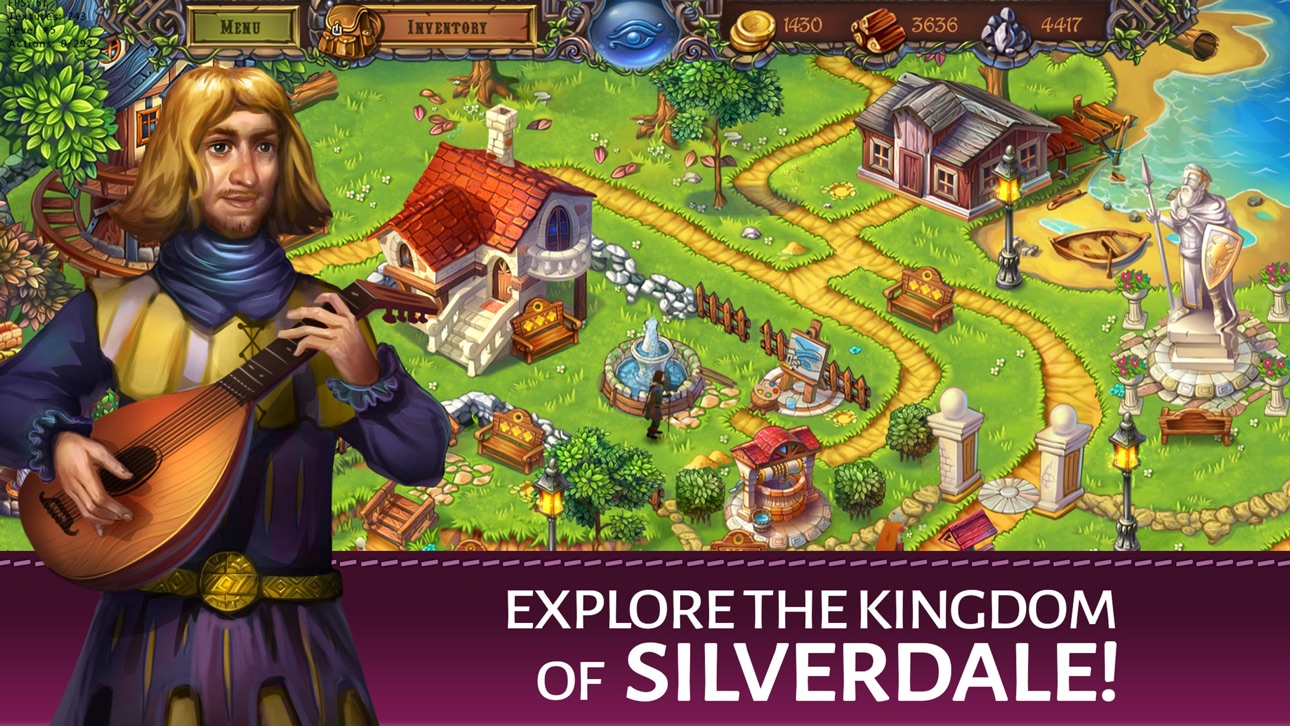
Explorez le magnifique royaume de Silverdale dans cette nouvelle aventure de Match 3 innovante qui associe les mécanismes de jeu classiques à la découverte, à la collecte d'objets et même aux quêtes ! Traversez de vastes cartes, récupérez des ressources, surmontez de nombreux obstacles, résolvez des énigmes et améliorez le pittoresque village de Rivermoor.
Alors... Vous comptez passer la nuit ici ? Seuls les plus courageux des chevaliers de Match 3 sont prêts à relever ce défi épique. Aidez Hadrick à accomplir ses tâches et commencez votre quête d'aventure Match 3 épique !
--- PRINCIPALES CARACTÉRISTIQUES DE RUNEFALL ---
Faites glisser des objets et plongez dans une aventure de Match 3 !
Collectionnez des objets pour résoudre des quêtes !
Rencontrez de nombreux obstacles sur votre chemin !
Achetez des dizaines de renforts pour Rivermoor !
Traversez d'énormes cartes et niveaux !
Débloquez 7 renforts et des dizaines de bonus du jeu !
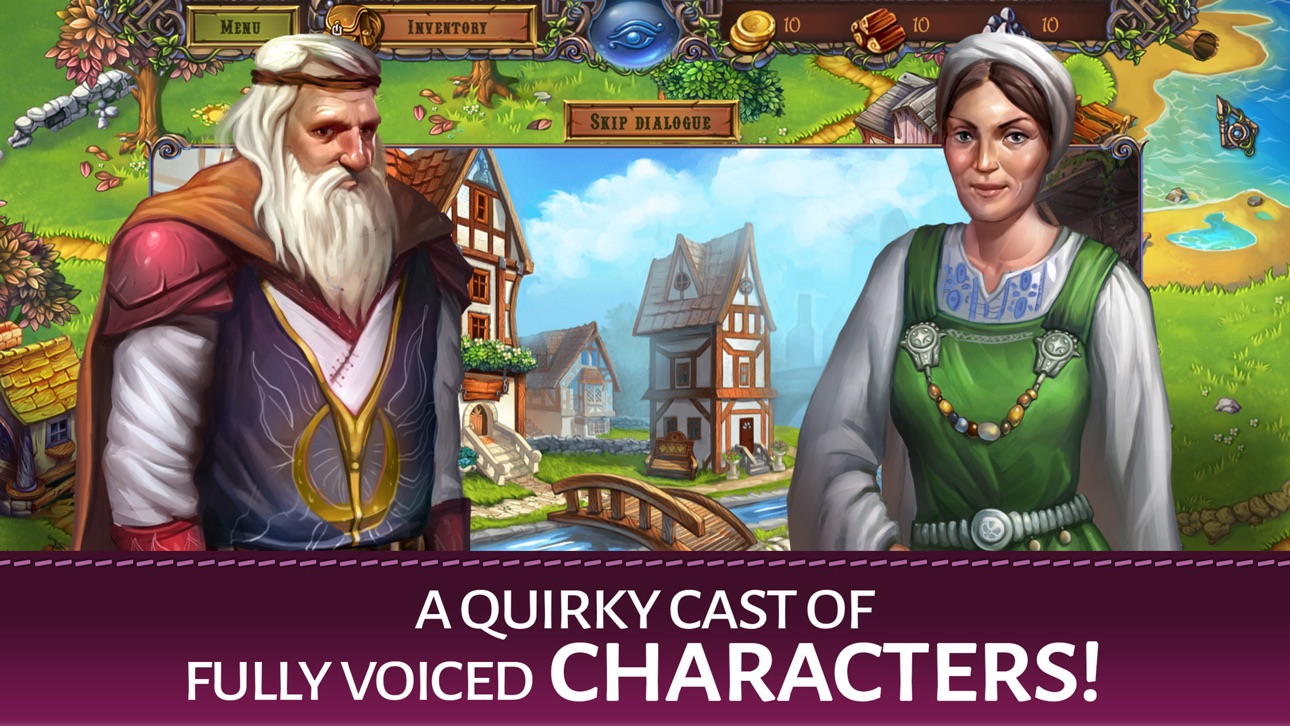
Découvrez les personnages hauts en couleur !
Connectez-vous tous les jours pour obtenir des récompenses
Suivez-nous sur Facebook :
https://www.facebook.com/tamalakigames/
Screenshots © respectieve eigenaren · App Store



iOSGods is niet verbonden aan, onderschreven door of gesponsord door Apple Inc., Google LLC of de ontwikkelaars van de hier vermelde apps. Apple, iOS en App Store zijn handelsmerken van Apple Inc. Android en Google Play zijn handelsmerken van Google LLC. Alle overige app-namen, iconen, afbeeldingen en handelsmerken behoren toe aan hun respectieve eigenaren.
- Niet-jailbroken/jailed of jailbroken iPhone of iPad.
- Sideloadly of alternatieven.
- Computer met Windows/macOS/Linux en iTunes geïnstalleerd.
STAP 1: Download het vooraf gehackte .IPA-bestand via de link hierboven naar uw computer. Om het te downloaden vanuit de iOSGods App, bekijk onze iOSGods App IPA-downloadhandleiding met een videovoorbeeld.
STAP 2: Download Sideloadly en installeer het op uw Windows of Mac.
STAP 3: Open Sideloadly op uw computer, sluit uw iOS-apparaat aan en wacht tot de naam van uw apparaat in Sideloadly verschijnt.
STAP 4: Zodra uw iDevice is herkend, sleept u het gedownloade gemodde .IPA-bestand naar de Sideloadly-applicatie.
STAP 5: Voer het e-mailadres van uw Apple Account in en druk op “Start”. U wordt vervolgens gevraagd om uw wachtwoord in te voeren. Geef de gevraagde informatie op.
STAP 6: Wacht tot Sideloadly het sideloaden/installeren van de gehackte IPA heeft voltooid. Als er problemen zijn tijdens de installatie, lees dan onderstaande opmerking.
STAP 7: Zodra de installatie is voltooid en u de app op uw beginscherm ziet, gaat u naar Instellingen → Algemeen → Profielen / VPN- en apparaatbeheer. Tik daar op het e-mailadres dat u in stap 6 hebt ingevoerd en tik vervolgens op “Vertrouw [email protected]”.
STAP 8: Ga nu naar uw beginscherm en open de zojuist geïnstalleerde app; alles zou correct moeten werken. Mogelijk moet u verdere app-specifieke instructies volgen in de hack-popup in het spel.
OPMERKING: Op iOS/iPadOS 16 en later moet u Ontwikkelaarsmodus inschakelen. Voor gratis Apple Developer-accounts moet u dit proces elke 7 dagen herhalen. Als u vragen of problemen hebt, lees dan onze Sideloadly FAQ-sectie van het onderwerp.
Game Name iOS Mod IPA is an action adventure game enhanced with powerful gameplay boosts and quality-of-life improvements. Win battles faster, earn rewards quicker, and enjoy uninterrupted play without ads.
- Unlimited Gold - spend freely to unlock premium content
- Damage Multiplier - deal significantly more damage in combat
- Defense Multiplier - take less damage and survive longer
- Reward Multiplier - earn more loot from every battle
- Max Level - instantly reach the highest player rank
- No Ads - play without interruptions or advertisements
This app also comes with iGameGod, giving you access to Auto Touch to automate repetitive tasks, App Speed Manager for adjustable gameplay speed, Memory Engine value editing, and more powerful iOS game tools.
Download Game Name Mod IPA via de bovenstaande links. Tik op de installatieknop en volg de instructies om deze iOS-app-hack op je iPhone, iPad of Apple Silicon te installeren.
Meer hulp nodig Bekijk onze Veelgestelde vragen over de iOSGods-app voor uitgebreide antwoorden en probleemoplossingstips.
----------------------------------------------------------
--------------------------------------------------