Cần đăng nhập
Đăng nhập bằng tài khoản iOSGods để tiếp tục.
Đăng nhập bằng tài khoản iOSGods để tiếp tục.
Đạn vô hạn không bao giờ giảm cung cấp cho bạn sức mạnh hỏa lực vô tận trong trò chơi bắn súng chiến thuật từ trên xuống, Space Marshals 2 Mod IPA. Cuộc đấu tranh của Chuyên gia Burton chống lại các yếu tố tội phạm của thiên hà trở nên dễ quản lý hơn nhiều khi bạn không phải lo lắng về việc hết đạn trong các cuộc chiến đấu lén lút và dựa vào掩体 cường độ cao.
- Đạn Vô Hạn → sẽ không giảm
Ứng dụng này cũng đi kèm với iGameGod, cho phép bạn truy cập Auto Touch để tự động hóa các thao tác lặp lại, App Speed Manager để điều chỉnh tốc độ chơi game, chỉnh sửa giá trị bằng Memory Engine, và nhiều công cụ mạnh mẽ khác cho game iOS.
Tải Space Marshals 2 - Free Hack modded IPA từ các liên kết ở trên. Nhấn nút cài đặt và làm theo hướng dẫn để cài bản hack iOS lên iPhone, iPad hoặc Apple Silicon.
Cần thêm trợ giúp? Hãy xem Câu hỏi thường gặp ứng dụng iOSGods để có câu trả lời chi tiết và mẹo khắc phục sự cố.
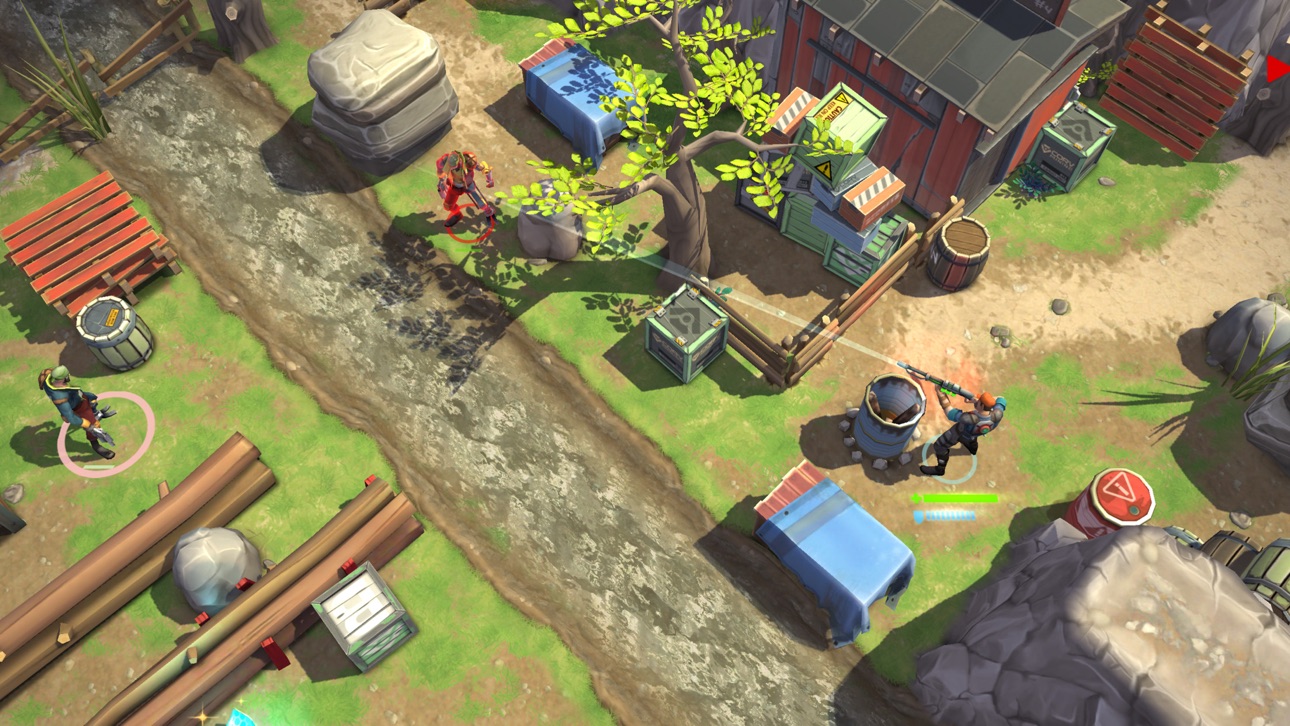
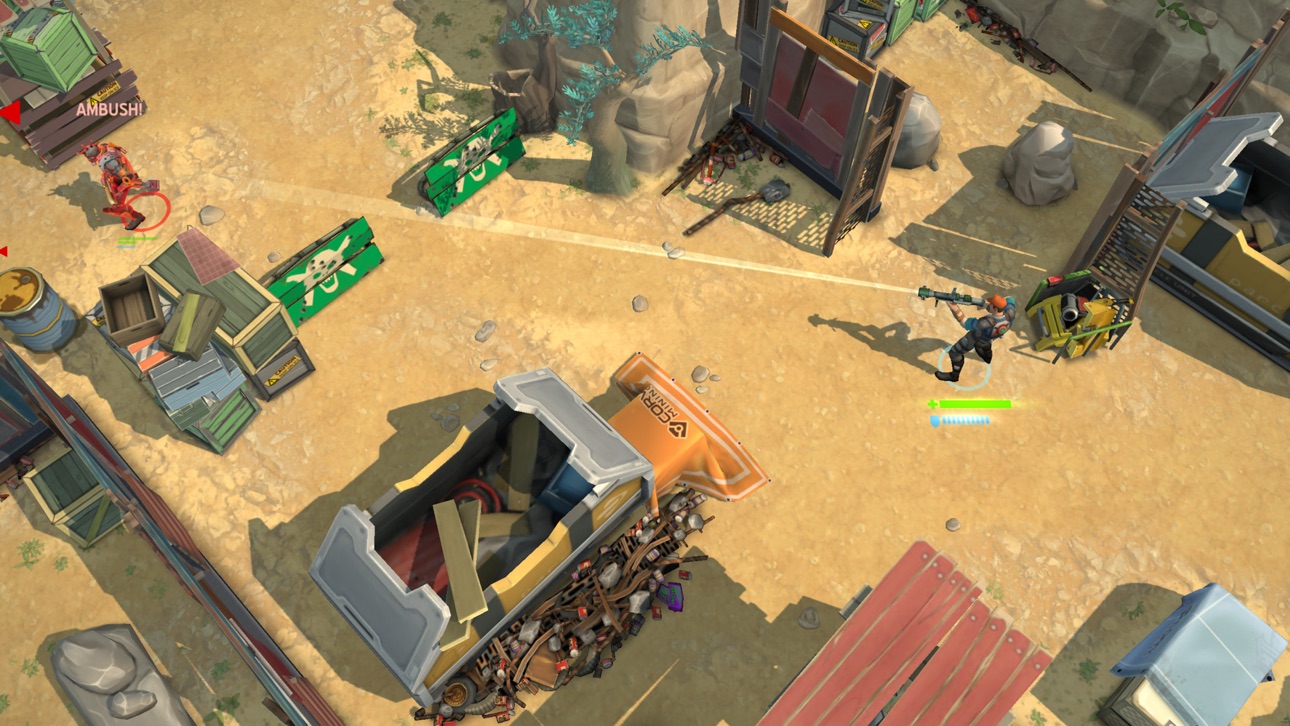
Avec Space Marshals 2, prolongez votre aventure dans un Far West spatial sur fond de science fiction. Dans ce jeu de tir tactique à défilement vertical, vous incarnez le spécialiste Burton dans sa lutte contre les criminels de la galaxie.
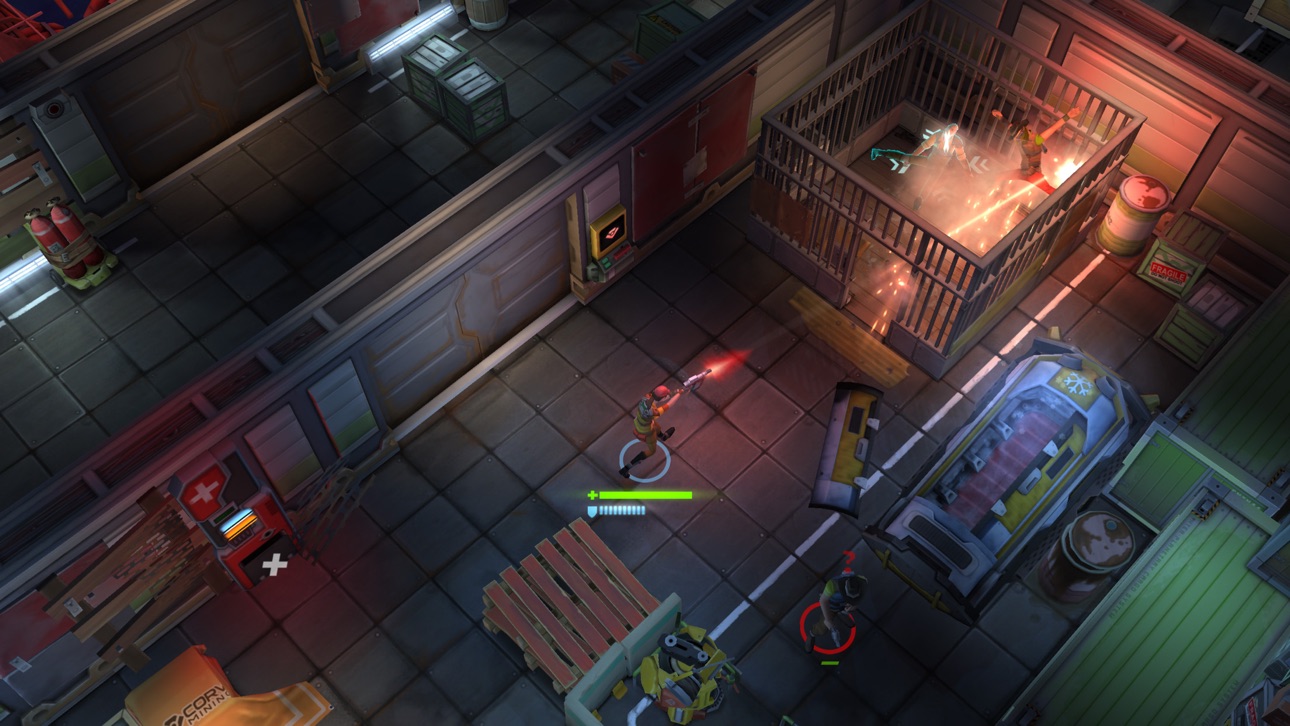
Vous n’êtes pas dans un jeu de tir classique à deux joysticks. Ici, c’est la tactique et l’infiltration qui l’emportent sur les armes, sur fond scénarisé !
COMBAT TACTIQUE
Utilisez l’environnement à votre avantage. Couvrez-vous pour éviter les attaques. Flanquez les ennemis pour plus d’efficacité, tout en évitant de vous faire flanquer à votre tour ! Prenez l’avantage avec le matériel à votre disposition – grenades à fragmentation, grenades aveuglantes, drones, tourelles à canon, mines de proximité et bien plus encore…
INFILTRATION
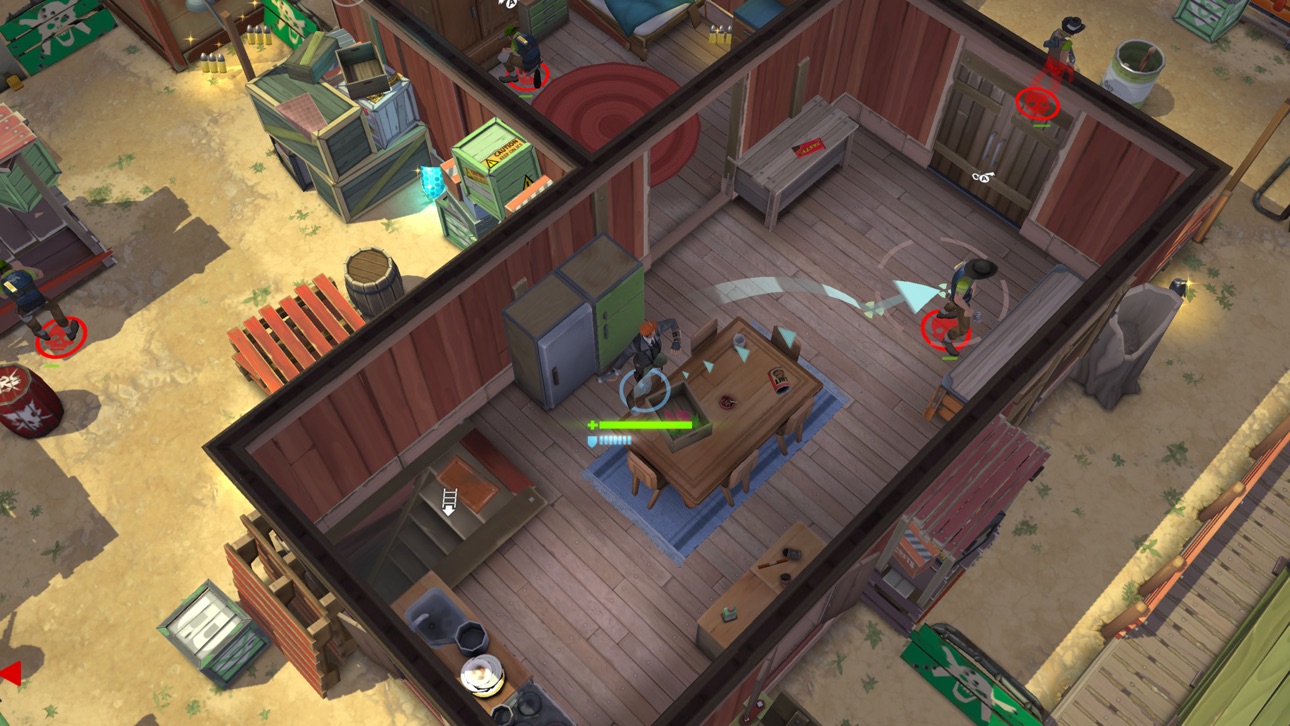
Choisissez soigneusement votre approche. Il n’est pas toujours judicieux de se jeter dans la mêlée en ouvrant le feu. Utilisez des distractions pour isoler les adversaires. Faites des prises furtives et utilisez des armes à silencieux pour réduire les effectifs ennemis. Prenez le contrôle des tourelles à canons et retournez-les contre leurs chefs. Attirez les différentes factions ennemies ensemble et laissez-les s’affronter.
ARMES ET ÉQUIPEMENT
Le choix des armes est fondamental d’un point de vie tactique. En plus de votre gilet pare-balles et de vos grenades, vous pouvez transporter une arme à une main et une arme à deux mains – et vous pouvez choisir celle qui vous convient le mieux, notamment et entre autres un fusil à pompe, un pistolet, un fusil d’assaut, un fusil à lunette, une arbalète, une arme énergétique et une hache de lancer.
• Tir tactique à défilement vertical
• Graphismes HD superbes et sophistiqués avec rendu Metal
• 20 missions avec des récompenses basées sur la performance. TAMI vous regarde !
• Vaste sélection d’armes et d’équipement. Plus de 70 armes différentes.
• Plusieurs factions à combattre – ou à monter les unes contre les autres
• Prise en charge de manette MFi (requiert une configuration étendue)
• Prise en charge de manette
• Prise en charge de sauvegarde iCloud
• Succès GameCenter
• English, Deutsch, Français, Español, Italiano, 简体中文, 한국어, 日本語, 繁体中文, русский, Português do Brasil
Ảnh chụp © chủ sở hữu tương ứng · App Store



iOSGods không liên kết, không được chứng thực hay tài trợ bởi Apple Inc., Google LLC hoặc các nhà phát triển của những ứng dụng được liệt kê ở đây. Apple, iOS và App Store là thương hiệu của Apple Inc. Android và Google Play là thương hiệu của Google LLC. Mọi tên ứng dụng, biểu tượng, hình ảnh và thương hiệu khác đều thuộc về chủ sở hữu tương ứng.

- iPhone hoặc iPad chưa jailbreak/đã đóng hoặc đã jailbreak.
- Sideloadly hoặc các lựa chọn thay thế.
- Máy tính chạy Windows/macOS/Linux đã cài iTunes.
BƯỚC 1: Tải tệp .IPA đã được hack sẵn từ liên kết phía trên về máy tính của bạn. Để tải từ iOSGods App, hãy xem Hướng dẫn tải IPA bằng iOSGods App của chúng tôi, có kèm ví dụ bằng video.
BƯỚC 2: Tải Sideloadly và cài đặt trên Windows hoặc Mac của bạn.
BƯỚC 3: Mở Sideloadly trên máy tính, kết nối thiết bị iOS của bạn và chờ cho đến khi tên thiết bị hiển thị trong Sideloadly.
BƯỚC 4: Khi thiết bị iOS của bạn đã được nhận diện, hãy kéo tệp .IPA đã chỉnh sửa mà bạn tải về và thả vào ứng dụng Sideloadly.
BƯỚC 5: Nhập email Apple Account của bạn, sau đó nhấn "Start." Bạn sẽ được yêu cầu nhập mật khẩu. Hãy cung cấp các thông tin cần thiết.
BƯỚC 6: Chờ Sideloadly hoàn tất quá trình sideload/cài đặt tệp IPA đã hack. Nếu gặp sự cố trong quá trình cài đặt, vui lòng đọc lưu ý bên dưới.
BƯỚC 7: Khi cài đặt hoàn tất và bạn thấy ứng dụng trên Màn hình chính, bạn cần truy cập Cài đặt → Cài đặt chung → Hồ sơ / VPN & Quản lý thiết bị. Tại đó, nhấn vào email bạn đã nhập ở bước 6, rồi nhấn "Tin cậy [email protected]".
BƯỚC 8: Bây giờ hãy về Màn hình chính và mở ứng dụng vừa cài đặt, mọi thứ sẽ hoạt động bình thường. Bạn có thể cần làm theo hướng dẫn riêng của từng ứng dụng trong cửa sổ popup của bản hack trong game.
LƯU Ý: Trên iOS/iPadOS 16 trở lên, bạn phải bật Chế độ nhà phát triển. Với tài khoản Apple Developer miễn phí, bạn sẽ cần lặp lại quy trình này mỗi 7 ngày. Nếu bạn có thắc mắc hoặc gặp sự cố, hãy đọc mục FAQ về Sideloadly trong chủ đề của chúng tôi.
Game Name iOS Mod IPA is an action adventure game enhanced with powerful gameplay boosts and quality-of-life improvements. Win battles faster, earn rewards quicker, and enjoy uninterrupted play without ads.
- Unlimited Gold - spend freely to unlock premium content
- Damage Multiplier - deal significantly more damage in combat
- Defense Multiplier - take less damage and survive longer
- Reward Multiplier - earn more loot from every battle
- Max Level - instantly reach the highest player rank
- No Ads - play without interruptions or advertisements
This app also comes with iGameGod, giving you access to Auto Touch to automate repetitive tasks, App Speed Manager for adjustable gameplay speed, Memory Engine value editing, and more powerful iOS game tools.
Tải Game Name Mod IPA từ các liên kết ở trên. Nhấn nút cài đặt và làm theo hướng dẫn để cài bản hack iOS lên iPhone, iPad hoặc Apple Silicon.
Cần thêm trợ giúp Hãy xem Câu hỏi thường gặp ứng dụng iOSGods để có câu trả lời chi tiết và mẹo khắc phục sự cố.
----------------------------------------------------------
--------------------------------------------------