تسجيل الدخول مطلوب
سجّل الدخول بحساب iOSGods للمتابعة.
سجّل الدخول بحساب iOSGods للمتابعة.
يحول هذا Mod IPA المجاني من ZED - Zombie Enemy Destruction لعبة قتال المركبات في عالم ما بعد الكارثة إلى هجوم لا يمكن إيقافه، حيث تقوم بترقية آلة الدمار الخاصة بك والانطلاق عبر أسراب الزومبي اللانهائية دون الحاجة إلى تحصيل الموارد.
مع تفعيل هذا التهكير، ستتخطى انتظار ملء الطاقة، وتزيد قوة النيران والمتانة إلى الحد الأقصى على الفور، وتسرع عبر الموجات بسرعتك الخاصة، مما يتيح لك التركيز على الدمار الخالص واستراتيجية البقاء بدلاً من إدارة الموارد.
- جواهر غير محدودة → عملة مميزة بدون حدود
- ذهب غير محدود → عملة للترقيات والشراء
- عملات فضية غير محدودة → عملة ثانوية متاحة دائماً
- الطاقة القصوى → العب بشكل مستمر دون انتظار
- الهجوم الأقصى → أقصى قوة هجوم لمركبتك
- الصحة القصوى → صحة وقوة تحمل كاملة
- المتانة → تبقى المركبة سليمة لفترة أطول
- معدل الإطلاق → إطلاق أسرع للسلاح
- تخطي الموجات / استخدام سرعة iGG → تسريع المستويات أو تخطي الموجات
يأتي هذا التطبيق أيضًا مع iGameGod، مما يتيح لك الوصول إلى Auto Touch لأتمتة المهام المتكررة، وApp Speed Manager لضبط سرعة اللعب، وتعديل القيم عبر Memory Engine، والمزيد من أدوات ألعاب iOS القوية.
قم بتنزيل ZED - Zombie Enemy Destruction iOS Mod IPA من الروابط أعلاه. اضغط على زر التثبيت واتبع التعليمات لتثبيت هذا التعديل لـ iOS على iPhone أو iPad أو Apple Silicon.
هل تحتاج إلى مزيد من المساعدة؟ راجع الأسئلة الشائعة لتطبيق iOSGods للحصول على إجابات مفصلة ونصائح لاستكشاف الأخطاء.
ZED – Zombie Enemy Destruction
Upgrade. Survive. Destroy.
Rev up and mow down the undead. Customize your death machine, blast through waves of zombies, and survive the apocalypse.
The world’s gone to rot, and the dead won’t stay down. You’re not a hero, you’re a weapon on wheels. In this post-apocalyptic game, you’ll upgrade a heavily modified vehicle, recruit a crew of shotgun-toting survivors, and blast your way through endless waves of the undead.
Smash through hordes of zombies
Upgrade your ride with deadly weapons
Unlock unique skills and devastating firepower
It’s you vs the apocalypse. Good luck.
ZED is a high-octane 2D zombie survival shooter combining idle gameplay, explosive action, and deep upgrade systems. Crush zombies, collect loot, unlock new characters, and build the ultimate vehicle of destruction across snowfields, deserts, and apocalyptic cities.
FEATURES
DRIVE & DESTROY
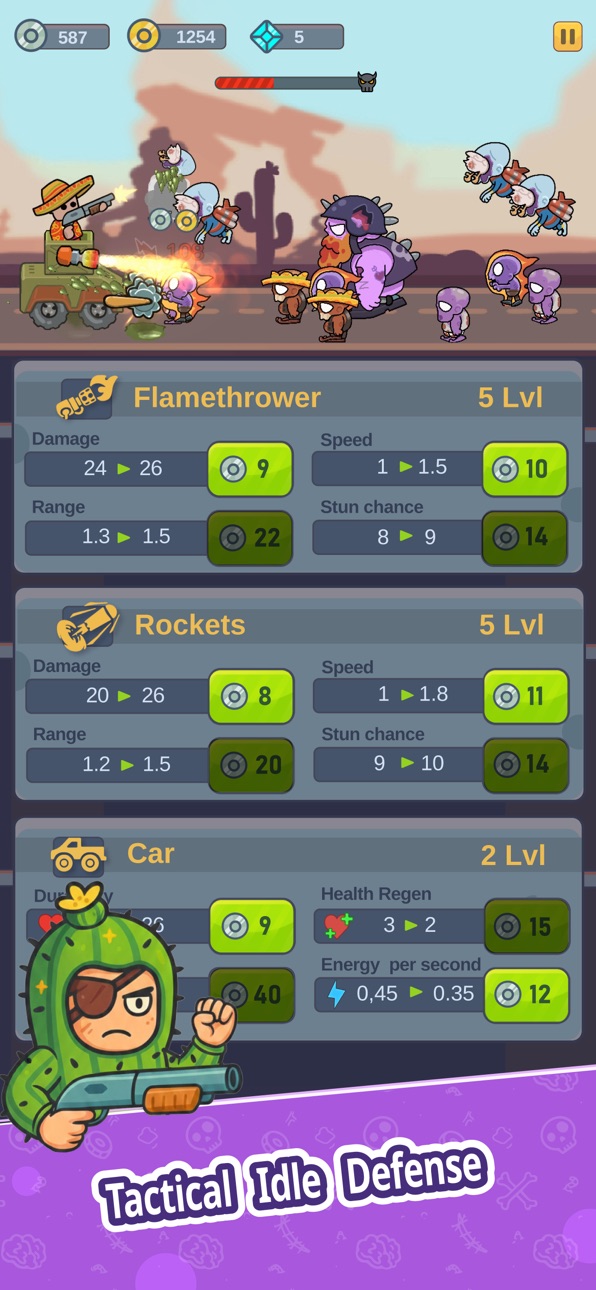
Race through zombie-infested lands in a fully customizable combat car. Add saws, cannons, flamethrowers, missile launchers, and more to tear through undead swarms.
ZOMBIE MAYHEM
Fight off endless waves of zombies, terrifying bosses, and bizarre creatures. Every run is packed with action, gore, and chaos.
UPGRADE EVERYTHING
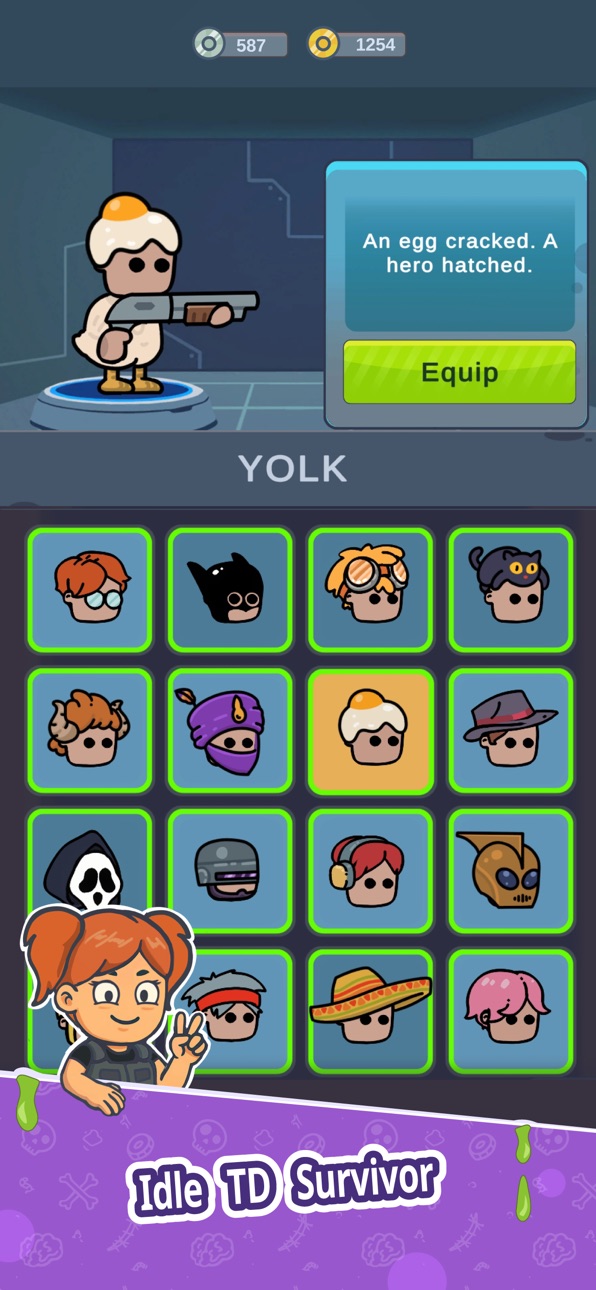
Power up your weapons, vehicle, and armor. Unlock new characters, equip different gadgets, and evolve your zombie-killing machine with each level.
DIVERSE DEAD ZONES
From frozen wastelands to burning deserts—survive in beautifully illustrated post-apocalyptic environments, each packed with unique enemies and hazards.
STUNNING VISUALS
ZED features bold, stylized 2D graphics with smooth animations, flashy explosions, and over-the-top enemy designs.
EASY TO START, HARD TO MASTER
Intuitive controls, fast-paced combat, and satisfying progression make ZED a perfect game for casual sessions or long zombie-grinding marathons.
HOW TO PLAY
During the game, collect silver by destroying zombies. Use silver instantly to upgrade abilities like speed, fire rate, saw damage, and health regeneration—giving you a temporary boost to survive longer in that run.
After the game ends, you earn gold based on your performance. Spend gold in the Garage for permanent upgrades, including stronger weapons, better armor, and vehicle enhancements.
Each run makes you stronger. Upgrade smart, survive longer, and crush more zombies next time!
Become the ultimate zombie destroyer.
Upgrade your ride, unlock epic weapons, survive waves of enemies, and show the undead who rules the apocalypse.
Download ZED – Zombie Enemy Destruction now and take the wheel in the most explosive idle shooter on mobile!
لقطات الشاشة © لأصحابها · App Store


iOSGods ليست تابعة لشركة Apple Inc. أو Google LLC أو مطوّري التطبيقات المدرجة هنا، وليست معتمدة أو مدعومة منهم. Apple وiOS وApp Store علامات تجارية لشركة Apple Inc. وAndroid وGoogle Play علامتان تجاريتان لشركة Google LLC. أما بقية أسماء التطبيقات والأيقونات والصور والعلامات التجارية فهي ملك لأصحابها.

- iPhone أو iPad بجيلبريك أو بدون جيلبريك.
- Sideloadly أو بدائلها.
- كمبيوتر يعمل بنظام Windows/macOS/Linux مع تثبيت iTunes.
الخطوة 1: قم بتنزيل ملف .IPA المعدّل مسبقًا من الرابط أعلاه إلى الكمبيوتر الخاص بك. للتنزيل من تطبيق iOSGods App، اطلع على دليل تنزيل IPA من تطبيق iOSGods App الذي يتضمن مثالًا بالفيديو.
الخطوة 2: قم بتنزيل Sideloadly وتثبيته على جهاز Windows أو Mac.
الخطوة 3: افتح Sideloadly على الكمبيوتر، ووصّل جهاز iOS الخاص بك، وانتظر حتى يظهر اسم جهازك داخل Sideloadly.
الخطوة 4: بمجرد التعرّف على جهاز iDevice الخاص بك، اسحب ملف .IPA المعدّل الذي قمت بتنزيله وأفلِته داخل تطبيق Sideloadly.
الخطوة 5: أدخل البريد الإلكتروني لحساب Apple Account الخاص بك، ثم اضغط على «Start». سيُطلب منك بعد ذلك إدخال كلمة المرور. تابع وأدخل المعلومات المطلوبة.
الخطوة 6: انتظر حتى ينتهي Sideloadly من تحميل/تثبيت ملف IPA المعدّل. في حال واجهت أي مشاكل أثناء التثبيت، يرجى قراءة الملاحظة أدناه.
الخطوة 7: بعد اكتمال التثبيت ورؤية التطبيق على الشاشة الرئيسية، انتقل إلى Settings → General → Profiles / VPN & Device Management. ثم اضغط على البريد الإلكتروني الذي أدخلته في الخطوة 6، ثم اضغط على «الوثوق بـ [email protected]».
الخطوة 8: الآن انتقل إلى الشاشة الرئيسية وافتح التطبيق الذي تم تثبيته للتو وسيعمل كل شيء بشكل صحيح. قد تحتاج إلى اتباع تعليمات إضافية خاصة بكل تطبيق داخل النافذة المنبثقة للتعديل أثناء اللعب.
ملاحظة: بدءًا من iOS/iPadOS 16 وما بعده، يجب تفعيل وضع المطور (Developer Mode). بالنسبة لحسابات Apple Developer المجانية، ستحتاج إلى تكرار هذه العملية كل 7 أيام. إذا كانت لديك أي أسئلة أو مشاكل، يرجى قراءة قسم الأسئلة الشائعة حول Sideloadly في الموضوع.
Hack Features:
- Inf Coins (Spend)
App Installation Instructions:
---------------------------------------------------------
----------------------------------------------------------
If you require more information or help, please read our Frequently Asked Questions topic on iOSGods.com.
----------------------------------------------------------
--------------------------------------------------