Inicio de sesión requerido
Inicia sesión con tu cuenta de iOSGods para continuar.
Inicia sesión con tu cuenta de iOSGods para continuar.
Este hack de RPG de acción para Tavern Tale te otorga poder divino en una aventura roguelike oscura sellada dentro de un cubo misterioso. Lucha contra las turbas de la bruja con invencibilidad, ataques instantáneos y recursos ilimitados para sobrevivir a la mazmorra cambiante y regresar a la taberna de Hank como el héroe definitivo.
- Modo Dios → no recibas daño de los enemigos
- Golpe Instantáneo → derrota a cualquier enemigo de un solo golpe
- Baya Infinita → curación y recursos ilimitados
NOTA: Las gemas están del lado del servidor, por lo que no hay mod de gemas
Esta app también incluye iGameGod, que te ofrece acceso a Auto Touch para automatizar tareas repetitivas, App Speed Manager para ajustar la velocidad del juego, edición de valores con Memory Engine y más potentes herramientas para juegos de iOS.
Descarga Tavern Tale Hack modded IPA desde los enlaces de arriba. Toca el botón de instalación y sigue las instrucciones para instalar este hack iOS en tu iPhone, iPad o Mac con Apple Silicon.
¿Necesitas más ayuda? Consulta nuestras Preguntas frecuentes de la app iOSGods para respuestas detalladas y consejos de solución de problemas.
Tavern Tale is an indie action RPG that blends cute 3D fantasy charm with dark roguelike adventure. The entire world has been sealed into a mysterious cube by an evil witch. Her mobs roam everywhere.
But in a hidden corner stands a warm little tavern built by the dwarf Hank and his friends—the only safe shelter left inside the cube.
Your adventure begins the moment you push open the tavern door.
[Tiny Board, Bold Roguelike]
This cube world shifts with every step—sometimes a blessing, sometimes a crisis. Surprises, choices, quick action, and a dash of luck blend into a uniquely thrilling roguelike run each time. Every dungeon, every forest path hides a new story waiting to unfold.
[30+ Heroes to Build Your Dream Squad]
Meet the adorable heroes:
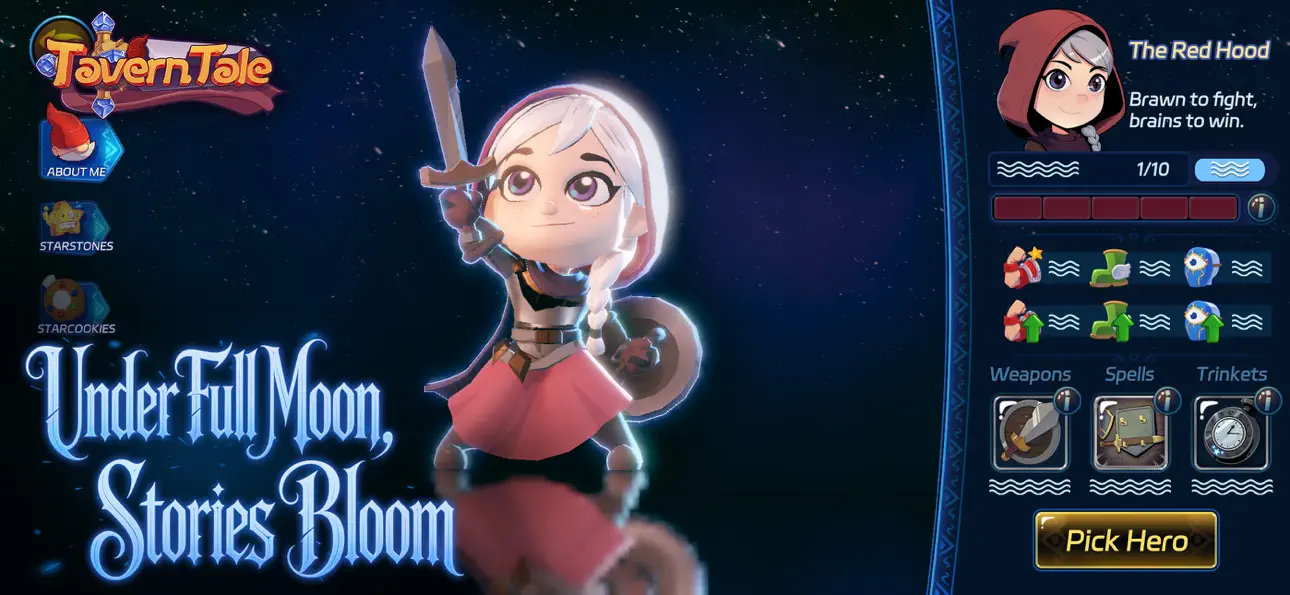
• Snow, the gentle-hearted girl
• Kelly, the treasure-loving mage
• Master Otto, the tai-chi otter who strikes with style
And more heroes await.
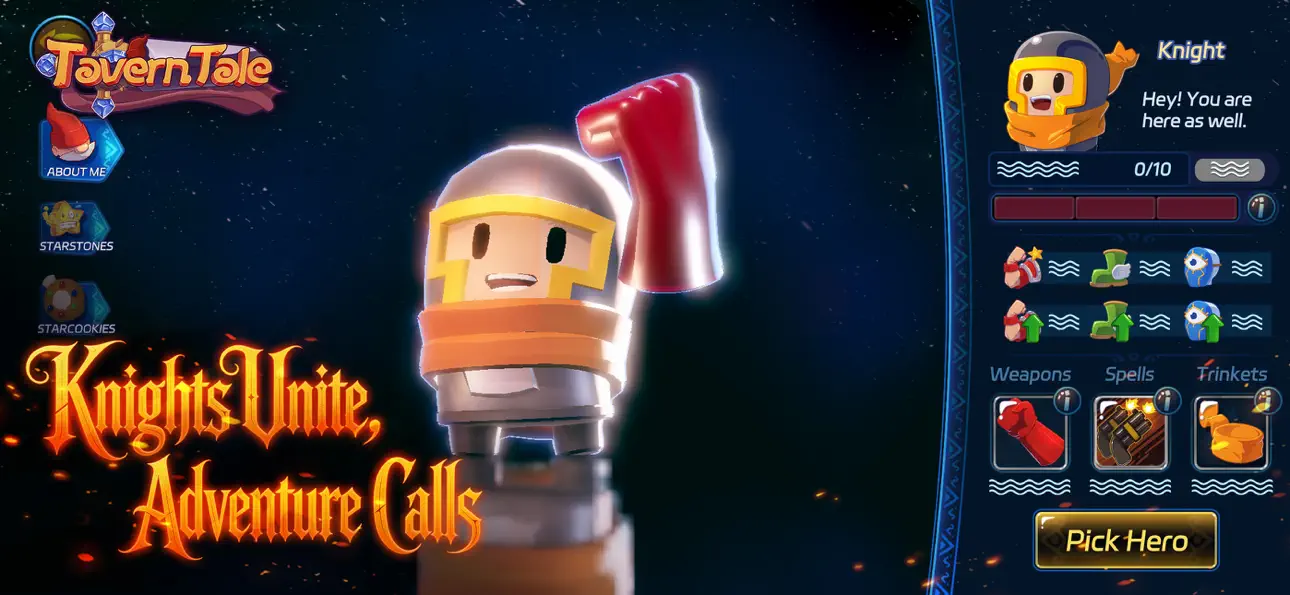
Each hero brings exclusive magic, signature trinkets, and a unique RPG-style growth path—discover wild build synergies and craft your dream squad.
[Casual Growth, Clever Depth]
Tavern Tale mixes roguelike adventure with a cozy, progression-driven RPG core.
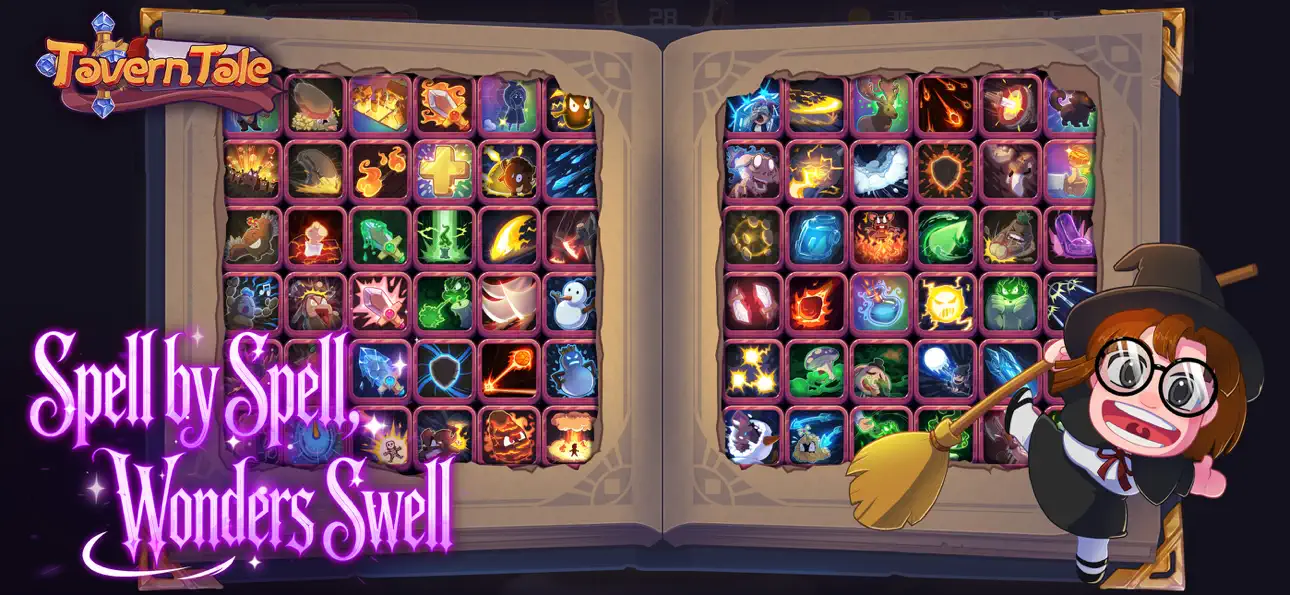
8 magic paths, 200+ spells, endless trinket synergies. Collect StarCookies, slot Starstones, and grow powerful—with zero pressure.
Every hero comes with growth paths, exclusive magic, and build-changing trinkets—letting you craft a playstyle that feels truly your own.
[A Fantasy Story You Live In]
From the noisy tavern hub to the cube's strange secrets, every corner drips with fairy tale imagination—dark yet cute, dangerous yet heartwarming. Chat with quirky guests, uncover the world's hidden story, travel through forests under the moon, and grow bonds with companions who journey beside you.
A charming, dark-fantasy roguelike adventure is unfolding inside this cursed cube.
Will you break the witch's spell and escape?
Welcome to Tavern Tale!
Follow us:
http://www.chillyroom.com
Email: [email protected]
YouTube: @ChillyRoom
Instagram: @chillyroominc
X: @ChillyRoom
Discord: https://discord.gg/5qz6yZ2w4b
Your story begins now—embark!
Capturas © sus respectivos dueños · App Store


iOSGods no está afiliado, avalado ni patrocinado por Apple Inc., Google LLC ni por los desarrolladores de las apps que aparecen aquí. Apple, iOS y App Store son marcas comerciales de Apple Inc. Android y Google Play son marcas comerciales de Google LLC. Todos los demás nombres de apps, iconos, imágenes y marcas pertenecen a sus respectivos dueños.
- iPhone o iPad con o sin Jailbreak.
- Sideloadly u otras alternativas.
- Ordenador con Windows/macOS/Linux e iTunes instalado.
PASO 1: Descargue el archivo .IPA pre-modificado desde el enlace de arriba a su ordenador. Para descargarlo desde la iOSGods App, consulte nuestro Tutorial de descarga del IPA desde la iOSGods App, que incluye un ejemplo en vídeo.
PASO 2: Descargue Sideloadly e instálelo en su Windows o Mac.
PASO 3: Abra Sideloadly en su ordenador, conecte su dispositivo iOS y espere hasta que el nombre del dispositivo aparezca en Sideloadly.
PASO 4: Una vez que su iDevice sea reconocido, arrastre el archivo .IPA modificado que descargó y suéltelo en la aplicación Sideloadly.
PASO 5: Introduzca el correo electrónico de su Apple Account y, a continuación, pulse «Start». Le pedirá que introduzca su contraseña. Proporcione la información solicitada.
PASO 6: Espere a que Sideloadly termine de hacer sideload/instalar el IPA modificado. Si surgen problemas durante la instalación, por favor lea la nota a continuación.
PASO 7: Una vez completada la instalación y al ver la app en la pantalla de inicio, deberá ir a Ajustes → General → Perfiles / VPN y Gestión de Dispositivos. Una vez allí, toque el correo electrónico que introdujo en el paso 6 y, después, toque en «Confiar en [email protected]».
PASO 8: Ahora vaya a la pantalla de inicio y abra la app recién instalada; todo debería funcionar correctamente. Es posible que tenga que seguir instrucciones adicionales específicas de cada app dentro del popup del hack en el juego.
NOTA: En iOS/iPadOS 16 y posteriores, debe activar el Modo Desarrollador. Para cuentas gratuitas de Apple Developer, deberá repetir este proceso cada 7 días. Si tiene alguna pregunta o problema, lea nuestra sección de Preguntas Frecuentes de Sideloadly del tema.
Game Name iOS Mod IPA is an action adventure game enhanced with powerful gameplay boosts and quality-of-life improvements. Win battles faster, earn rewards quicker, and enjoy uninterrupted play without ads.
- Unlimited Gold - spend freely to unlock premium content
- Damage Multiplier - deal significantly more damage in combat
- Defense Multiplier - take less damage and survive longer
- Reward Multiplier - earn more loot from every battle
- Max Level - instantly reach the highest player rank
- No Ads - play without interruptions or advertisements
This app also comes with iGameGod, giving you access to Auto Touch to automate repetitive tasks, App Speed Manager for adjustable gameplay speed, Memory Engine value editing, and more powerful iOS game tools.
Descarga Game Name Mod IPA desde los enlaces de arriba. Toca el botón de instalación y sigue las instrucciones para instalar este hack iOS en tu iPhone, iPad o Mac con Apple Silicon.
¿Necesitas más ayuda Consulta nuestras Preguntas frecuentes de la app iOSGods para respuestas detalladas y consejos de solución de problemas.
----------------------------------------------------------
--------------------------------------------------