Anmeldung erforderlich
Melde dich mit deinem iOSGods-Konto an, um fortzufahren.
Melde dich mit deinem iOSGods-Konto an, um fortzufahren.

Erhalten Sie unbegrenzte In-App-Käufe ohne echtes Geld auszugeben mit The Blockheads Hack, einem kostenlosen IAP-Mod für das beliebte blockbasierte Sandbox-Abenteuer. Bauen, erkunden und erschaffen Sie ohne Zahlungsschranken.
- Kostenlose IAP → schalten Sie Premium-Artikel frei, ohne echtes Geld auszugeben (funktioniert nicht beim Kauf von Credits auf Online-Servern)
Diese App wird zusätzlich mit iGameGod geliefert und bietet dir Zugriff auf Auto Touch zur Automatisierung sich wiederholender Aufgaben, App Speed Manager für eine anpassbare Spielgeschwindigkeit, Memory Engine zur Wertbearbeitung und weitere leistungsstarke iOS-Spielwerkzeuge.
Lade The Blockheads Hack - Free IAP Hack! modded IPA über die obigen Links herunter. Tippe auf den Installations-Button und folge den Anweisungen, um diese iOS-App auf deinem iPhone, iPad oder Apple Silicon zu installieren.
Brauchst du mehr Hilfe? In unseren iOSGods App häufig gestellten Fragen findest du ausführliche Antworten und Tipps zur Fehlerbehebung.
"On an iPhone or iPad, the 2-D, side-scrolling block-based sandbox is a winning formula, and The Blockheads is the most well-executed, true-to-Minecraft game I've had the pleasure to experience on iOS." - TouchArcade (5 Stars)
"The Blockheads takes the Minecraft experience and shrinks it down in a way that just works on a touchscreen. There are shades of Lemmings here too, and they blend together to make a sweet game about discovery, exploration, and creation." - Pocket Gamer (Gold Award)
*****
Night is falling and your blockhead is freezing. You haven't yet made shelter and your campfire has gone out. All you have is a spade, some wood and a few sticks. You have only minutes before exhaustion hits. Do you create a bed, dig a cave or refuel your fire? What will you do?
The Blockheads is a huge exploration, creation and survival game where the possibilities are endless!
Play offline in single player, or easily create and join online worlds to play with friends and family, or explore thousands of unique worlds created and hosted by other players.
Start with almost nothing and explore, craft, build and trade your way to steam trains, electric elevators, and even jet packs, titanium swords and carbon fiber armor.
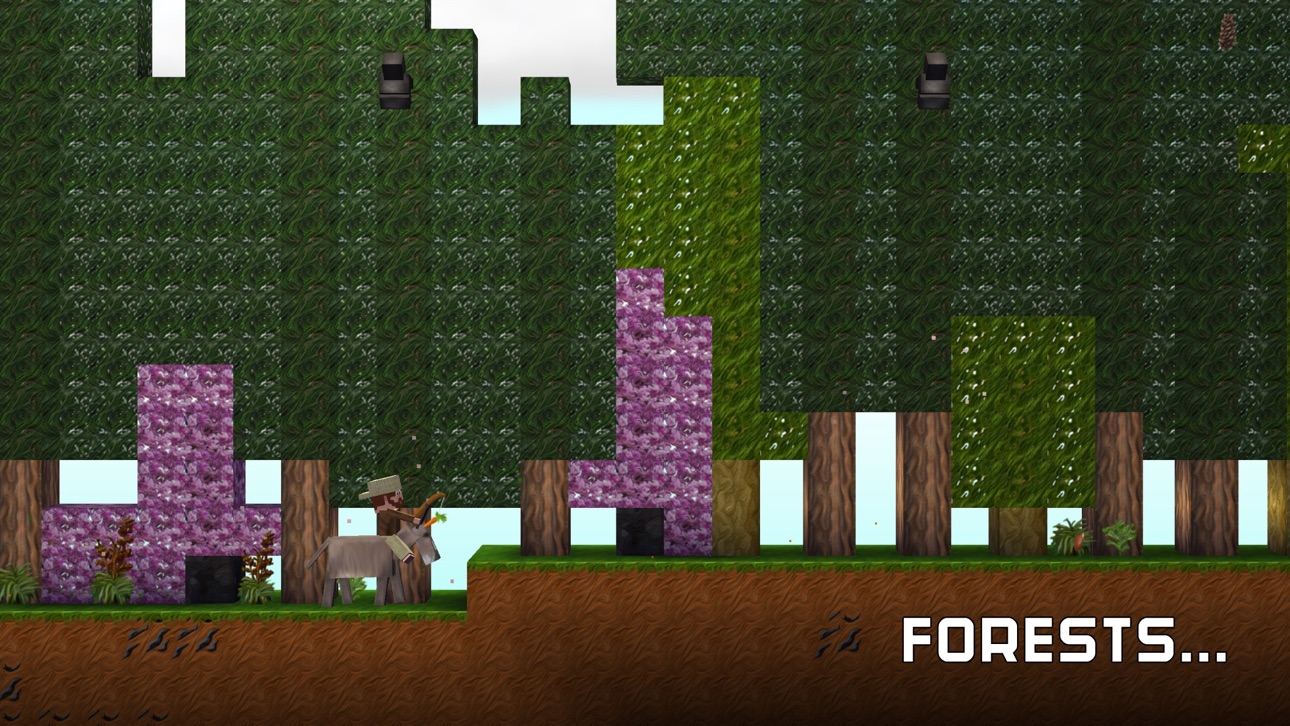
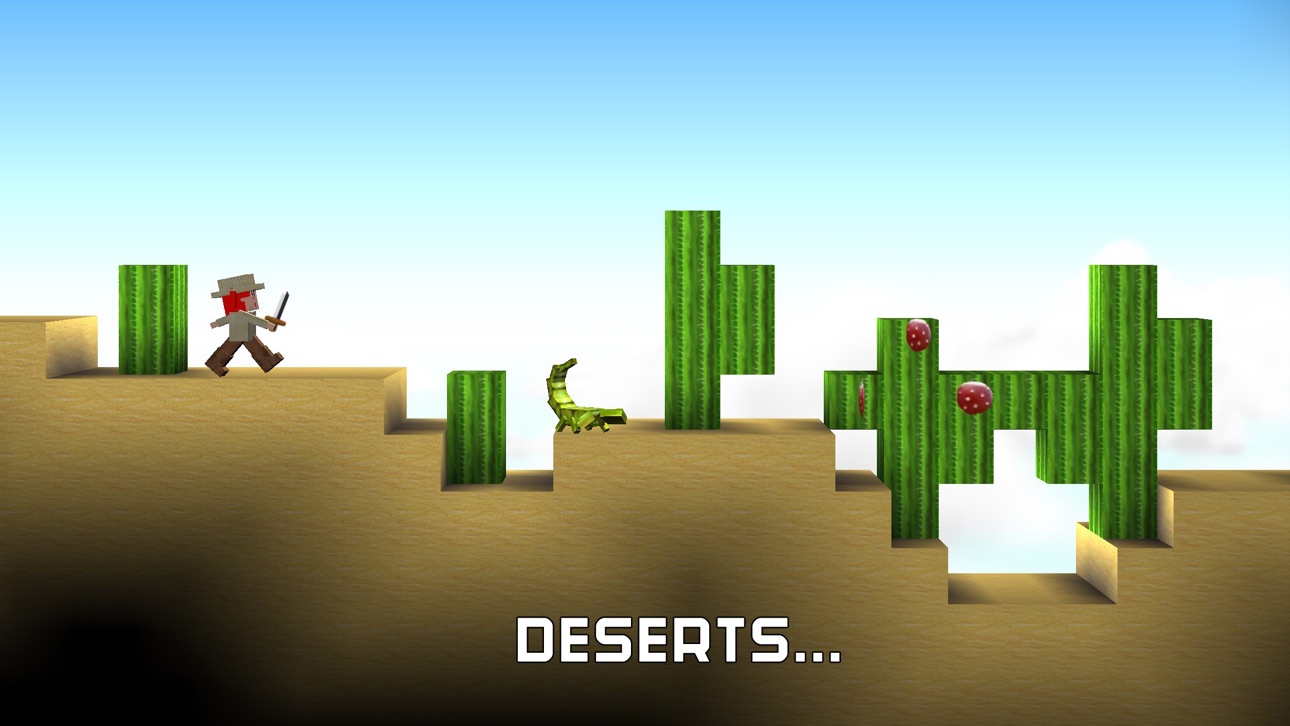
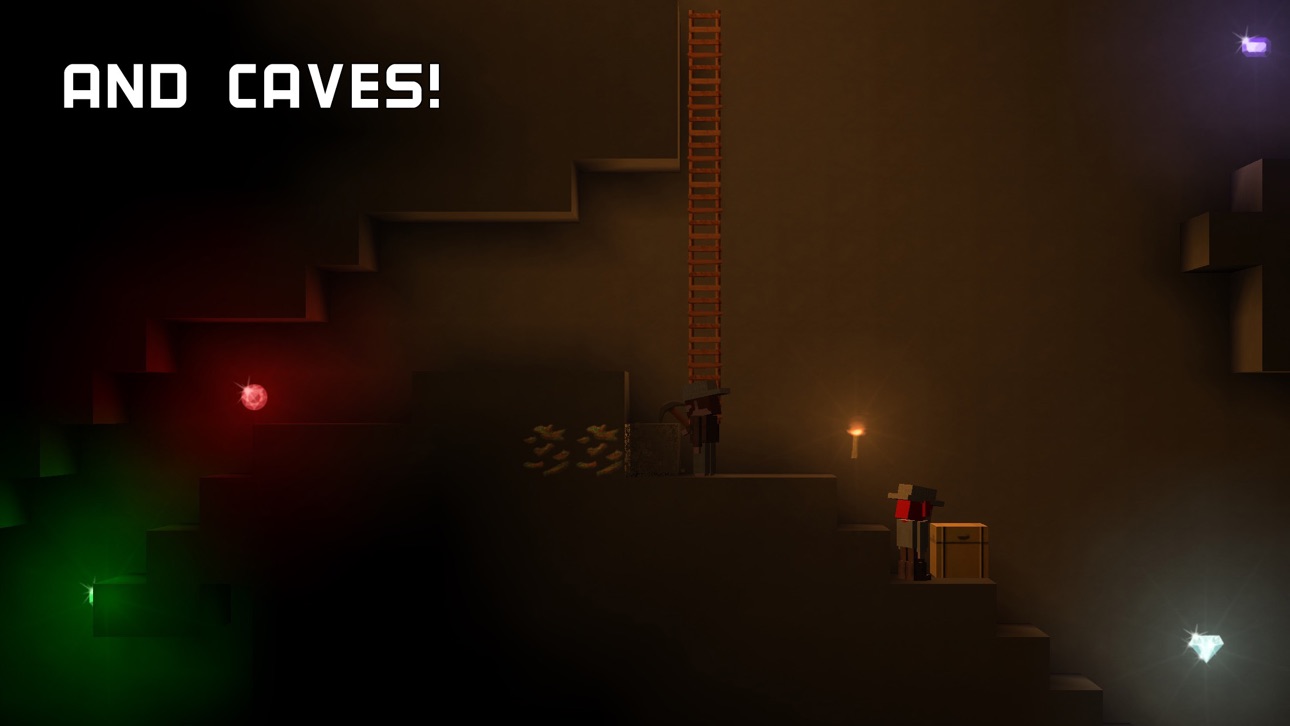
- Explore an infinite number of worlds filled with oceans, caves, deserts, mountains, forests and floating sky islands
- Build massive structures with the materials you find
- Trade with other players in an ever changing global economy
- Battle other blockheads in PVP worlds
- Lay rail and create jumps for speedy rail hand cars or create a rail network for easy transport by train
- Create an array of solar panels to power your oil refinery, and craft carbon fiber and fuel for your jetpack to explore the skies
- With content always being added, The Blockheads is continuously evolving, and there is more to come
Warp your first blockhead through the portal and get exploring now in The Blockheads!
Screenshots © der jeweiligen Inhaber · App Store



iOSGods ist nicht mit Apple Inc., Google LLC oder den Entwicklern der hier aufgeführten Apps verbunden und wird von ihnen weder unterstützt noch gesponsert. Apple, iOS und App Store sind Marken von Apple Inc. Android und Google Play sind Marken von Google LLC. Alle weiteren App-Namen, Symbole, Grafiken und Marken gehören ihren jeweiligen Inhabern.
- Nicht-Jailbroken/Jailed oder Jailbroken iPhone oder iPad.
- Sideloadly oder Alternativen.
- Computer mit Windows/macOS/Linux und installiertem iTunes.
SCHRITT 1: Lade die vorinstallierte .IPA-Datei über den obigen Link auf deinen Computer herunter. Zum Herunterladen aus der iOSGods-App siehe unser iOSGods App IPA Download-Tutorial mit Videobeispiel.
SCHRITT 2: Lade Sideloadly herunter und installiere es auf deinem Windows oder Mac.
SCHRITT 3: Öffne Sideloadly auf deinem Computer, verbinde dein iOS-Gerät und warte, bis dein Gerätename in Sideloadly erscheint.
SCHRITT 4: Sobald dein iDevice erkannt wird, ziehe die heruntergeladene gemoddete .IPA-Datei in die Sideloadly-Anwendung.
SCHRITT 5: Gib deine Apple-Account-E-Mail ein und drücke „Start". Du wirst dann nach deinem Passwort gefragt. Gib die erforderlichen Informationen ein.
SCHRITT 6: Warte, bis Sideloadly das Sideloading/Installieren der gehackten IPA abgeschlossen hat. Bei Problemen während der Installation lies bitte den Hinweis unten.
SCHRITT 7: Sobald die Installation abgeschlossen ist und die App auf deinem Home-Bildschirm angezeigt wird, musst du zu Einstellungen → Allgemein → Profile / VPN & Geräteverwaltung gehen. Tippe dort auf die E-Mail, die du in Schritt 6 eingegeben hast, und dann auf „Trust [email protected]".
SCHRITT 8: Gehe nun zu deinem Home-Bildschirm und öffne die neu installierte App – alles sollte einwandfrei funktionieren. Möglicherweise musst du weitere App-spezifische Anweisungen im Hack-Popup im Spiel befolgen.
HINWEIS: iOS/iPadOS 16 und höher: Du musst den Entwicklermodus aktivieren. Bei kostenlosen Apple Developer-Accounts musst du diesen Vorgang alle 7 Tage wiederholen. Bei Fragen oder Problemen lies bitte unsere Sideloadly-FAQ-Sektion im Thema.
Game Name iOS Mod IPA is an action adventure game enhanced with powerful gameplay boosts and quality-of-life improvements. Win battles faster, earn rewards quicker, and enjoy uninterrupted play without ads.
- Unlimited Gold - spend freely to unlock premium content
- Damage Multiplier - deal significantly more damage in combat
- Defense Multiplier - take less damage and survive longer
- Reward Multiplier - earn more loot from every battle
- Max Level - instantly reach the highest player rank
- No Ads - play without interruptions or advertisements
This app also comes with iGameGod, giving you access to Auto Touch to automate repetitive tasks, App Speed Manager for adjustable gameplay speed, Memory Engine value editing, and more powerful iOS game tools.
Lade Game Name Mod IPA über die obigen Links herunter. Tippe auf den Installations-Button und folge den Anweisungen, um diese iOS-App auf deinem iPhone, iPad oder Apple Silicon zu installieren.
Brauchst du mehr Hilfe In unseren iOSGods App häufig gestellten Fragen findest du ausführliche Antworten und Tipps zur Fehlerbehebung.
----------------------------------------------------------
--------------------------------------------------