Anmeldung erforderlich
Melde dich mit deinem iOSGods-Konto an, um fortzufahren.
Melde dich mit deinem iOSGods-Konto an, um fortzufahren.

Unbegrenzte Münzen, Edelsteine und Energie in Submarine Quest: Merge&Explore Mod IPA ermöglichen dir tiefere Tauchgänge ohne Grinding und schalten jeden Charakter und jede Ausrüstung frei, während du die Geheimnisse des Ozeans in deinem eigenen Tempo erkundest.
Dieser Hack entfernt den Ressourcenengpass, der normalerweise den Fortschritt blockiert, sodass du dich auf die befriedigende Merge-Mechanik und Entdeckung konzentrieren kannst, anstatt auf die Energieregeneration zu warten oder für Upgrades zu sparen. Perfekt für Spieler, die das vollständige Unterwasser-Abenteuer ohne die üblichen Free-to-Play-Zeitbegrenzungen erleben möchten.
- Unbegrenzte Münzen → Verdiene oder gebe frei aus
- Unbegrenzte Edelsteine → Verdiene oder gebe frei aus
- Unbegrenzte Energie → Verdiene oder gebe frei aus
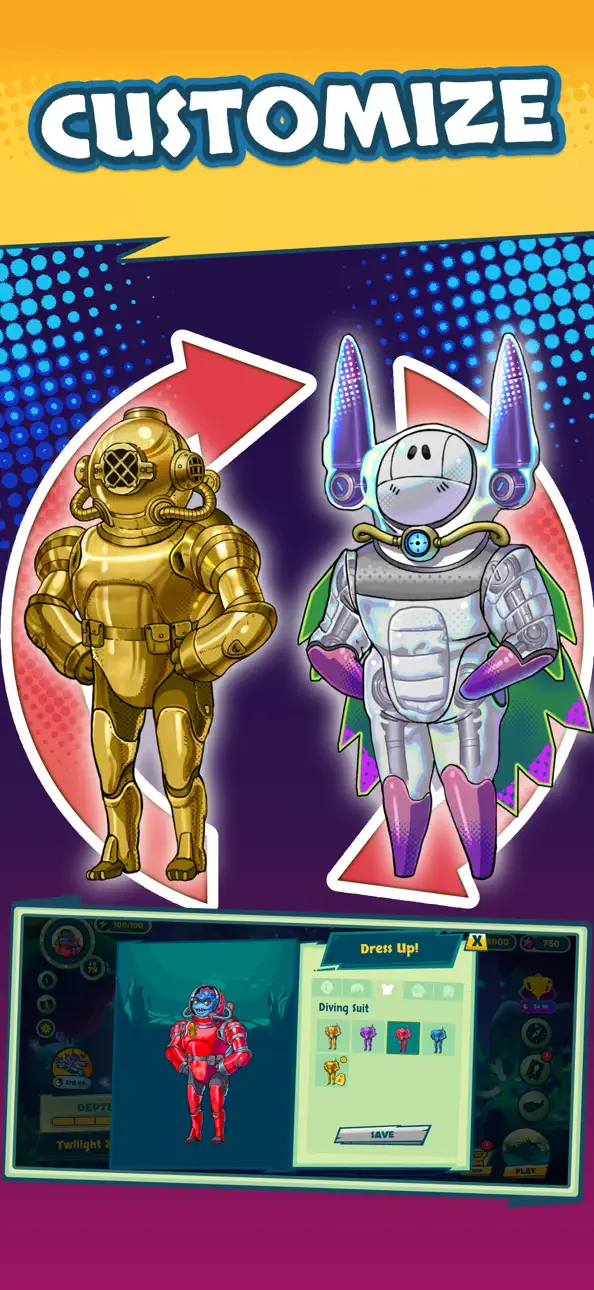
- Alle Charakter-Items freischalten → Zugriff auf alle Charakter-Kosmetika
- Alle Ausrüstungs-Items freischalten → Zugriff auf alle Ausrüstungs-Upgrades
Diese App wird zusätzlich mit iGameGod geliefert und bietet dir Zugriff auf Auto Touch zur Automatisierung sich wiederholender Aufgaben, App Speed Manager für eine anpassbare Spielgeschwindigkeit, Memory Engine zur Wertbearbeitung und weitere leistungsstarke iOS-Spielwerkzeuge.
Lade Submarine Quest: Merge&Explore Hack modded IPA über die obigen Links herunter. Tippe auf den Installations-Button und folge den Anweisungen, um diese iOS-App auf deinem iPhone, iPad oder Apple Silicon zu installieren.
Brauchst du mehr Hilfe? In unseren iOSGods App häufig gestellten Fragen findest du ausführliche Antworten und Tipps zur Fehlerbehebung.
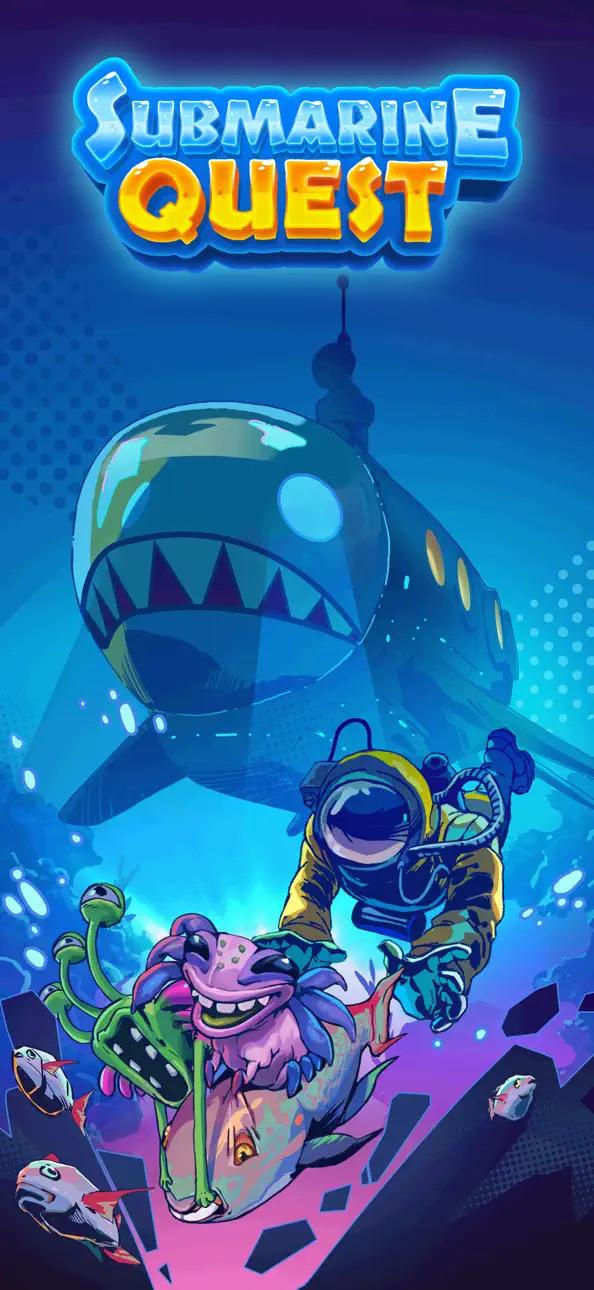
Submarine Quest: Merge & Explore – Dive Into the Unknown
Embark on an underwater adventure like never before. In Submarine Quest: Merge & Explore, you will dive into the mysterious depths of the ocean, discover fascinating deep-sea creatures, and upgrade your submarine to explore even further. The deeper you go, the more secrets you will uncover.
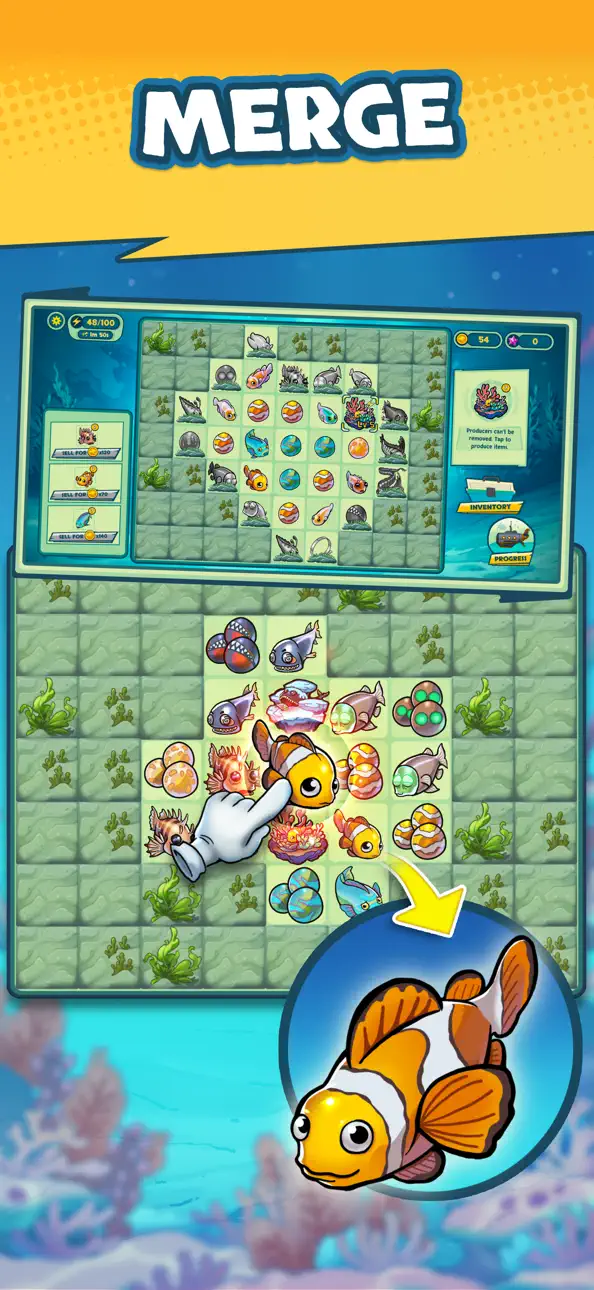
Match, Merge, and Progress
At its core, Submarine Quest offers a satisfying Fish Merge experience designed to feel intuitive and rewarding. Match and merge fish, artifacts, and underwater objects to unlock new content and expand your journey.
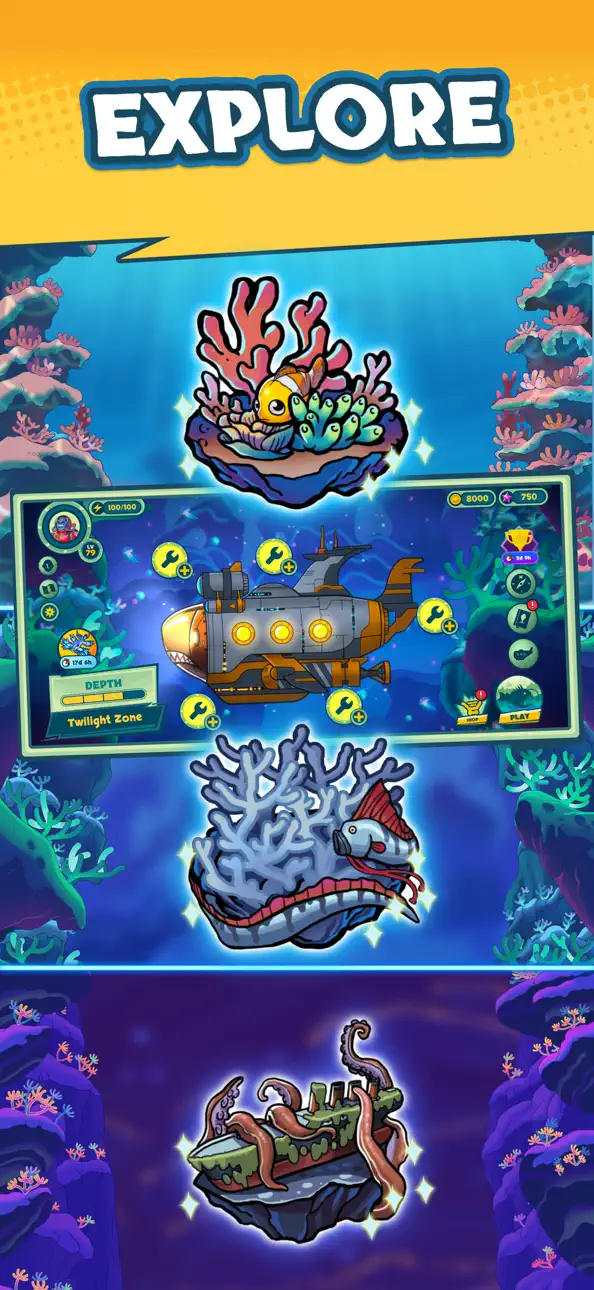
Explore the Deep and Discover Rare Species
From the sunlit zone to the midnight depths, encounter a variety of unique marine life. Each zone is filled with rare species waiting to be discovered.
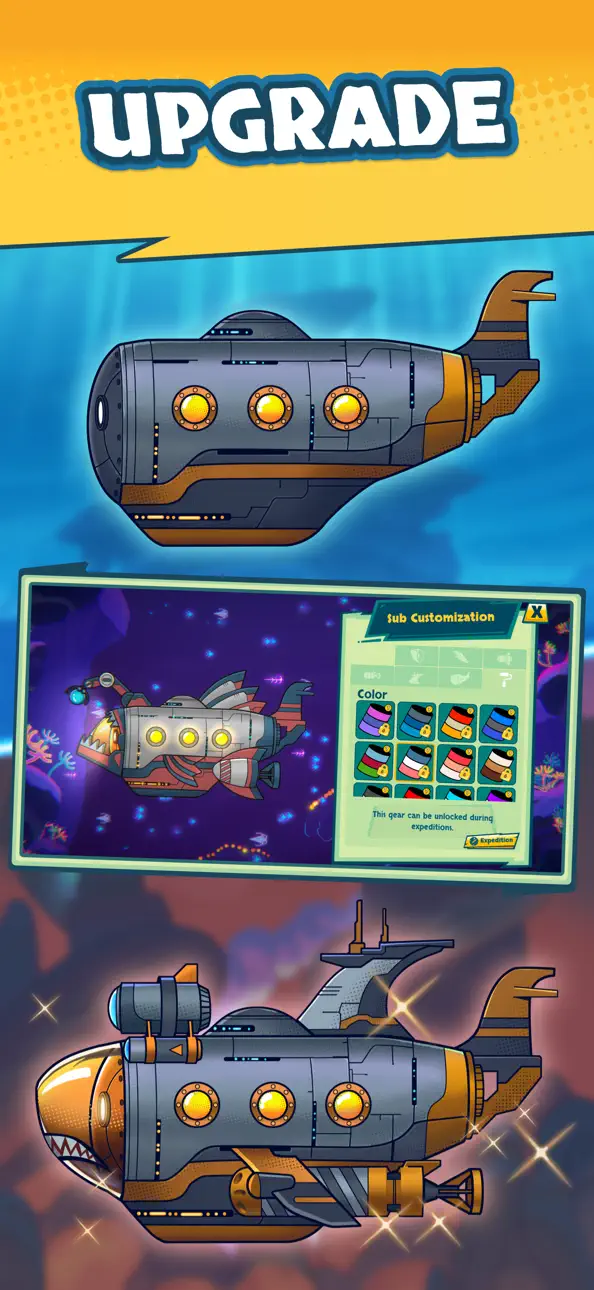
Upgrade and Customize Your Submarine
Enhance your submarine with powerful upgrades to dive deeper into the abyss. Customize your sub’s appearance and unlock new parts to improve your exploration.
Uncover Hidden Mysteries and Rare Deep-Sea Artifacts
Strange artifacts, ancient secrets, and mysterious deep-sea creatures await. Can you uncover the truth hidden beneath the waves?
Key Features
• Explore the ocean’s depths and discover unique sea creatures
• Upgrade and customize your submarine for deeper dives
• Complete buy orders to trade and earn valuable rewards
• Uncover hidden mysteries and rare deep-sea artifacts
• Customize the look of your explorer with different outfits
• Stunning underwater visuals
Prepare for an unforgettable deep-sea adventure. Start your journey beneath the waves now.
Indonesia Games Rating System (IGRS): 3+
Screenshots © der jeweiligen Inhaber · App Store

![Screw Jam iOS Mod IPA [ Debug Menu ]](https://is1-ssl.mzstatic.com/image/thumb/Purple211/v4/59/67/f6/5967f678-bf3d-bddd-b5b5-567f3a958fc7/AppIcon-0-0-1x_U007emarketing-0-8-0-85-220.png/100x100bb.jpg)

iOSGods ist nicht mit Apple Inc., Google LLC oder den Entwicklern der hier aufgeführten Apps verbunden und wird von ihnen weder unterstützt noch gesponsert. Apple, iOS und App Store sind Marken von Apple Inc. Android und Google Play sind Marken von Google LLC. Alle weiteren App-Namen, Symbole, Grafiken und Marken gehören ihren jeweiligen Inhabern.
- Nicht-Jailbroken/Jailed oder Jailbroken iPhone oder iPad.
- Sideloadly oder Alternativen.
- Computer mit Windows/macOS/Linux und installiertem iTunes.
SCHRITT 1: Lade die vorinstallierte .IPA-Datei über den obigen Link auf deinen Computer herunter. Zum Herunterladen aus der iOSGods-App siehe unser iOSGods App IPA Download-Tutorial mit Videobeispiel.
SCHRITT 2: Lade Sideloadly herunter und installiere es auf deinem Windows oder Mac.
SCHRITT 3: Öffne Sideloadly auf deinem Computer, verbinde dein iOS-Gerät und warte, bis dein Gerätename in Sideloadly erscheint.
SCHRITT 4: Sobald dein iDevice erkannt wird, ziehe die heruntergeladene gemoddete .IPA-Datei in die Sideloadly-Anwendung.
SCHRITT 5: Gib deine Apple-Account-E-Mail ein und drücke „Start". Du wirst dann nach deinem Passwort gefragt. Gib die erforderlichen Informationen ein.
SCHRITT 6: Warte, bis Sideloadly das Sideloading/Installieren der gehackten IPA abgeschlossen hat. Bei Problemen während der Installation lies bitte den Hinweis unten.
SCHRITT 7: Sobald die Installation abgeschlossen ist und die App auf deinem Home-Bildschirm angezeigt wird, musst du zu Einstellungen → Allgemein → Profile / VPN & Geräteverwaltung gehen. Tippe dort auf die E-Mail, die du in Schritt 6 eingegeben hast, und dann auf „Trust [email protected]".
SCHRITT 8: Gehe nun zu deinem Home-Bildschirm und öffne die neu installierte App – alles sollte einwandfrei funktionieren. Möglicherweise musst du weitere App-spezifische Anweisungen im Hack-Popup im Spiel befolgen.
HINWEIS: iOS/iPadOS 16 und höher: Du musst den Entwicklermodus aktivieren. Bei kostenlosen Apple Developer-Accounts musst du diesen Vorgang alle 7 Tage wiederholen. Bei Fragen oder Problemen lies bitte unsere Sideloadly-FAQ-Sektion im Thema.
Game Name iOS Mod IPA is an action adventure game enhanced with powerful gameplay boosts and quality-of-life improvements. Win battles faster, earn rewards quicker, and enjoy uninterrupted play without ads.
- Unlimited Gold - spend freely to unlock premium content
- Damage Multiplier - deal significantly more damage in combat
- Defense Multiplier - take less damage and survive longer
- Reward Multiplier - earn more loot from every battle
- Max Level - instantly reach the highest player rank
- No Ads - play without interruptions or advertisements
This app also comes with iGameGod, giving you access to Auto Touch to automate repetitive tasks, App Speed Manager for adjustable gameplay speed, Memory Engine value editing, and more powerful iOS game tools.
Lade Game Name Mod IPA über die obigen Links herunter. Tippe auf den Installations-Button und folge den Anweisungen, um diese iOS-App auf deinem iPhone, iPad oder Apple Silicon zu installieren.
Brauchst du mehr Hilfe In unseren iOSGods App häufig gestellten Fragen findest du ausführliche Antworten und Tipps zur Fehlerbehebung.
----------------------------------------------------------
--------------------------------------------------