需要登入
請使用您的 iOSGods 帳戶登入以繼續。
This app has iGameGod Jailed enabled so you can use the iOS Cheat Engine, Speed Hack Manager or Auto Touch Recorder to your liking! If you would like to add iGameGod Jailed to your app, you can do so by following the instructions in the official topic!
For tutorials, videos & examples on how to use iGameGod, please visit: https://iosgods.com/tags/iGameGod/
從上方連結下載 Incredibox modded IPA。點選安裝按鈕並依照畫面指示在 iPhone、iPad 或 Apple Silicon 上安裝此 iOS 應用程式修改版。
需要更多協助?請查看我們的 iOSGods 應用程式常見問題 以獲得詳細解答與疑難排解。

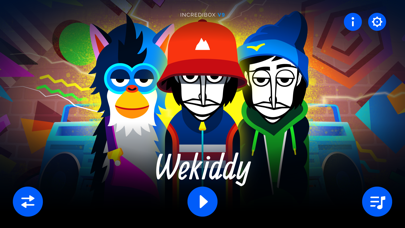
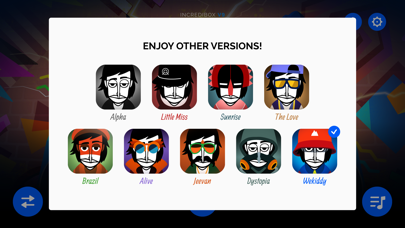
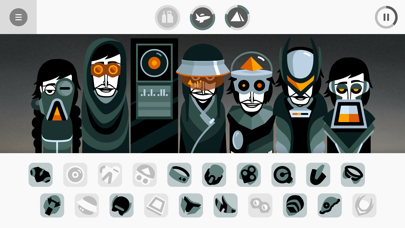
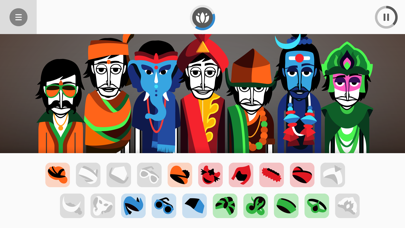
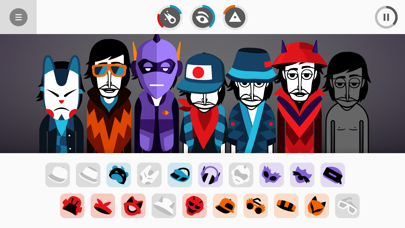
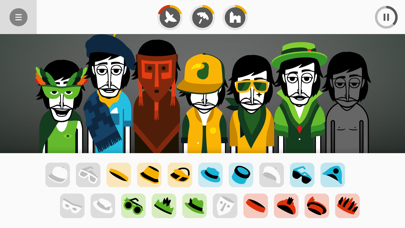
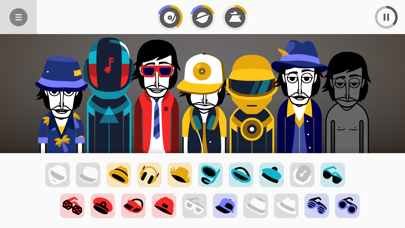
Incredibox lets you create your own music with the help of a merry crew of beatboxers. Choose your musical style to start laying down, recording and sharing your mix. Get your groove on with hip-hop beats, electro waves, pop voices, jazzy swing, Brazilian rhythms and much more. As well, discover a selection of mods created by the community. Plenty to keep you mixing for hours, with no ads or microtransactions.
Part game, part tool, Incredibox is above all an audio and visual experience that has quickly become a hit with people of all ages. The right mix of music, graphics, animation and interactivity makes Incredibox ideal for everyone. And because it makes learning fun and entertaining, Incredibox is now being used by schools all over the world.
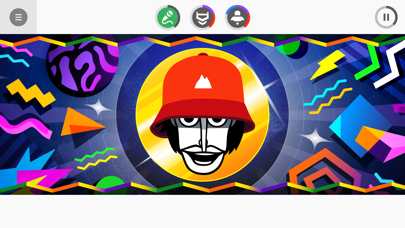
How to play? Easy! Drag and drop icons onto the avatars to make them sing and start to compose your own music. Find the right sound combos to unlock animated choruses that will enhance your tune.
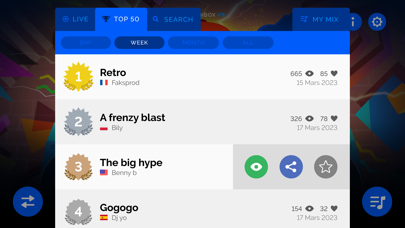
Once your composition sounds great, just save it and share it to get as many votes as possible. If you get enough votes, you may go down in Incredibox history by joining the Top 50 chart! Ready to show your stuff?
You can also download your mix as an MP3 from the app and listen to it over and over again!
Too lazy to create your own mix? No problem, just let the automatic mode play for you!
Pump it up and chill ;)
****************
Incredibox, the brainchild of Lyon, France-based studio So Far So Good, was created in 2009. Starting out as a webpage, it was then released as a mobile and tablet app and became an instant hit. It has won several awards and appeared in various international media, including: BBC, Adobe, FWA, Gizmodo, Slate, Konbini, Softonic, Kotaku, Cosmopolitan, PocketGamer, AppAdvice, AppSpy, Vice, Ultralinx and many others. The online demo has attracted more than 100 million visitors since its creation.
- 未越獄/受限或已越獄的 iPhone 或 iPad。

- Sideloadly 或替代方案。
- 執行 Windows/macOS/Linux 且已安裝 iTunes 的電腦。
步驟 1: 透過上方連結將已破解的 .IPA 檔案下載到您的電腦。若要從 iOSGods App 下載,請參閱我們的 iOSGods App IPA 下載教學,其中包含影片範例。
步驟 2: 下載 Sideloadly 並將其安裝在您的 Windows 或 Mac 上。
步驟 3: 在電腦上開啟 Sideloadly,連接您的 iOS 裝置,並等待裝置名稱出現在 Sideloadly 中。
步驟 4: 當 Sideloadly 辨識到您的 iOS 裝置後,將下載好的修改版 .IPA 檔案拖曳並放到 Sideloadly 應用程式中。
步驟 5: 輸入您的 Apple Account 電子郵件,然後按下「Start」。系統會要求您輸入密碼,請依指示提供所需資訊。
步驟 6: 等待 Sideloadly 完成已破解 IPA 的旁載/安裝。如果安裝過程中發生問題,請閱讀下方的注意事項。
步驟 7: 安裝完成並在主畫面上看到該應用程式後,您需要前往 設定 → 一般 → 描述檔 / VPN 與裝置管理。進入後,點選您在步驟 6 中輸入的電子郵件,然後點選「信任 [email protected]」。
步驟 8: 現在回到主畫面並開啟新安裝的應用程式,一切應該都能正常運作。您可能需要依照遊戲內破解彈出視窗中的進一步指示操作。
注意: 在 iOS/iPadOS 16 及更新版本上,您必須 啟用開發者模式。若使用免費的 Apple Developer 帳號,您將需要每 7 天重複此程序。如有任何疑問或問題,請閱讀我們的 主題中的 Sideloadly 常見問題區段。