Cần đăng nhập
Đăng nhập bằng tài khoản iOSGods để tiếp tục.
Đăng nhập bằng tài khoản iOSGods để tiếp tục.
Mở khóa tiến trình tức thì trong hack miễn phí này của Apart of Me, một trò chơi phiêu lưu nơi bạn nâng cấp nhanh chóng với mỗi lần kiếm XP. Kiếm kinh nghiệm chỉ 5 hoặc 6 lần và đạt cấp độ tối đa ngay lập tức, cho phép bạn bỏ qua việc lặp lại và lao vào hành động.
- Max Level → đạt cấp độ tối đa sau khi kiếm XP chỉ 5 hoặc 6 lần
Ứng dụng này cũng đi kèm với iGameGod, cho phép bạn truy cập Auto Touch để tự động hóa các thao tác lặp lại, App Speed Manager để điều chỉnh tốc độ chơi game, chỉnh sửa giá trị bằng Memory Engine, và nhiều công cụ mạnh mẽ khác cho game iOS.
Tải Apart of Me - Free Hack modded IPA từ các liên kết ở trên. Nhấn nút cài đặt và làm theo hướng dẫn để cài bản hack iOS lên iPhone, iPad hoặc Apple Silicon.
Cần thêm trợ giúp? Hãy xem Câu hỏi thường gặp ứng dụng iOSGods để có câu trả lời chi tiết và mẹo khắc phục sự cố.
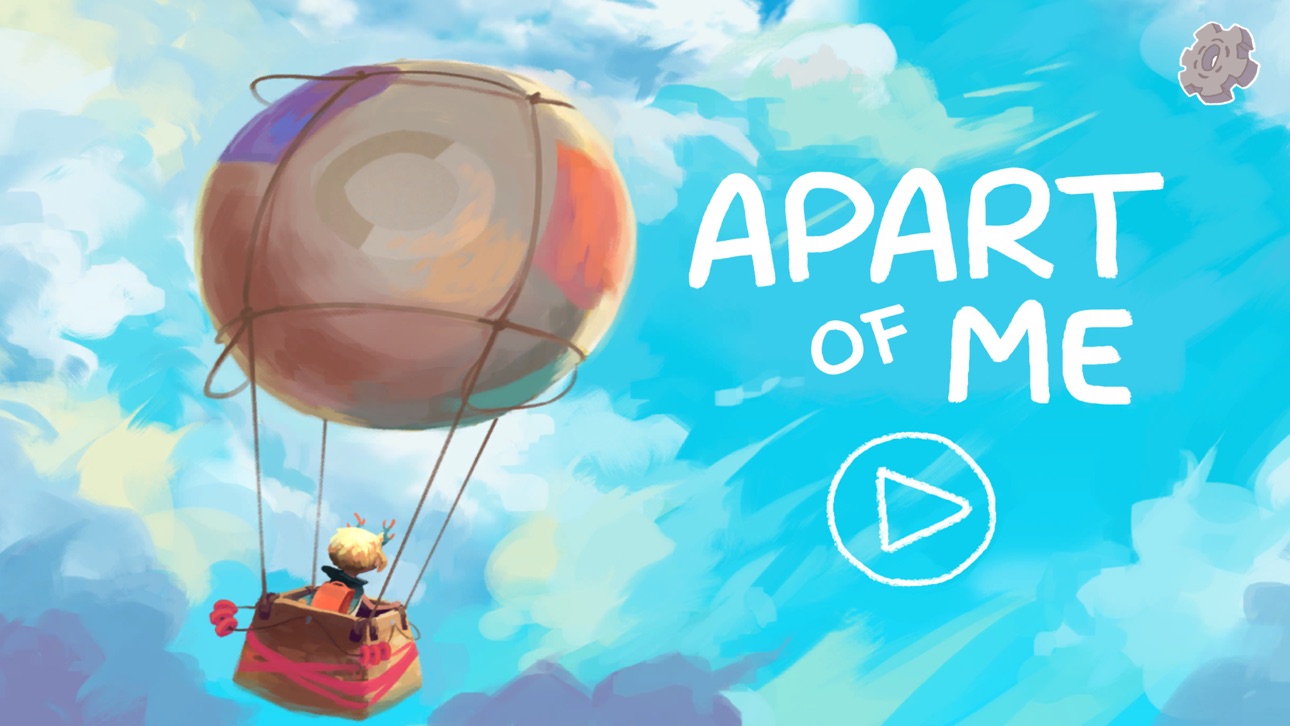
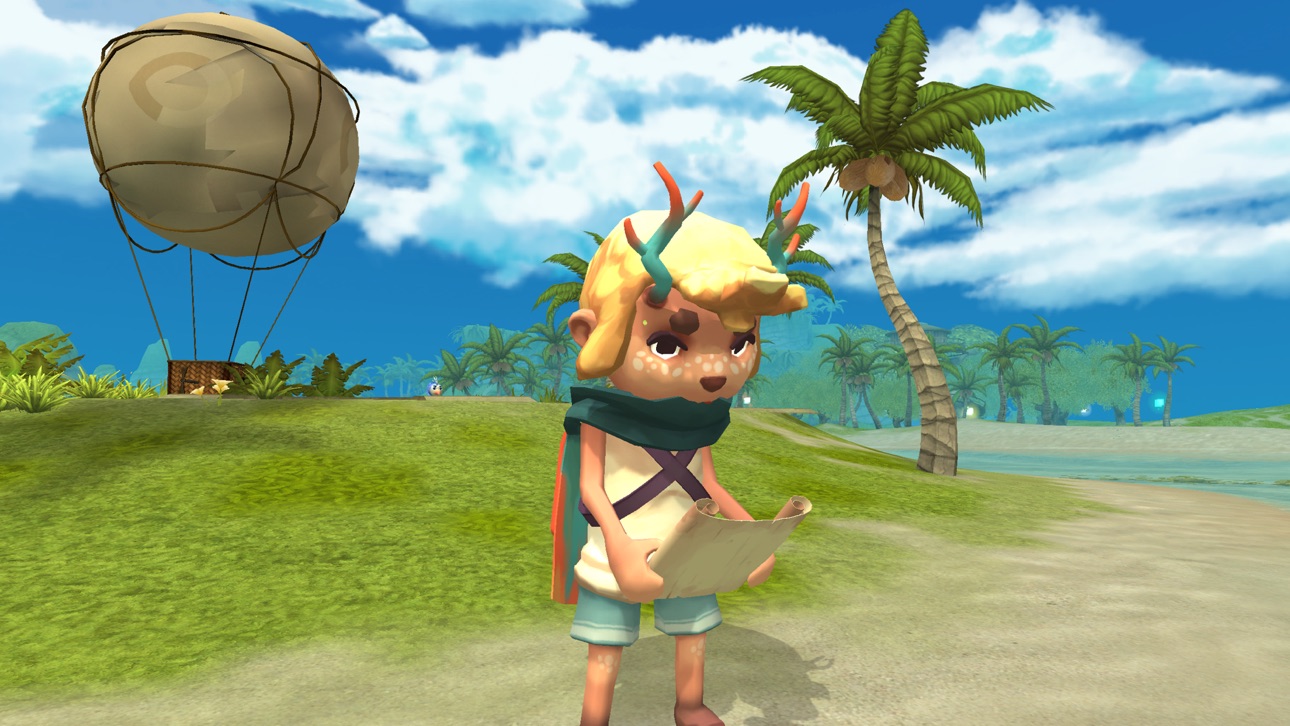
Apart of Me ist ein vielfach ausgezeichnetes therapeutisches Spiel. Es wurde von Experten der Kinderpsychologie in Zusammenarbeit mit trauernden Kindern und Jugendlichen geschaffen und überträgt Techniken der Trauerbewältigung in eine magische 3D-Welt.
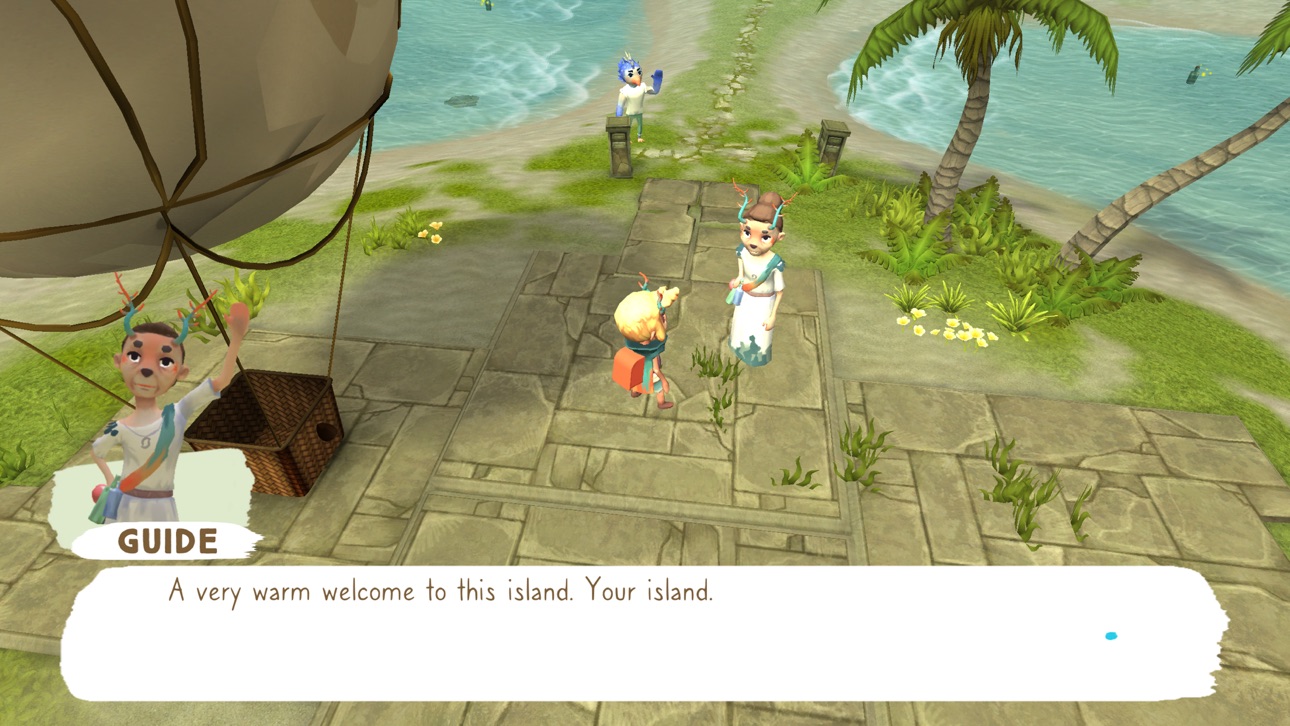
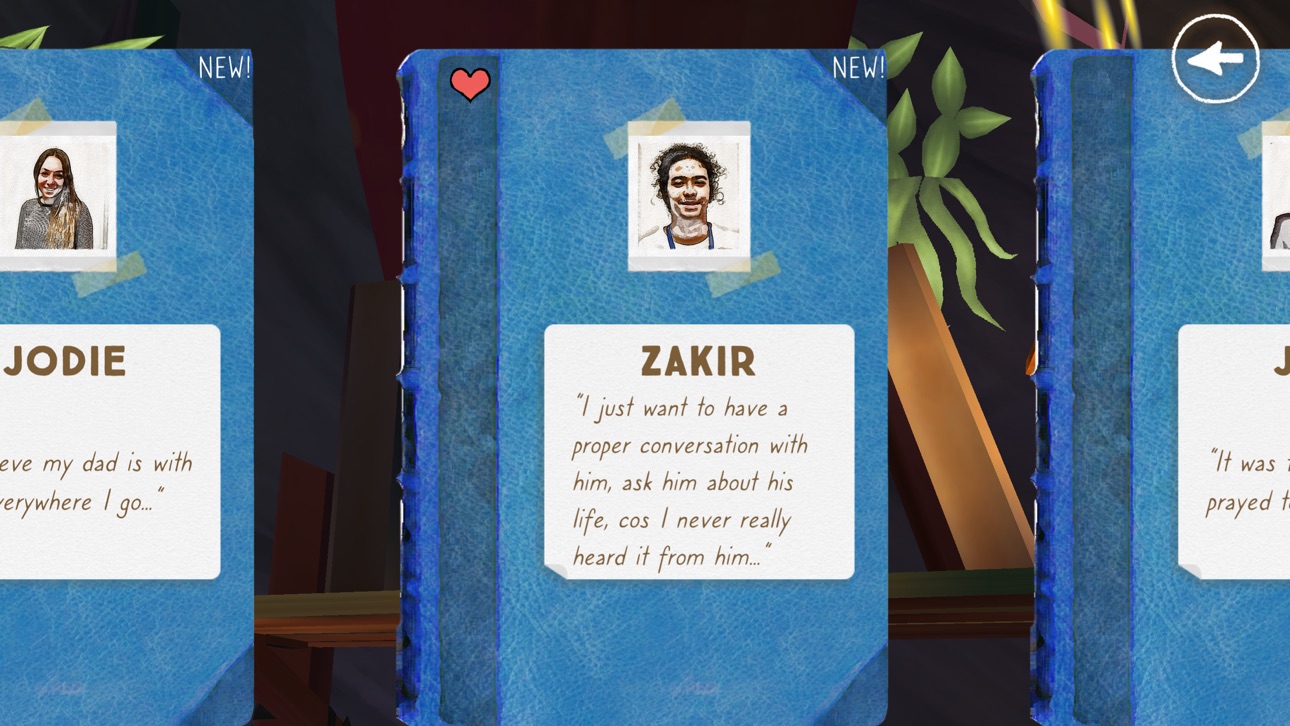
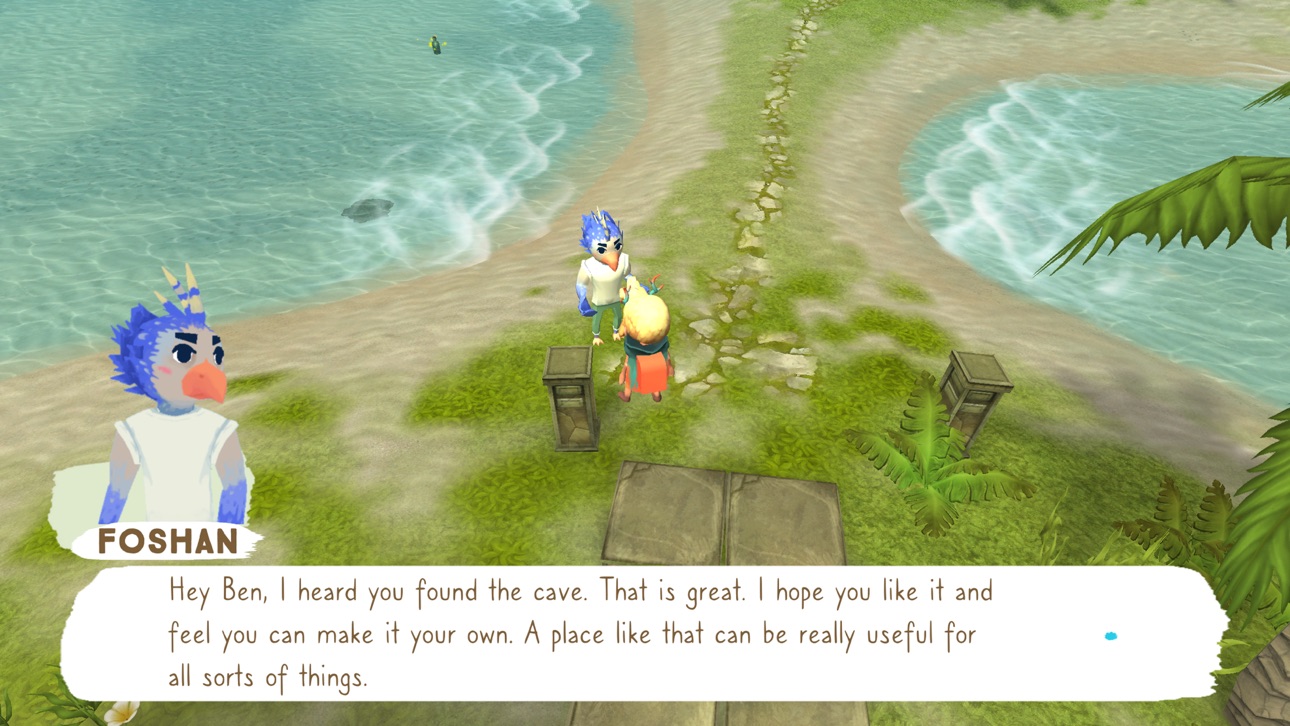
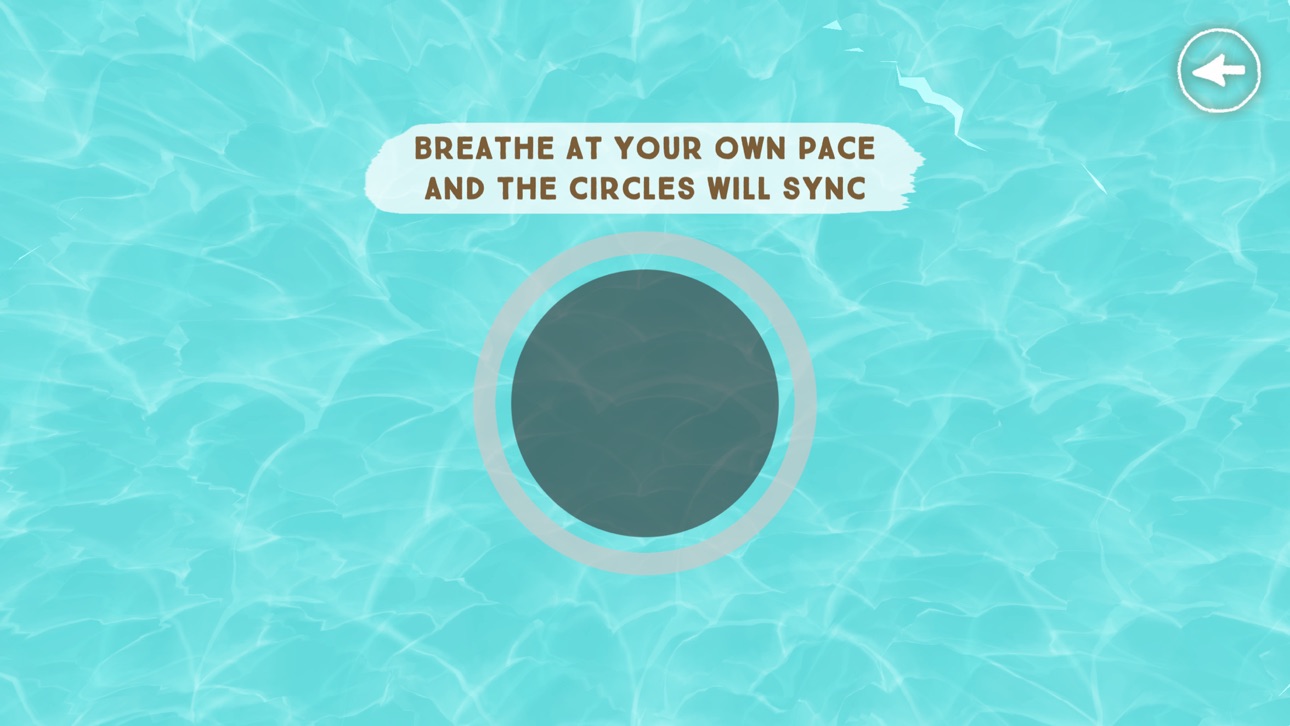
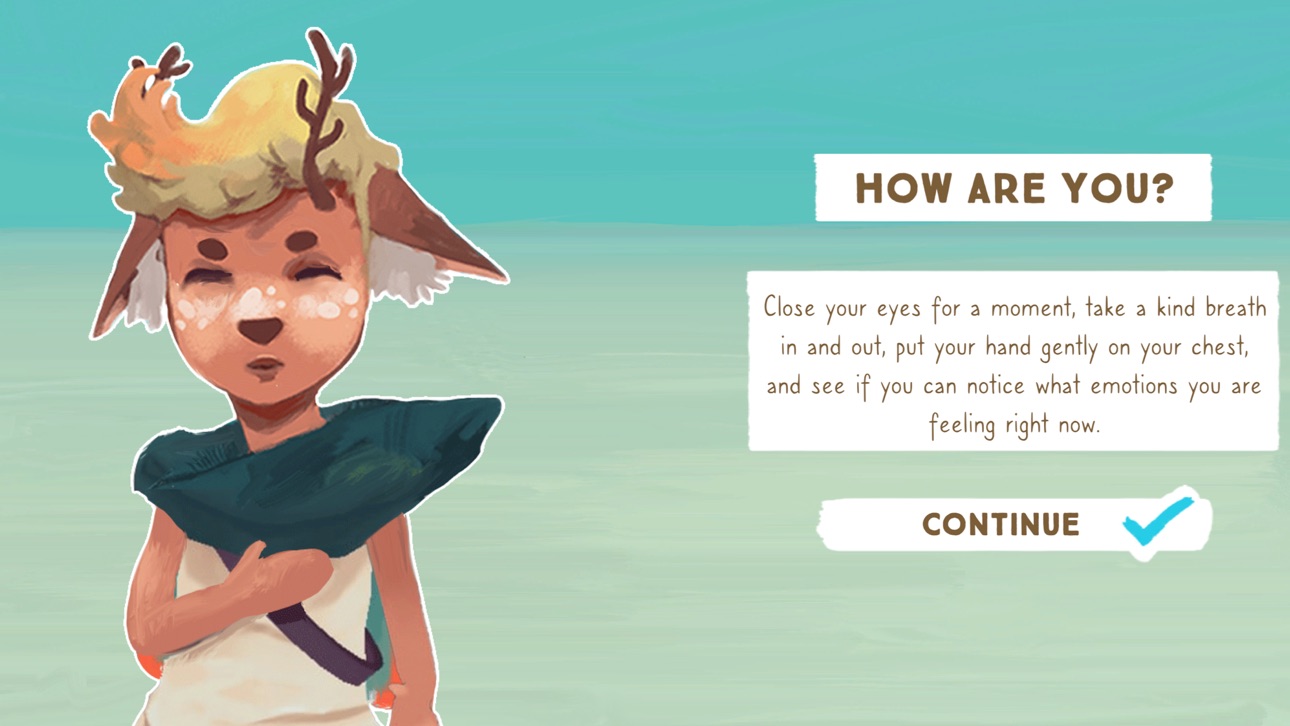
Erforsche eine idyllische, friedliche Insel und triff ihre freundlichen Bewohner. Auf deiner Reise wirst du von einer weisen Lotsin begleitet und unterstützt. Sie hilft dir, deine Trauer und die vielen damit verbundenen Gefühle zu erforschen, zu akzeptieren, zu verstehen und auszudrücken. Im Verlauf des Spiels entdeckst du nach und nach deine eigene Stärke und Weisheit. Die Insel ist eine sichere Umgebung. Hier kannst du deine Trauer ganz in deinem eigenen Tempo verarbeiten, dich an deinen geliebten Menschen erinnern und Geschichten von anderen hören kannst, die verstehen wie es sich anfühlt, einen geliebten Menschen zu verlieren.
WAS NUTZER ÜBER DIE APP SAGEN
“Ich nutze die App im Rahmen der Behandlung vieler trauernder Kinder und Jugendlicher und sie ist wirklich großartig.“ – Sara, leitende Kinderpsychologin in einer von Portugals größten Kinderpsychologie- und Trauerbewältigungskliniken
“Das Spiel ist wunderschön. Es hat mir in einer schwierigen Zeit enorm geholfen, vor allem mit meiner Angst. Der Felsenteich hilft mir echt sehr; ich besuche ihn nach dem Aufstehen, um meinen Tag gut zu beginnen, und abends vor dem Schlafen. Am liebsten mag ich die Geschichten. Die höre ich mir an, wann immer ich kann. Vielen Dank für dieses Spiel, ich liebe es.“ – Rosabella, Bewertung
“Dieses Spiel kann Leben verändern – wenn nicht sogar retten.“ – William Hunter Howell, Autor von Affable in Adversity, dem Bestseller zum Thema Trauerbewältigung
AUSZEICHNUNGEN UND WÜRDIGUNGEN
- Gewinner als “Best Youth Focused Emotional Support Application” bei den “Global Health & Pharma Technology Awards”
- Gewinner des “Points of Light Award” des Büros de britischen Premierminsiters
- Finalist bei den “Tech4Good Awards“
- Nominiert für einen BAFTA Award
- Vorgestellt auf der US-amerikanischen Liste für bemerkenswerte Digitale Medien für Kinder (Notable Children's Digital Media list)
- Ausgezeichnet mit der „Orcha Health App Quality Mark“
- Geführt im „Mental Health Toolkit“ der Regierung von Wales
PRESSE
Apart of Me war zu sehen bei BBC, The Guardian, Evening Standard, Huffington Post und ITN.
ÜBER BOUNCE WORKS
Bounce Works ist ein Sozialunternehmen mit dem Ziel, der wachsenden psychischen Gesundheitskrise bei jungen Menschen durch ansprechende, effektive digitale Produkte und Dienste entgegenzuwirken. Wir haben Apart of Me geschaffen, um jungen Menschen und ihren Familien durch dunkle Trauerzeiten hindurch zu einer hoffnungsvollen, erfüllenden Zukunft hin zu helfen.
APART OF ME NUTZUNGSBEDINGUNGEN
Apart of Me will Kinder und junge Menschen mit einem unheilbar kranken oder bereits verstorbenen Familienmitglied oder Freund/Freundin unterstützen. Die App dient nicht als Ersatz für eine unabhängige, professionelle Behandlung durch einen qualifizierten Berater, Psychotherapeuten oder Arzt. Solltest du das Gefühl haben, mehr Hilfe und Unterstützung zu brauchen, wende dich bitte unbedingt an eine Vertrauensperson oder einen professionellen Berater oder Therapeuten.
Um die Effektivität der einzelnen Spielfunktionen und therapeutischen Techniken zu überprüfen, werden wir zukünftig möglicherweise bestimmte Nutzerdaten sammeln. Aber keine Sorge – wir fragen dich immer nach deiner Zustimmung, bevor wir identifizierbare Daten erheben und du kannst jederzeit Nein sagen.
Apart of Me ist geeignet für Spieler ab 11 Jahren.
Mehr Informationen zu unseren Nutzungsbedingungen findest du unter https://apartofme.app/terms/
Datenschutzrichtlinie: https://apartofme.app/privacy/
Ảnh chụp © chủ sở hữu tương ứng · App Store



iOSGods không liên kết, không được chứng thực hay tài trợ bởi Apple Inc., Google LLC hoặc các nhà phát triển của những ứng dụng được liệt kê ở đây. Apple, iOS và App Store là thương hiệu của Apple Inc. Android và Google Play là thương hiệu của Google LLC. Mọi tên ứng dụng, biểu tượng, hình ảnh và thương hiệu khác đều thuộc về chủ sở hữu tương ứng.
- iPhone hoặc iPad chưa jailbreak/đã đóng hoặc đã jailbreak.
- Sideloadly hoặc các lựa chọn thay thế.
- Máy tính chạy Windows/macOS/Linux đã cài iTunes.
BƯỚC 1: Tải tệp .IPA đã được hack sẵn từ liên kết phía trên về máy tính của bạn. Để tải từ iOSGods App, hãy xem Hướng dẫn tải IPA bằng iOSGods App của chúng tôi, có kèm ví dụ bằng video.
BƯỚC 2: Tải Sideloadly và cài đặt trên Windows hoặc Mac của bạn.
BƯỚC 3: Mở Sideloadly trên máy tính, kết nối thiết bị iOS của bạn và chờ cho đến khi tên thiết bị hiển thị trong Sideloadly.
BƯỚC 4: Khi thiết bị iOS của bạn đã được nhận diện, hãy kéo tệp .IPA đã chỉnh sửa mà bạn tải về và thả vào ứng dụng Sideloadly.
BƯỚC 5: Nhập email Apple Account của bạn, sau đó nhấn "Start." Bạn sẽ được yêu cầu nhập mật khẩu. Hãy cung cấp các thông tin cần thiết.
BƯỚC 6: Chờ Sideloadly hoàn tất quá trình sideload/cài đặt tệp IPA đã hack. Nếu gặp sự cố trong quá trình cài đặt, vui lòng đọc lưu ý bên dưới.
BƯỚC 7: Khi cài đặt hoàn tất và bạn thấy ứng dụng trên Màn hình chính, bạn cần truy cập Cài đặt → Cài đặt chung → Hồ sơ / VPN & Quản lý thiết bị. Tại đó, nhấn vào email bạn đã nhập ở bước 6, rồi nhấn "Tin cậy [email protected]".
BƯỚC 8: Bây giờ hãy về Màn hình chính và mở ứng dụng vừa cài đặt, mọi thứ sẽ hoạt động bình thường. Bạn có thể cần làm theo hướng dẫn riêng của từng ứng dụng trong cửa sổ popup của bản hack trong game.
LƯU Ý: Trên iOS/iPadOS 16 trở lên, bạn phải bật Chế độ nhà phát triển. Với tài khoản Apple Developer miễn phí, bạn sẽ cần lặp lại quy trình này mỗi 7 ngày. Nếu bạn có thắc mắc hoặc gặp sự cố, hãy đọc mục FAQ về Sideloadly trong chủ đề của chúng tôi.
Game Name iOS Mod IPA is an action adventure game enhanced with powerful gameplay boosts and quality-of-life improvements. Win battles faster, earn rewards quicker, and enjoy uninterrupted play without ads.
- Unlimited Gold - spend freely to unlock premium content
- Damage Multiplier - deal significantly more damage in combat
- Defense Multiplier - take less damage and survive longer
- Reward Multiplier - earn more loot from every battle
- Max Level - instantly reach the highest player rank
- No Ads - play without interruptions or advertisements
This app also comes with iGameGod, giving you access to Auto Touch to automate repetitive tasks, App Speed Manager for adjustable gameplay speed, Memory Engine value editing, and more powerful iOS game tools.
Tải Game Name Mod IPA từ các liên kết ở trên. Nhấn nút cài đặt và làm theo hướng dẫn để cài bản hack iOS lên iPhone, iPad hoặc Apple Silicon.
Cần thêm trợ giúp Hãy xem Câu hỏi thường gặp ứng dụng iOSGods để có câu trả lời chi tiết và mẹo khắc phục sự cố.
----------------------------------------------------------
--------------------------------------------------