Login necessário
Entre com sua conta iOSGods para continuar.
Entre com sua conta iOSGods para continuar.

HP ilimitado e a capacidade de escolher sua arma no meio da batalha lhe dão controle total em Idle Monkey: Bagpack War Mod APK, este hack Android gratuito que remove anúncios e aumenta suas moedas de batalha. Combine armas, organize sua mochila e domine batalhas na floresta com truques que permitem sobreviver a qualquer encontro e escolher seu arsenal na hora.
- Sem Anúncios → gameplay sem publicidade
- Moedas de Batalha → recompensas de moeda aprimoradas
- HP Ilimitado / Escolher Arma na Batalha → invencibilidade e seleção de arma no meio da batalha
Baixe Idle Monkey: Bagpack War Mod APK do botão acima. Depois de tocar em baixar, basta seguir as instruções para instalar o APK modificado no seu dispositivo Android ou emulador.
Precisa de ajuda? Confira nossas Perguntas frequentes sobre Android para respostas detalhadas e dicas de solução de problemas.
Idle Monkey: Backpack War
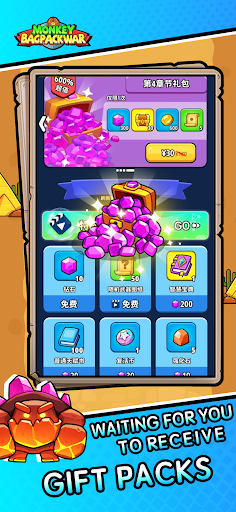
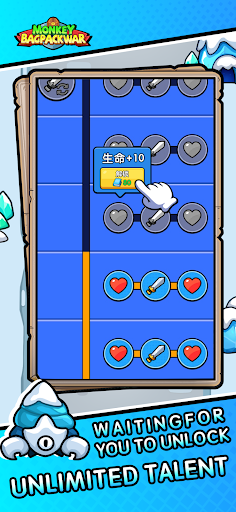
Idle Monkey is a fast-paced backpack and merge game where players take on the role of an idle monkey adventuring through the forest. Organize your backpack while adjusting your strategies to find the best combination of backpack equipment.
Engage in enjoyable battles by passing chapters to achieve higher rewards in the rankings.
Idle Monkey will bring you on a wonderful journey where you can discover new features:
• Collect various types of weapons
• Upgrade various weapons
• Synthesize higher-level weapons in combat
• Reasonable placement and correct card combinations will make you twice as efficient with half the effort
• Get your Idle Monkey ready — embark on a journey through battles involving backpacks and merging to earn rewards!
It’s Not a Waste of Time: A challenging yet enjoyable backpack game where you need to merge and size your builds correctly. It sounds so easy and fun!
From Beginners to Pros: Your level of play and problem-solving can vary, but rest assured, you will enjoy this backpack and merge game.
This application offers a free-to-play experience with the option for in-game purchases.