تسجيل الدخول مطلوب
سجّل الدخول بحساب iOSGods للمتابعة.
Hack Features
- Avatar Unlocked
- Frame Unlocked
- Unlimited Coins
- Unlimited Booster
قم بتنزيل Memory Tiles: Matching Game iOS Mod IPA من الروابط أعلاه. اضغط على زر التثبيت واتبع التعليمات لتثبيت هذا التعديل لـ iOS على iPhone أو iPad أو Apple Silicon.
هل تحتاج إلى مزيد من المساعدة؟ راجع الأسئلة الشائعة لتطبيق iOSGods للحصول على إجابات مفصلة ونصائح لاستكشاف الأخطاء.
Memory Tiles — Match 3 Tile Puzzle & World Travel Adventure
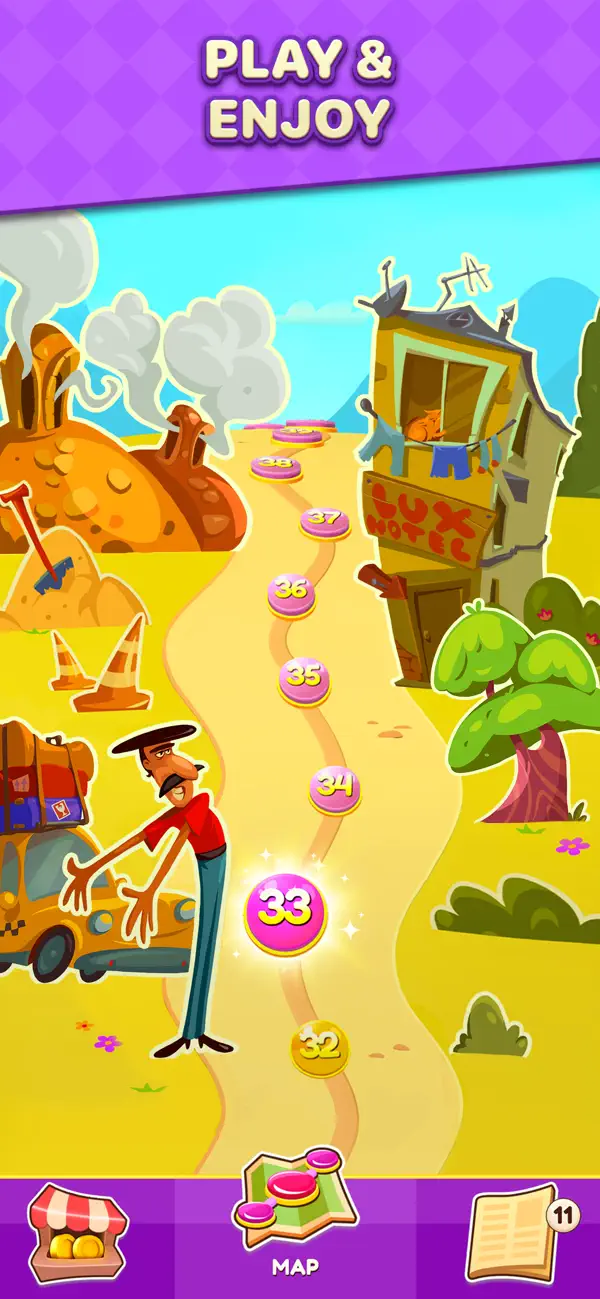
Memory Tiles is a relaxing and addictive match 3 tile puzzle game where you connect tiles, stack tiles, and match three identical tiles to clear the board. Enjoy calming gameplay, train your memory, and travel across real-world locations with your companion. Each level is a soothing tile matching journey designed to boost focus, logic, and attention.
Tile games like this help you relax, unwind, and keep your mind sharp. Open Memory Tiles anytime you need a quiet moment or a quick mental refresh. Waiting for a flight or an appointment? Turn that time into a peaceful tile puzzle session. Match tiles, clear the board, travel the world — and let stress fade away.
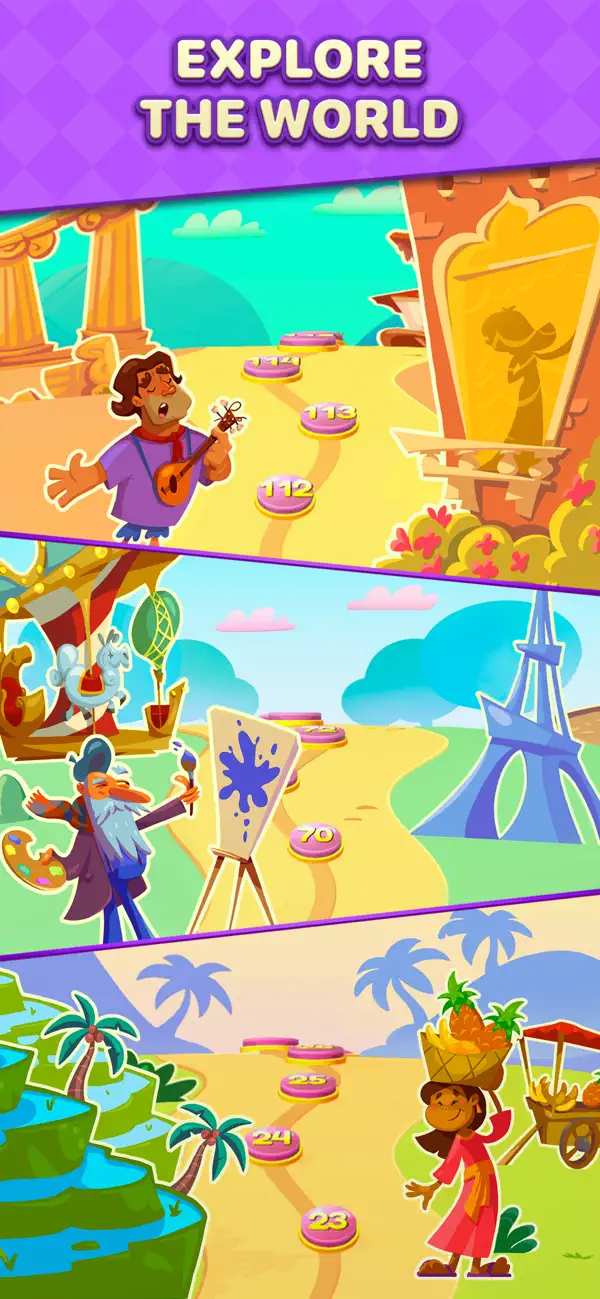
Your character travels together with you through beautiful destinations:
• Indonesia — tropical beaches, jungles, warm sunsets
• Georgia — mountains, vineyards, ancient towns
• France — cafés, landmarks, romantic streets
• Italy — coasts, piazzas, Renaissance colors
• Portugal — ocean cliffs, tiled avenues, sunny moods
Each location offers new tile layouts, themed puzzles, and collectibles that make your journey feel alive.
How to Play
Your goal is simple: clear the board.
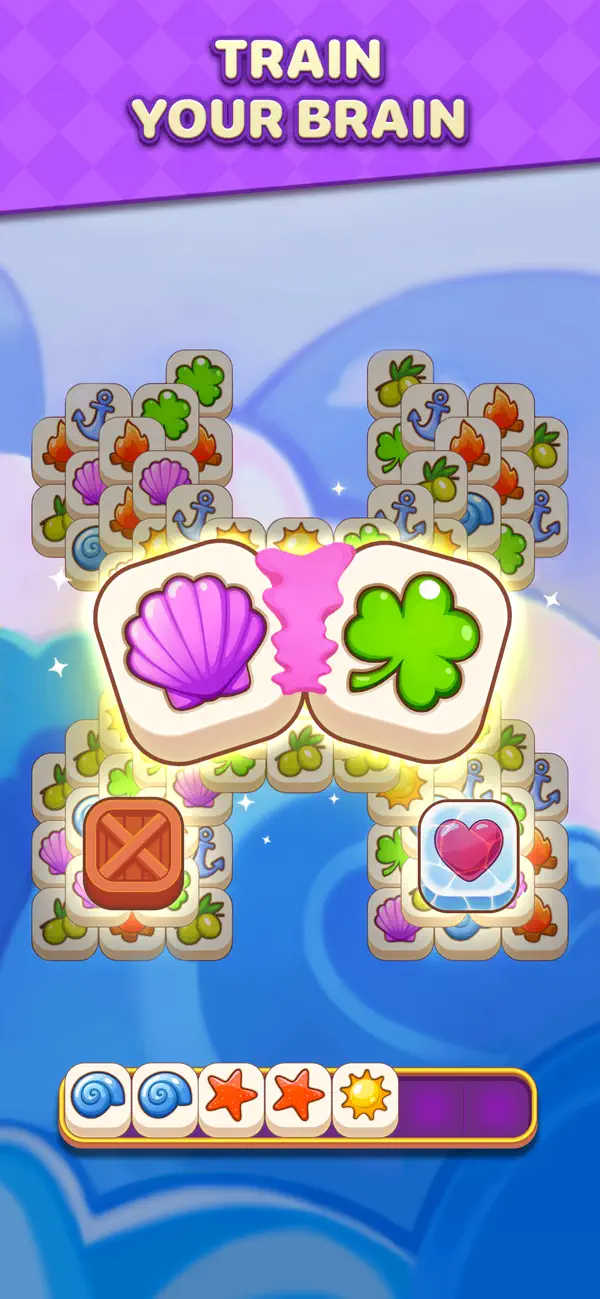
Tap tiles to place them into your stack. When you collect 3 matching tiles, they disappear. Plan ahead: your stack has limited slots, and if it fills up, you lose the level. Clear all tiles to win and become a true tile master.
Memory Tiles blends tile match, tile connect, tile sort, triple match puzzle, and memory training into one smooth experience. Easy to learn, deeply satisfying to master.
Special Tile Mechanics
• Ice Tile — frozen tiles locked in ice; break the ice by using the tile
• Hidden Tile — clear the top to reveal them
• Box Tile — crates hiding a random tile inside; open them for a surprise
• Gum Tile — sticky tiles trapped in gum
These obstacles make each match more strategic and engaging.
Boosters
Use powerful boosters to help you solve difficult tile matching puzzles:
• Magic Wand — remove any tile you choose
• Shuffle — reshuffle all tiles on the board
• Undo — reverse your last move
• Extra Cell — add one more slot to your stack
Boosters are perfect for passing tricky boards with ice, hidden tiles, crates, and gum.
Why Players Love Memory Tiles
• Relaxing, addictive match 3 tile gameplay
• Beautiful travel themes and world locations
• Brain-training mechanics with memory and logic focus
• Hundreds of handcrafted tile puzzles
• Perfect for quick breaks or long relaxing sessions
• Works offline — enjoy anywhere, anytime
• Smooth animations, pleasant sound design, calming flow
Memory Tiles is your pocket companion: a brain puzzle, a memory game, a tile match adventure, and a travel story all in one.
Start your tile-matching journey, travel the world, train your memory, and relax with Memory Tiles — your new favorite match 3 tile puzzle game.
- iPhone أو iPad بجيلبريك أو بدون جيلبريك.
- Sideloadly أو بدائلها.
- كمبيوتر يعمل بنظام Windows/macOS/Linux مع تثبيت iTunes.
الخطوة 1: قم بتنزيل ملف .IPA المعدّل مسبقًا من الرابط أعلاه إلى الكمبيوتر الخاص بك. للتنزيل من تطبيق iOSGods App، اطلع على دليل تنزيل IPA من تطبيق iOSGods App الذي يتضمن مثالًا بالفيديو.
الخطوة 2: قم بتنزيل Sideloadly وتثبيته على جهاز Windows أو Mac.
الخطوة 3: افتح Sideloadly على الكمبيوتر، ووصّل جهاز iOS الخاص بك، وانتظر حتى يظهر اسم جهازك داخل Sideloadly.
الخطوة 4: بمجرد التعرّف على جهاز iDevice الخاص بك، اسحب ملف .IPA المعدّل الذي قمت بتنزيله وأفلِته داخل تطبيق Sideloadly.
الخطوة 5: أدخل البريد الإلكتروني لحساب Apple Account الخاص بك، ثم اضغط على «Start». سيُطلب منك بعد ذلك إدخال كلمة المرور. تابع وأدخل المعلومات المطلوبة.
الخطوة 6: انتظر حتى ينتهي Sideloadly من تحميل/تثبيت ملف IPA المعدّل. في حال واجهت أي مشاكل أثناء التثبيت، يرجى قراءة الملاحظة أدناه.
الخطوة 7: بعد اكتمال التثبيت ورؤية التطبيق على الشاشة الرئيسية، انتقل إلى Settings → General → Profiles / VPN & Device Management. ثم اضغط على البريد الإلكتروني الذي أدخلته في الخطوة 6، ثم اضغط على «الوثوق بـ [email protected]».
الخطوة 8: الآن انتقل إلى الشاشة الرئيسية وافتح التطبيق الذي تم تثبيته للتو وسيعمل كل شيء بشكل صحيح. قد تحتاج إلى اتباع تعليمات إضافية خاصة بكل تطبيق داخل النافذة المنبثقة للتعديل أثناء اللعب.
ملاحظة: بدءًا من iOS/iPadOS 16 وما بعده، يجب تفعيل وضع المطور (Developer Mode). بالنسبة لحسابات Apple Developer المجانية، ستحتاج إلى تكرار هذه العملية كل 7 أيام. إذا كانت لديك أي أسئلة أو مشاكل، يرجى قراءة قسم الأسئلة الشائعة حول Sideloadly في الموضوع.