تسجيل الدخول مطلوب
سجّل الدخول بحساب iOSGods للمتابعة.
Hack Features
- Damage Multiplier
- God Mode
يأتي هذا التطبيق مع iGameGod، مما يتيح لك الوصول إلى Auto Touch لأتمتة المهام المتكررة، وApp Speed Manager لضبط سرعة اللعب، وتعديل القيم عبر Memory Engine، والمزيد من أدوات ألعاب iOS القوية.
قم بتنزيل Marmot Defense: Rogue Survival Hack modded IPA من الروابط أعلاه. اضغط على زر التثبيت واتبع التعليمات لتثبيت هذا التعديل لـ iOS على iPhone أو iPad أو Apple Silicon.
هل تحتاج إلى مزيد من المساعدة؟ راجع الأسئلة الشائعة لتطبيق iOSGods للحصول على إجابات مفصلة ونصائح لاستكشاف الأخطاء.
Defend, survive, and become a legend.
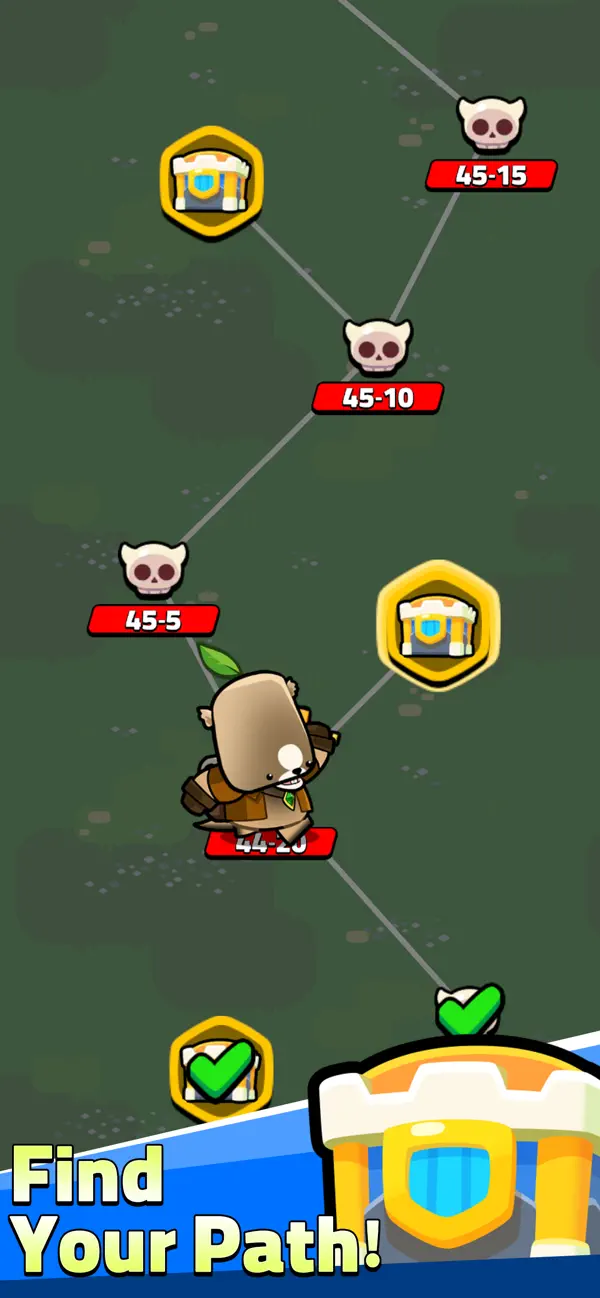
Legend of Marmot is a roguelike survival defense RPG where a small animal hero fights endless waves of enemies in fast-paced auto-battler action.
Story
Humans have branded all animals as monsters, conquering the world in their greed.
But one hero rises—the Marmot, unjustly feared as the “Demon King.”
Armed with elemental spirits and mystical weapons, he sets out to protect the animal kingdom and reclaim their freedom.
Survive, grow stronger, and turn the tide in this addictive adventure.
Key Features
■ Roguelike Survival Action
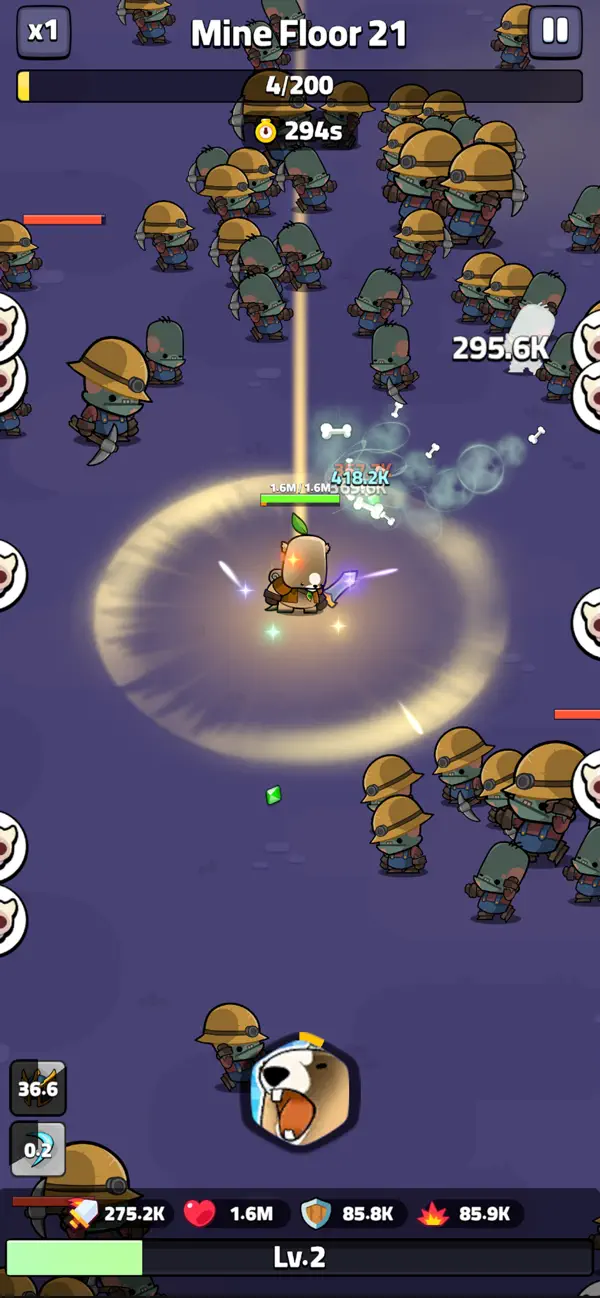
Endless enemy waves, every run feels different.
Easy auto battle system with real strategic depth.
Each skill choice shapes your build and survival chances.
■ 6 Elements & Synergy Combos
Fire, Ice, Lightning, Wind, Light, Darkness.
Combine elements to unlock synergy skills and devastating effects:
■ Defense Against Endless Waves
Difficulty increases every 10 seconds.
Fast 5-minute challenge mode or push your limits in endless survival.
Defeat waves, collect loot, and keep upgrading.
■ Idle Growth & Auto Battles
The Marmot attacks automatically—you focus on strategy.
Level up, draft skills, and let your pet collect EXP.
Perfect for both short casual play and long idle sessions.
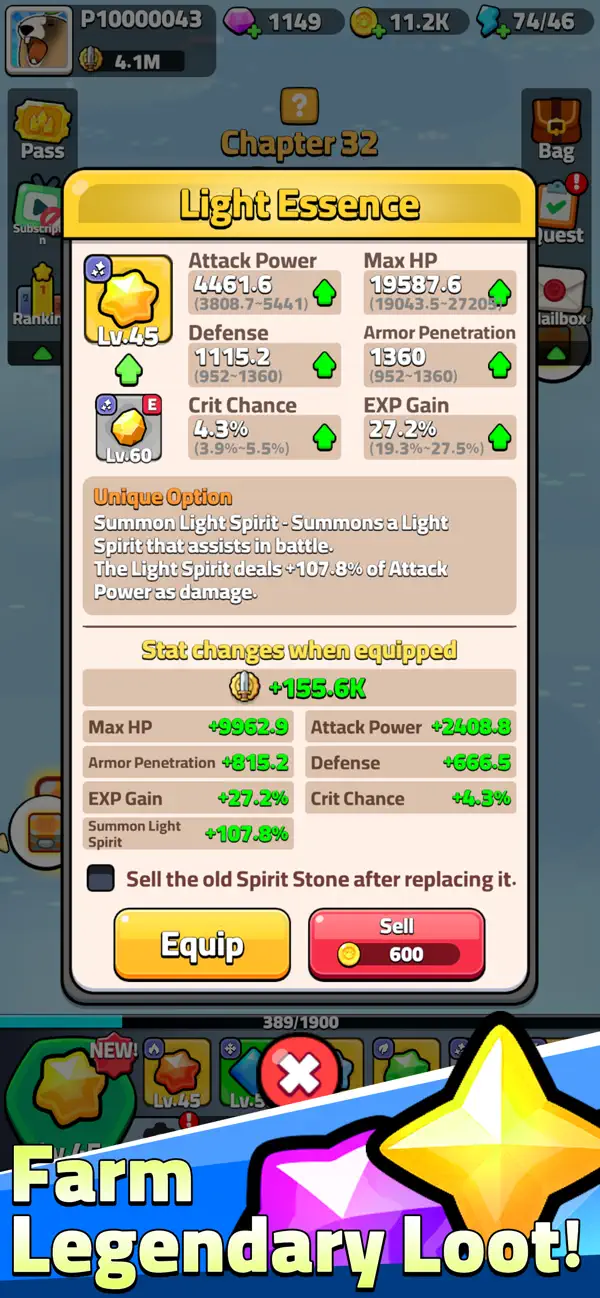
■ Unique Equipment & Loot System
Discover weapons, armor, relics, and set items.
Special passive effects allow deep build crafting.
Gear doesn’t just boost stats—it changes your entire playstyle.
■ Card-Based Skill Drafting
Choose 1 of 3 skill cards whenever you level up.
Spend gold to reroll (cost rises each time).
A single choice can create a completely new build.
■ Cute Yet Dark Fantasy World
Adorable animal heroes in a world of conflict.
A Marmot falsely feared as a Demon King takes center stage.
Face humans, monsters, and massive bosses in stylish battles.
Perfect For Players Who
Enjoy Vampire Survivors-style roguelike survival games
Want a mix of idle progression + strategic action
Love endless builds, synergies, and upgrades
Prefer short sessions or long survival challenges
Like cute animal heroes with powerful combat
Why You’ll Love It
Fast, fun, and addictive roguelike gameplay
Deep strategy through skill combos, synergies, and gear builds
High replay value—no two runs are ever the same
Stunning effects and satisfying hack-and-slash action
Download Legend of Marmot now!
Experience a unique blend of roguelike survival, idle RPG progression, and action defense combat—and watch a small Marmot rise to legend.
- iPhone أو iPad بجيلبريك أو بدون جيلبريك.
- Sideloadly أو بدائلها.
- كمبيوتر يعمل بنظام Windows/macOS/Linux مع تثبيت iTunes.
الخطوة 1: قم بتنزيل ملف .IPA المعدّل مسبقًا من الرابط أعلاه إلى الكمبيوتر الخاص بك. للتنزيل من تطبيق iOSGods App، اطلع على دليل تنزيل IPA من تطبيق iOSGods App الذي يتضمن مثالًا بالفيديو.
الخطوة 2: قم بتنزيل Sideloadly وتثبيته على جهاز Windows أو Mac.
الخطوة 3: افتح Sideloadly على الكمبيوتر، ووصّل جهاز iOS الخاص بك، وانتظر حتى يظهر اسم جهازك داخل Sideloadly.
الخطوة 4: بمجرد التعرّف على جهاز iDevice الخاص بك، اسحب ملف .IPA المعدّل الذي قمت بتنزيله وأفلِته داخل تطبيق Sideloadly.
الخطوة 5: أدخل البريد الإلكتروني لحساب Apple Account الخاص بك، ثم اضغط على «Start». سيُطلب منك بعد ذلك إدخال كلمة المرور. تابع وأدخل المعلومات المطلوبة.
الخطوة 6: انتظر حتى ينتهي Sideloadly من تحميل/تثبيت ملف IPA المعدّل. في حال واجهت أي مشاكل أثناء التثبيت، يرجى قراءة الملاحظة أدناه.
الخطوة 7: بعد اكتمال التثبيت ورؤية التطبيق على الشاشة الرئيسية، انتقل إلى Settings → General → Profiles / VPN & Device Management. ثم اضغط على البريد الإلكتروني الذي أدخلته في الخطوة 6، ثم اضغط على «الوثوق بـ [email protected]».
الخطوة 8: الآن انتقل إلى الشاشة الرئيسية وافتح التطبيق الذي تم تثبيته للتو وسيعمل كل شيء بشكل صحيح. قد تحتاج إلى اتباع تعليمات إضافية خاصة بكل تطبيق داخل النافذة المنبثقة للتعديل أثناء اللعب.
ملاحظة: بدءًا من iOS/iPadOS 16 وما بعده، يجب تفعيل وضع المطور (Developer Mode). بالنسبة لحسابات Apple Developer المجانية، ستحتاج إلى تكرار هذه العملية كل 7 أيام. إذا كانت لديك أي أسئلة أو مشاكل، يرجى قراءة قسم الأسئلة الشائعة حول Sideloadly في الموضوع.