تسجيل الدخول مطلوب
سجّل الدخول بحساب iOSGods للمتابعة.
Hack Features
- Unlimited Currency
- Unlimited Resources
قم بتنزيل Evergrove Idle: Grow Magic Hack modded IPA من الروابط أعلاه. اضغط على زر التثبيت واتبع التعليمات لتثبيت هذا التعديل لـ iOS على iPhone أو iPad أو Apple Silicon.
هل تحتاج إلى مزيد من المساعدة؟ راجع الأسئلة الشائعة لتطبيق iOSGods للحصول على إجابات مفصلة ونصائح لاستكشاف الأخطاء.
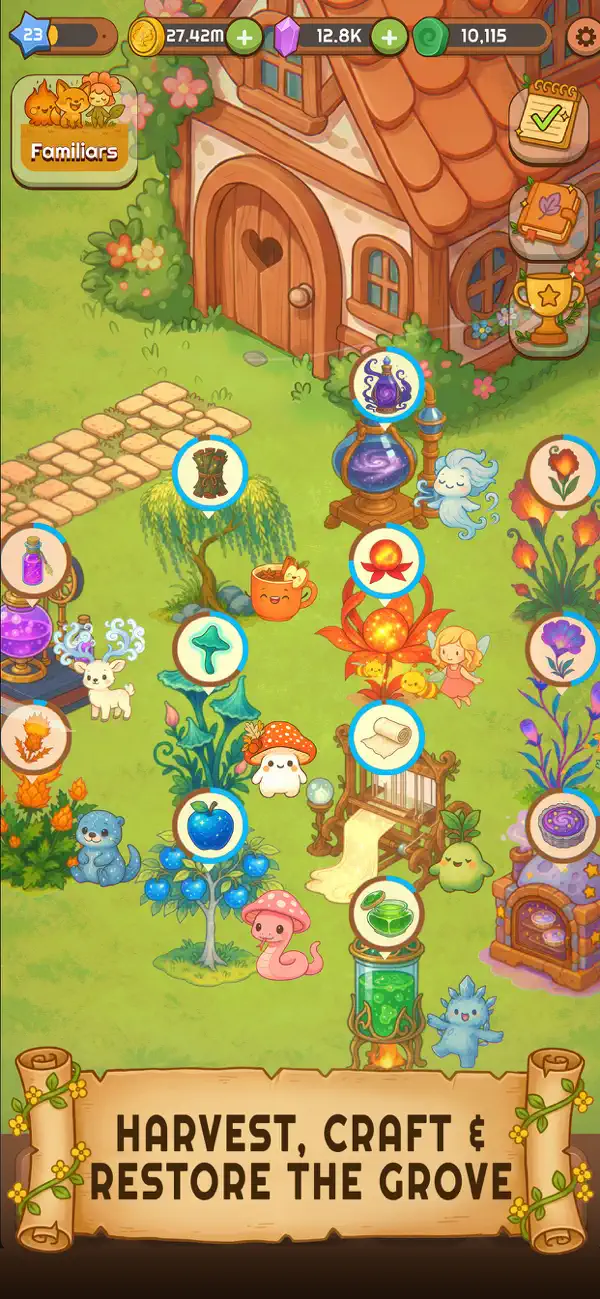
Evergrove Idle: Grow Magic is an idle, cozy life sim where magic flows through a forgotten farm as you grow a peaceful grove at your own pace. Designed to relax and reward gentle play, Evergrove blends enchanted farming, soft storytelling, and effortless progression into a soothing fantasy escape.
As the new caretaker of a long-lost magical grove, you’ll plant shimmering seeds, harvest glowing crops, and craft enchanted goods while your grove continues to thrive—even when you’re away. Ancient magic stirs beneath the soil, and every upgrade helps you grow the land’s power and restore its beauty. With calming music and warm visuals, Evergrove is built for players who love slow, comforting experiences.
At its heart, Evergrove is a life sim focused on restoration and connection. Recruit adorable animal familiars to automate tasks, boost production, and help your farm flourish. Expand mystical buildings, unlock satisfying production chains, and uncover forgotten lore hidden throughout the grove. If you enjoy the relaxing loop of a farming sim but want something softer and more story-driven, Evergrove offers a magical twist.
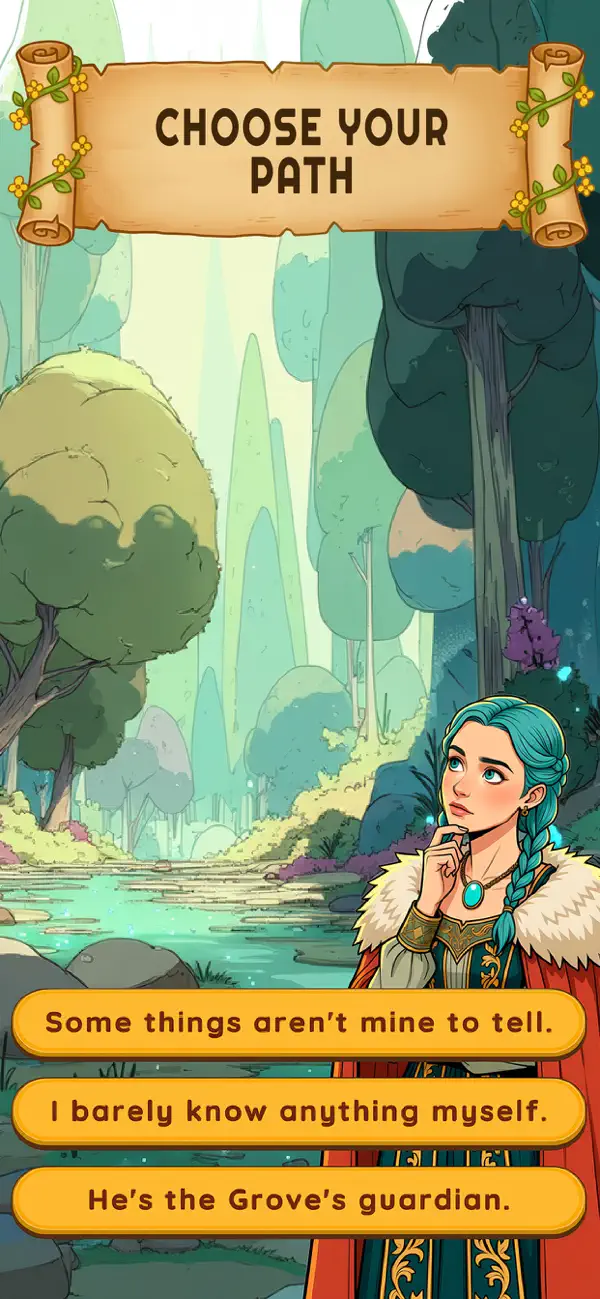
But the grove is more than crops and crafting. As you grow its strength, you’ll discover memories tied to the land and a mysterious guardian bound to it. Through quiet story moments and gentle progression, a slow-burn bond begins to form. Fans of stardew-inspired games and tranquil land settings will feel right at home in Evergrove’s world.
In the later stages, your idle systems deepen, your farm becomes beautifully automated, and the grove radiates even stronger magic. This evolving life sim continues to reward long-term play, letting you grow effortlessly while maintaining its deeply cozy atmosphere. Whether you check in briefly or linger longer, Evergrove always feels welcoming.
Perfect for unwinding, Evergrove combines fantasy farming, heartfelt storytelling, and relaxing progression into one enchanting journey. Restore the farm, embrace the magic, and let your idle adventure grow into something truly special.
Reawaken the magic. Reclaim the grove.
Download Evergrove Idle: Grow Magic and begin your cozy journey today.
- iPhone أو iPad بجيلبريك أو بدون جيلبريك.
- Sideloadly أو بدائلها.
- كمبيوتر يعمل بنظام Windows/macOS/Linux مع تثبيت iTunes.
الخطوة 1: قم بتنزيل ملف .IPA المعدّل مسبقًا من الرابط أعلاه إلى الكمبيوتر الخاص بك. للتنزيل من تطبيق iOSGods App، اطلع على دليل تنزيل IPA من تطبيق iOSGods App الذي يتضمن مثالًا بالفيديو.
الخطوة 2: قم بتنزيل Sideloadly وتثبيته على جهاز Windows أو Mac.
الخطوة 3: افتح Sideloadly على الكمبيوتر، ووصّل جهاز iOS الخاص بك، وانتظر حتى يظهر اسم جهازك داخل Sideloadly.
الخطوة 4: بمجرد التعرّف على جهاز iDevice الخاص بك، اسحب ملف .IPA المعدّل الذي قمت بتنزيله وأفلِته داخل تطبيق Sideloadly.
الخطوة 5: أدخل البريد الإلكتروني لحساب Apple Account الخاص بك، ثم اضغط على «Start». سيُطلب منك بعد ذلك إدخال كلمة المرور. تابع وأدخل المعلومات المطلوبة.
الخطوة 6: انتظر حتى ينتهي Sideloadly من تحميل/تثبيت ملف IPA المعدّل. في حال واجهت أي مشاكل أثناء التثبيت، يرجى قراءة الملاحظة أدناه.
الخطوة 7: بعد اكتمال التثبيت ورؤية التطبيق على الشاشة الرئيسية، انتقل إلى Settings → General → Profiles / VPN & Device Management. ثم اضغط على البريد الإلكتروني الذي أدخلته في الخطوة 6، ثم اضغط على «الوثوق بـ [email protected]».
الخطوة 8: الآن انتقل إلى الشاشة الرئيسية وافتح التطبيق الذي تم تثبيته للتو وسيعمل كل شيء بشكل صحيح. قد تحتاج إلى اتباع تعليمات إضافية خاصة بكل تطبيق داخل النافذة المنبثقة للتعديل أثناء اللعب.
ملاحظة: بدءًا من iOS/iPadOS 16 وما بعده، يجب تفعيل وضع المطور (Developer Mode). بالنسبة لحسابات Apple Developer المجانية، ستحتاج إلى تكرار هذه العملية كل 7 أيام. إذا كانت لديك أي أسئلة أو مشاكل، يرجى قراءة قسم الأسئلة الشائعة حول Sideloadly في الموضوع.