需要登入
請使用您的 iOSGods 帳戶登入以繼續。
Hack Features
- ADS Free [ Rewards Free ]
- HP [ Hero Status Check ]
- ATK [ Hero Status Check ]
-
從上方連結下載 Xeno Swarm: Alien Survivor iOS Mod IPA。點選安裝按鈕並依照畫面指示在 iPhone、iPad 或 Apple Silicon 上安裝此 iOS 應用程式修改版。
需要更多協助?請查看我們的 iOSGods 應用程式常見問題 以獲得詳細解答與疑難排解。
COMMAND THE RESISTANCE. SURVIVE THE SWARM.
Xeno Swarm is a hardcore, top-down sci-fi roguelike shooter where strategy, reflexes, and deep meta-progression are your only hopes against an endless alien annihilation.
NOT JUST ANOTHER SURVIVOR GAME
Dive into a gripping, fully voice-acted sci-fi narrative. You aren't just surviving; you are fighting for the future of humanity. Experience a mature storyline that unfolds as you conquer waves and unlock the secrets of the Xeno menace.
DEEP ROGUELIKE ACTION & BULLET HELL
• Dynamic Skill Drafting: Create game-breaking builds. Combine hundreds of tactical skills, devastating weapons, and futuristic tech.
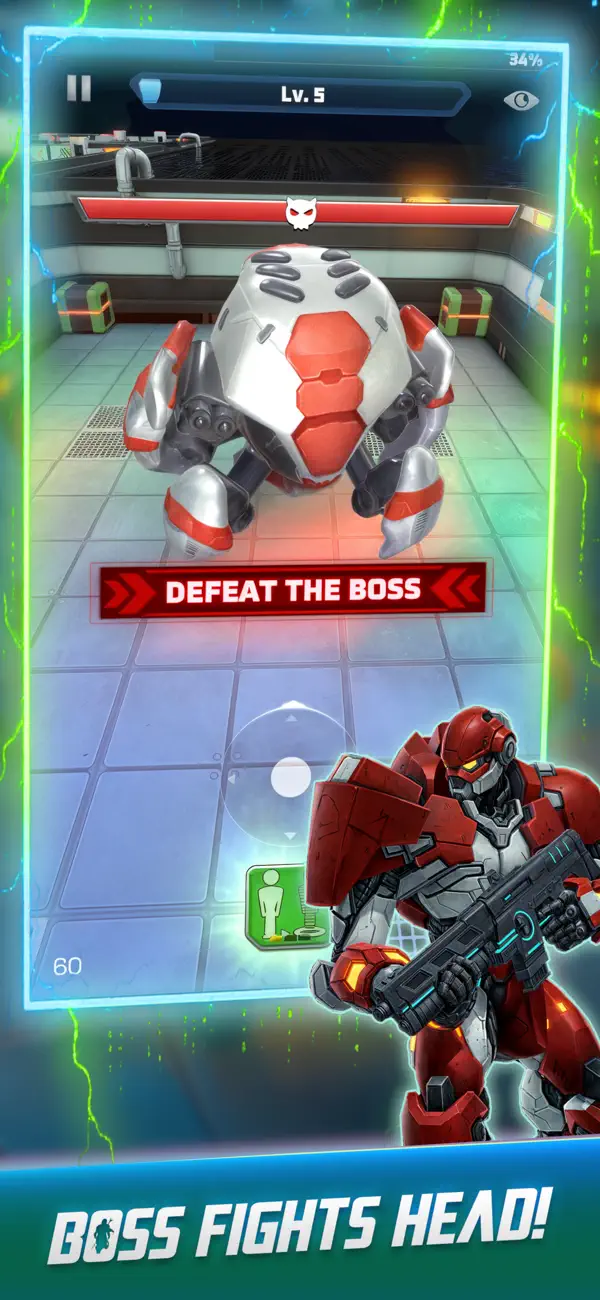
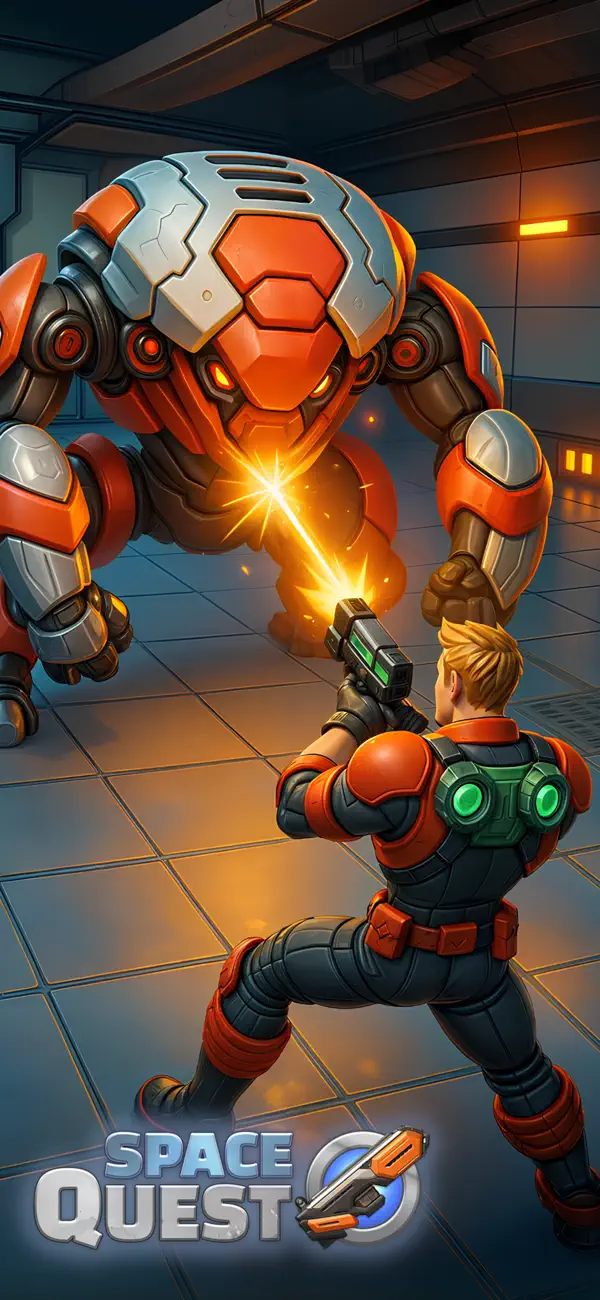
• Intense Boss Fights: Face massive alien monstrosities that will test your bullet-hell dodging skills to the limit.
UNMATCHED META-PROGRESSION
• Upgrade Everything: Enhance your armor, weapons, and base stats permanently between runs.
• Talent Trees: Customize your playstyle with complex RPG talent trees that reward both aggressive and tactical gameplay.
GUILDS, EVENTS & LIVE OPS
• Form a Guild: Join forces with players worldwide. Complete cooperative guild missions and climb the global leaderboards.
• Weekly Events: Participate in rotating live-ops, seasonal challenges, and limited-time game modes for exclusive epic gear.
The universe is on the brink. Will you lead the charge, or be consumed by the Swarm?
- 未越獄/受限或已越獄的 iPhone 或 iPad。
- Sideloadly 或替代方案。
- 執行 Windows/macOS/Linux 且已安裝 iTunes 的電腦。
步驟 1: 透過上方連結將已破解的 .IPA 檔案下載到您的電腦。若要從 iOSGods App 下載,請參閱我們的 iOSGods App IPA 下載教學,其中包含影片範例。
步驟 2: 下載 Sideloadly 並將其安裝在您的 Windows 或 Mac 上。
步驟 3: 在電腦上開啟 Sideloadly,連接您的 iOS 裝置,並等待裝置名稱出現在 Sideloadly 中。
步驟 4: 當 Sideloadly 辨識到您的 iOS 裝置後,將下載好的修改版 .IPA 檔案拖曳並放到 Sideloadly 應用程式中。
步驟 5: 輸入您的 Apple Account 電子郵件,然後按下「Start」。系統會要求您輸入密碼,請依指示提供所需資訊。
步驟 6: 等待 Sideloadly 完成已破解 IPA 的旁載/安裝。如果安裝過程中發生問題,請閱讀下方的注意事項。
步驟 7: 安裝完成並在主畫面上看到該應用程式後,您需要前往 設定 → 一般 → 描述檔 / VPN 與裝置管理。進入後,點選您在步驟 6 中輸入的電子郵件,然後點選「信任 [email protected]」。
步驟 8: 現在回到主畫面並開啟新安裝的應用程式,一切應該都能正常運作。您可能需要依照遊戲內破解彈出視窗中的進一步指示操作。
注意: 在 iOS/iPadOS 16 及更新版本上,您必須 啟用開發者模式。若使用免費的 Apple Developer 帳號,您將需要每 7 天重複此程序。如有任何疑問或問題,請閱讀我們的 主題中的 Sideloadly 常見問題區段。