需要登入
請使用您的 iOSGods 帳戶登入以繼續。
Hack Features:
- Currencies Increase
此應用程式內建 iGameGod,讓你可以使用 Auto Touch 自動執行重複操作、透過 App Speed Manager 調整遊戲速度、使用 Memory Engine 修改記憶體數值,以及更多強大的 iOS 遊戲工具。
從上方連結下載 Empire Kingdom Idle Tower RPG Hack modded IPA。點選安裝按鈕並依照畫面指示在 iPhone、iPad 或 Apple Silicon 上安裝此 iOS 應用程式修改版。
需要更多協助?請查看我們的 iOSGods 應用程式常見問題 以獲得詳細解答與疑難排解。
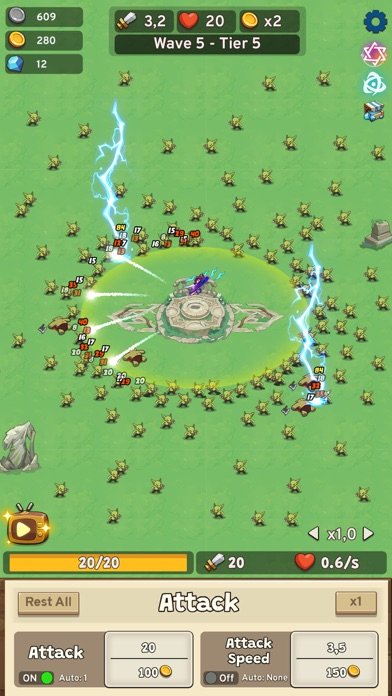
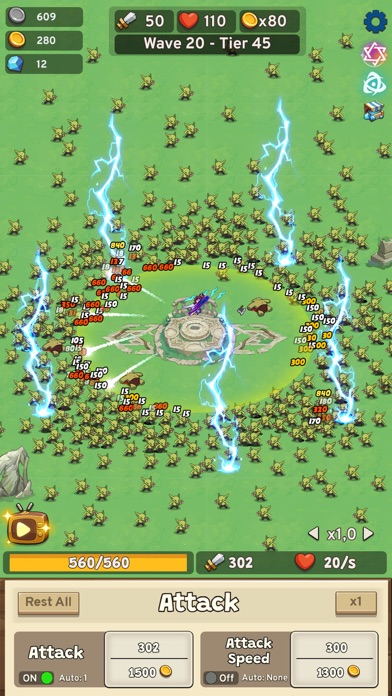
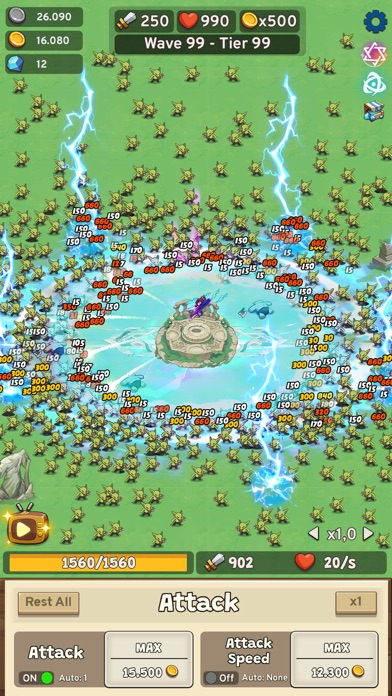
You're a skillful master in the Idle Tower Defense Strategy game? Thrive on your wise tactics and fight formidable opponents. Lead your mighty heroes and defend the frontiers of your realm from the darkness
Enter the strategy game with millions of players in endless battles worldwide to win victory and fame.
If you are a true Idle Tower Defense fan, this TD strategy game can't be missed! You will be surprised by the beautiful graphics and impressive gameplay.
Your goal in this strategy game is to build your own plan to safeguard your throne and eradicate invaders, bringing peace back to your realm. Not only does this show the enticing characteristics of a TD game, but it also has many new features that keep you playing for hours!
GAME FEATURES
▶ An epic tower defense that is attractive, fun, and free!
▶ Offline mode that you can play anywhere at any time.
▶ Consider all power in your hand, and carefully learn about your enemy to have the right strategy and tactics. Upgrade your strength and power, as the Last Tower remaining, you are our only hope!
We're waiting for you to claim the title of Best Defender Ever! Try this fantastic Idle Tower Defense Strategy Games Now!
Contact us for further support and information about Empire Kingdom: Idle Tower TD
- Official Fanpage: https://www.facebook.com/empirekingdomtd
- 未越獄/受限或已越獄的 iPhone 或 iPad。
- Sideloadly 或替代方案。
- 執行 Windows/macOS/Linux 且已安裝 iTunes 的電腦。
步驟 1: 透過上方連結將已破解的 .IPA 檔案下載到您的電腦。若要從 iOSGods App 下載,請參閱我們的 iOSGods App IPA 下載教學,其中包含影片範例。
步驟 2: 下載 Sideloadly 並將其安裝在您的 Windows 或 Mac 上。
步驟 3: 在電腦上開啟 Sideloadly,連接您的 iOS 裝置,並等待裝置名稱出現在 Sideloadly 中。
步驟 4: 當 Sideloadly 辨識到您的 iOS 裝置後,將下載好的修改版 .IPA 檔案拖曳並放到 Sideloadly 應用程式中。
步驟 5: 輸入您的 Apple Account 電子郵件,然後按下「Start」。系統會要求您輸入密碼,請依指示提供所需資訊。
步驟 6: 等待 Sideloadly 完成已破解 IPA 的旁載/安裝。如果安裝過程中發生問題,請閱讀下方的注意事項。
步驟 7: 安裝完成並在主畫面上看到該應用程式後,您需要前往 設定 → 一般 → 描述檔 / VPN 與裝置管理。進入後,點選您在步驟 6 中輸入的電子郵件,然後點選「信任 [email protected]」。
步驟 8: 現在回到主畫面並開啟新安裝的應用程式,一切應該都能正常運作。您可能需要依照遊戲內破解彈出視窗中的進一步指示操作。
注意: 在 iOS/iPadOS 16 及更新版本上,您必須 啟用開發者模式。若使用免費的 Apple Developer 帳號,您將需要每 7 天重複此程序。如有任何疑問或問題,請閱讀我們的 主題中的 Sideloadly 常見問題區段。