تسجيل الدخول مطلوب
سجّل الدخول بحساب iOSGods للمتابعة.
Hack Features:
- Inf Cash (Collect)
قم بتنزيل Idle Music Festival Tycoon Hack modded IPA من الروابط أعلاه. اضغط على زر التثبيت واتبع التعليمات لتثبيت هذا التعديل لـ iOS على iPhone أو iPad أو Apple Silicon.
هل تحتاج إلى مزيد من المساعدة؟ راجع الأسئلة الشائعة لتطبيق iOSGods للحصول على إجابات مفصلة ونصائح لاستكشاف الأخطاء.

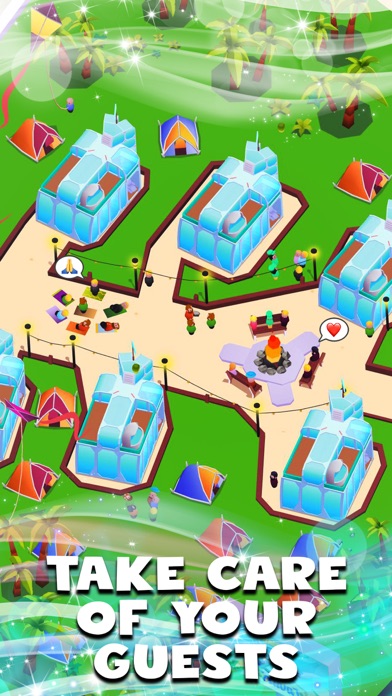
As a manager of a music festival, start with a small festival, and work on it to help it grow. Build new stages and arenas, so visitors with different tastes can enjoy their favourite kind of music, be it electronic dance music (EDM), house, techno, hip-hop, rap or RnB. Expand the camping area for visitors to rest between performances & concerts - it is very important, trust us!
Manage the food court, ticket booths and parking area wisely to earn money. Start your festival in New York and expand it to other areas, such as Miami, Ibiza, Seoul and Dubai to provide top level entertainment to visitors across the globe!
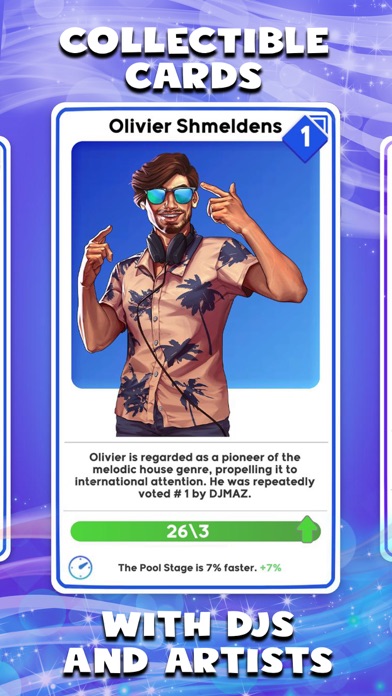
Collect rare, epic & legendary cards to attract celebrities and new managers to keep your visitors entertained and boost the growth of your music festival!
Improve your festival with additional attractions, such as the ferris wheel, waterslides and one of a kind art installation. Prepare marketing campaigns to bring more visitors to your music festival, and offer them the most enjoyable experience. Extend the parking facilities to increase the number of attendees.
Hire security guards to maintain public order and security in your music festival. Make visitors feel welcome, comfortable, and happy. Take the visitor’s feedback into account in order to improve the festival.
Become a music festival tycoon and hire new managers, improve the quality of sound and effects across stages and control every aspect of the business. Will you invest your money in improving the arenas of the festival? Or will you increase the salary to keep your employees motivated? Take important decisions to create the best music festival.
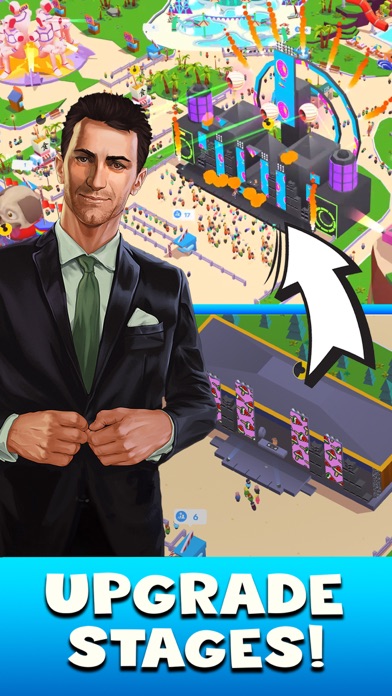
Provide the most enjoyable experience by building and upgrading the massive main stage with the largest speakers in the world, a tropical pool stage that hosts the best house music DJs, magnificent atlantis stage with a techno piranha head, mysterious art installation and a large ferris wheel to observe the surrounding areas. Run the most famous music festival in the world!
If you like management and idle games, you’ll enjoy Idle Music Festival Tycoon. An easy-to-play game, but challenging game. Start with an small festival and take important business decisions in order to grow your tycoon. Transform your small business into the best music festival in the world!
Features:
- Casual and easy gameplay
- Different challenges to complete
- Amazing animations and 3D graphics
- Complete concert management!
- Make important managing decisions to expand your business
- Save your progress in the cloud and recover it if you change your device
- iPhone أو iPad بجيلبريك أو بدون جيلبريك.
- Sideloadly أو بدائلها.
- كمبيوتر يعمل بنظام Windows/macOS/Linux مع تثبيت iTunes.
الخطوة 1: قم بتنزيل ملف .IPA المعدّل مسبقًا من الرابط أعلاه إلى الكمبيوتر الخاص بك. للتنزيل من تطبيق iOSGods App، اطلع على دليل تنزيل IPA من تطبيق iOSGods App الذي يتضمن مثالًا بالفيديو.
الخطوة 2: قم بتنزيل Sideloadly وتثبيته على جهاز Windows أو Mac.
الخطوة 3: افتح Sideloadly على الكمبيوتر، ووصّل جهاز iOS الخاص بك، وانتظر حتى يظهر اسم جهازك داخل Sideloadly.
الخطوة 4: بمجرد التعرّف على جهاز iDevice الخاص بك، اسحب ملف .IPA المعدّل الذي قمت بتنزيله وأفلِته داخل تطبيق Sideloadly.
الخطوة 5: أدخل البريد الإلكتروني لحساب Apple Account الخاص بك، ثم اضغط على «Start». سيُطلب منك بعد ذلك إدخال كلمة المرور. تابع وأدخل المعلومات المطلوبة.
الخطوة 6: انتظر حتى ينتهي Sideloadly من تحميل/تثبيت ملف IPA المعدّل. في حال واجهت أي مشاكل أثناء التثبيت، يرجى قراءة الملاحظة أدناه.
الخطوة 7: بعد اكتمال التثبيت ورؤية التطبيق على الشاشة الرئيسية، انتقل إلى Settings → General → Profiles / VPN & Device Management. ثم اضغط على البريد الإلكتروني الذي أدخلته في الخطوة 6، ثم اضغط على «الوثوق بـ [email protected]».
الخطوة 8: الآن انتقل إلى الشاشة الرئيسية وافتح التطبيق الذي تم تثبيته للتو وسيعمل كل شيء بشكل صحيح. قد تحتاج إلى اتباع تعليمات إضافية خاصة بكل تطبيق داخل النافذة المنبثقة للتعديل أثناء اللعب.
ملاحظة: بدءًا من iOS/iPadOS 16 وما بعده، يجب تفعيل وضع المطور (Developer Mode). بالنسبة لحسابات Apple Developer المجانية، ستحتاج إلى تكرار هذه العملية كل 7 أيام. إذا كانت لديك أي أسئلة أو مشاكل، يرجى قراءة قسم الأسئلة الشائعة حول Sideloadly في الموضوع.