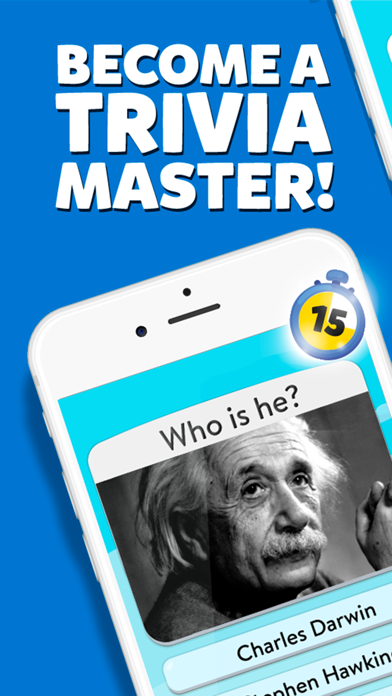
SHOW OFF YOUR SMARTS ** Challenge your friends and family to a trivia competition, and prove how smart you are!
TRAIN YOUR BRAIN ** Who says trivia isn't useful? You will keep your brain sharp with Trivia Crack 2. We have thousands of challenging trivia questions for you!
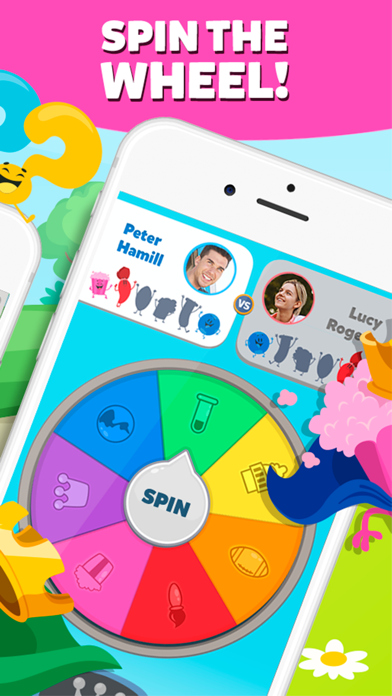
COLLECT CHARACTERS ** Collect our original characters to level up and win amazing prizes!
BECOME A TRIVIA EXPERT ** Answer questions in our 6 categories: Art, Science, History, Entertainment, Sport and Geography, and show how smart you are!
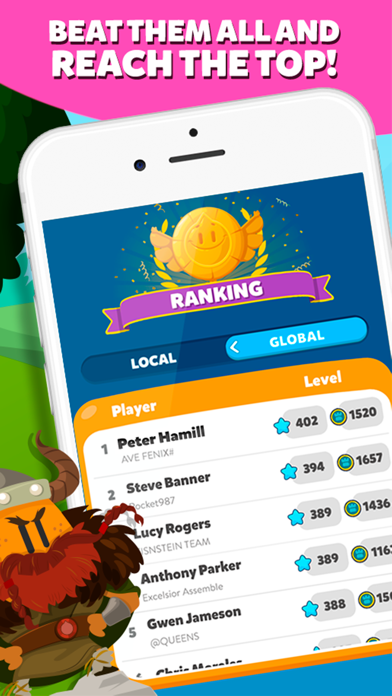
CREATE YOUR OWN TEAM ** Join a team of Trivia experts, or create your own and climb the rankings. Lots of prizes await!
FULLY RENOVATED GRAPHICS ** Enjoy our beautiful animations and environments, with sharper colors than ever!
KEY FEATURES
- Play with your friends and family
- Sharpen your brain with thousands of challenging questions
- Join a team or create your own
- Exchange items with your friends
- Enjoy our fully renovated graphics!
TRIVIA CRACK 2 ALSO INCLUDES
- Hundreds of thousands of questions
- More than 20 languages
- Millions of active users to challenge
- User-created questions
- And loads of fun, completely free!
What are you waiting for? Download the game now and become the smartest in town!
VIP Membership
- Subscribe and get benefits only for members.
- Subscriptions start at USD 4.99 monthly. 3-month subscription is USD 11.99 USD and annual subscription is USD 39.99*.
- Enjoy a 7-day free trial. Subscription automatically renews for the same price and period as the chosen package unless auto-renew is turned off at least 24-hours before the end of the current period.
- Payment will be charged to your iTunes Account at confirmation of purchase.
- You will be able to access VIP deals for the duration of the subscription.
- Your account will be charged for renewal within 24-hours prior to the end of the current period at the cost of the chosen package.
- Subscriptions may be managed by the user and auto-renewal may be turned off by going to the user's iTunes Account Settings after purchase.
- No cancellation of the current subscription is allowed during active subscription period.
- You may cancel a subscription during its free trial period via the subscription settings in your iTunes account. This must be done 24 hours before the end of the subscription period to avoid being charged. Please visit http://support.apple.com/kb/ht4098 for more information.
- You may turn off auto-renewal from your iTunes Account Settings. However, you won’t be able to cancel the current subscription during its active period.
- Any unused portion of a free-trial period will be forfeited when the user purchases a VIP Membership.
Links to our Terms of Use and Privacy Policy can be found below
Privacy Policy: http://dev.etermax.com/en/privacy/
Terms of Use: http://dev.etermax.com/en/terms/
* Prices are equal to the value that "Apple's App Store Pricing Matrix" determines as the equivalent of the subscription price in USD
===============
For more information, visit www.triviacrack.com
Have questions? Need troubleshooting? Find help at support.etermax.com
Join our community!
- Facebook: https://www.facebook.com/triviacrack
- Twitter: @triviacrack
- Instagram: https://instagram.com/triviacrack
- YouTube: https://www.youtube.com/c/triviacrack
在 iOS App Store 中查看









![[The Battle Cats JP] にゃんこ大戦争 iOS Mod IPA](https://is1-ssl.mzstatic.com/image/thumb/Purple221/v4/eb/2c/16/eb2c1666-3523-c46d-9a55-958f723f5dd6/AppIcon-0-0-1x_U007epad-0-1-85-220.png/100x100bb.jpg)


