Login necessário
Entre com sua conta iOSGods para continuar.
Entre com sua conta iOSGods para continuar.
Impulsione instantaneamente seu império de jogos com fichas, diamantes e dinheiro ilimitados neste hack Lucky Chip Mania Mod IPA. Acesse os três truques de moeda diretamente nas Configurações, permitindo que você expanda seu negócio de arcade sem precisar fazer grinding. Construa seu destino de entretenimento mais rápido e desbloqueie jogos premium no seu próprio ritmo.
- Adicionar Fichas (Configurações → Gerenciar Consentimento) → Aumente instantaneamente seu saldo de fichas
- Adicionar Diamantes (Configurações → Gerenciar Consentimento) → Aumente seu suprimento de moeda premium
- Adicionar Dinheiro (Configurações → Gerenciar Consentimento) → Maximize seus ganhos no jogo
Este app também vem com iGameGod, oferecendo acesso ao Auto Touch para automatizar tarefas repetitivas, App Speed Manager para ajustar a velocidade do jogo, edição de valores com Memory Engine e outras ferramentas avançadas para jogos iOS.
Baixe Lucky Chip Mania Hack modded IPA dos links acima. Toque no botão de instalação e siga as instruções para instalar este hack iOS no seu iPhone, iPad ou Apple Silicon.
Precisa de mais ajuda? Confira nossas Perguntas frequentes sobre o app iOSGods para respostas detalhadas e dicas de solução de problemas.
Lucky Chip Mania
Build and grow your ultimate entertainment business empire in this arcade idle game!
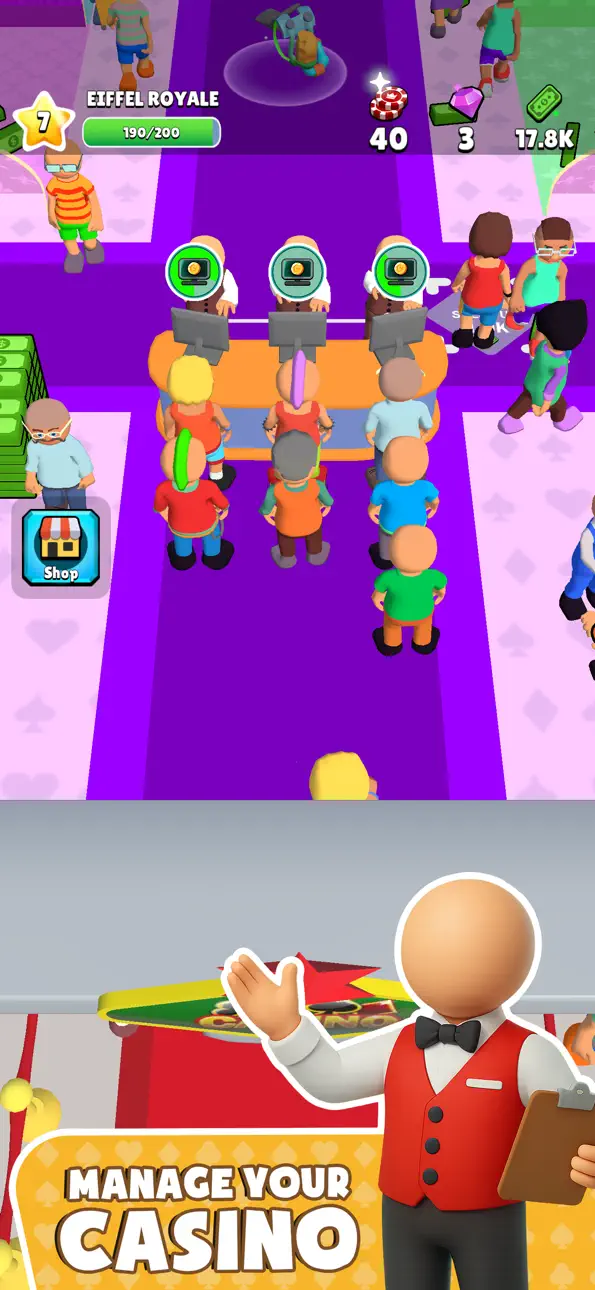
Take charge as the business manager and turn a modest gaming hall into a world-class entertainment destination. In this immersive simulator game, you’re in control of every aspect of your growing company — from staffing and game selection to customer satisfaction and facility upgrades. It’s time to put your management skills to the test!
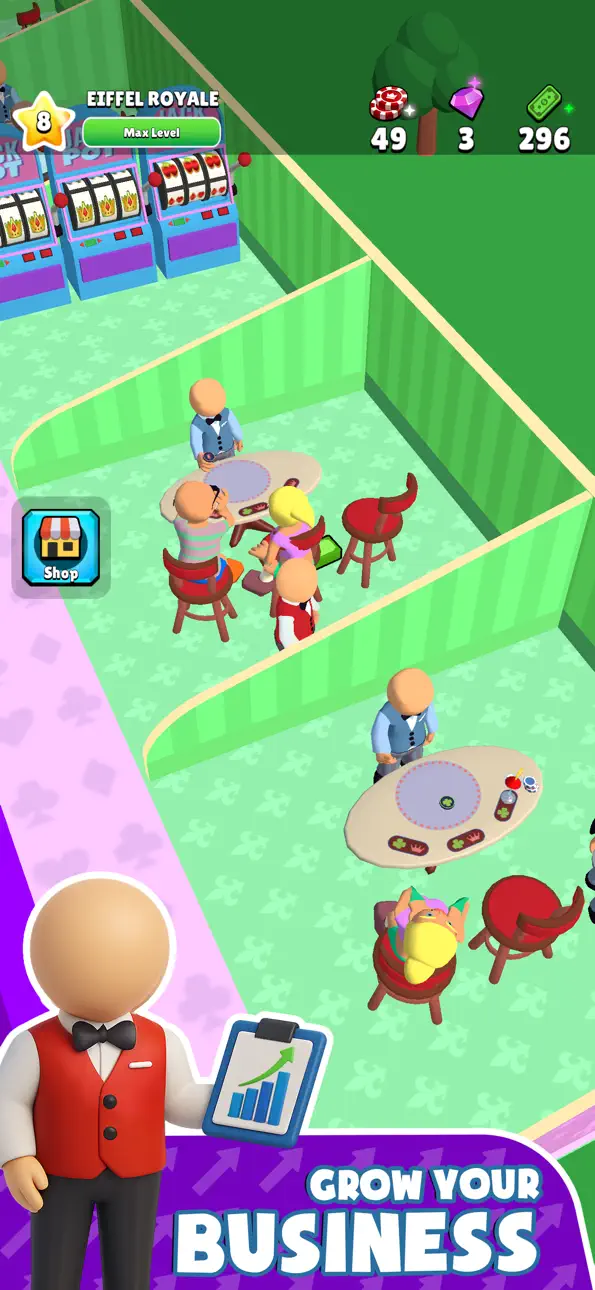
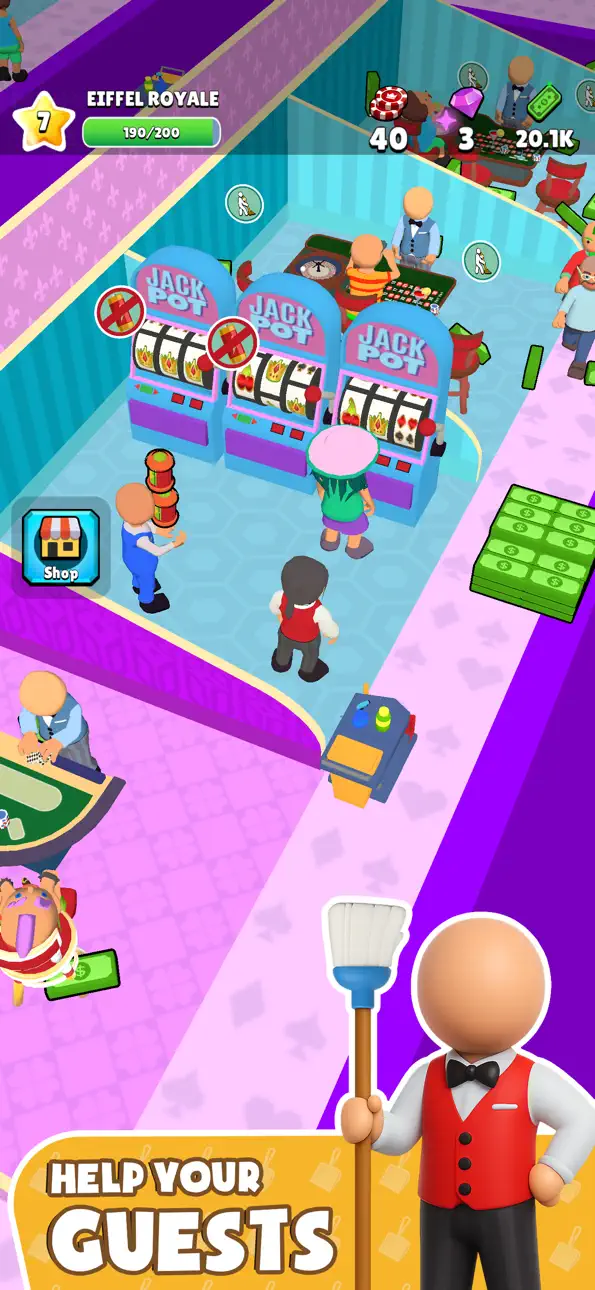
Start with just a few machines and slowly expand your empire. Unlock a wide range of games like slot machines, poker, blackjack, and more. As you earn profits, reinvest in your business by upgrading your machines, expanding your floor space, and offering new forms of entertainment to keep your guests engaged and coming back for more.
Managing your team is key. Hire employees with different skill sets — from floor staff and security to marketing experts — and assign them to areas where they can have the most impact. Make smart decisions to ensure efficient operations and customer satisfaction.
But it doesn’t stop at games! To keep your entertainment center running smoothly and your visitors happy, you’ll also need to invest in various services and amenities like parking lots, seating areas, snack bars, and VIP lounges. Happy customers mean better reviews, more visits, and higher profits.
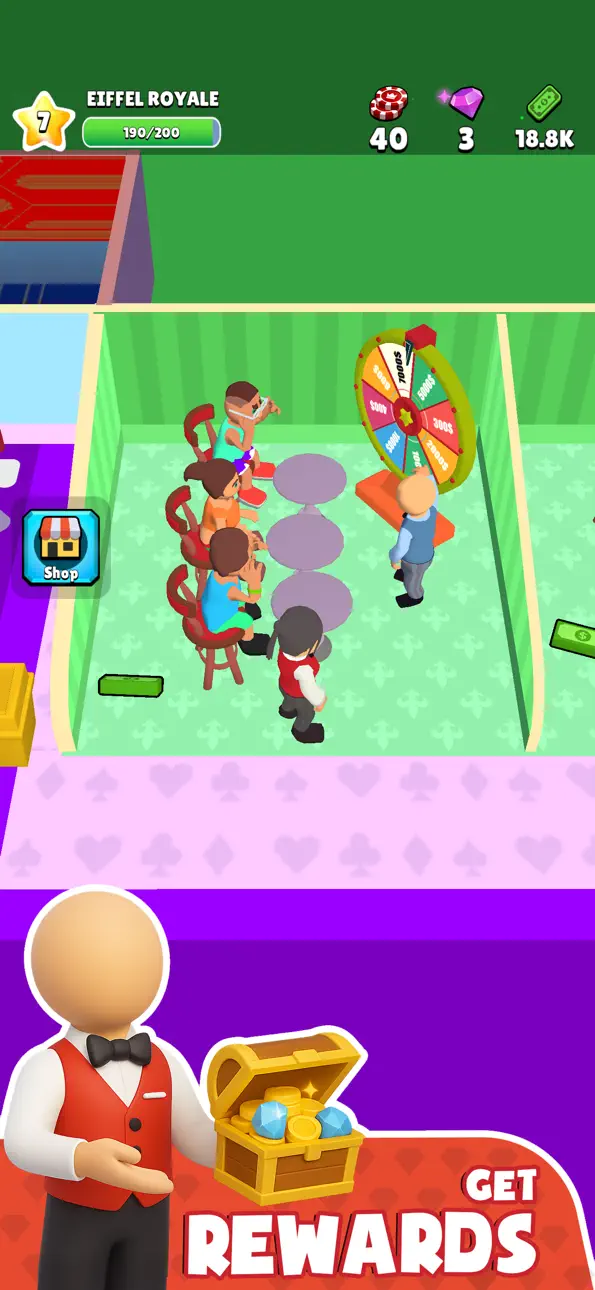
Track your progress, set goals, and compete with other players in global events and leaderboards. Whether you’re online or offline, your business continues to grow, and there’s always something new to manage or unlock.
Key Features:
- Run and expand your own entertainment business empire
- Unlock and manage a variety of games and machines
- Hire and upgrade employees to boost efficiency
- Improve customer satisfaction with new services and entertainment
- Upgrade your business to attract VIP guests
- Beautiful graphics and realistic simulation gameplay
- Perfect for fans of management and arcade idle games
Whether you’re a strategy lover or just enjoy watching your empire grow, this is the perfect game to relax and challenge your business instincts. Manage resources wisely, adapt to your customers’ needs, and turn your small gaming hall into a booming success.
Please note: This game is intended for entertainment purposes only. It does not offer real money gambling or the chance to win real money or prizes.
Download now and start building your dream entertainment empire today!
IGRS rating: 13+
Capturas © respectivos proprietários · App Store


A iOSGods não é afiliada, endossada nem patrocinada pela Apple Inc., pela Google LLC ou pelos desenvolvedores dos apps listados aqui. Apple, iOS e App Store são marcas da Apple Inc. Android e Google Play são marcas da Google LLC. Todos os demais nomes de apps, ícones, imagens e marcas pertencem aos seus respectivos proprietários.

- iPhone ou iPad sem jailbreak/jailed ou com jailbreak.
- Sideloadly ou alternativas.
- Computador com Windows/macOS/Linux e iTunes instalado.
PASSO 1: Baixe o arquivo .IPA pré-hackeado do link acima para o seu computador. Para baixar pelo iOSGods App, veja nosso Tutorial de download de IPA do iOSGods App, que inclui um exemplo em vídeo.
PASSO 2: Baixe o Sideloadly e instale-o no seu Windows ou Mac.
PASSO 3: Abra o Sideloadly no seu computador, conecte seu dispositivo iOS e aguarde até que o nome do dispositivo apareça no Sideloadly.
PASSO 4: Assim que seu iDevice for reconhecido, arraste o arquivo .IPA modificado que você baixou e solte-o no aplicativo Sideloadly.
PASSO 5: Digite o e-mail da sua Apple Account e pressione “Start”. Em seguida, será solicitada a sua senha. Prossiga e forneça as informações solicitadas.
PASSO 6: Aguarde o Sideloadly finalizar o sideload/instalação do IPA hackeado. Se houver problemas durante a instalação, leia a observação abaixo.
PASSO 7: Quando a instalação estiver concluída e você vir o app na Tela de Início, será necessário acessar Ajustes → Geral → Perfis / Gerenciamento de VPN e Dispositivo. Lá, toque no e-mail que você inseriu no passo 6 e, em seguida, toque em “Confiar em [email protected]”.
PASSO 8: Agora vá para a Tela de Início e abra o app recém-instalado; tudo deve funcionar normalmente. Você pode precisar seguir instruções adicionais específicas no popup do hack dentro do jogo.
OBSERVAÇÃO: No iOS/iPadOS 16 e versões posteriores, você deve ativar o Modo de Desenvolvedor. Para contas Apple Developer gratuitas, será necessário repetir este processo a cada 7 dias. Se tiver dúvidas ou problemas, leia nossa seção de FAQ do Sideloadly no tópico.
Game Name iOS Mod IPA is an action adventure game enhanced with powerful gameplay boosts and quality-of-life improvements. Win battles faster, earn rewards quicker, and enjoy uninterrupted play without ads.
- Unlimited Gold - spend freely to unlock premium content
- Damage Multiplier - deal significantly more damage in combat
- Defense Multiplier - take less damage and survive longer
- Reward Multiplier - earn more loot from every battle
- Max Level - instantly reach the highest player rank
- No Ads - play without interruptions or advertisements
This app also comes with iGameGod, giving you access to Auto Touch to automate repetitive tasks, App Speed Manager for adjustable gameplay speed, Memory Engine value editing, and more powerful iOS game tools.
Baixe Game Name Mod IPA dos links acima. Toque no botão de instalação e siga as instruções para instalar este hack iOS no seu iPhone, iPad ou Apple Silicon.
Precisa de mais ajuda Confira nossas Perguntas frequentes sobre o app iOSGods para respostas detalhadas e dicas de solução de problemas.
----------------------------------------------------------
--------------------------------------------------