Anmeldung erforderlich
Melden Sie sich mit Ihrem iOSGods-Konto an, um fortzufahren.
Melden Sie sich mit Ihrem iOSGods-Konto an, um fortzufahren.
Free Paid App
Diese App wird zusätzlich mit iGameGod geliefert und bietet Ihnen Zugriff auf Auto Touch zur Automatisierung sich wiederholender Aufgaben, App Speed Manager für eine anpassbare Spielgeschwindigkeit, Memory Engine zur Wertbearbeitung und weitere leistungsstarke iOS-Spielwerkzeuge.
Laden Sie Procreate Pocket modded IPA über die obigen Links herunter. Tippen Sie auf den Installations-Button und folgen Sie den Anweisungen, um diese iOS-App auf Ihrem iPhone, iPad oder Apple Silicon zu installieren.
Brauchen Sie mehr Hilfe? In unseren iOSGods App häufig gestellten Fragen finden Sie ausführliche Antworten und Tipps zur Fehlerbehebung.
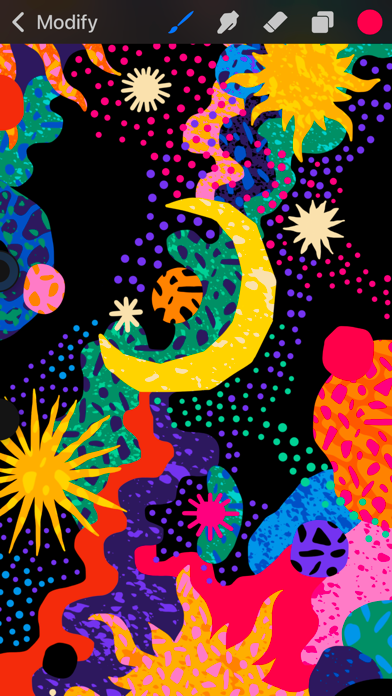
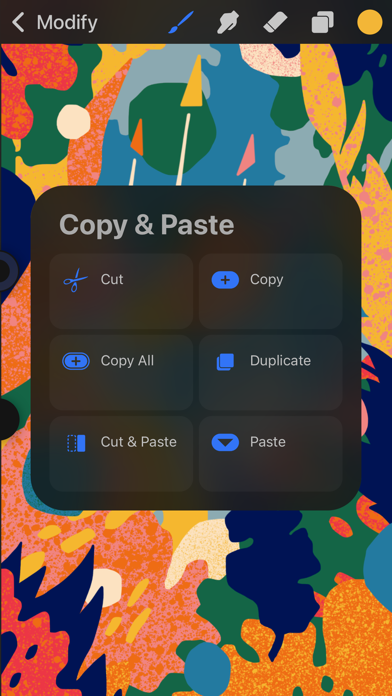
Powerful enough for creative professionals. Simple enough for everyone. Award-winning Procreate Pocket is the most feature packed and versatile art app ever designed for iPhone.
Offering hundreds of handmade brushes, a suite of innovative artistic tools, an advanced layer system, and the new Valkyrie graphics engine – Procreate Pocket has everything you need to create expressive sketches, rich paintings, gorgeous illustrations and beautiful animations. Work on the couch, on the train, at the beach, or while waiting in line for coffee. It’s a complete art studio in the palm of your hand.
Procreate Pocket includes:
Highlights:
- Ultra High Definition canvases - up to 16k by 4k
- Intuitive Dark Mode interface made for iPhone
- Revolutionary QuickShape feature for perfect shapes
- Smooth and responsive smudge sampling
- Powered by Valkyrie: the fastest 64-bit painting engine for iPhone
- Connect a keyboard to use shortcuts
- Create art in stunning 64-bit color
- 250 levels of undo and redo
- Continuous auto-save - never lose work again
• Breakthrough brushes:
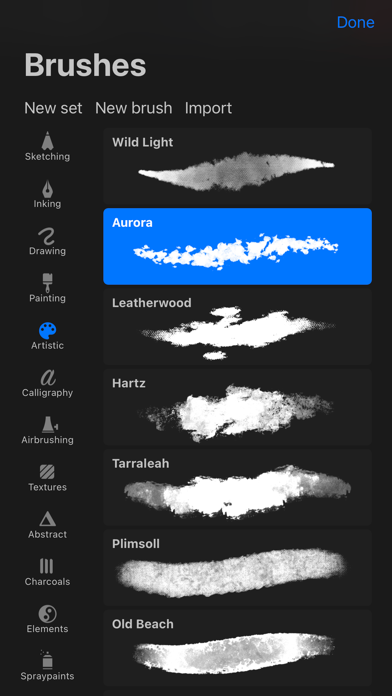
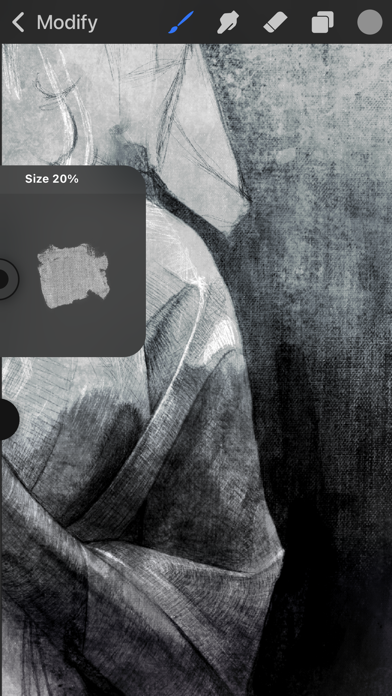
- Packed with 100s of beautifully crafted brushes
- Brush sets keep your painting, sketching and drawing brushes organized
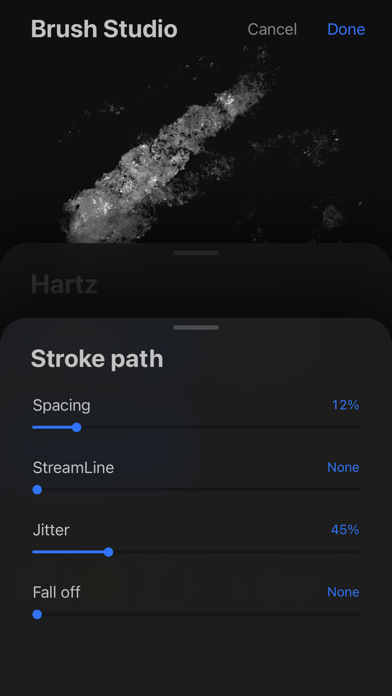
- Over 100 customizable settings for every brush
- Brush Studio – design your own custom brushes
- Import and export custom Procreate brushes
- Import Adobe® Photoshop® brushes, and run them faster than Photoshop®
• Full-featured layering system:
- Layer your art for precise control over details and composition
- Create Layer and Clipping Masks for non-destructive editing
- Stay organized by combining layers into Groups
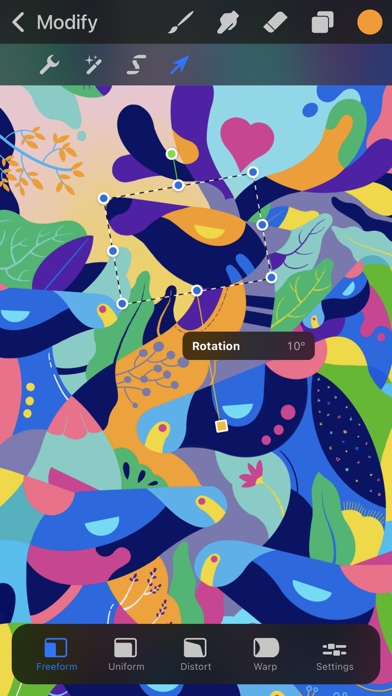
- Transform objects simultaneously across multiple layers
- Access over 25 layer blend modes for industry grade compositing
• Color without compromise:
- Fill your line work with color fast with ColorDrop
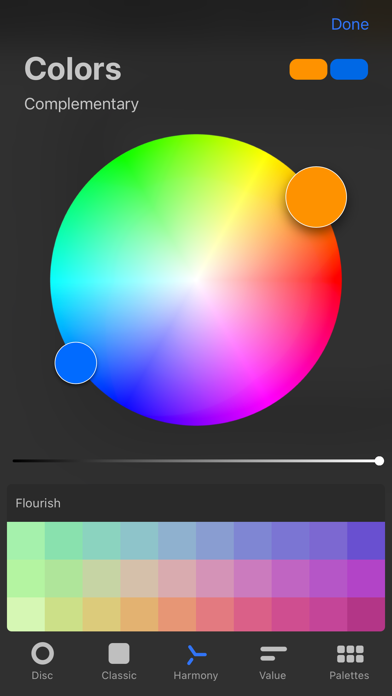
- Disc, Classic, Harmony, Value and Palette color panels
- Import color profiles for color matching - Assign Color Dynamics to any brush
• The design tools you need:
- Add vector Text to your illustrations
- Easily import all your favorite fonts
- Crop and Resize your canvas for perfect composition
- Perspective, Isometric, 2D, and Symmetry visual guides
- Drawing Assist perfects your strokes in real time
- Streamline smooths out your strokes for beautiful lettering and expert inking
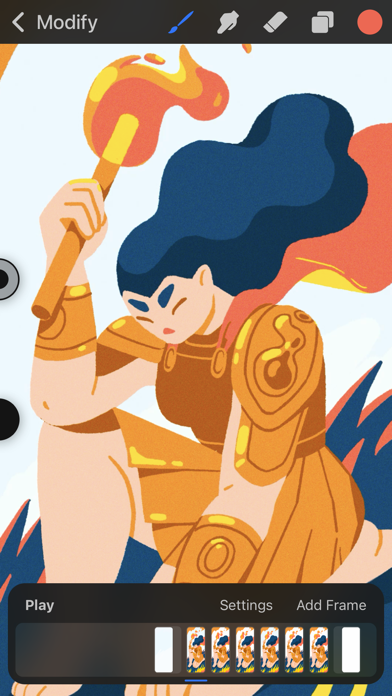
• Animation Assist - Easy frame by frame animation with automatic onion skinning
- Create storyboards, GIFs, animatics and simple animations
- Export your animations in full resolution
• Dramatic finishing effects:
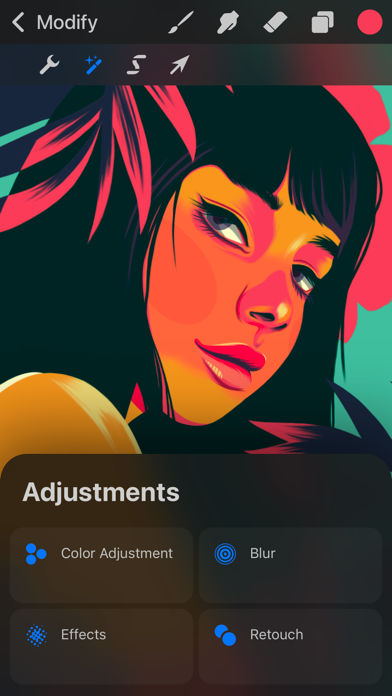
- Gradient Map – remap your image’s colors with a customizable gradient
- Glitch, Chromatic Aberration, Glow and Halftone to add new dimensions to your work
- Gaussian and Motion Blur filters for depth and movement, or Sharpen for perfect clarity
- Advanced Noise filter gives you more control for a classic retro look
- Adjust Hue, Saturation, or Brightness in real-time
- Powerful image adjustments including Color Balance, Curves, and HSB
- Let the mind-bending powers of Warp, Symmetry, and Liquify Dynamics bring your art to life
• Time-lapse replay - Relive your creative journey with Procreate's celebrated Time-lapse Replay
- Export your Time-lapse recording in 4K for high-end video production
- Share a 30sec version of your Time-lapse recording with your social networks
• Reference Companion:
- Keep a full canvas or reference image always with you, or paint on your face with AR. - color pick right from the reference window.
• Share your creations:
- Import or export your art as Adobe® Photoshop® PSD files
- Import Adobe® ASE and ACO Color Palettes
- Import images files such as JPG, PNG and TIFF
- Export to AirDrop, iCloud Drive, Photos, iTunes, Twitter, Dropbox, Google Drive, Facebook, Weibo and Mail
- Drag and drop artworks, brushes, palettes, and fonts between applications
- Nicht-Jailbroken/Jailed oder Jailbroken iPhone oder iPad.
- Sideloadly oder Alternativen.
- Computer mit Windows/macOS/Linux und installiertem iTunes.
SCHRITT 1: Laden Sie die vorinstallierte .IPA-Datei über den obigen Link auf Ihren Computer herunter. Zum Herunterladen aus der iOSGods-App siehe unser iOSGods App IPA Download-Tutorial mit Videobeispiel.
SCHRITT 2: Laden Sie Sideloadly herunter und installieren Sie es auf Ihrem Windows oder Mac.
SCHRITT 3: Öffnen Sie Sideloadly auf Ihrem Computer, verbinden Sie Ihr iOS-Gerät und warten Sie, bis Ihr Gerätename in Sideloadly erscheint.
SCHRITT 4: Sobald Ihr iDevice erkannt wird, ziehen Sie die heruntergeladene gemoddete .IPA-Datei in die Sideloadly-Anwendung.
SCHRITT 5: Geben Sie Ihre Apple-Account-E-Mail ein und drücken Sie „Start". Sie werden dann nach Ihrem Passwort gefragt. Geben Sie die erforderlichen Informationen ein.
SCHRITT 6: Warten Sie, bis Sideloadly das Sideloading/Installieren der gehackten IPA abgeschlossen hat. Bei Problemen während der Installation lesen Sie bitte den Hinweis unten.
SCHRITT 7: Sobald die Installation abgeschlossen ist und die App auf Ihrem Home-Bildschirm angezeigt wird, müssen Sie zu Einstellungen → Allgemein → Profile / VPN & Geräteverwaltung gehen. Tippen Sie dort auf die E-Mail, die Sie in Schritt 6 eingegeben haben, und dann auf „Trust [email protected]".
SCHRITT 8: Gehen Sie nun zu Ihrem Home-Bildschirm und öffnen Sie die neu installierte App – alles sollte einwandfrei funktionieren. Möglicherweise müssen Sie weitere App-spezifische Anweisungen im Hack-Popup im Spiel befolgen.
HINWEIS: iOS/iPadOS 16 und höher: Sie müssen den Entwicklermodus aktivieren. Bei kostenlosen Apple Developer-Accounts müssen Sie diesen Vorgang alle 7 Tage wiederholen. Bei Fragen oder Problemen lesen Sie bitte unsere Sideloadly-FAQ-Sektion im Thema.