Login Required
Sign in with your iOSGods account to continue.
Sign in with your iOSGods account to continue.
Dominate Dungeon x Pixel Hero with this free Mod IPA hack that eliminates all combat challenges. Activate godmode to become invincible, or one-hit kill every enemy you encounter and breeze through dungeons without breaking a sweat.
- Godmode → health will not decrease
- One-Hit Kill → enemies will die with one hit
This app also comes with iGameGod, giving you access to Auto Touch to automate repetitive tasks, App Speed Manager for adjustable gameplay speed, Memory Engine value editing, and more powerful iOS game tools.
Download Dungeon x Pixel Hero - Free Hack modded IPA from the links above. Tap the install button and follow the on-screen instructions to install this iOS app hack on your iPhone, iPad, or Apple Silicon.
Need more help? Check out our iOSGods App Frequently Asked Questions for detailed answers and troubleshooting tips.
[Game Introduction]
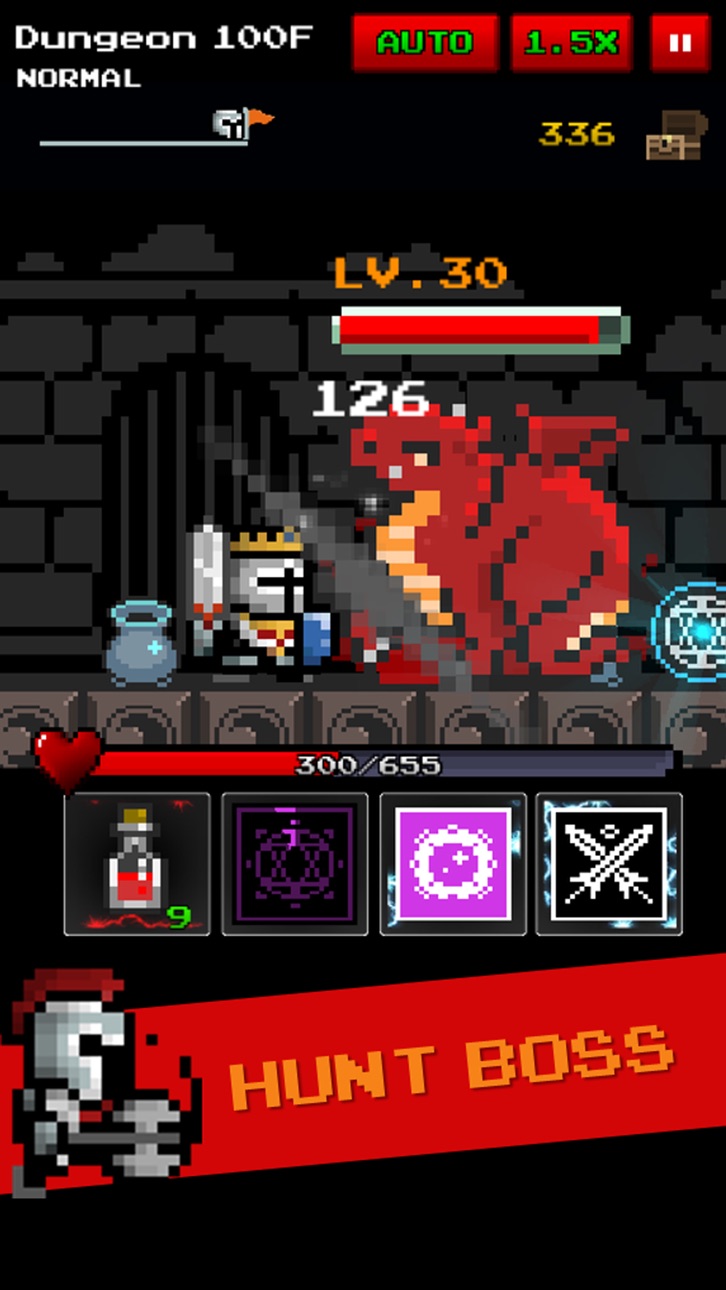
This retro-style RPG game graphics have been released.
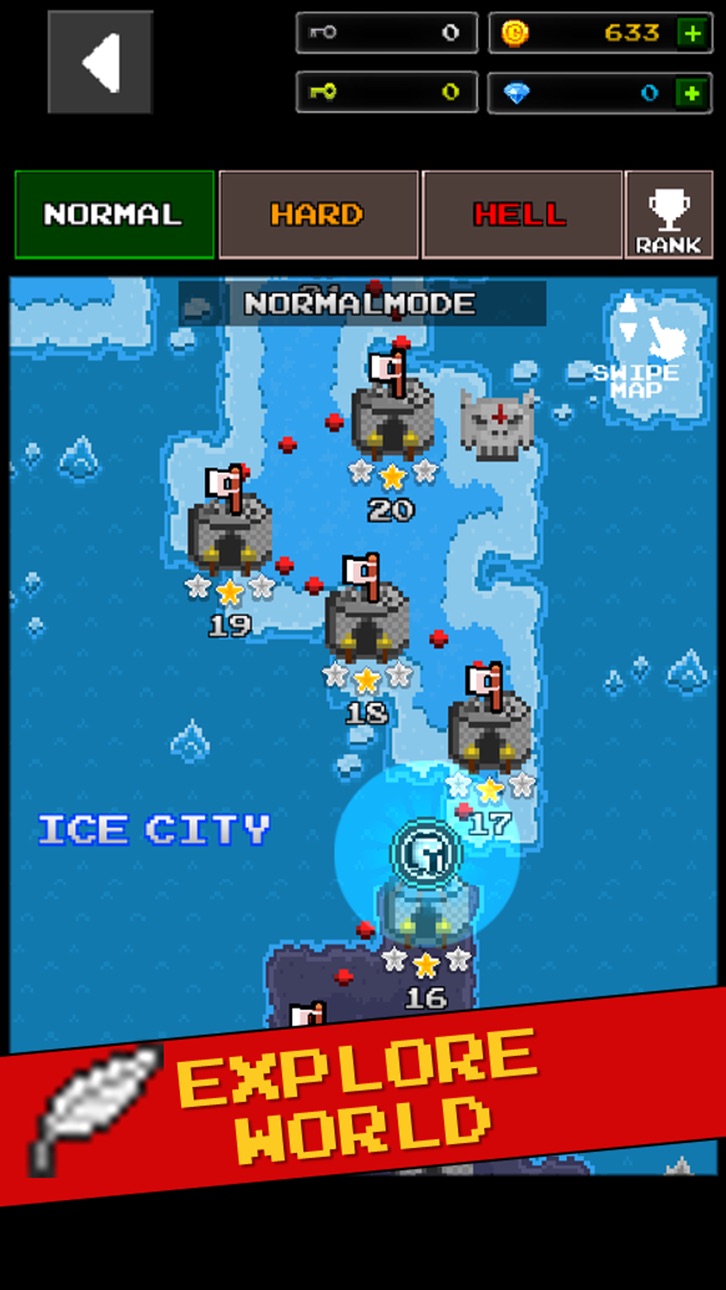
Is a hero hunting monsters in dungeons, and weapons (order), collect gold
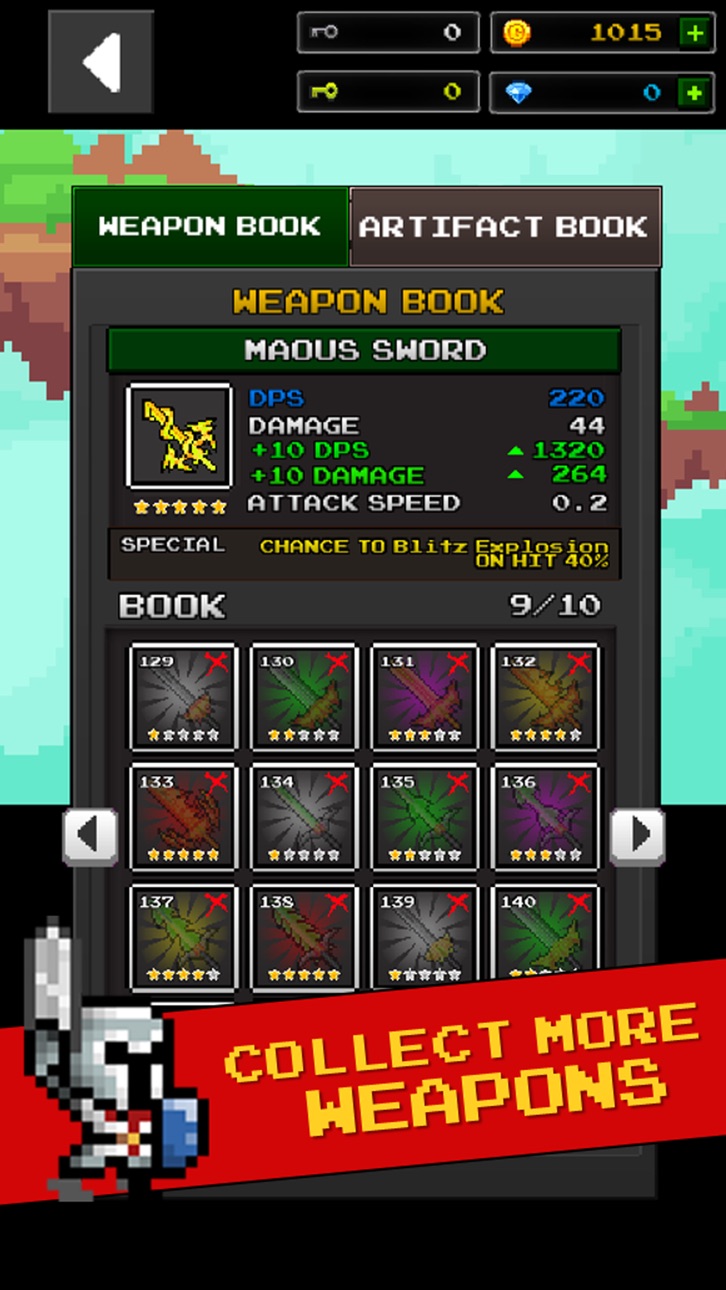
Weapons, strengthen your equipment!
collect various artipact
[Game Features]
◈ convenience to enjoy with one hand!
◈ optimized for Killing Time by 1.5x speed automatic hunting!
◈ variety of weapons and equipment to upgrade the system
◈ mines to get gems for free (ME) system
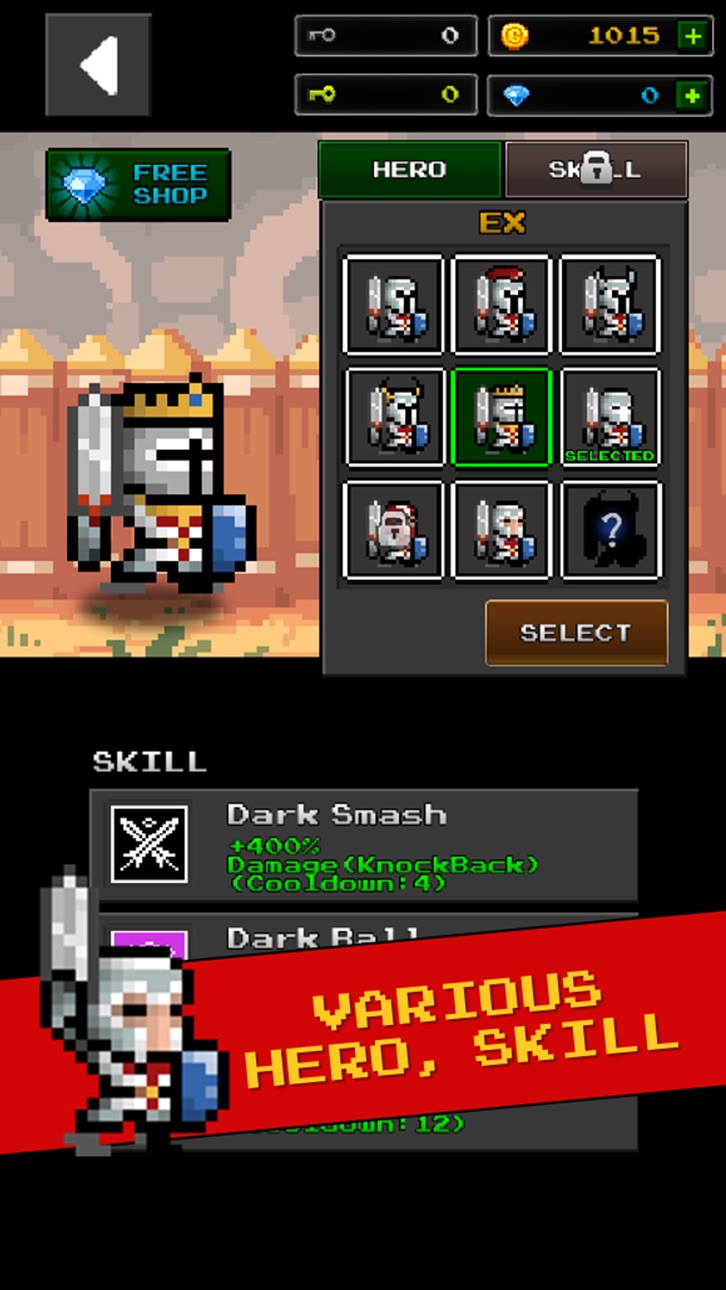
◈ various skills according to a hero
◈ Artipact System
Screenshots © their respective owners · App Store


iOSGods is not affiliated with, endorsed by, or sponsored by Apple Inc., Google LLC, or the developers of the apps listed here. Apple, iOS and App Store are trademarks of Apple Inc. Android and Google Play are trademarks of Google LLC. All other app names, icons, artwork and trademarks belong to their respective owners.

- Non-Jailbroken/Jailed or Jailbroken iPhone or iPad.
- Sideloadly or alternatives.
- Computer running Windows/macOS/Linux with iTunes installed.
STEP 1: Download the pre-hacked .IPA file from the link above to your computer. To download from the iOSGods App, see our iOSGods App IPA Download Tutorial which includes a video example.
STEP 2: Download Sideloadly and install it on your Windows or Mac.
STEP 3: Open Sideloadly on your computer, connect your iOS device, and wait until your device name appears in Sideloadly.
STEP 4: Once your iDevice is recognized, drag the modded .IPA file you downloaded and drop it into the Sideloadly application.
STEP 5: Enter your Apple Account email, then press “Start.” You’ll then be asked to enter your password. Go ahead and provide the required information.
STEP 6: Wait for Sideloadly to finish sideloading/installing the hacked IPA. If there are issues during installation, please read the note below.
STEP 7: Once the installation is complete and you see the app on your Home Screen, you will need to go to Settings → General → Profiles / VPN & Device Management. Once there, tap on the email you entered from step 6, and then tap on “Trust [email protected]”.
STEP 8: Now go to your Home Screen and open the newly installed app and everything should work fine. You may need to follow further per app instructions inside the hack's popup in-game.
NOTE: iOS/iPadOS 16 and later, you must enable Developer Mode. For free Apple Developer accounts, you will need to repeat this process every 7 days. If you have any questions or problems, read our Sideloadly FAQ section of the topic.
Game Name iOS Mod IPA is an action adventure game enhanced with powerful gameplay boosts and quality-of-life improvements. Win battles faster, earn rewards quicker, and enjoy uninterrupted play without ads.
- Unlimited Gold - spend freely to unlock premium content
- Damage Multiplier - deal significantly more damage in combat
- Defense Multiplier - take less damage and survive longer
- Reward Multiplier - earn more loot from every battle
- Max Level - instantly reach the highest player rank
- No Ads - play without interruptions or advertisements
This app also comes with iGameGod, giving you access to Auto Touch to automate repetitive tasks, App Speed Manager for adjustable gameplay speed, Memory Engine value editing, and more powerful iOS game tools.
Download Game Name Mod IPA from the links above. Tap the install button and follow the on-screen instructions to install this iOS app hack on your iPhone, iPad, or Apple Silicon.
Need more help Check out our iOSGods App Frequently Asked Questions for detailed answers and troubleshooting tips.
----------------------------------------------------------
--------------------------------------------------