Login Required
Sign in with your iOSGods account to continue.
Sign in with your iOSGods account to continue.

Unlock unlimited in-game currencies in Super Starfish Mod APK and customize your space aquarium without grinding. Swim freely through the cosmos, dodge hazards, and collect exotic flora at your own pace with this modded Android game.
- Unlimited Currencies → spend freely on customization and upgrades
Download Super Starfish Mod APK from the button above. Once you tap on download, simply follow the on-screen instructions to install the modded APK on your Android device or emulator.
Need help? Check out our Android Frequently Asked Questions for detailed answers and troubleshooting tips.
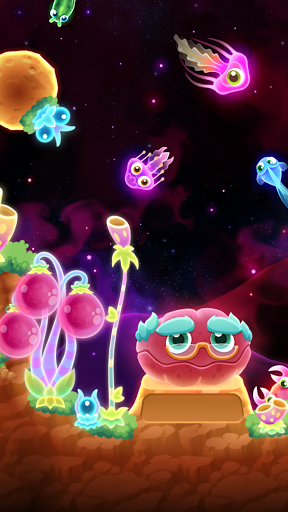
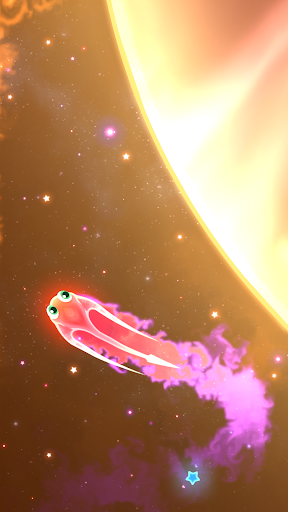
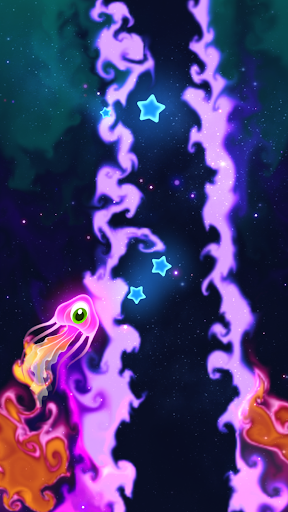
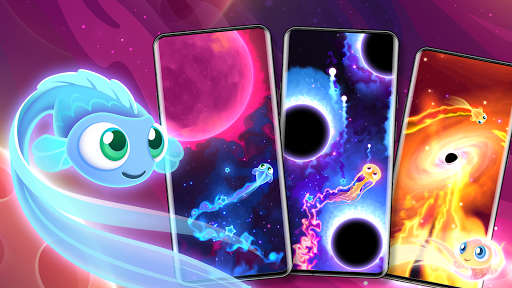
Swim through the swirling cosmos as an interstellar Starfish. Bring life to your space aquarium by dodging meteors, black holes, quasars and more.
Super Starfish uses cutting-edge techniques to deliver amazing visual effects. Be mesmerized by swirling ripples of colour as your Starfish soars across the galaxy.
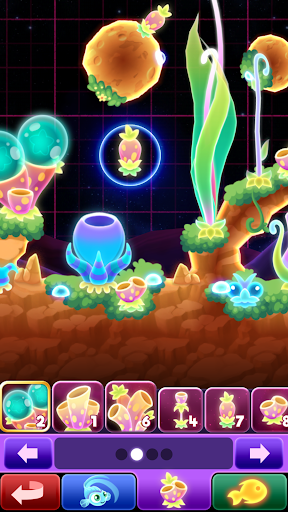
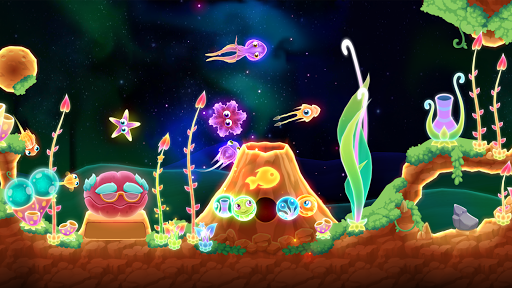
Collect exotic flora and customise your very own space aquarium. Watch your Starplants grow as you create a home for your wondrous collection of Starfish.
• Simple, intuitive gameplay for everyone. Try it now!
• Explore the cosmos and discover mesmerising new zones!
• Master your swimming style and score huge combos!
• Customize and grow your very own aquarium in space!
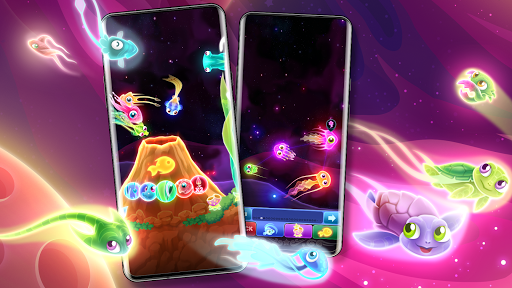
• Over 30 colourful Starfish to collect and add to your aquarium. Can you find a super rare Starfish?
• Compete with your friends and share your discoveries!
Are you ready to become the next Fish Superstar?