Login Required
Sign in with your iOSGods account to continue.
Sign in with your iOSGods account to continue.
Unlimited Currencies, Freeze Energy, and Freeze Moves transform PC Creator 3 into a sandbox where your workshop empire grows without limits, currencies climb instead of drain, energy never depletes, and moves stay frozen so you build at your own pace.
This mod IPA strips away the grind and time-gating that typically slow idle tycoon progression, letting you focus on designing your dream PC setups and expanding your IT business without waiting for resources to regenerate or watching the clock.
- Unlimited Currencies → Will increase instead of decrease
- Freeze Energy → Energy does not deplete
- Freeze Moves → Moves remain frozen
- Auto Win → Automatic victory in tasks
This app also comes with iGameGod, giving you access to Auto Touch to automate repetitive tasks, App Speed Manager for adjustable gameplay speed, Memory Engine value editing, and more powerful iOS game tools.
Download PC Creator 3 – Build & Tycoon iOS Mod IPA from the links above. Tap the install button and follow the on-screen instructions to install this iOS app hack on your iPhone, iPad, or Apple Silicon.
Need more help? Check out our iOSGods App Frequently Asked Questions for detailed answers and troubleshooting tips.
PC Creator 3 – The Ultimate PC Building Simulator & Tycoon
A realistic PC building simulator and business management game. Build powerful PCs, test FPS in the latest games, and expand your workshop to create your own IT empire in an idle tycoon format.
● Build and Customize Your Dream PC
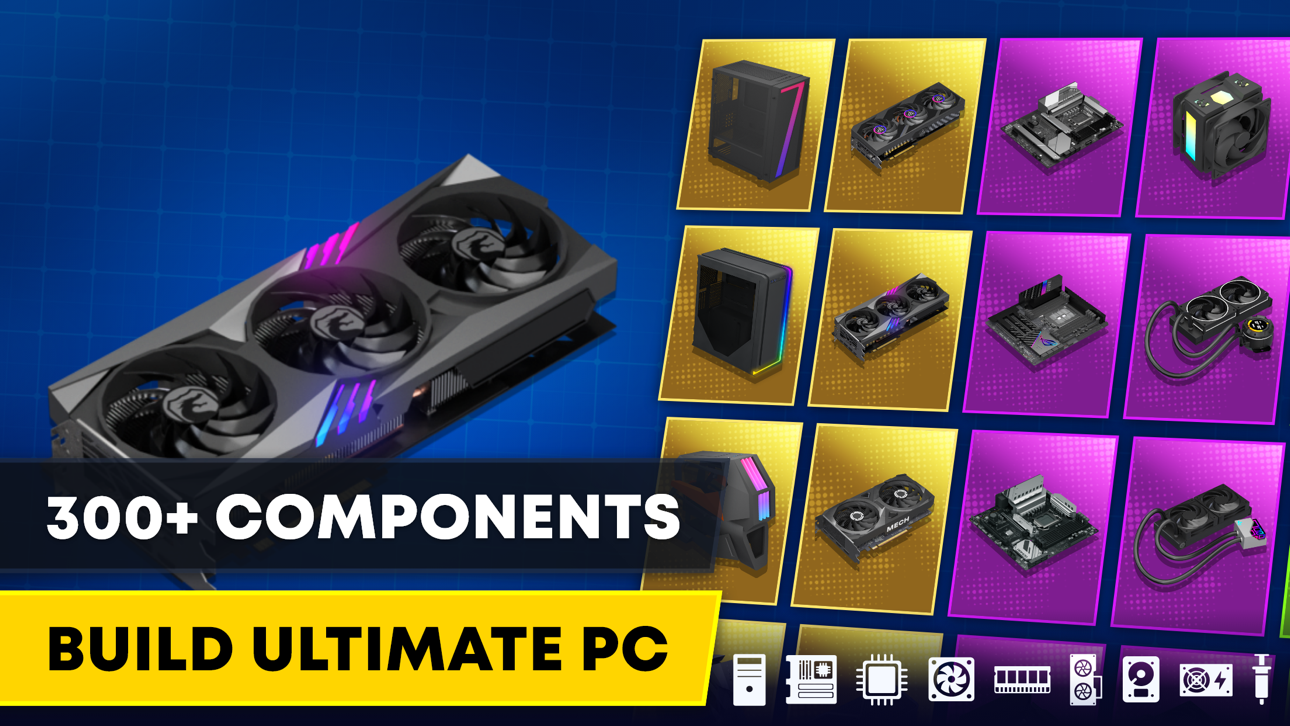
Choose from 300+ real-life components: the latest CPUs, GPUs, SSDs, cooling systems, and sleek cases. Create the perfect setup and fine-tune every detail.
Whether you're after maximum performance or a show-stopping rig with style—your dream build starts here.
● Test Performance & Overclock Like a Pro
Run accurate FPS benchmarks and see if your custom PC can handle the most demanding games.
Push your CPU and GPU to the limit with overclocking, monitor system temps, and stability to get the most out of your build.
● Run Your Own PC Business in Idle Tycoon Mode
Take on client orders, fix and sell PCs, cut costs, and scale your workshop to dominate the tech market.
Handle urgent requests, diagnose issues, and deliver high-quality service—then earn cash even while you're offline.
● Install & Optimize Real Software
Pick operating systems, install drivers, adjust settings, and boost performance like a real tech expert.
Simulate real-world tools like antivirus, benchmark apps, and performance optimizers—every install makes a difference.
● Grow Your Brand & Become a Tech Tycoon
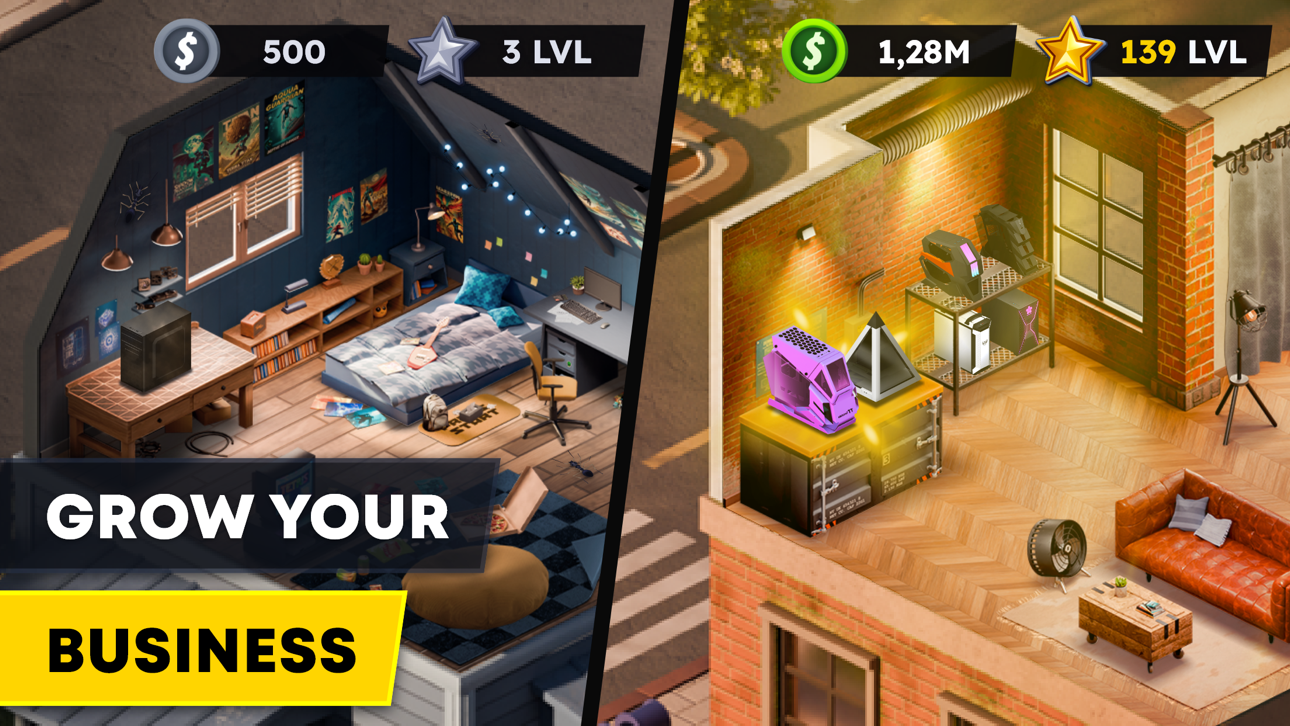
Start from a tiny repair shop and turn it into a global tech powerhouse.
Unlock new features, form partnerships, hire staff, and discover rare parts and secret blueprints to stay ahead of the competition.
● Ready to Build Your Own Empire?
Whether you're here for casual fun or serious strategy, PC Creator 3 offers depth, creativity, and endless possibilities.
Download now and become the ultimate PC building master in the world of tech!
Terms of Use (EULA): https://creaty.me/terms
Screenshots © their respective owners · App Store


![Slots Era - Slot Machines 777 [ Debug Menu ]](https://is1-ssl.mzstatic.com/image/thumb/Purple221/v4/95/70/c9/9570c938-1b12-60f3-5af0-548d6e8778ef/AppIcon-0-0-1x_U007emarketing-0-8-0-85-220.png/100x100bb.jpg)
iOSGods is not affiliated with, endorsed by, or sponsored by Apple Inc., Google LLC, or the developers of the apps listed here. Apple, iOS and App Store are trademarks of Apple Inc. Android and Google Play are trademarks of Google LLC. All other app names, icons, artwork and trademarks belong to their respective owners.

- Non-Jailbroken/Jailed or Jailbroken iPhone or iPad.
- Sideloadly or alternatives.
- Computer running Windows/macOS/Linux with iTunes installed.
STEP 1: Download the pre-hacked .IPA file from the link above to your computer. To download from the iOSGods App, see our iOSGods App IPA Download Tutorial which includes a video example.
STEP 2: Download Sideloadly and install it on your Windows or Mac.
STEP 3: Open Sideloadly on your computer, connect your iOS device, and wait until your device name appears in Sideloadly.
STEP 4: Once your iDevice is recognized, drag the modded .IPA file you downloaded and drop it into the Sideloadly application.
STEP 5: Enter your Apple Account email, then press “Start.” You’ll then be asked to enter your password. Go ahead and provide the required information.
STEP 6: Wait for Sideloadly to finish sideloading/installing the hacked IPA. If there are issues during installation, please read the note below.
STEP 7: Once the installation is complete and you see the app on your Home Screen, you will need to go to Settings → General → Profiles / VPN & Device Management. Once there, tap on the email you entered from step 6, and then tap on “Trust [email protected]”.
STEP 8: Now go to your Home Screen and open the newly installed app and everything should work fine. You may need to follow further per app instructions inside the hack's popup in-game.
NOTE: iOS/iPadOS 16 and later, you must enable Developer Mode. For free Apple Developer accounts, you will need to repeat this process every 7 days. If you have any questions or problems, read our Sideloadly FAQ section of the topic.
Game Name iOS Mod IPA is an action adventure game enhanced with powerful gameplay boosts and quality-of-life improvements. Win battles faster, earn rewards quicker, and enjoy uninterrupted play without ads.
- Unlimited Gold - spend freely to unlock premium content
- Damage Multiplier - deal significantly more damage in combat
- Defense Multiplier - take less damage and survive longer
- Reward Multiplier - earn more loot from every battle
- Max Level - instantly reach the highest player rank
- No Ads - play without interruptions or advertisements
This app also comes with iGameGod, giving you access to Auto Touch to automate repetitive tasks, App Speed Manager for adjustable gameplay speed, Memory Engine value editing, and more powerful iOS game tools.
Download Game Name Mod IPA from the links above. Tap the install button and follow the on-screen instructions to install this iOS app hack on your iPhone, iPad, or Apple Silicon.
Need more help Check out our iOSGods App Frequently Asked Questions for detailed answers and troubleshooting tips.
----------------------------------------------------------
--------------------------------------------------




![Virtual Villagers 7 iOS Mod IPA [ Cheats Menu ]](https://is1-ssl.mzstatic.com/image/thumb/Purple221/v4/6b/94/34/6b94344d-85de-08a8-75e0-23eda76b7b24/AppIcon-0-0-1x_U007emarketing-0-8-0-85-220.png/100x100bb.jpg)


![Family Tree! - Logic Puzzles iOS Mod IPA [ Debug Menu ]](https://is1-ssl.mzstatic.com/image/thumb/Purple211/v4/09/e8/68/09e868d3-3156-fdd9-5ae3-16382a5de883/AppIcon-0-0-1x_U007emarketing-0-8-0-85-220.png/100x100bb.jpg)


