Login Required
Sign in with your iOSGods account to continue.
Sign in with your iOSGods account to continue.
This music and adventure role-playing game lets you rise from the streets to hip-hop stardom alongside Nicki Minaj, now with a Mod IPA hack that removes the grind. Write and record your own raps, party at exclusive venues, dress in trending fashions, and customize your crib while you climb to legendary status, all with unlimited resources to speed up your journey to the top.
- Infinite Cash → spend freely without limits
- Infinite Gems → unlock premium content instantly
- Infinite Energy (Use Gems to Purchase Energy) → never run out of stamina for activities
This app also comes with iGameGod, giving you access to Auto Touch to automate repetitive tasks, App Speed Manager for adjustable gameplay speed, Memory Engine value editing, and more powerful iOS game tools.
Download Nicki Minaj: The Empire Hack modded IPA from the links above. Tap the install button and follow the on-screen instructions to install this iOS app hack on your iPhone, iPad, or Apple Silicon.
Need more help? Check out our iOSGods App Frequently Asked Questions for detailed answers and troubleshooting tips.
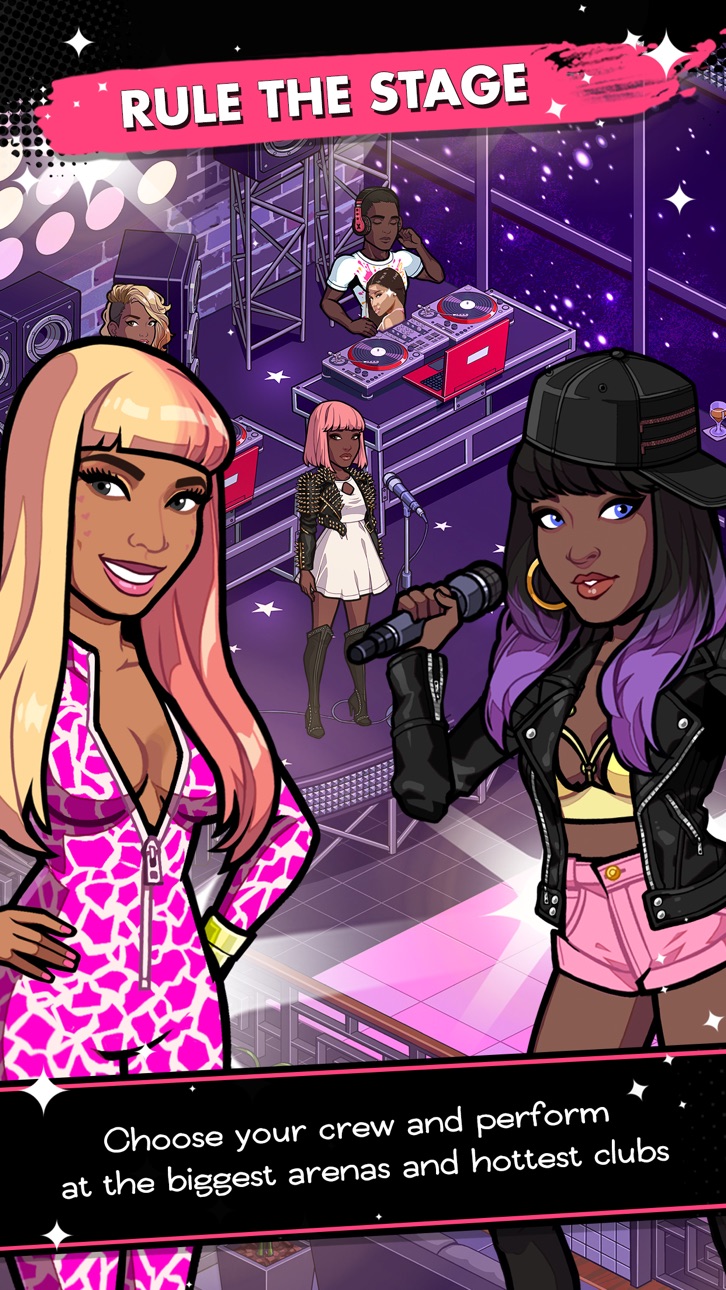
RULE THE WORLD WITH NICKI MINAJ
Join the Queen of Rap in a dramatic adventure as you rise from humble beginnings to become the next legend of hip-hop!
NEW EXCLUSIVE NICKI MINAJ SONG
Drop a verse on Nicki’s new song “Ain’t Gone Do It”!
EXPRESS YOURSELF
Write lyrics and record your own raps to share with friends!
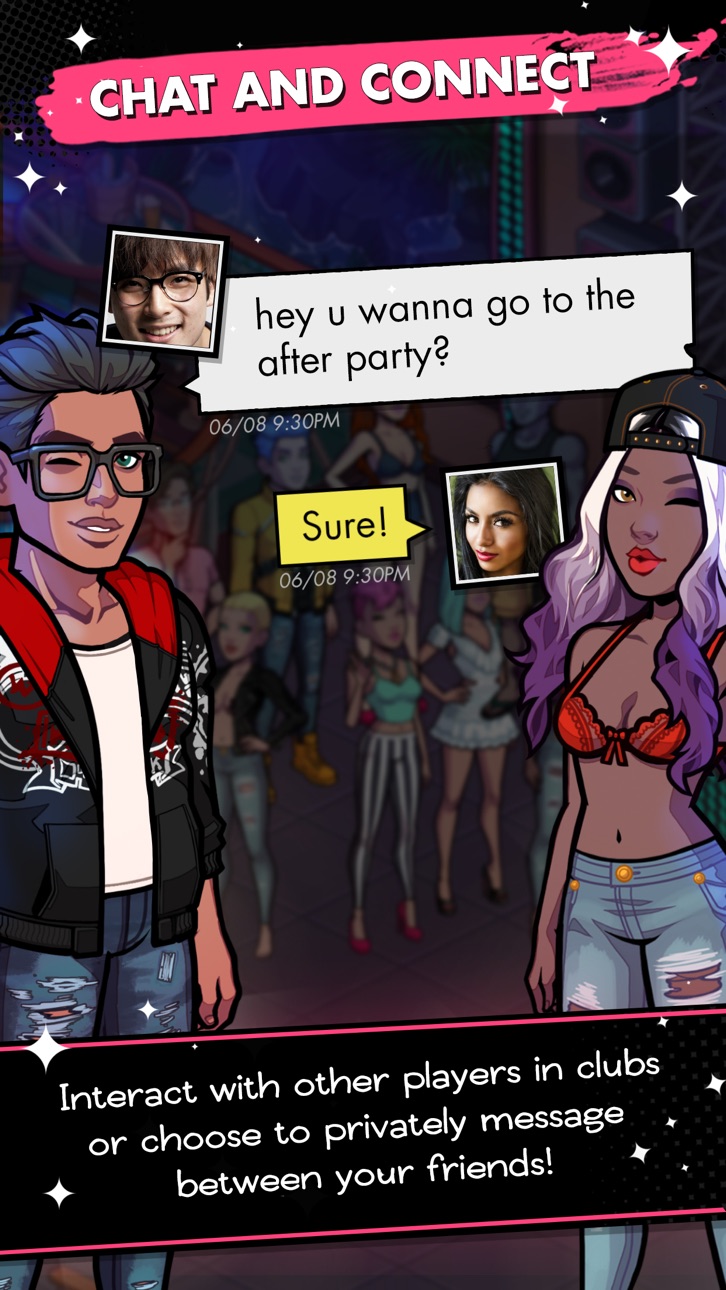
LIVE THE LIFE
Party at penthouses and clubs; chat live with that hot guy or girl who's checking you out!
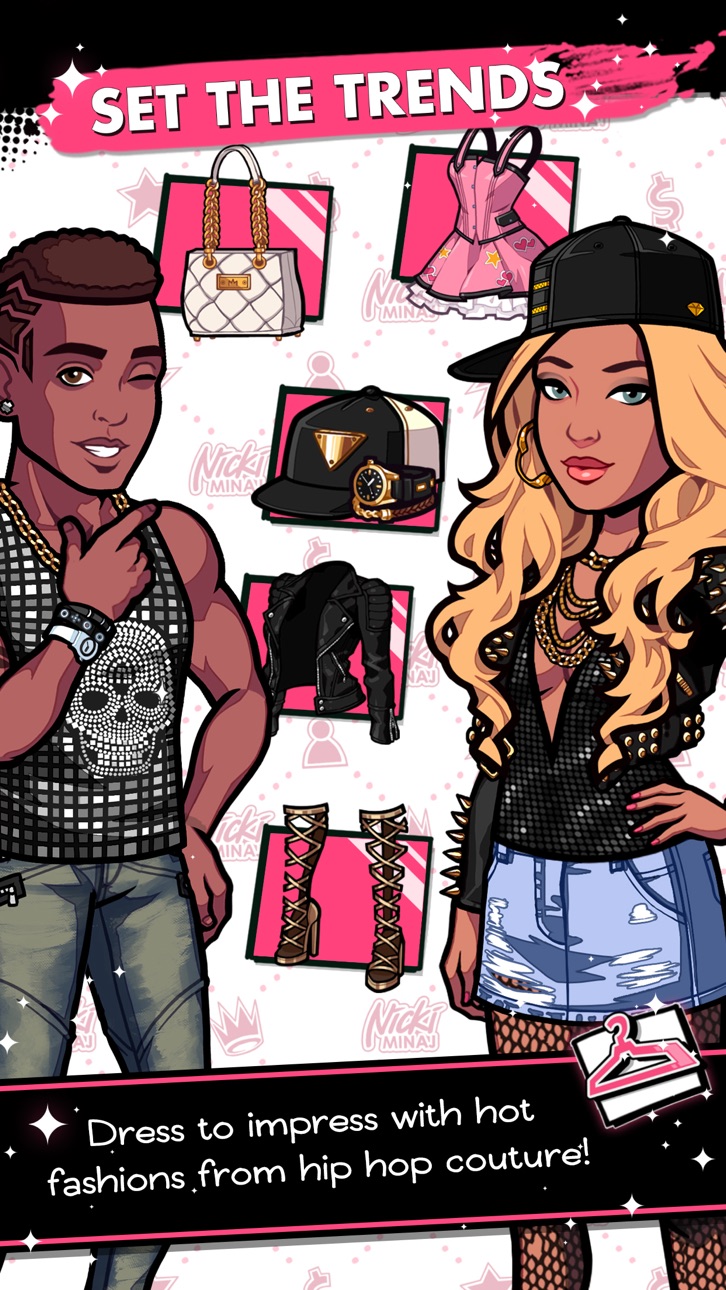
SET THE TRENDS
Dress to impress with the latest fashions and show off your best outfits!
LIVE LARGE IN YOUR CRIB
Customize your crib and invite your friends to party all night!
Auto-renewable subscription information:
Nicki Minaj: The Empire now includes subscriptions. There is currently one subscription available, the All Access Pass: 4.99USD / month (or local equivalent).
The Subscriptions is available via in app purchase. The Subscription will automatically renew at the end of the subscription period. Payment will be charged to your iTunes account within 24-hours prior to the end of the current period. You can turn off auto-renew at any time from your iTunes Account Settings. No cancellation of your subscription is allowed during the active applicable subscription period
Here are the links to our privacy policy and terms of use:
Nicki Minaj: The Empire © 2016 Glu Mobile Inc. All rights reserved.
GLU and the “g-Man” logo are the trademarks or registered trademarks of Glu Mobile Inc. in the United States and/or in other jurisdictions.
Elements related to Nicki Minaj, © 2016 Roman Reloaded, LLC and/or its affiliates. All rights reserved.
NICKI MINAJ: THE EMPIRE and NICKI MINAJ are trademarks of Little Miss Mogul, LLC
Created with Unity 5.1.4f. Portions of this program © 2005-2015 Unity Technologies.
PLEASE NOTE:
- This game is free to play, but you can choose to pay real money for some extra items, which will charge your iTunes account. You can disable in-app purchasing by adjusting your device settings.
- This game is not intended for children.
- Please buy carefully.
- Advertising appears in this game.
- This game may permit users to interact with one another (e.g., chat rooms, player to player chat, messaging) depending on the availability of these features. Linking to social networking sites are not intended for persons in violation of the applicable rules of such social networking sites.
- A network connection is required to play.
- For information about how Glu collects and uses your data, please read our privacy policy at: www.Glu.com/privacy
- If you have a problem with this game, please use the game’s “Help” feature.
- Non-Jailbroken/Jailed or Jailbroken iPhone or iPad.
- Sideloadly or alternatives.
- Computer running Windows/macOS/Linux with iTunes installed.
STEP 1: Download the pre-hacked .IPA file from the link above to your computer. To download from the iOSGods App, see our iOSGods App IPA Download Tutorial which includes a video example.
STEP 2: Download Sideloadly and install it on your Windows or Mac.
STEP 3: Open Sideloadly on your computer, connect your iOS device, and wait until your device name appears in Sideloadly.
STEP 4: Once your iDevice is recognized, drag the modded .IPA file you downloaded and drop it into the Sideloadly application.
STEP 5: Enter your Apple Account email, then press “Start.” You’ll then be asked to enter your password. Go ahead and provide the required information.
STEP 6: Wait for Sideloadly to finish sideloading/installing the hacked IPA. If there are issues during installation, please read the note below.
STEP 7: Once the installation is complete and you see the app on your Home Screen, you will need to go to Settings → General → Profiles / VPN & Device Management. Once there, tap on the email you entered from step 6, and then tap on “Trust [email protected]”.
STEP 8: Now go to your Home Screen and open the newly installed app and everything should work fine. You may need to follow further per app instructions inside the hack's popup in-game.
NOTE: iOS/iPadOS 16 and later, you must enable Developer Mode. For free Apple Developer accounts, you will need to repeat this process every 7 days. If you have any questions or problems, read our Sideloadly FAQ section of the topic.
Hack Features:
- Inf Coins (Spend)
App Installation Instructions:
---------------------------------------------------------
----------------------------------------------------------
If you require more information or help, please read our Frequently Asked Questions topic on iOSGods.com.
----------------------------------------------------------
--------------------------------------------------




![[Seven Deadly Sins] 七つの大罪 光と闇の交戦 : グラクロ iOS Mod IPA](https://is1-ssl.mzstatic.com/image/thumb/Purple211/v4/25/c9/34/25c93451-a11a-b249-0124-fce8279580da/AppIcon-1x_U007emarketing-0-8-0-85-220-0.png/100x100bb.jpg)


