تسجيل الدخول مطلوب
سجّل الدخول بحساب iOSGods للمتابعة.
سجّل الدخول بحساب iOSGods للمتابعة.
أوراق ذهبية غير محدودة وأوراق فضية غير محدودة وعناصر حقيبة ظهر غير محدودة تحول DEEEER Simulator: Wild World Hack إلى تجربة بقاء خالية من الضغوط حيث يصبح جمع الموارد اختياريًا والاستكشاف هو محور التركيز.
توقف عن القلق بشأن مقاييس الجوع والعطش والسعادة، وركز بالكامل على بناء معسكر الغابة الخاص بك واكتشاف الأطلال القديمة والارتباط بمخلوقات الغابة بالسرعة التي تناسبك. تتيح لك هذه اللعبة المعدلة على iOS لعب مغامرة الحياة البطيئة بدون عناء البقاء.
- أوراق ذهبية غير محدودة → عملة مميزة لا نهائية
- أوراق فضية غير محدودة → عملة ثانوية بلا حدود
- عناصر حقيبة ظهر غير محدودة → احمل كل ما تجمعه
- بدون عطش → لا تفقد الصحة من العطش
- بدون جوع → لا تفقد الصحة من الجوع
- تعديل جيد → تهكير مستقر وموثوق
- سعيد دائمًا → مقياس المزاج يبقى في الحد الأقصى
- الضرر → معدل تعديل الضرر
يأتي هذا التطبيق أيضًا مع iGameGod، مما يتيح لك الوصول إلى Auto Touch لأتمتة المهام المتكررة، وApp Speed Manager لضبط سرعة اللعب، وتعديل القيم عبر Memory Engine، والمزيد من أدوات ألعاب iOS القوية.
قم بتنزيل DEEEER Simulator: Wild World Hack modded IPA من الروابط أعلاه. اضغط على زر التثبيت واتبع التعليمات لتثبيت هذا التعديل لـ iOS على iPhone أو iPad أو Apple Silicon.
هل تحتاج إلى مزيد من المساعدة؟ راجع الأسئلة الشائعة لتطبيق iOSGods للحصول على إجابات مفصلة ونصائح لاستكشاف الأخطاء.
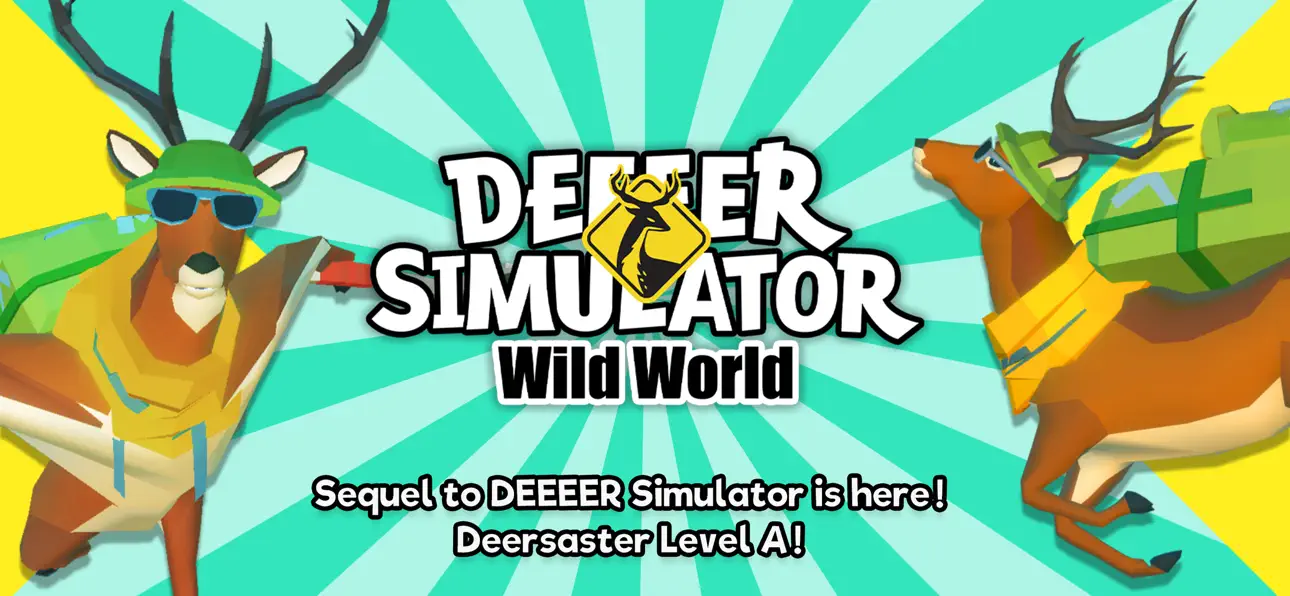
Developed under the official IP license from DEEEER Simulator creator Gibier Games, this new sandbox survival adventure stars our DEEEER protagonist, now embarking on a unique wilderness survival journey.
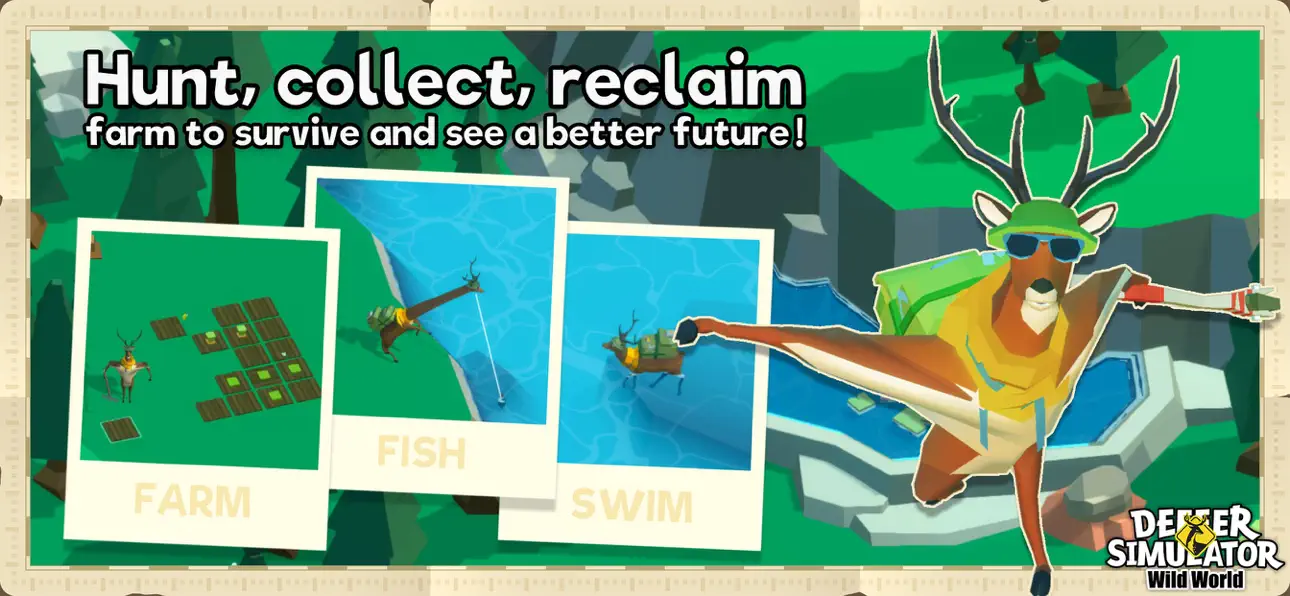
DEEEER Simulator: Wild World is a game about wandering through a slow-life forest, enjoying good times with other animals in the forest.
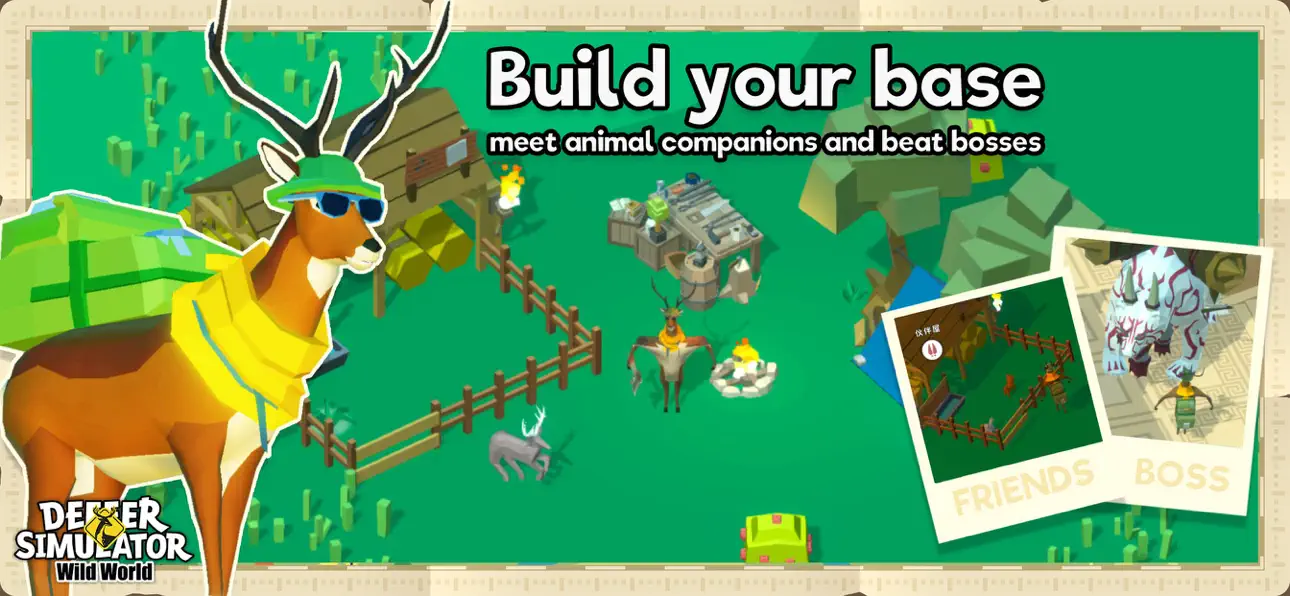
By continuously gathering materials, DEEEER will build his own camp in this forest and become the ruler of the area.
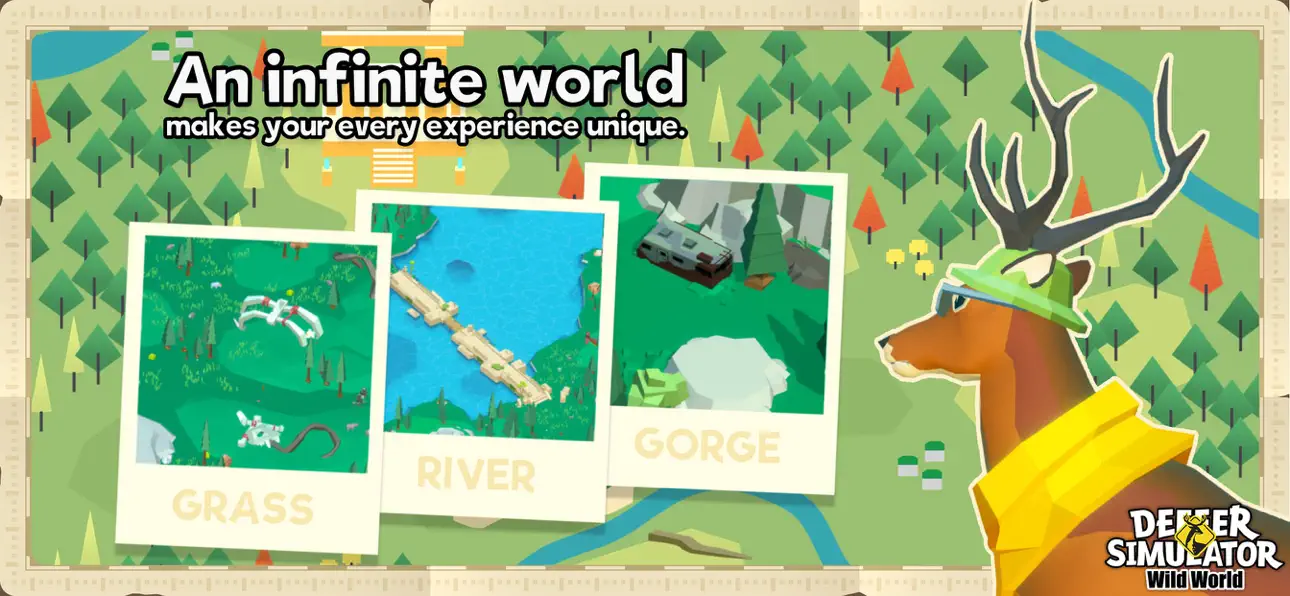
The wilderness holds many secrets: decaying city ruins, mysterious ancient temples, and abandoned car wrecks scattered everywhere...
Where did the cities of the past disappear to? What new crises will old enemies bring?
Join this brand-new wilderness survival adventure and unleash the power of our DEEEER!
لقطات الشاشة © لأصحابها · App Store


iOSGods ليست تابعة لشركة Apple Inc. أو Google LLC أو مطوّري التطبيقات المدرجة هنا، وليست معتمدة أو مدعومة منهم. Apple وiOS وApp Store علامات تجارية لشركة Apple Inc. وAndroid وGoogle Play علامتان تجاريتان لشركة Google LLC. أما بقية أسماء التطبيقات والأيقونات والصور والعلامات التجارية فهي ملك لأصحابها.

- iPhone أو iPad بجيلبريك أو بدون جيلبريك.
- Sideloadly أو بدائلها.
- كمبيوتر يعمل بنظام Windows/macOS/Linux مع تثبيت iTunes.
الخطوة 1: قم بتنزيل ملف .IPA المعدّل مسبقًا من الرابط أعلاه إلى الكمبيوتر الخاص بك. للتنزيل من تطبيق iOSGods App، اطلع على دليل تنزيل IPA من تطبيق iOSGods App الذي يتضمن مثالًا بالفيديو.
الخطوة 2: قم بتنزيل Sideloadly وتثبيته على جهاز Windows أو Mac.
الخطوة 3: افتح Sideloadly على الكمبيوتر، ووصّل جهاز iOS الخاص بك، وانتظر حتى يظهر اسم جهازك داخل Sideloadly.
الخطوة 4: بمجرد التعرّف على جهاز iDevice الخاص بك، اسحب ملف .IPA المعدّل الذي قمت بتنزيله وأفلِته داخل تطبيق Sideloadly.
الخطوة 5: أدخل البريد الإلكتروني لحساب Apple Account الخاص بك، ثم اضغط على «Start». سيُطلب منك بعد ذلك إدخال كلمة المرور. تابع وأدخل المعلومات المطلوبة.
الخطوة 6: انتظر حتى ينتهي Sideloadly من تحميل/تثبيت ملف IPA المعدّل. في حال واجهت أي مشاكل أثناء التثبيت، يرجى قراءة الملاحظة أدناه.
الخطوة 7: بعد اكتمال التثبيت ورؤية التطبيق على الشاشة الرئيسية، انتقل إلى Settings → General → Profiles / VPN & Device Management. ثم اضغط على البريد الإلكتروني الذي أدخلته في الخطوة 6، ثم اضغط على «الوثوق بـ [email protected]».
الخطوة 8: الآن انتقل إلى الشاشة الرئيسية وافتح التطبيق الذي تم تثبيته للتو وسيعمل كل شيء بشكل صحيح. قد تحتاج إلى اتباع تعليمات إضافية خاصة بكل تطبيق داخل النافذة المنبثقة للتعديل أثناء اللعب.
ملاحظة: بدءًا من iOS/iPadOS 16 وما بعده، يجب تفعيل وضع المطور (Developer Mode). بالنسبة لحسابات Apple Developer المجانية، ستحتاج إلى تكرار هذه العملية كل 7 أيام. إذا كانت لديك أي أسئلة أو مشاكل، يرجى قراءة قسم الأسئلة الشائعة حول Sideloadly في الموضوع.
Game Name iOS Mod IPA is an action adventure game enhanced with powerful gameplay boosts and quality-of-life improvements. Win battles faster, earn rewards quicker, and enjoy uninterrupted play without ads.
- Unlimited Gold - spend freely to unlock premium content
- Damage Multiplier - deal significantly more damage in combat
- Defense Multiplier - take less damage and survive longer
- Reward Multiplier - earn more loot from every battle
- Max Level - instantly reach the highest player rank
- No Ads - play without interruptions or advertisements
This app also comes with iGameGod, giving you access to Auto Touch to automate repetitive tasks, App Speed Manager for adjustable gameplay speed, Memory Engine value editing, and more powerful iOS game tools.
قم بتنزيل Game Name Mod IPA من الروابط أعلاه. اضغط على زر التثبيت واتبع التعليمات لتثبيت هذا التعديل لـ iOS على iPhone أو iPad أو Apple Silicon.
هل تحتاج إلى مزيد من المساعدة؟ راجع الأسئلة الشائعة لتطبيق iOSGods للحصول على إجابات مفصلة ونصائح لاستكشاف الأخطاء.
----------------------------------------------------------
--------------------------------------------------