Login Required
Sign in with your iOSGods account to continue.
Sign in with your iOSGods account to continue.
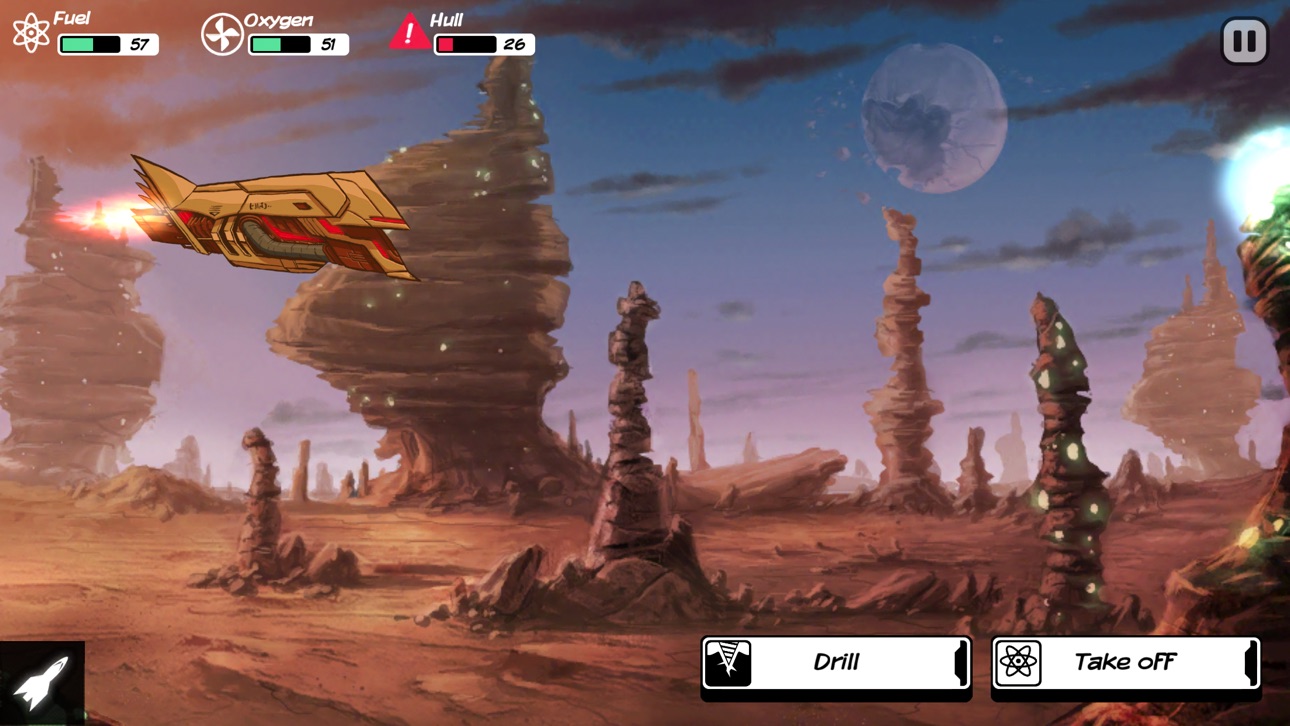
Navigate the vast unknown galaxy as an astronaut stranded far from home in this award-winning strategy RPG, now with an Out There: Ω Edition Mod IPA that removes resource scarcity. You awaken from cryonics in a distant corner of space, where every decision about fuel, hull integrity, and oxygen determines your survival. This hack strips away the survival pressure so you can explore the narrative and puzzle-solving at your own pace.
- Unlimited Fuel → travel without depletion
- Unlimited Hull → no damage limits
- Unlimited Oxygen → breathe freely
Made by Sterling0x1!
This app also comes with iGameGod, giving you access to Auto Touch to automate repetitive tasks, App Speed Manager for adjustable gameplay speed, Memory Engine value editing, and more powerful iOS game tools.
Download Out There: Ω Edition Hack modded IPA from the links above. Tap the install button and follow the on-screen instructions to install this iOS app hack on your iPhone, iPad, or Apple Silicon.
Need more help? Check out our iOSGods App Frequently Asked Questions for detailed answers and troubleshooting tips.
5/5 - TouchArcade
5/5 - PocketTactics
9/10 'Gold Award' - PocketGamer
Grand Prize - DevGAMM Moscow 2015
Excellence in Narrative - DevGAMM 2015
Best Game Design Award - Casual Connect EE 2014
Excellence In Narrative Finalist - IMGA 2015
Best iPhone and iPad Games of 2014 - TouchArcade
Best Mobile Games of 2014 - Game Informer
Best Mobile Games of 2014 - Gamezebo
WARNING : this game is hard ! Check the forum for strategy tips : http://outthere.forumactif.org/
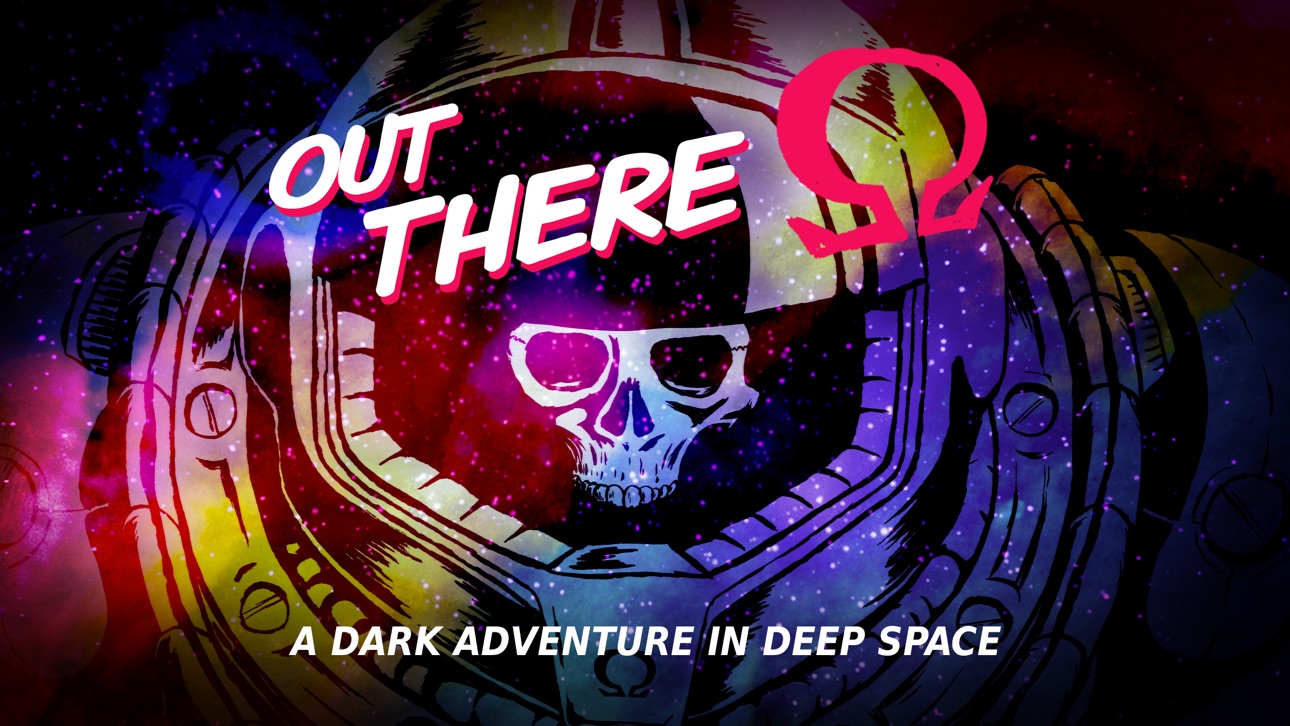
You are an astronaut awaking from cryonics not in the solar system, but... out there... in a far and unknown place of the galaxy. In Out There, you will have to survive, tinkering your ship with what you can gather drifting in the void, and spot garden planets to refill your oxygen supply.
Space is an hostile place ; dangerous and mysterious adventures will mark each step of your travel. You will not only meet intelligent species that won’t care about you, but also deal with ancient powers linked to your destiny and the fate of mankind itself.
Survival and understanding of what is really at stake in the galaxy is the core of what Out There has to offer.
Music by award-winning composer Siddhartha Barnhoorn (Antichamber, The Stanley Parable)
• Game Center : 59 achievements, leaderboard
• A dark and melancholic, hard sci-fi adventure
• Explore a freshly procedurally-generated galaxy every new game
• 350+ multiple choices handwritten game book adventures
• Epic main storyline with 4 different endings
• 10 spaceships with different specs to discover
• Crafting system with 20 alien technologies built from 15 materials
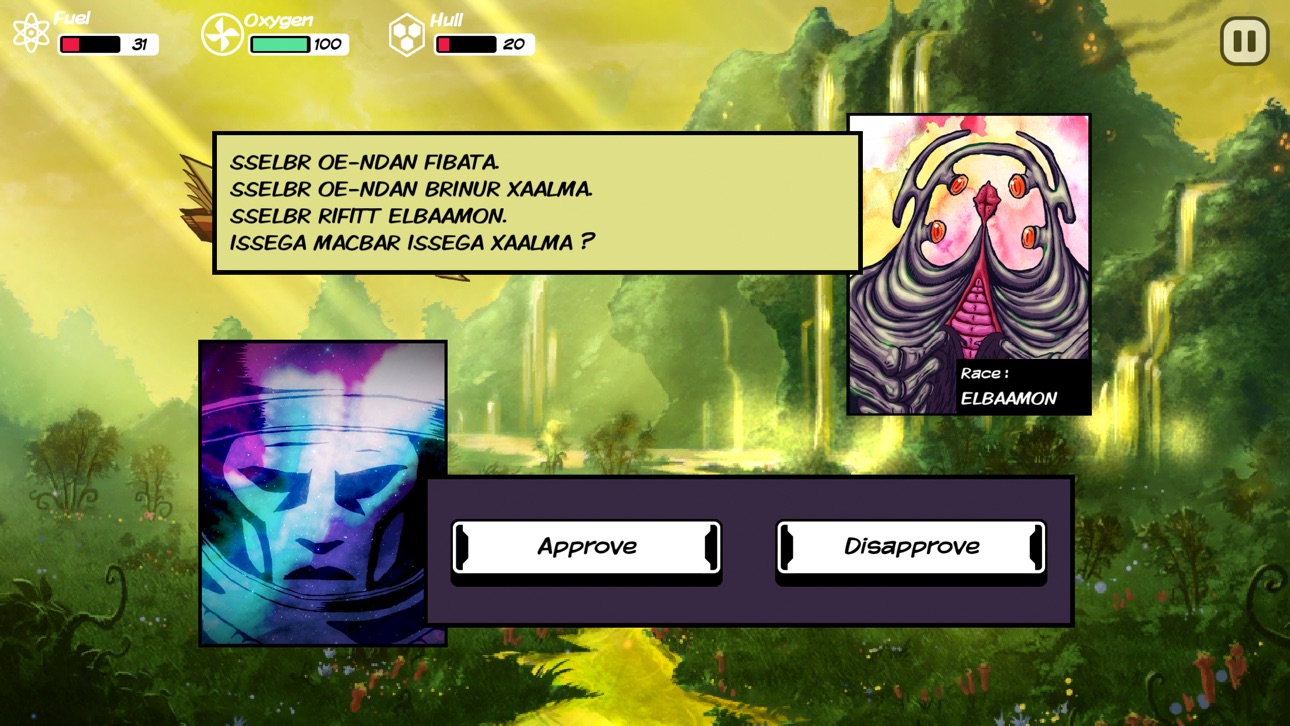
• Engage with alien life forms and learn their language
• No combat ! It’s you against the environment
• Eerie score by award-winning composer Siddartha Barnhoom (Antichamber, The Stanley Parable)
• Fantastic pulp comics graphics
• High replay value
Screenshots © their respective owners · App Store


iOSGods is not affiliated with, endorsed by, or sponsored by Apple Inc., Google LLC, or the developers of the apps listed here. Apple, iOS and App Store are trademarks of Apple Inc. Android and Google Play are trademarks of Google LLC. All other app names, icons, artwork and trademarks belong to their respective owners.

- Non-Jailbroken/Jailed or Jailbroken iPhone or iPad.
- Sideloadly or alternatives.
- Computer running Windows/macOS/Linux with iTunes installed.
STEP 1: Download the pre-hacked .IPA file from the link above to your computer. To download from the iOSGods App, see our iOSGods App IPA Download Tutorial which includes a video example.
STEP 2: Download Sideloadly and install it on your Windows or Mac.
STEP 3: Open Sideloadly on your computer, connect your iOS device, and wait until your device name appears in Sideloadly.
STEP 4: Once your iDevice is recognized, drag the modded .IPA file you downloaded and drop it into the Sideloadly application.
STEP 5: Enter your Apple Account email, then press “Start.” You’ll then be asked to enter your password. Go ahead and provide the required information.
STEP 6: Wait for Sideloadly to finish sideloading/installing the hacked IPA. If there are issues during installation, please read the note below.
STEP 7: Once the installation is complete and you see the app on your Home Screen, you will need to go to Settings → General → Profiles / VPN & Device Management. Once there, tap on the email you entered from step 6, and then tap on “Trust [email protected]”.
STEP 8: Now go to your Home Screen and open the newly installed app and everything should work fine. You may need to follow further per app instructions inside the hack's popup in-game.
NOTE: iOS/iPadOS 16 and later, you must enable Developer Mode. For free Apple Developer accounts, you will need to repeat this process every 7 days. If you have any questions or problems, read our Sideloadly FAQ section of the topic.
Game Name iOS Mod IPA is an action adventure game enhanced with powerful gameplay boosts and quality-of-life improvements. Win battles faster, earn rewards quicker, and enjoy uninterrupted play without ads.
- Unlimited Gold - spend freely to unlock premium content
- Damage Multiplier - deal significantly more damage in combat
- Defense Multiplier - take less damage and survive longer
- Reward Multiplier - earn more loot from every battle
- Max Level - instantly reach the highest player rank
- No Ads - play without interruptions or advertisements
This app also comes with iGameGod, giving you access to Auto Touch to automate repetitive tasks, App Speed Manager for adjustable gameplay speed, Memory Engine value editing, and more powerful iOS game tools.
Download Game Name Mod IPA from the links above. Tap the install button and follow the on-screen instructions to install this iOS app hack on your iPhone, iPad, or Apple Silicon.
Need more help Check out our iOSGods App Frequently Asked Questions for detailed answers and troubleshooting tips.
----------------------------------------------------------
--------------------------------------------------