Login Required
Sign in with your iOSGods account to continue.
Sign in with your iOSGods account to continue.
Evolve creatures from virus to post-human in this DNA mixing clicker game, now with a modded iOS hack that removes progression barriers. Human Evolution - Clicker Game Mod IPA gives you infinite currencies and eliminates ads, so you can focus on merging animals, upgrading genetics, and building your evolution empire without interruption.
- Infinite Currencies → spend freely on upgrades and evolution
- No Ads → uninterrupted gameplay
This app also comes with iGameGod, giving you access to Auto Touch to automate repetitive tasks, App Speed Manager for adjustable gameplay speed, Memory Engine value editing, and more powerful iOS game tools.
Download Human Evolution - Clicker Game Hack modded IPA from the links above. Tap the install button and follow the on-screen instructions to install this iOS app hack on your iPhone, iPad, or Apple Silicon.
Need more help? Check out our iOSGods App Frequently Asked Questions for detailed answers and troubleshooting tips.
For all, who love DNA mixing games, we’ve brought a new app - Human Evolution Clicker Game: Rise of Mankind!
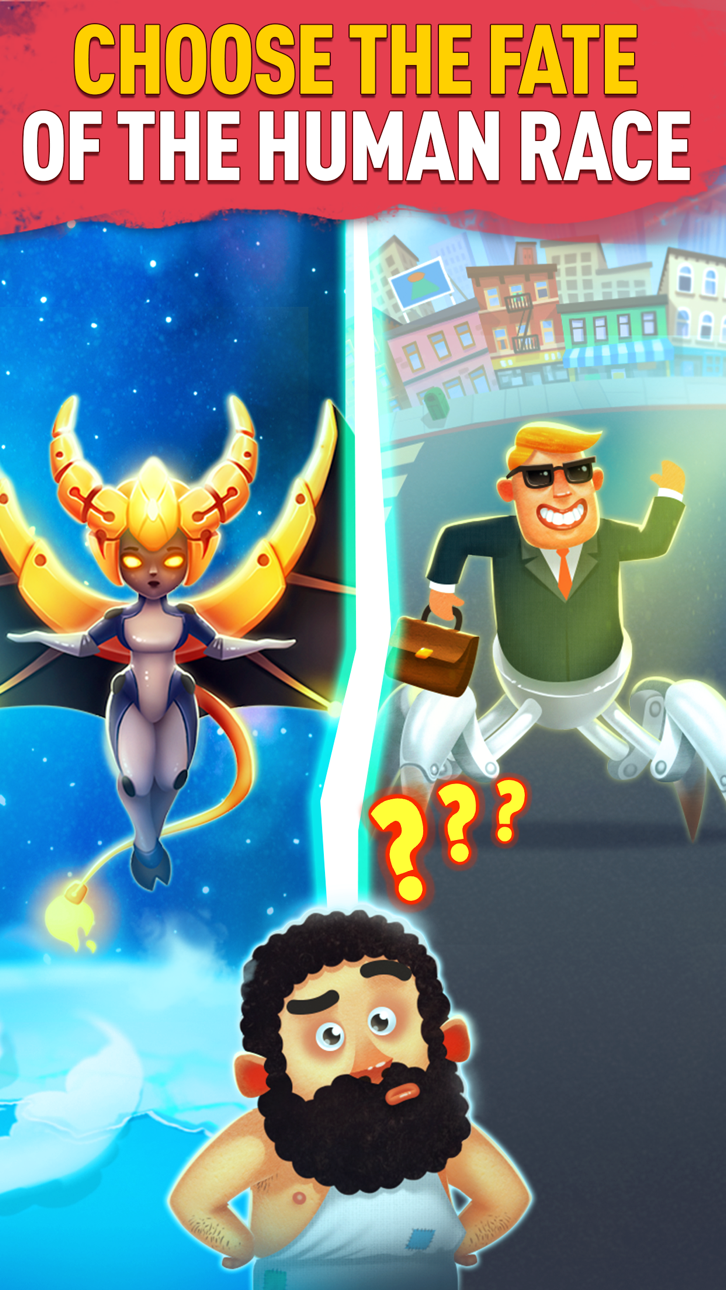
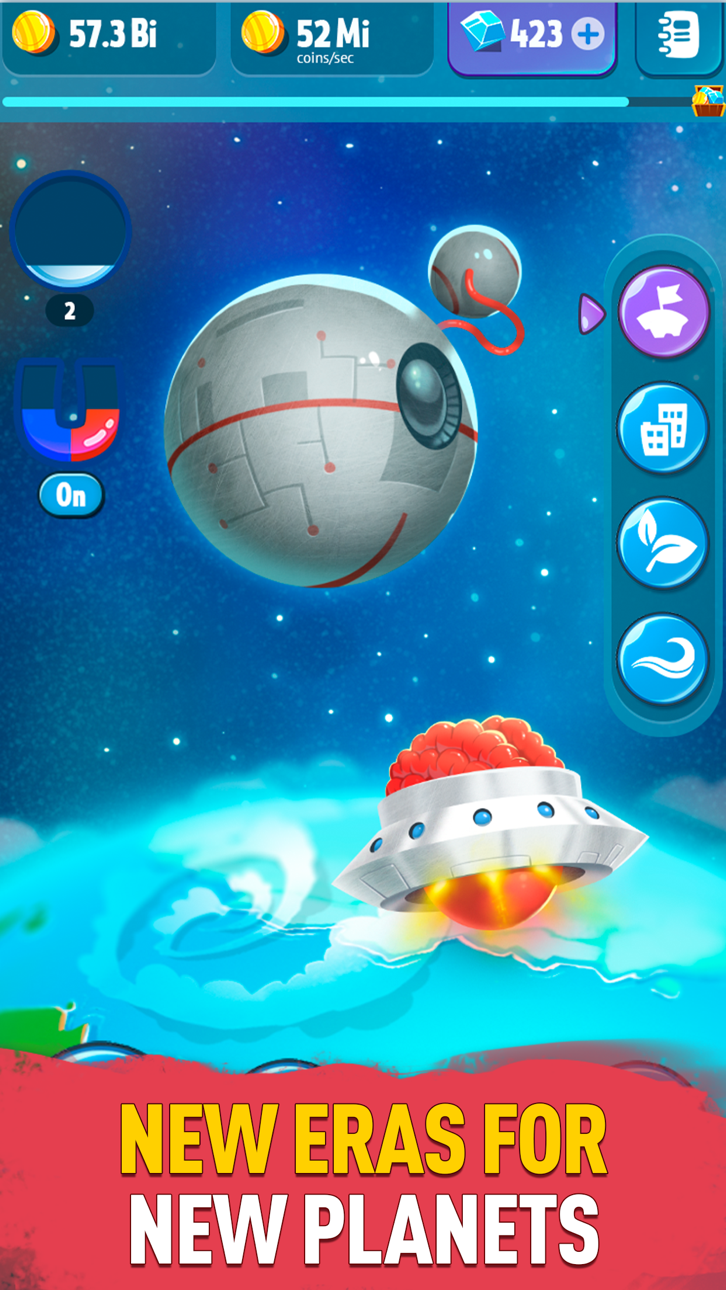
Welcome to the evolution party! With this stage evolution simulation, you can pass through all creatures from virus to the post-human, look upon the world evolution and have fun!
Evolve and upgrade creatures – merge animals to get the new breed! Take two same beasts or protozoan, play with their genetics and enjoy the result! Buy crystals to make your evolution faster!
Unlike other monster evolution clicker games, your game ends when you get cyborgs and sentient robots, but you can stop earlier if you dislike the human evolution, but prefer crocodile evolution, dog evolution, birds evolution or even giraffe evolution!
The evolution world is waiting – start the evolution fun right now! Enjoy our super evolution game – the great gift for all merge games and combination games lovers!
Screenshots © their respective owners · App Store


iOSGods is not affiliated with, endorsed by, or sponsored by Apple Inc., Google LLC, or the developers of the apps listed here. Apple, iOS and App Store are trademarks of Apple Inc. Android and Google Play are trademarks of Google LLC. All other app names, icons, artwork and trademarks belong to their respective owners.

- Non-Jailbroken/Jailed or Jailbroken iPhone or iPad.
- Sideloadly or alternatives.
- Computer running Windows/macOS/Linux with iTunes installed.
STEP 1: Download the pre-hacked .IPA file from the link above to your computer. To download from the iOSGods App, see our iOSGods App IPA Download Tutorial which includes a video example.
STEP 2: Download Sideloadly and install it on your Windows or Mac.
STEP 3: Open Sideloadly on your computer, connect your iOS device, and wait until your device name appears in Sideloadly.
STEP 4: Once your iDevice is recognized, drag the modded .IPA file you downloaded and drop it into the Sideloadly application.
STEP 5: Enter your Apple Account email, then press “Start.” You’ll then be asked to enter your password. Go ahead and provide the required information.
STEP 6: Wait for Sideloadly to finish sideloading/installing the hacked IPA. If there are issues during installation, please read the note below.
STEP 7: Once the installation is complete and you see the app on your Home Screen, you will need to go to Settings → General → Profiles / VPN & Device Management. Once there, tap on the email you entered from step 6, and then tap on “Trust [email protected]”.
STEP 8: Now go to your Home Screen and open the newly installed app and everything should work fine. You may need to follow further per app instructions inside the hack's popup in-game.
NOTE: iOS/iPadOS 16 and later, you must enable Developer Mode. For free Apple Developer accounts, you will need to repeat this process every 7 days. If you have any questions or problems, read our Sideloadly FAQ section of the topic.
Hack Features:
- Inf Coins (Spend)
App Installation Instructions:
---------------------------------------------------------
----------------------------------------------------------
If you require more information or help, please read our Frequently Asked Questions topic on iOSGods.com.
----------------------------------------------------------
--------------------------------------------------