需要登入
請使用您的 iOSGods 帳戶登入以繼續。
請使用您的 iOSGods 帳戶登入以繼續。
Category Sort 是一款輕鬆的表情符號拼圖 Mod IPA,你可以按類別配對 memoji,這個免費破解版本移除了廣告並解鎖了高級貨幣。紙牌遊戲風格的邏輯結合令人滿足的 memoji 配對,隨著你進行越來越複雜的排列,考驗你的決策能力。
使用這個修改版本,你永遠不會缺少金幣或助推器,你的移動次數保持凍結,所以你可以無壓力地計劃每個位置。非常適合想要享受色彩繽紛、流暢遊玩體驗的休閒拼圖愛好者,無需磨練或觀看廣告。
- 自動移除廣告 → 移除所有廣告
- 無限金幣 → 無限制地自由花費
- 金幣凍結 → 你的餘額保持不變
- 充足助推器 / 無需花費金幣 → 助推器免費提供
- 移動次數凍結 → 移動計數保持不變
此應用程式也內建 iGameGod,讓你可以使用 Auto Touch 自動執行重複操作、透過 App Speed Manager 調整遊戲速度、使用 Memory Engine 修改記憶體數值,以及更多強大的 iOS 遊戲工具。
從上方連結下載 Category Sort iOS Mod IPA。點選安裝按鈕並依照畫面指示在 iPhone、iPad 或 Apple Silicon 上安裝此 iOS 應用程式修改版。
需要更多協助?請查看我們的 iOSGods 應用程式常見問題 以獲得詳細解答與疑難排解。
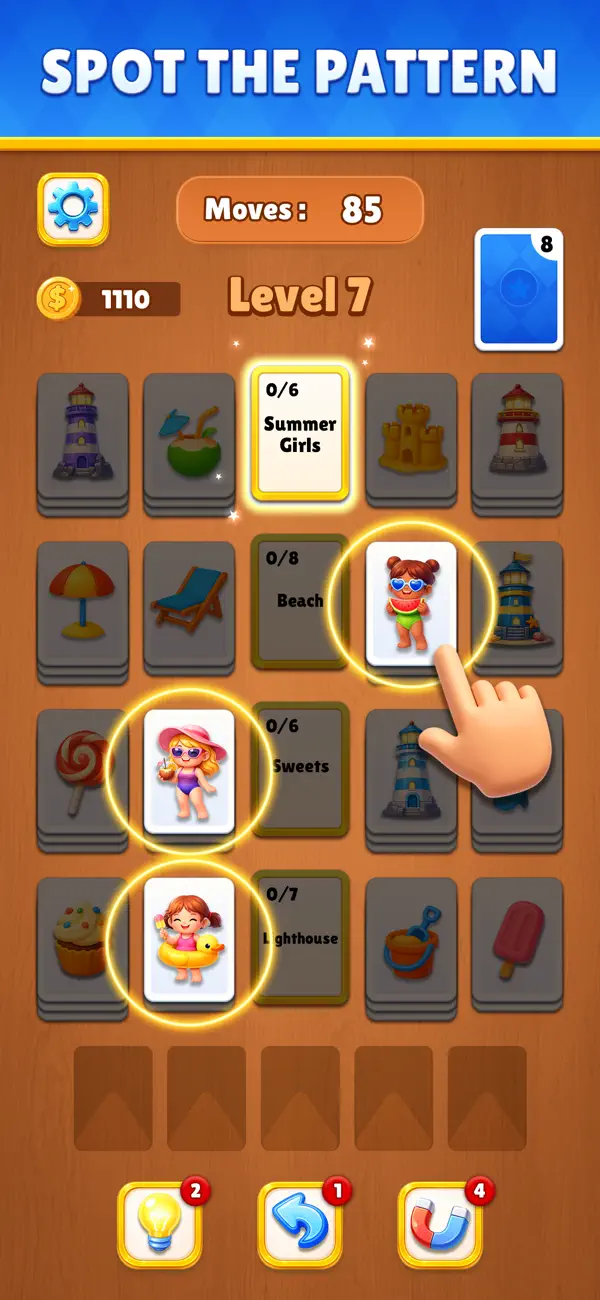
Category Sort is a fun and relaxing Solitaire-style emoji puzzle game where you match memojis based on their categories. Carefully observe each memoji and place it in the correct group to create perfect matches.
As you progress, levels become more challenging with new categories, limited space, and tricky arrangements that test your logic and decision-making skills. The gameplay is simple to learn but offers increasing depth, making it enjoyable for both casual players and puzzle lovers.
With colorful memojis, smooth interactions, and satisfying matches, Category Sort delivers a rewarding and brain-teasing experience.
Features:
Match memojis according to their categories
Easy-to-learn, intuitive sorting mechanics
Increasing difficulty with smarter puzzles
Colorful visuals and smooth gameplay
Relaxing yet challenging puzzle experience
Sort smart, match right, and clear every level!

- 未越獄/受限或已越獄的 iPhone 或 iPad。
- Sideloadly 或替代方案。
- 執行 Windows/macOS/Linux 且已安裝 iTunes 的電腦。
步驟 1: 透過上方連結將已破解的 .IPA 檔案下載到您的電腦。若要從 iOSGods App 下載,請參閱我們的 iOSGods App IPA 下載教學,其中包含影片範例。
步驟 2: 下載 Sideloadly 並將其安裝在您的 Windows 或 Mac 上。
步驟 3: 在電腦上開啟 Sideloadly,連接您的 iOS 裝置,並等待裝置名稱出現在 Sideloadly 中。
步驟 4: 當 Sideloadly 辨識到您的 iOS 裝置後,將下載好的修改版 .IPA 檔案拖曳並放到 Sideloadly 應用程式中。
步驟 5: 輸入您的 Apple Account 電子郵件,然後按下「Start」。系統會要求您輸入密碼,請依指示提供所需資訊。
步驟 6: 等待 Sideloadly 完成已破解 IPA 的旁載/安裝。如果安裝過程中發生問題,請閱讀下方的注意事項。
步驟 7: 安裝完成並在主畫面上看到該應用程式後,您需要前往 設定 → 一般 → 描述檔 / VPN 與裝置管理。進入後,點選您在步驟 6 中輸入的電子郵件,然後點選「信任 [email protected]」。
步驟 8: 現在回到主畫面並開啟新安裝的應用程式,一切應該都能正常運作。您可能需要依照遊戲內破解彈出視窗中的進一步指示操作。
注意: 在 iOS/iPadOS 16 及更新版本上,您必須 啟用開發者模式。若使用免費的 Apple Developer 帳號,您將需要每 7 天重複此程序。如有任何疑問或問題,請閱讀我們的 主題中的 Sideloadly 常見問題區段。