需要登入
請使用您的 iOSGods 帳戶登入以繼續。
請使用您的 iOSGods 帳戶登入以繼續。
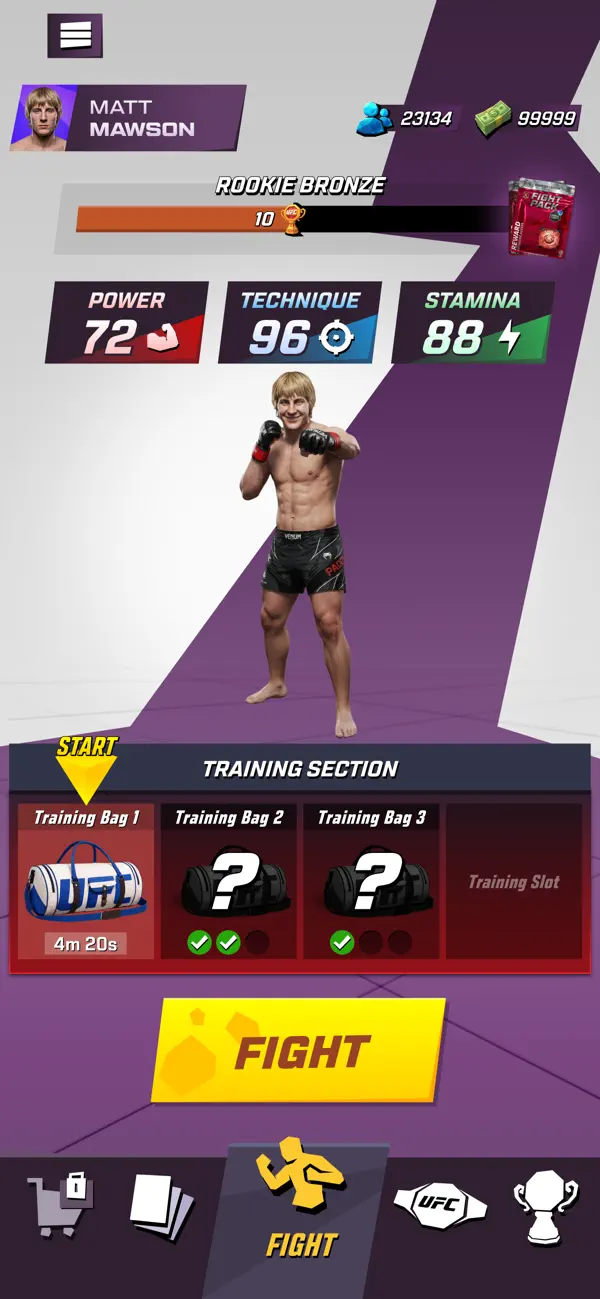
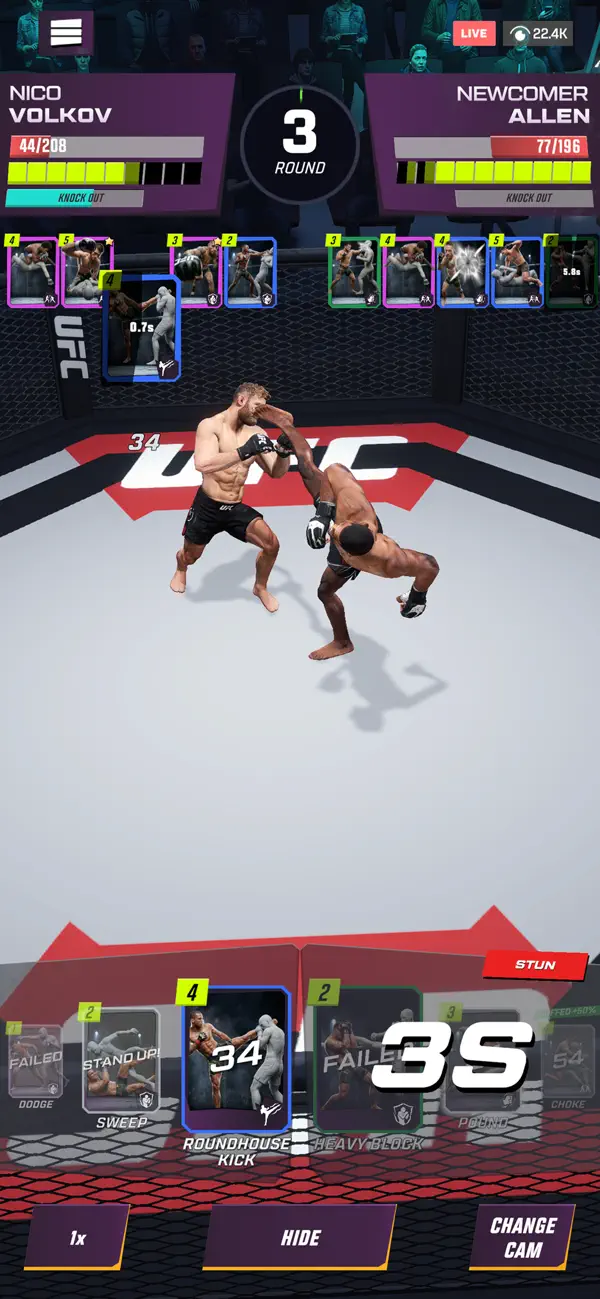
UFC: KO! 是一款格鬥模擬遊戲,你可以建立並訓練自己的自訂 UFC 格鬥家來主宰八角籠,這個免費的 Mod IPA 破解版解鎖了無限資源,加速你登頂的過程。跳過繁瑣的磨練,專注於完善你的格鬥家的打擊、摔跤或全能風格,並即時獲得所有你需要的現金和貨幣。
- 無限現金 → 自由花費在格鬥家升級和訓練上
- 無限杯賽 → 不受資源限制地參賽
- 無限粉絲 → 立即建立你的格鬥家的聲譽
此應用程式也內建 iGameGod,讓你可以使用 Auto Touch 自動執行重複操作、透過 App Speed Manager 調整遊戲速度、使用 Memory Engine 修改記憶體數值,以及更多強大的 iOS 遊戲工具。
從上方連結下載 UFC: KO! iOS Mod IPA。點選安裝按鈕並依照畫面指示在 iPhone、iPad 或 Apple Silicon 上安裝此 iOS 應用程式修改版。
需要更多協助?請查看我們的 iOSGods 應用程式常見問題 以獲得詳細解答與疑難排解。
Create your UFC fighter. Fight your way to the top.
Customize your fighter, shape their style, learn new moves, and step into the cage for challenging fights. Build a striker who breaks opponents down on the feet, a grappler who controls every round, or a dangerous all-rounder who can win anywhere.
Every fight is a new test and a different challenge. Learn better moves, improve your fighter, adjust your game plan, and keep climbing toward the top.
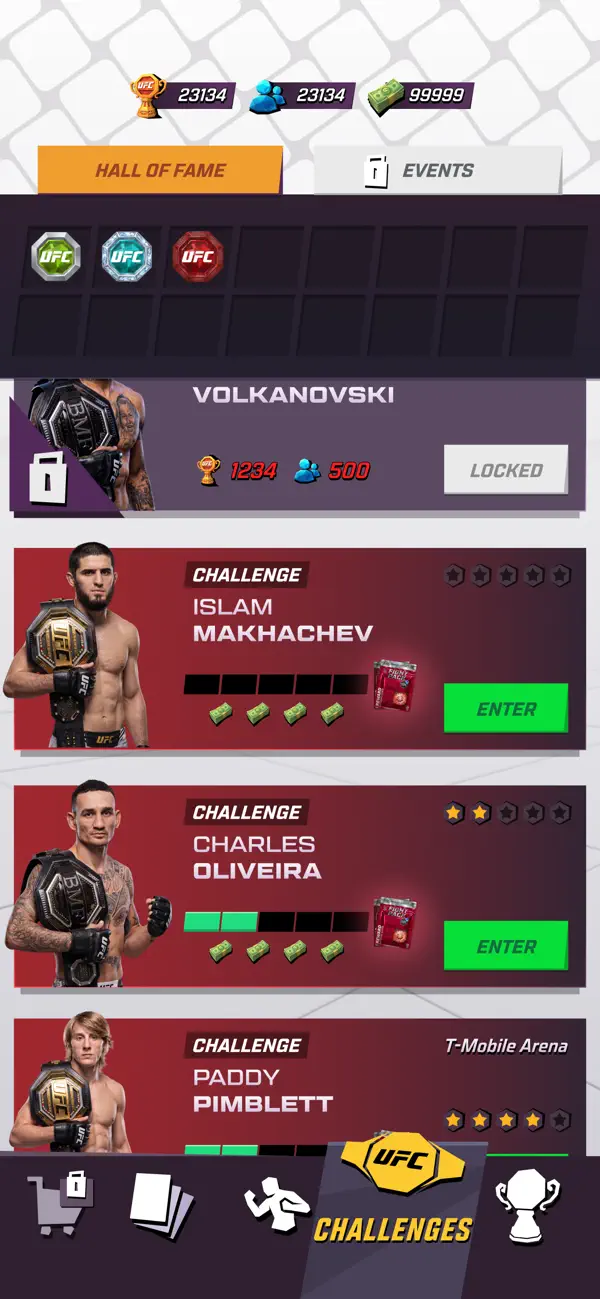
Rise through the leagues, unlock new challenges, and face famous UFC fighters like Islam Makhachev, Paddy Pimblett, and Max Holloway.
Your fighter. Your style. Your UFC journey.
Features
Create and customize your own fighter
Build a fighter that looks, feels, and fights the way you want.
Learn new moves
Add punches, kicks, takedowns, counters, submissions, and signature attacks to your arsenal by putting your time in.
Build your fight style
Choose the moves your fighter brings into the cage and find the setup that fits you best.
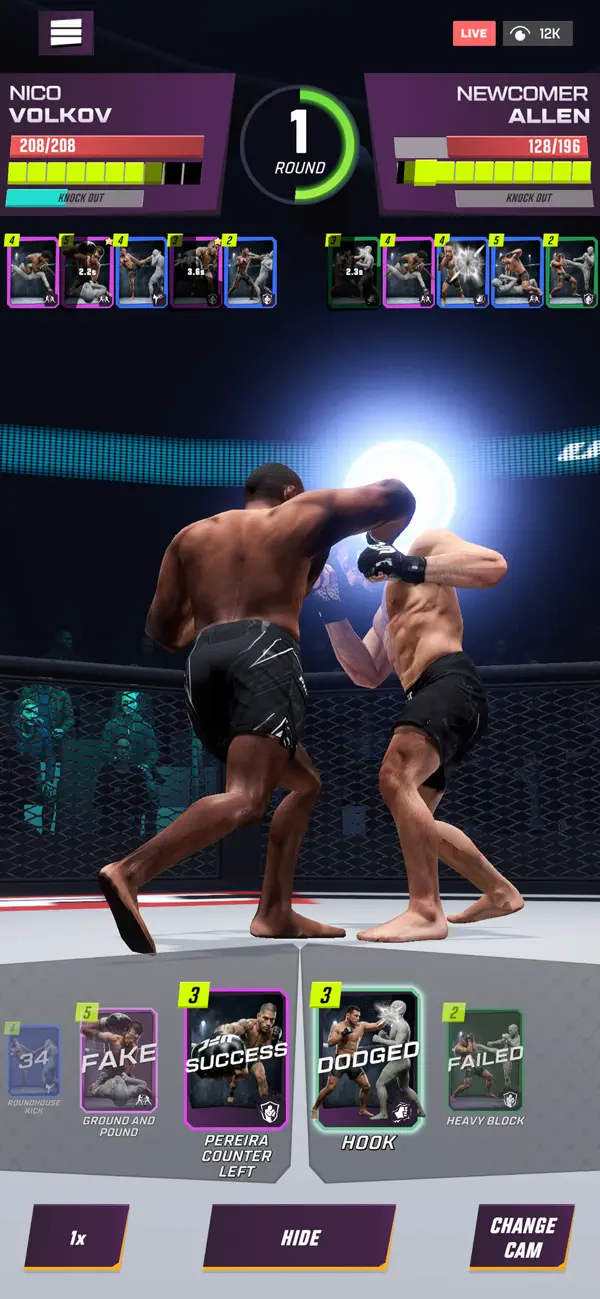
Fight intense 5-round matches
Watch quick fights play out with knockouts, decisions, comebacks, and momentum shifts.
Climb the leagues
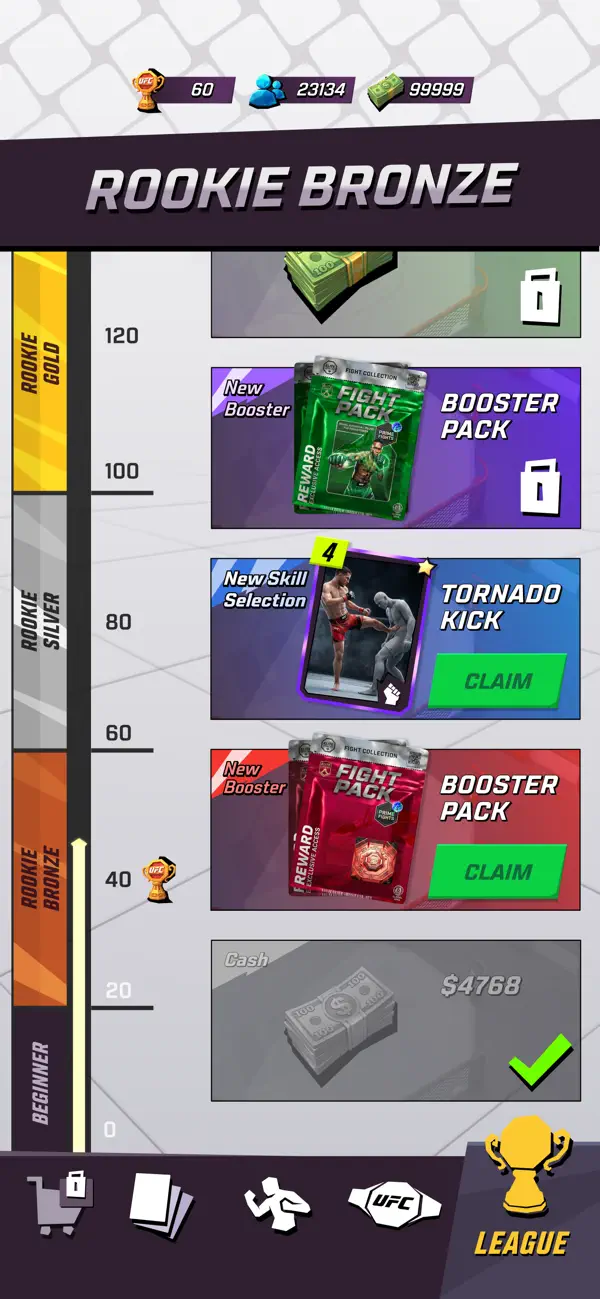
Beat tougher opponents, reach new milestones, and push closer to the top.
Challenge UFC stars
Take on special fights against names like Islam Makhachev, Paddy Pimblett, and Max Holloway.
Keep coming back stronger
Train, learn, upgrade, customize, and build your fighter into a real contender.

- 未越獄/受限或已越獄的 iPhone 或 iPad。
- Sideloadly 或替代方案。
- 執行 Windows/macOS/Linux 且已安裝 iTunes 的電腦。
步驟 1: 透過上方連結將已破解的 .IPA 檔案下載到您的電腦。若要從 iOSGods App 下載,請參閱我們的 iOSGods App IPA 下載教學,其中包含影片範例。
步驟 2: 下載 Sideloadly 並將其安裝在您的 Windows 或 Mac 上。
步驟 3: 在電腦上開啟 Sideloadly,連接您的 iOS 裝置,並等待裝置名稱出現在 Sideloadly 中。
步驟 4: 當 Sideloadly 辨識到您的 iOS 裝置後,將下載好的修改版 .IPA 檔案拖曳並放到 Sideloadly 應用程式中。
步驟 5: 輸入您的 Apple Account 電子郵件,然後按下「Start」。系統會要求您輸入密碼,請依指示提供所需資訊。
步驟 6: 等待 Sideloadly 完成已破解 IPA 的旁載/安裝。如果安裝過程中發生問題,請閱讀下方的注意事項。
步驟 7: 安裝完成並在主畫面上看到該應用程式後,您需要前往 設定 → 一般 → 描述檔 / VPN 與裝置管理。進入後,點選您在步驟 6 中輸入的電子郵件,然後點選「信任 [email protected]」。
步驟 8: 現在回到主畫面並開啟新安裝的應用程式,一切應該都能正常運作。您可能需要依照遊戲內破解彈出視窗中的進一步指示操作。
注意: 在 iOS/iPadOS 16 及更新版本上,您必須 啟用開發者模式。若使用免費的 Apple Developer 帳號,您將需要每 7 天重複此程序。如有任何疑問或問題,請閱讀我們的 主題中的 Sideloadly 常見問題區段。