Login necessário
Entre com sua conta iOSGods para continuar.
Entre com sua conta iOSGods para continuar.
Hack Features
Pull Live Cars + Users To Me
Pulls nearby live multiplayer cars and players toward your position. Use in freeroam/multiplayer when other players or cars are loaded.
Live Police + Air Cars
Applies police parts and air suspension data to live cars, then tries to refresh their visuals/network state. Use when live cars are visible/loaded.
Set Coins visual only
Sets coins through the game currency setter, visual only.
Set Money 50M
Sets your money balance to 50 million using the game’s money setter.
Send money to 1 player
Sends the amount typed in the send-money UI to the selected player. Open a player profile, open the send-money panel, type the amount, then press this.
Send 500k To All Players
Sends 500k to every live player it can find. Use in a multiplayer session, ideally with the player list opened/loaded.
Auto Accept Car Trades
Toggle feature. When ON, it scans car trade offers and tries to auto-accept/buy valid trades. Turn it on while car trade UI/session is active, then turn it off when done.
make sure you have a crap car just incase exchange happens CAN BUY CARS LISTED FOR 0 COINS 🙂
Unlock Live Cars
Finds live loaded cars and clears lock/busy/seat states where possible. Use when live cars are spawned/loaded nearby.
Force Driver Seat
Forces your local player into a driver seat and updates related car/member references. Use near or inside a car in freeroam.
works sometimes doesn't
Body Kits
Unlocks/adds body kit IDs for the current car and saves them. Open tuning, preferably Exterior > Body Kits, then press it.
Police Stuff
Marks the current car as police, unlocks police kits/sirens, installs police data, and saves. Use with a car loaded in tuning/police UI.
Paints
Marks paint types as bought and saves them. Open color tuning first, then press it.
Rims + Brakes
Unlocks rims and sets brake/caliper ownership to all-owned. Open tuning/rims first, then press it.
Flags
Adds flag IDs to bought flags and saves. Open tuning/flag list if needed, then press it.
Engine Parts + Engines
Adds discovered engine parts and engine kits to inventory services. Use in garage/engine tuning or engine market. The menu note says it may crash, so reload and check inventory after.
Air Suspension
Marks air suspension as bought/installed for the current car. Open the Air Suspension screen or have the car loaded in tuning/garage.
Service Timer 0 + Complete
Clears tuning/service timers and tries to complete or unblock active timer entries. Use in garage/tuning where timer services are loaded.
Buildings + Homes
Unlocks garages, businesses, and homes through the game’s property services. Use near property triggers or with the property map/services loaded.
Character + Emotes
Unlocks character clothes plus animations/emotes and saves progress. Open the character/person UI for best results.
DONT ABUSE AUTOBUY CARS YOU GET BAN UNLUCKY FOR YOU
Baixe Car Parking Multiplayer 2 iOS Mod IPA dos links acima. Toque no botão de instalação e siga as instruções para instalar este hack iOS no seu iPhone, iPad ou Apple Silicon.
Precisa de mais ajuda? Confira nossas Perguntas frequentes sobre o app iOSGods para respostas detalhadas e dicas de solução de problemas.
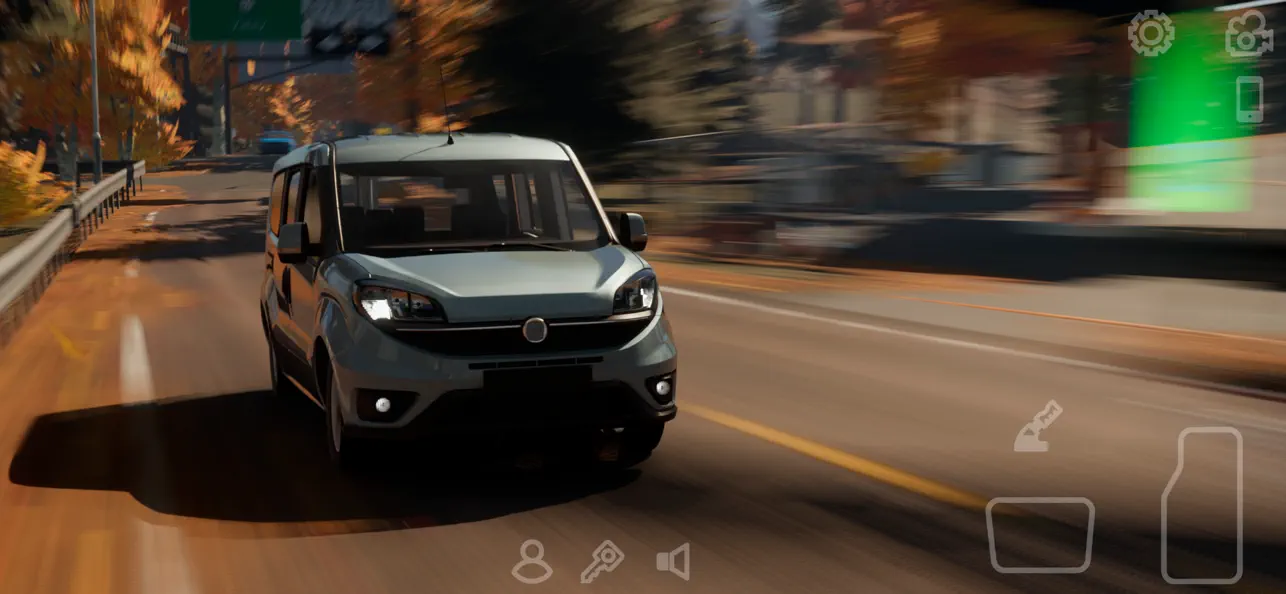
Open-world multiplayer mode, car tuning, racing!
Multiplayer open world mode
• Free walking.
• Free open world with real gas stations and car services.
• Compete against real players in the multiplayer racing.
• Exchange cars with real players.
• Thousands of real players every day.
• Friend list.
• Voice Chat.
• Police mode
• Drone mode
• Taxi mode
• Drag Racing mode
• Car livery mode
• Massive environment
• Character customization
• Animation and emoji
• Car livery mode
• Mechanic transmission with clutch
• Car Tunings
• Fuel system
• Adjustable suspension
• Highly-detailed environments
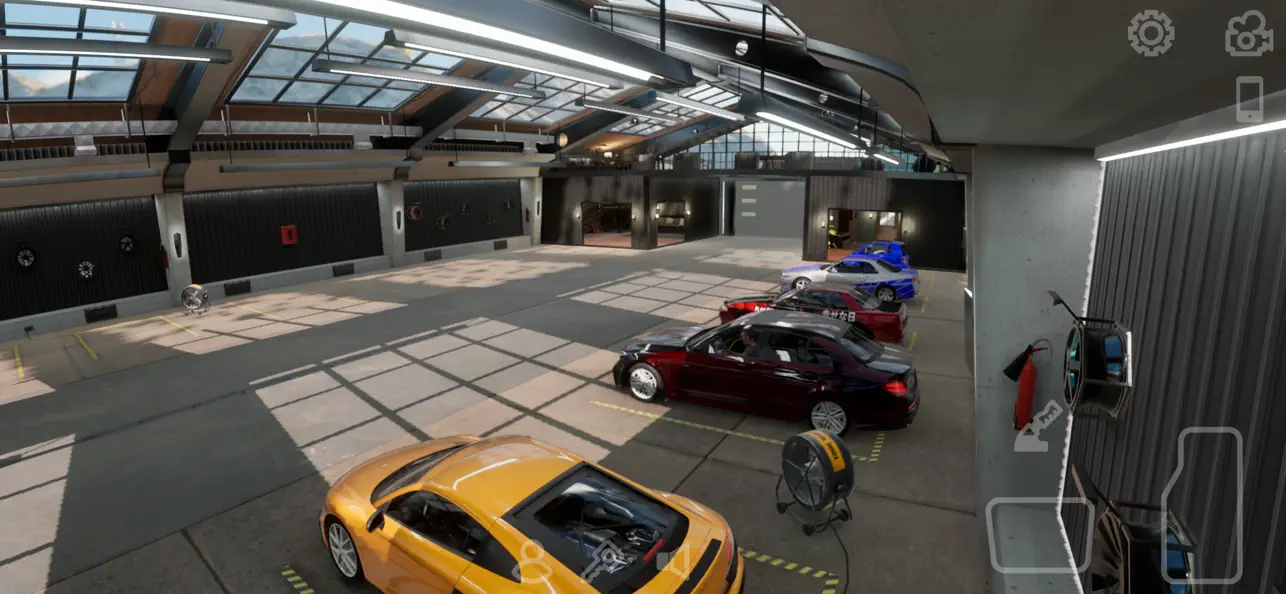
• 160 cars with the real interior.
• Buildings with interior
•. 82 real-life parking and driving challenges.
•. Dyno Run.
- iPhone ou iPad sem jailbreak/jailed ou com jailbreak.
- Sideloadly ou alternativas.
- Computador com Windows/macOS/Linux e iTunes instalado.
PASSO 1: Baixe o arquivo .IPA pré-hackeado do link acima para o seu computador. Para baixar pelo iOSGods App, veja nosso Tutorial de download de IPA do iOSGods App, que inclui um exemplo em vídeo.
PASSO 2: Baixe o Sideloadly e instale-o no seu Windows ou Mac.
PASSO 3: Abra o Sideloadly no seu computador, conecte seu dispositivo iOS e aguarde até que o nome do dispositivo apareça no Sideloadly.
PASSO 4: Assim que seu iDevice for reconhecido, arraste o arquivo .IPA modificado que você baixou e solte-o no aplicativo Sideloadly.
PASSO 5: Digite o e-mail da sua Apple Account e pressione “Start”. Em seguida, será solicitada a sua senha. Prossiga e forneça as informações solicitadas.
PASSO 6: Aguarde o Sideloadly finalizar o sideload/instalação do IPA hackeado. Se houver problemas durante a instalação, leia a observação abaixo.
PASSO 7: Quando a instalação estiver concluída e você vir o app na Tela de Início, será necessário acessar Ajustes → Geral → Perfis / Gerenciamento de VPN e Dispositivo. Lá, toque no e-mail que você inseriu no passo 6 e, em seguida, toque em “Confiar em [email protected]”.
PASSO 8: Agora vá para a Tela de Início e abra o app recém-instalado; tudo deve funcionar normalmente. Você pode precisar seguir instruções adicionais específicas no popup do hack dentro do jogo.
OBSERVAÇÃO: No iOS/iPadOS 16 e versões posteriores, você deve ativar o Modo de Desenvolvedor. Para contas Apple Developer gratuitas, será necessário repetir este processo a cada 7 dias. Se tiver dúvidas ou problemas, leia nossa seção de FAQ do Sideloadly no tópico.