로그인 필요
계속하려면 iOSGods 계정으로 로그인하세요.
계속하려면 iOSGods 계정으로 로그인하세요.

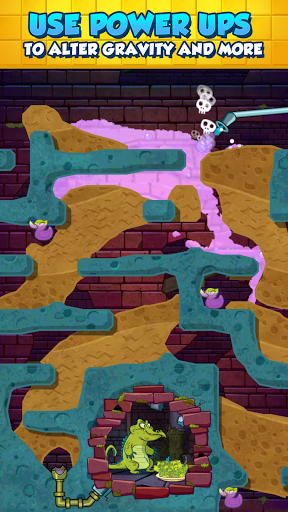
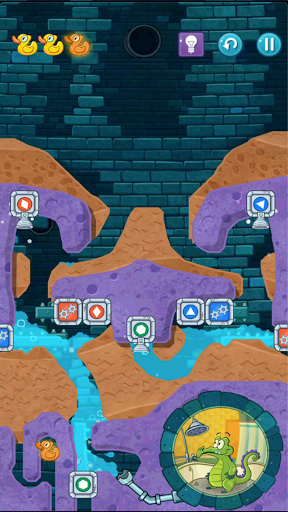
Where's My Water? 2 Mod APK에서 물을 물리 기반 퍼즐을 통해 하수도, 비누 공장, 해변으로 안내하세요. 이 무료 Android 해킹 앱은 무한 부스터를 잠금 해제하여 Swampy와 친구들이 100개 이상의 레벨을 해결하도록 도와줍니다. 흙을 자르고 신선한 물, 보라색 물, 증기를 조종하여 파워업이 부족하지 않게 모든 도전을 완료하세요.
- 무한 부스터 (사용 / 획득) → 공급이 절대 떨어지지 않음
위의 버튼에서 Where's My Water? 2 Mod APK을 다운로드합니다. 다운로드를 누르면 화면 안내에 따라 Android 기기 또는 에뮬레이터에 수정된 APK를 설치합니다.
도움이 필요하신가요? 자세한 답변과 문제 해결 팁은 Android 자주 묻는 질문을 확인하세요.
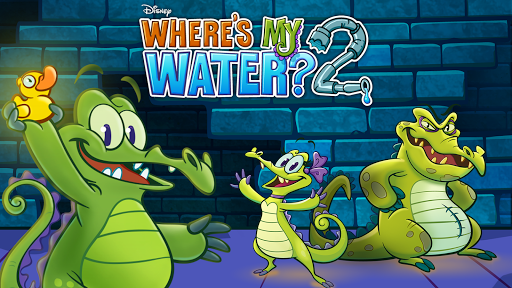
Get ready to join Swampy, Allie, and Cranky on their NEXT exciting adventure!
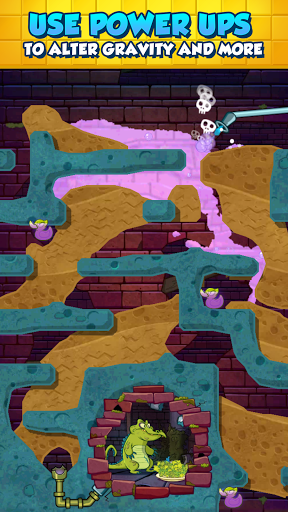
The sequel to the addictive physics-based puzzler from Disney has finally arrived. Where’s My Water? 2 launches with three brand new locations including the Sewer, the Soap Factory, the Beach. The puzzles are all free! Cut through dirt, and guide fresh water, purple water, and steam to help Swampy and his friends!
Key Features:
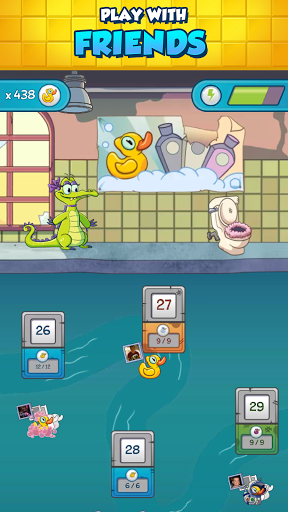
• Play 100+ levels and challenges with a brand new look in the Gator universe featuring Swampy, Allie, Cranky, and Mystery Duck!
• Introducing ‘Challenge Modes’ to replay the levels in explosive new ways!
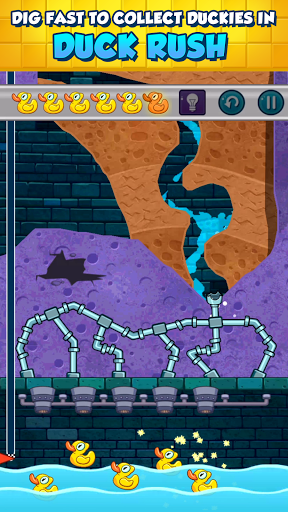
• Dig as fast as you can and get as many duckies as possible in ‘Duck Rush’ levels!
• ‘Tri-ducking’ is now faster, better and more fun with boosts, such as Vacuum, Dropper, and Absorber! Small fees may be required for these additional boosts.
• Experience fun mechanics that are uniquely designed for each character!
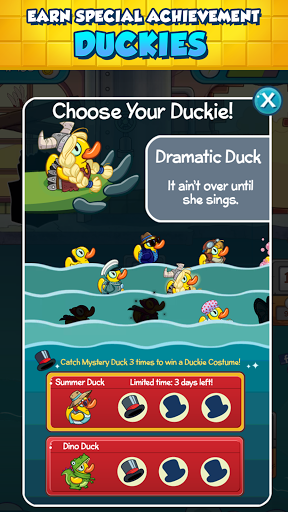
• Complete achievements and earn special themed duckies such as gladiator-duckie, astronaut-duckie, hula-duckie, and many more!
• Stuck on a level? Use hints to help you solve the puzzles!
Where’s My Water? is a multiple Game of the Year award-winning puzzle game. The Where's My... franchise has received hundreds of millions of downloads to date.
Before you download this app, please consider that this app includes advertising, some of which may be targeted to your interests. You may choose to control targeted advertising within our applications by using your mobile device settings (for example, by re-setting your device’s advertising identifier and/or opting out of interest based ads).
• In-app purchases that cost real money
• The option to accept push notifications to let you know when we have exciting updates like new content
• Location-based services
• Advertising for some third parties, including the option to watch ads for rewards
This app accesses your contact information to enable you to easily
communicate with your contacts.
You can upload and save content from this app to your device.