تسجيل الدخول مطلوب
سجّل الدخول بحساب iOSGods للمتابعة.
سجّل الدخول بحساب iOSGods للمتابعة.
Mod Features
- Free Shopping
قم بتنزيل Ninja Fishing Mod APK من الزر أعلاه. بعد الضغط على تنزيل، اتبع التعليمات لتثبيت ملف APK المعدل على جهاز Android أو المحاكي.
هل تحتاج إلى مساعدة؟ راجع الأسئلة الشائعة لـ Android للحصول على إجابات مفصلة ونصائح لاستكشاف الأخطاء.
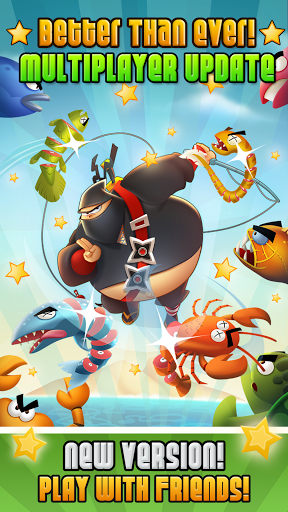
The #1 fishing hit game is now available on Android! Join over 16 MILLION Ninja Fishing players for FREE!
★ Featured by Google as Staff Picks! ★
★ "Higher than Angry Birds! An instantly addictive game." - WIRED
★ "A perfect example of what I love about mobile games." - IGN
★ "It’s insanely-addicting." - Gamepro
★ "Takes that Fruit Ninja concept and then profoundly expands on it." - Gamezebo
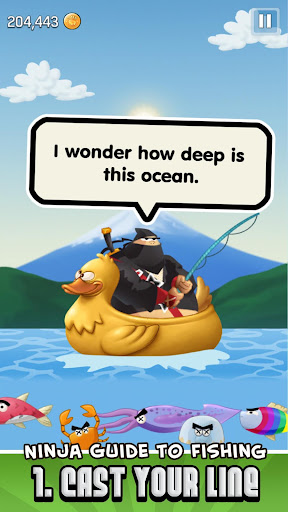
Otoro, a fitness challenged ninja, might not be the best fighter, but he sure has mad skills when it comes to fishing!
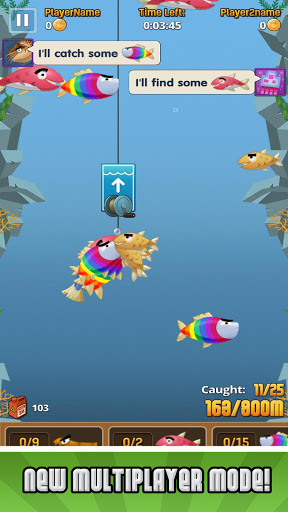
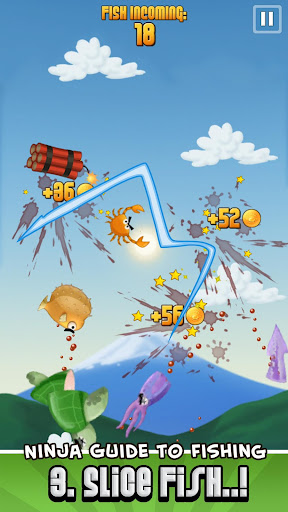
Cast your hook as deep as possible into the ocean, then use the tilt controls to reel back as many fish as you can. Finally, use the katana-powered touch technology to slice the scaly fish right out of the sky for maximum gold profit (watch out for the Dynamites).
★ NINJA FISHING FEATURES
-------------------------------------------
✔ Super addictive FISH & SLASH gameplay!
✔ Master both tilt & touch controls to perfection.
✔ Over *130* fish species to collect.
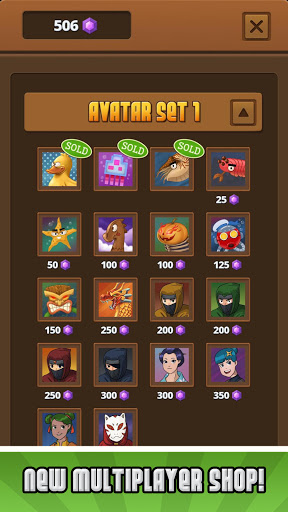
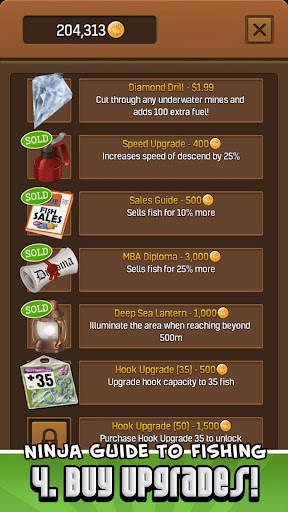
✔ Earn GOLD to buy lots of super upgrades like katanas, boats, fishing guides & more.
✔ Collect over 80 RARE TREASURES!
✔ Construct cool buildings in the NINJA VILLAGE
✔ Go fishing in 6 ISLANDS (+ more coming soon)
✔ Hunt rare Elemental DRAGONS!
✔ Find TREASURE CHESTS with goodies.
✔ Super-sharp HD graphics.
✔ Achievements & Leaderboards for Google Play!
We're working on more free updates, please support us and tell all your friends about Ninja Fishing!
Like us on Facebook to get a sneak peek of the next updates: http://goo.gl/cxE7t
Follow us on Twitter: http://twitter.com/Gamenauts
- iPhone أو iPad بجيلبريك أو بدون جيلبريك.
- Sideloadly أو بدائلها.
- كمبيوتر يعمل بنظام Windows/macOS/Linux مع تثبيت iTunes.
الخطوة 1: قم بتنزيل ملف .IPA المعدّل مسبقًا من الرابط أعلاه إلى الكمبيوتر الخاص بك. للتنزيل من تطبيق iOSGods App، اطلع على دليل تنزيل IPA من تطبيق iOSGods App الذي يتضمن مثالًا بالفيديو.
الخطوة 2: قم بتنزيل Sideloadly وتثبيته على جهاز Windows أو Mac.
الخطوة 3: افتح Sideloadly على الكمبيوتر، ووصّل جهاز iOS الخاص بك، وانتظر حتى يظهر اسم جهازك داخل Sideloadly.
الخطوة 4: بمجرد التعرّف على جهاز iDevice الخاص بك، اسحب ملف .IPA المعدّل الذي قمت بتنزيله وأفلِته داخل تطبيق Sideloadly.
الخطوة 5: أدخل البريد الإلكتروني لحساب Apple Account الخاص بك، ثم اضغط على «Start». سيُطلب منك بعد ذلك إدخال كلمة المرور. تابع وأدخل المعلومات المطلوبة.
الخطوة 6: انتظر حتى ينتهي Sideloadly من تحميل/تثبيت ملف IPA المعدّل. في حال واجهت أي مشاكل أثناء التثبيت، يرجى قراءة الملاحظة أدناه.
الخطوة 7: بعد اكتمال التثبيت ورؤية التطبيق على الشاشة الرئيسية، انتقل إلى Settings → General → Profiles / VPN & Device Management. ثم اضغط على البريد الإلكتروني الذي أدخلته في الخطوة 6، ثم اضغط على «الوثوق بـ [email protected]».
الخطوة 8: الآن انتقل إلى الشاشة الرئيسية وافتح التطبيق الذي تم تثبيته للتو وسيعمل كل شيء بشكل صحيح. قد تحتاج إلى اتباع تعليمات إضافية خاصة بكل تطبيق داخل النافذة المنبثقة للتعديل أثناء اللعب.
ملاحظة: بدءًا من iOS/iPadOS 16 وما بعده، يجب تفعيل وضع المطور (Developer Mode). بالنسبة لحسابات Apple Developer المجانية، ستحتاج إلى تكرار هذه العملية كل 7 أيام. إذا كانت لديك أي أسئلة أو مشاكل، يرجى قراءة قسم الأسئلة الشائعة حول Sideloadly في الموضوع.