Inicio de sesión requerido
Inicia sesión con tu cuenta de iOSGods para continuar.
Inicia sesión con tu cuenta de iOSGods para continuar.

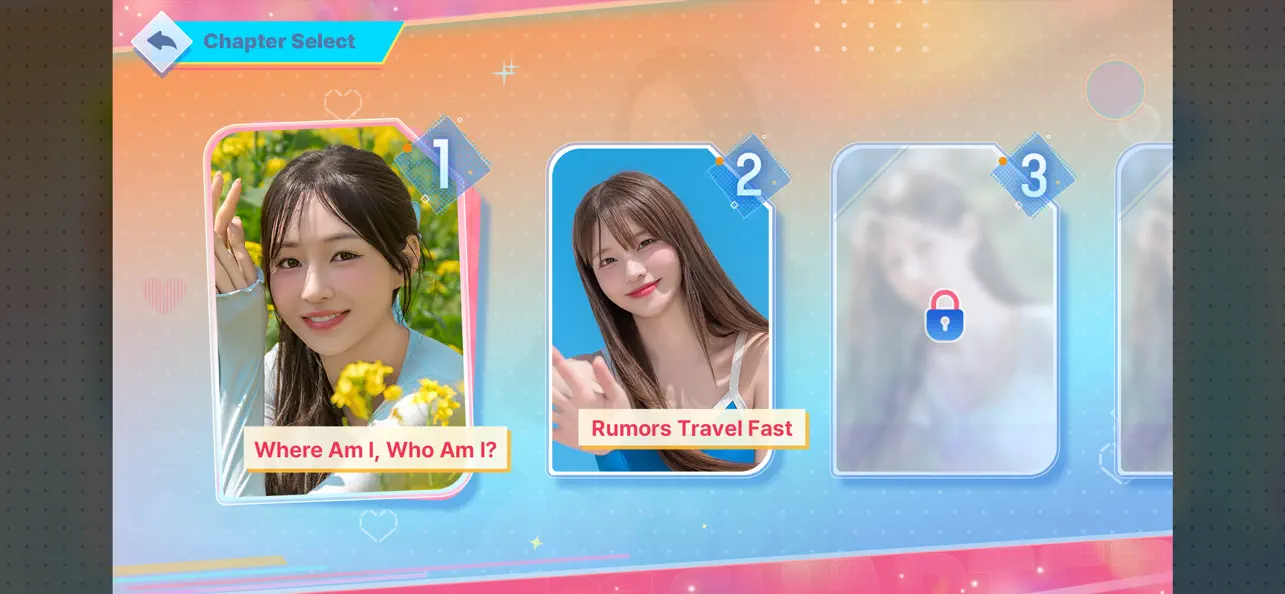
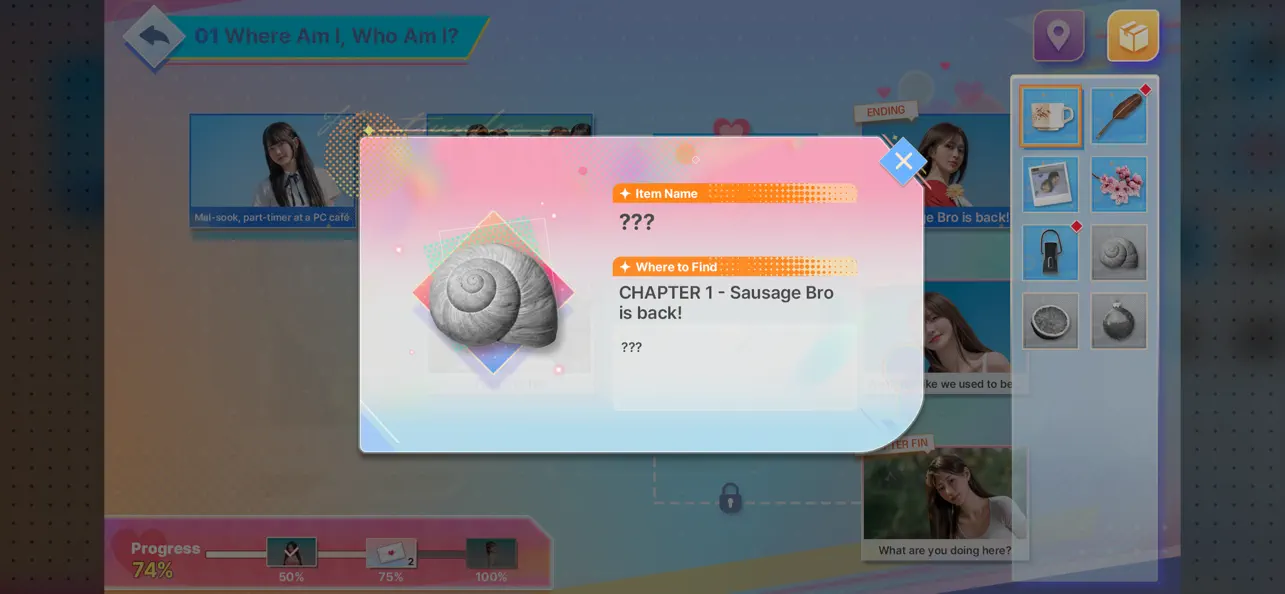
Todas las escenas desbloqueadas y todos los capítulos desbloqueados en este Mod IPA gratuito para Five Hearts Under One Roof 2 iOS, permitiéndote experimentar cada narrativa ramificada e historia de personaje sin necesidad de grindear o ver anuncios. Administra tu casa de huéspedes, construye relaciones con seis heroínas distintas y moldea el resultado de la Temporada 2 a través de tus decisiones.
- Todas las Escenas Desbloqueadas → accede a cada momento de la historia al instante
- Todos los Capítulos Desbloqueados → juega la narrativa completa sin puertas de progresión
- Todos los Personajes de Ranking Desbloqueados → interactúa con cada heroína desde el inicio
- Sin Anuncios → experiencia de juego sin interrupciones
Esta app también incluye iGameGod, que te ofrece acceso a Auto Touch para automatizar tareas repetitivas, App Speed Manager para ajustar la velocidad del juego, edición de valores con Memory Engine y más potentes herramientas para juegos de iOS.
Descarga Five Hearts Under One Roof 2 iOS Mod IPA desde los enlaces de arriba. Toca el botón de instalación y sigue las instrucciones para instalar este hack iOS en tu iPhone, iPad o Mac con Apple Silicon.
¿Necesitas más ayuda? Consulta nuestras Preguntas frecuentes de la app iOSGods para respuestas detalladas y consejos de solución de problemas.
“Looking for someone to run the boarding house once again!”
The FMV interactive story game [Five Hearts Under One Roof] returns with Season 2.
Step into the role of Yuman and manage a lively boarding house alongside six distinct heroines, each with their own story, secrets, and choices.
Season 2 brings back familiar faces—Mal-sook, Gran, and Min-jung—
along with three new tenants who introduce new dynamics and storylines.
Experience branching narratives, evolving relationships, and unexpected developments as your decisions shape the outcome.
In the end… who will remain by your side?
Character Introduction
Mal-sook Go / First Tenant / Childhood Friend of 20 Years
"From today on, he’s under my control!"
Now, Mal-sook has a secret she can’t bring herself to tell Yuman.
Gran Dong / Second Tenant / Workplace Supervisor
"When we’re not at work, don’t call me 'Manager.' Use my name."
Yu-na Jeong / Third Tenant / Wealthy Heiress
"I came to take responsibility for you, Yuman. I always keep my word."
Min-jung Park / Fourth Tenant / First Love
"I had nowhere else to go but here."
Yoo-jung Yang / Last Tenant / Quiet Wallflower
"You're the first person who’s ever really seen me."
Gyu-ri Bang / Soon-to-Be Tenant (?) / Sweet Nurse
"Yuman, you’re a patient right now. A patient!"
Key Features
Richer Storylines with Lower Barriers :
Season 2 expands on the narrative structure with more branching paths, alternative outcomes, and hidden scenes.
Your decisions directly influence relationships, events, and endings.
Cinematic FMV Experience :
Created by the original video production team, the game delivers a cinematic experience with enhanced performances and improved visual direction.
Expanded Systems :
A newly introduced item system adds another layer of interaction, allowing players to influence key moments and uncover additional story content.
Diverse Character Dynamics :
Each character brings a different perspective, background, and emotional arc.
Explore how their stories intersect—and how your choices affect them.
Perfect For Players Who
- Enjoy story-driven, choice-based games
- Like interactive FMV or visual novel experiences
- Prefer branching narratives with multiple outcomes
- Are interested in character-focused storytelling
- Want a cinematic, decision-driven gameplay experience
About Us
Hello!
We’re Storytaco, an interactive game developer.
In collaboration with 3Y Corporation’s Milk Film, we are excited to present Season 2 of [Five Hearts Under One Roof].
This installment reflects valuable feedback from Season 1 and focuses on delivering a more refined and immersive experience.
We appreciate your continued support and look forward to sharing more stories with you.
Thank you!
- iPhone o iPad con o sin Jailbreak.
- Sideloadly u otras alternativas.
- Ordenador con Windows/macOS/Linux e iTunes instalado.
PASO 1: Descargue el archivo .IPA pre-modificado desde el enlace de arriba a su ordenador. Para descargarlo desde la iOSGods App, consulte nuestro Tutorial de descarga del IPA desde la iOSGods App, que incluye un ejemplo en vídeo.
PASO 2: Descargue Sideloadly e instálelo en su Windows o Mac.
PASO 3: Abra Sideloadly en su ordenador, conecte su dispositivo iOS y espere hasta que el nombre del dispositivo aparezca en Sideloadly.
PASO 4: Una vez que su iDevice sea reconocido, arrastre el archivo .IPA modificado que descargó y suéltelo en la aplicación Sideloadly.
PASO 5: Introduzca el correo electrónico de su Apple Account y, a continuación, pulse «Start». Le pedirá que introduzca su contraseña. Proporcione la información solicitada.
PASO 6: Espere a que Sideloadly termine de hacer sideload/instalar el IPA modificado. Si surgen problemas durante la instalación, por favor lea la nota a continuación.
PASO 7: Una vez completada la instalación y al ver la app en la pantalla de inicio, deberá ir a Ajustes → General → Perfiles / VPN y Gestión de Dispositivos. Una vez allí, toque el correo electrónico que introdujo en el paso 6 y, después, toque en «Confiar en [email protected]».
PASO 8: Ahora vaya a la pantalla de inicio y abra la app recién instalada; todo debería funcionar correctamente. Es posible que tenga que seguir instrucciones adicionales específicas de cada app dentro del popup del hack en el juego.
NOTA: En iOS/iPadOS 16 y posteriores, debe activar el Modo Desarrollador. Para cuentas gratuitas de Apple Developer, deberá repetir este proceso cada 7 días. Si tiene alguna pregunta o problema, lea nuestra sección de Preguntas Frecuentes de Sideloadly del tema.







![Path of Kings iOS Mod IPA [ Debug Menu ]](https://is1-ssl.mzstatic.com/image/thumb/Purple211/v4/2c/a5/c6/2ca5c601-ea7c-fd26-8e14-a4a5fdf28ec2/AppIcon-0-0-1x_U007emarketing-0-8-0-85-220.png/100x100bb.jpg)
![EverMerge: Merge & Match Game Hack [ Cheat Menu ]](https://is1-ssl.mzstatic.com/image/thumb/Purple211/v4/27/51/48/2751480d-c8bd-92d0-ff37-a4e208b616d0/AppIcon-0-0-1x_U007emarketing-0-6-0-85-220.png/100x100bb.jpg)


