Inloggen vereist
Log in met je iOSGods-account om door te gaan.
Log in met je iOSGods-account om door te gaan.

Schadevermeerdervoudiger, Verdedigingsvermeerdervoudiger en Instant Winnen cheats geven je overweldigende kracht in deze FIST OF THE NORTH STAR Mod APK voor Android. Beleef het legendarische Hokuto Shinken vechtkunstverhaal opnieuw met gehackte gevechten waarmee je elke slag naar je hand zet.
- Schadevermeerdervoudiger → versterkt je aanvalsoutput
- Verdedigingsvermeerdervoudiger → verhoogt je schadeweerstand
- Instant Winnen → sla gevechten onmiddellijk over
Download FIST OF THE NORTH STAR Mod APK via de bovenstaande knop. Volg na het tikken op downloaden de instructies om de gemodde APK op je Android-apparaat of emulator te installeren.
Hulp nodig? Bekijk onze Veelgestelde vragen over Android voor uitgebreide antwoorden en probleemoplossingstips.
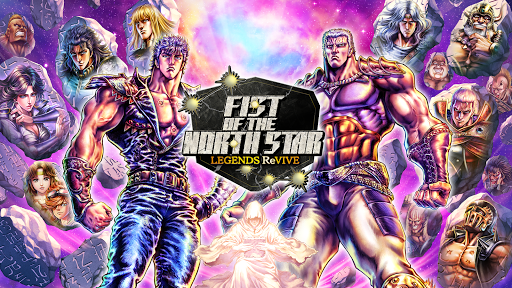
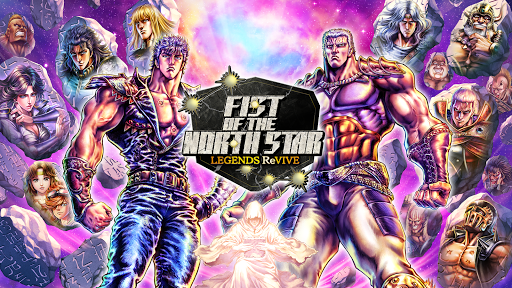
Hokuto Shinken. Once feared as the most deadly martial art ever to exist, its secrets were believed to have been lost... Until now!
It's up to you to ReVIVE the LEGENDS of Hokuto Shinken!
Internationally renown manga “Fist of the North Star” makes its English-language mobile game debut!
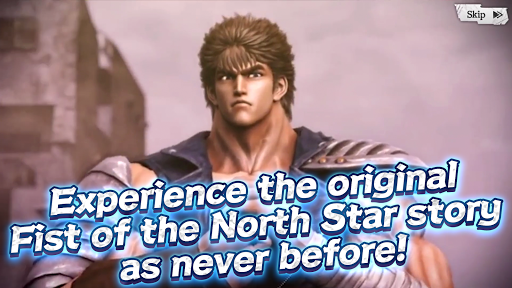
■Experience the original FotNS story.
FotNS LEGENDS ReVIVE recreates the story of the original best-selling manga in painstaking detail right from the very first chapter.
Whether you're new to the series or an old school fan, FotNS LEGENDS ReVIVE offers a way to experience the story like never before!
■High-Quality Graphics.
FotNS LEGENDS ReVIVE features all-new character art redone from scratch under the watchful eye of original manga artist Tetsuo Hara. Some of the series' most iconic scenes have also been reproduced in full CG cutscenes!
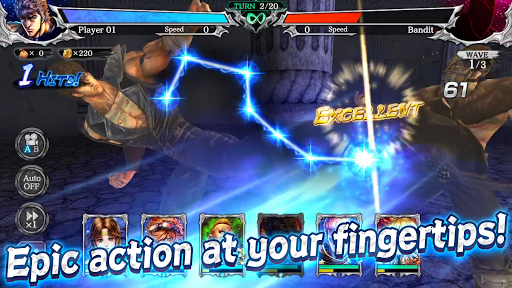
■Epic action at your fingertips.
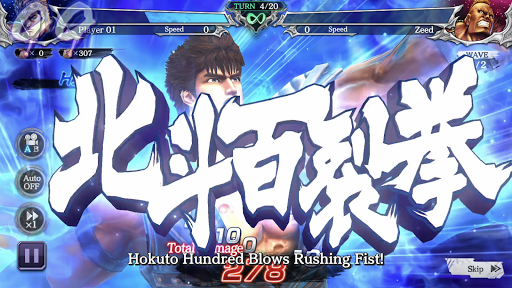
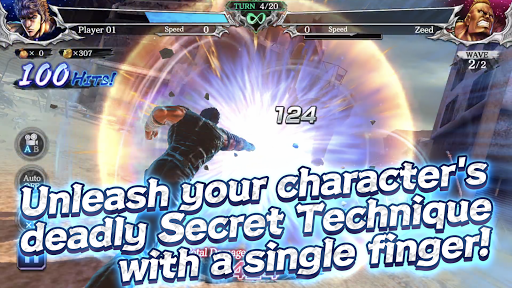
Perform brutal attacks with just a flick of your finger. Time your taps right to string together devastating combos.
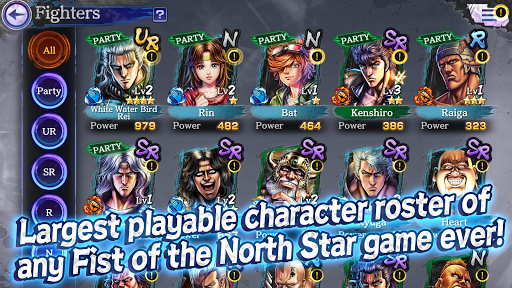
■Largest playable character roster of any Fist of the North Star game ever.
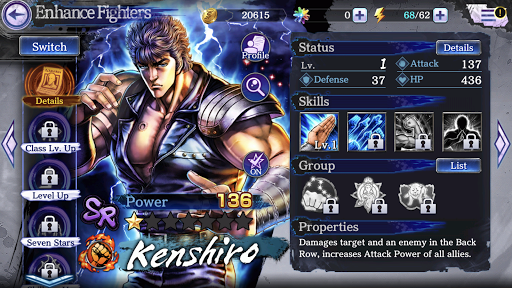
Play not only as famous Fighters from the Hokuto and Nanto schools, but as popular supporting characters as well, such as Heart and many more.
Take on some of the strongest opponents from the manga using your own original dream team of fighters!
【System Requirements】
RAM 3GB and above
*Unavailable for Android 7.0 and below
*Please understand that there may be cases where this service may not work despite meeting the above system requirements based on your usage environment and/or device.