Accesso richiesto
Accedi con il tuo account iOSGods per continuare.

Mod Features
- Unlimited Currencies
Scarica Zombeast: FPS Zombie Shooter Mod APK dal pulsante sopra. Una volta toccato download, segui le istruzioni per installare l'APK modificato sul tuo dispositivo Android o emulatore.
Hai bisogno di aiuto? Consulta le nostre Domande frequenti su Android per risposte dettagliate e consigli per la risoluzione dei problemi.
★Free offline survival FPS! Play the zombie game now!★
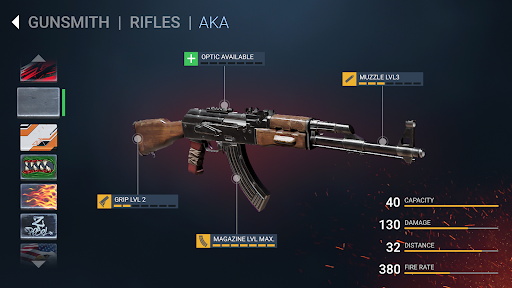
Master dozens of weapons and become a highly-skilled zombie killer!
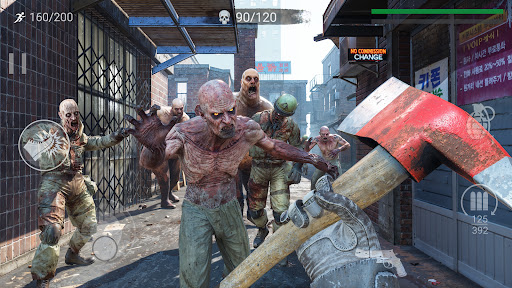
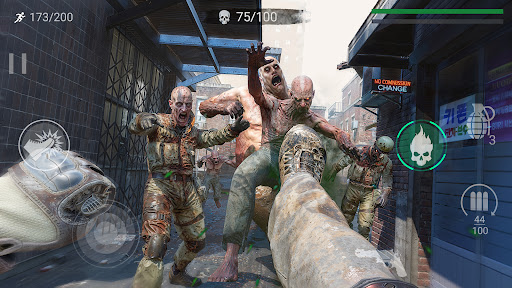
KILL TONS OF ZOMBIES!
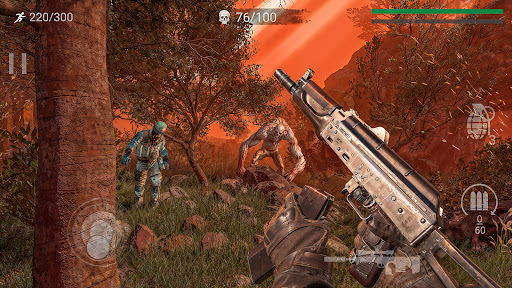
Zombeast is an innovative OFFLINE survival shooter with one purpose: kill them all!
You were left to survive in a city full of zombies.
In order to fend off an army of dead you have to become a high-skilled zombie killer!
Exciting campaign offers you to survive in the cruel world of the zombie apocalypse. Each day can be your last day, so you must use all of your skills in order to stay alive, hunt down each dead target in a bloody gore action of this FPS zombie game. Don’t hesitate to pull the trigger and remember - the dead men forgive no mistakes!
STORY DRIVEN SURVIVAL SHOOTER
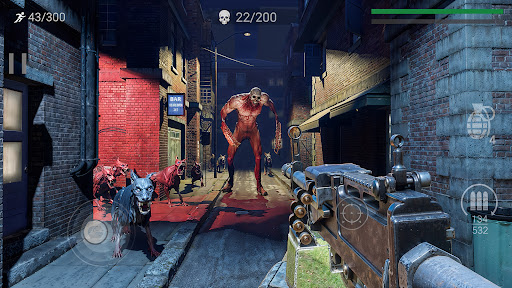
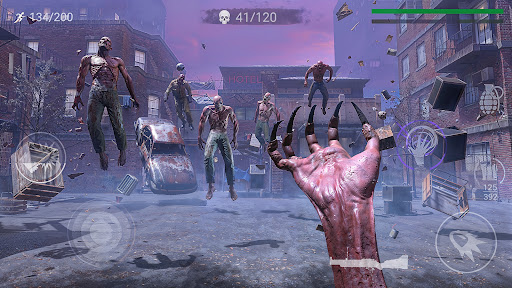
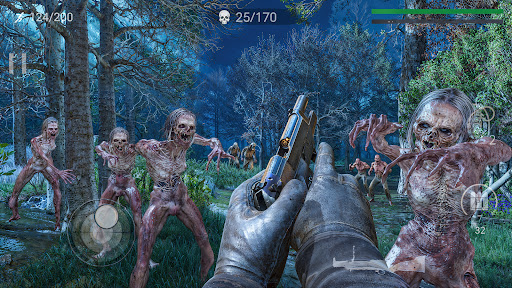
• Intense gameplay with atmospheric visuals and sound depicting a sinister zombie apocalypse
• Campaign missions and mini goals provide constant challenges to overcome zombies
OFFLINE FPS ACTION
• Unlock an arsenal of weapons and fire at the zombies to protect yourself!
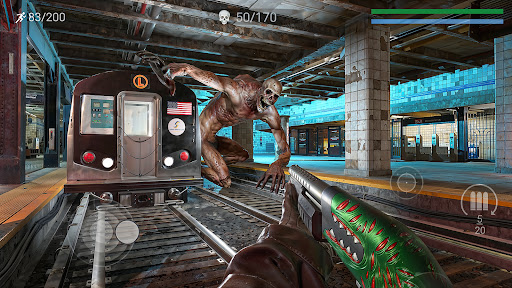
• Kill zombies with pistols, sniper rifles, miniguns, shotguns, assault rifles, explosives and even batt!
VARIETY OF DEAD ENEMIES
• Learn your enemies - for each of them has its own unique features. Fat zombies, jumping zombies, mad zombies with swords, toxic zombies. There is no type of dead target we’ve left behind!
• Easy to learn, hard to master zombie game. This First Person Shooter trains you as a zombie killer and the main rule of surviving in this world is to kill them all. Take cover behind cars and barricades which left for you on each location and pull on the trigger!
SURVIVE AS LONG AS YOU CAN
• Endless run mode to train your skills of zombie killer on variety of dead targets
• OFFLINE Zombie game with ongoing updates to deliver new missions, features, and fire content.
LAST DAY OF HUMANITY
• Run forward as a zombie killer or become a dead target. Zombie survival game with fast-paced First Person Shooter (FPS) action!
• Zombie killer shows no mercy. Survive as long as you can!
DIFFERENT OFFLINE GAME MODES
• Check out levels with mutators: each dead target becomes stronger and faster!
• Destroy mad zombies with buffed guns in this fps zombie game!
ROGUELIKE DAILY QUESTS
• Use different abilities of your character and destroy hordes of zombies in procedural generated levels!
• Stack up unique skills on checkpoints, put zombies on fire and kill them with enhanced weapons.
JOIN OUR DISCORD SERVER:
https://discord.gg/FEDbF2S
- iPhone o iPad non jailbroken/jailed oppure jailbroken.
- Sideloadly o alternative.
- Computer con Windows/macOS/Linux con iTunes installato.
PASSO 1: Scarica il file .IPA pre-modificato dal link sopra sul tuo computer. Per scaricarlo dall'iOSGods App, consulta il nostro Tutorial download IPA dell'iOSGods App, che include un esempio video.
PASSO 2: Scarica Sideloadly e installalo sul tuo Windows o Mac.
PASSO 3: Apri Sideloadly sul tuo computer, collega il tuo dispositivo iOS e attendi finché il nome del dispositivo non appare in Sideloadly.
PASSO 4: Una volta riconosciuto il tuo iDevice, trascina il file .IPA moddato che hai scaricato e rilascialo nell'applicazione Sideloadly.
PASSO 5: Inserisci l'email del tuo Apple Account, poi premi “Start”. Ti verrà quindi chiesto di inserire la password. Procedi e fornisci le informazioni richieste.
PASSO 6: Attendi che Sideloadly completi il sideload/installazione dell'IPA modificata. Se ci sono problemi durante l'installazione, leggi la nota qui sotto.
PASSO 7: Una volta completata l'installazione e vista l'app sulla schermata Home, dovrai andare in Impostazioni → Generali → Profili / Gestione VPN e dispositivi. Una volta lì, tocca l'email inserita al passo 6 e poi tocca “Autorizza [email protected]”.
PASSO 8: Ora vai sulla schermata Home e apri l'app appena installata: tutto dovrebbe funzionare correttamente. Potrebbe essere necessario seguire ulteriori istruzioni specifiche all'interno del popup dell'hack nel gioco.
NOTA: Per iOS/iPadOS 16 e versioni successive, devi attivare la Modalità sviluppatore. Per gli account Apple Developer gratuiti, dovrai ripetere questa procedura ogni 7 giorni. Se hai domande o problemi, leggi la nostra sezione FAQ Sideloadly del topic.