تسجيل الدخول مطلوب
سجّل الدخول بحساب iOSGods للمتابعة.
سجّل الدخول بحساب iOSGods للمتابعة.
هذا التهكير الاستراتيجي للعبة Defendoria: Heroes Legend Mod IPA يتيح لك نشر الأبطال وترقية البطاقات بدون قيود الموارد، مما يحول كل جولة roguelike إلى ساحة لعب تكتيكية غير محدودة.
سواء كنت تعمل على بناء مثالي لهزيمة الزعيم أو تجرب مجموعات ترقيات جريئة، تزيل هذه النسخة المعدلة الرتابة، وتجمد عملتك والموارد للتجريب بحرية، أو تفتح إمدادات غير محدودة للتركيز على الاستراتيجية والقتال فقط.
- تجميد العملة → قفل ذهبك وعملتك المميزة في مكانها
- تجميد الموارد → منع استنزاف الموارد أثناء اللعب
- عدم الموت → البقاء على قيد الحياة في أي مواجهة بدون هزيمة
:::::: ViP ::::::
- عملة غير محدودة → أنفق بحرية على الترقيات والأبطال
- موارد غير محدودة → الوصول إلى جميع المواد بدون حدود
يأتي هذا التطبيق أيضًا مع iGameGod، مما يتيح لك الوصول إلى Auto Touch لأتمتة المهام المتكررة، وApp Speed Manager لضبط سرعة اللعب، وتعديل القيم عبر Memory Engine، والمزيد من أدوات ألعاب iOS القوية.
قم بتنزيل Defendoria: Heroes Legend iOS Mod IPA من الروابط أعلاه. اضغط على زر التثبيت واتبع التعليمات لتثبيت هذا التعديل لـ iOS على iPhone أو iPad أو Apple Silicon.
هل تحتاج إلى مزيد من المساعدة؟ راجع الأسئلة الشائعة لتطبيق iOSGods للحصول على إجابات مفصلة ونصائح لاستكشاف الأخطاء.
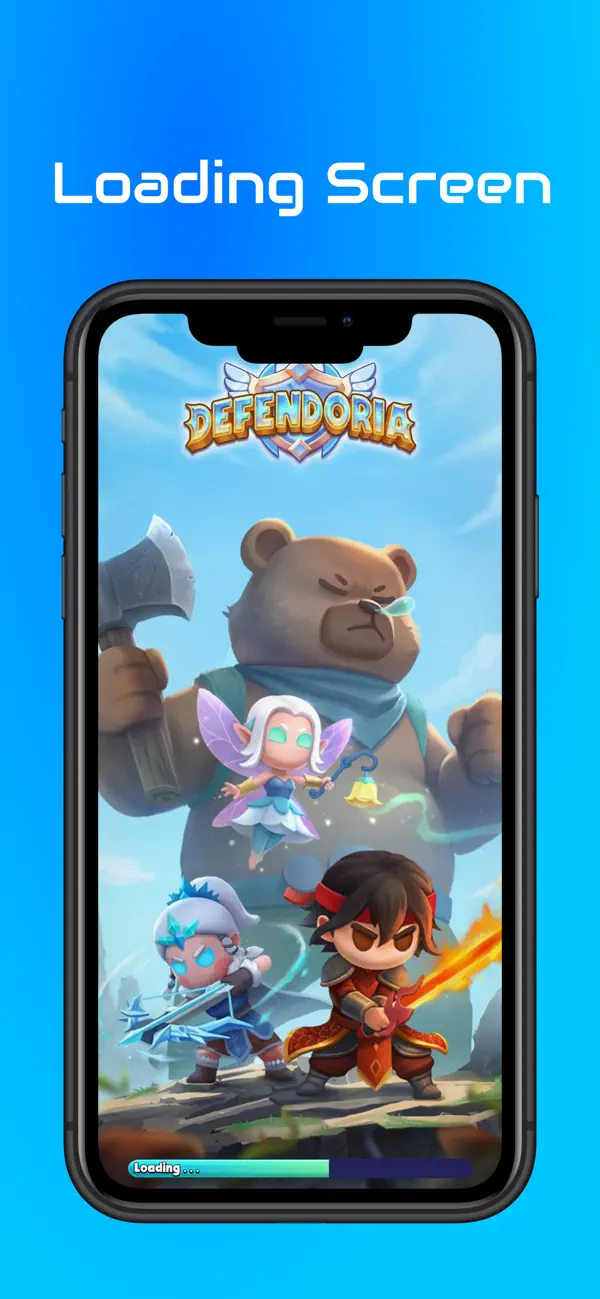
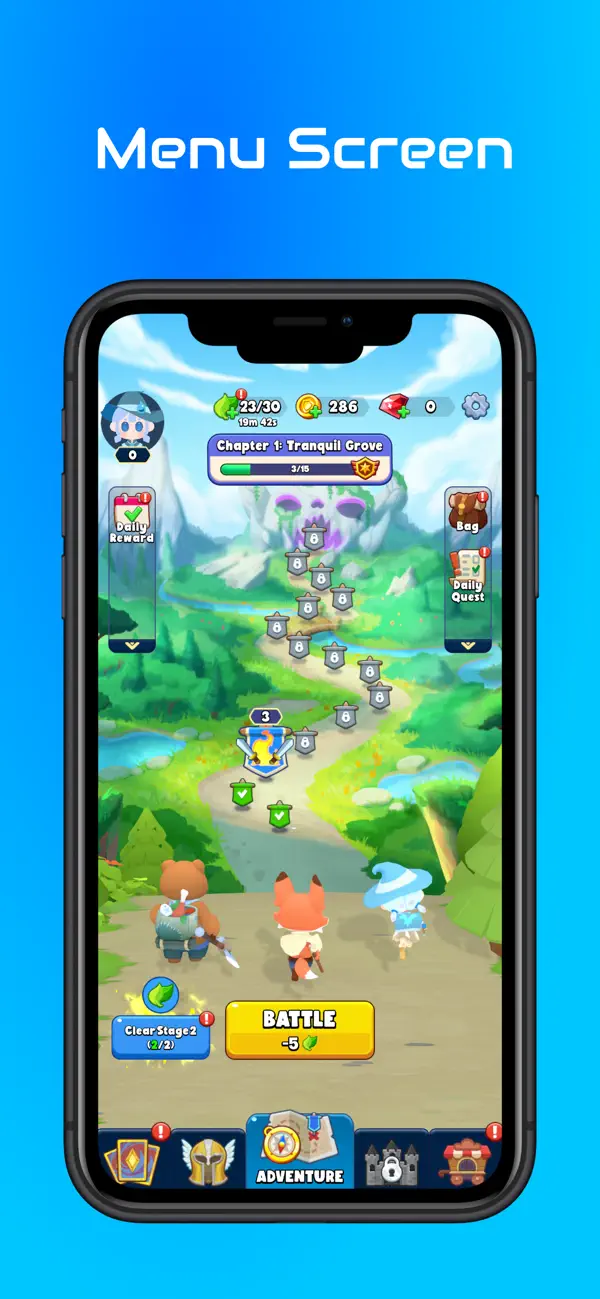
Strategic Hero Deployment: Position your heroes wisely on the battlefield to maximize their combat effectiveness.
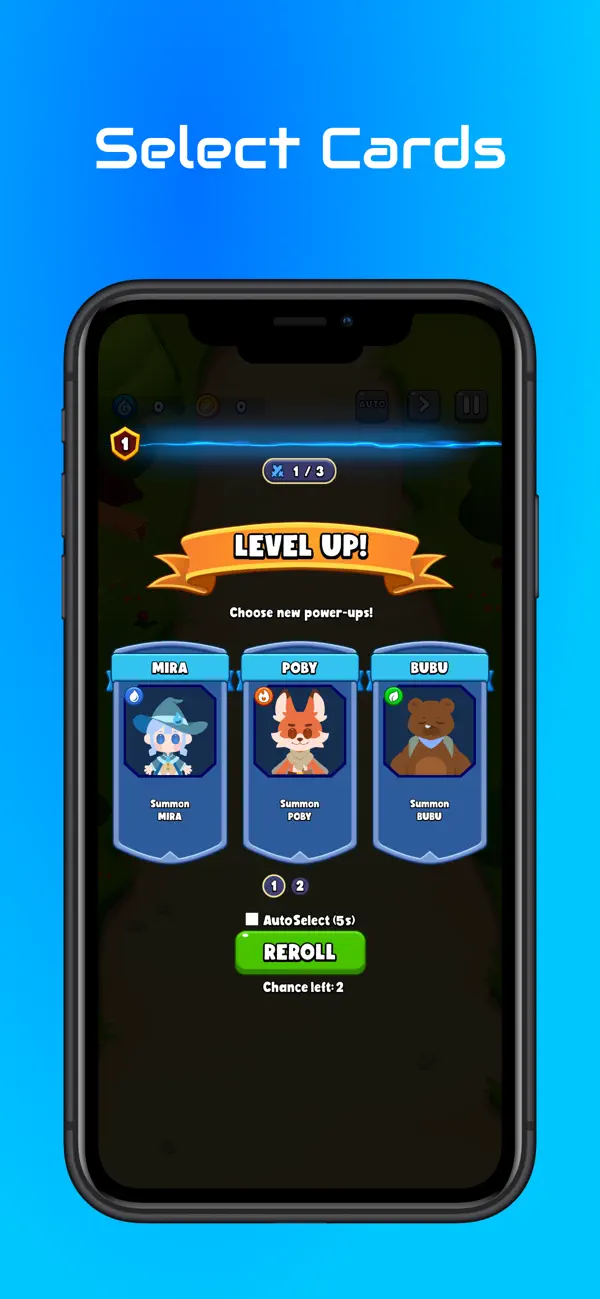
Roguelike Card Upgrades: After every wave, choose from a variety of unique upgrade cards. Will you boost your hero's attack speed, unlock devastating elemental powers, or increase your defense? The choice is yours!
Epic Boss Battles: Test your skills against massive, challenging bosses that require smart upgrades and quick thinking to defeat.
Diverse Enemy Waves: Face off against a vast array of monsters, each with their own strengths and weaknesses.
Unlimited Combinations: With dozens of heroes and hundreds of card combinations, every run offers a completely new strategic challenge.
How to play:
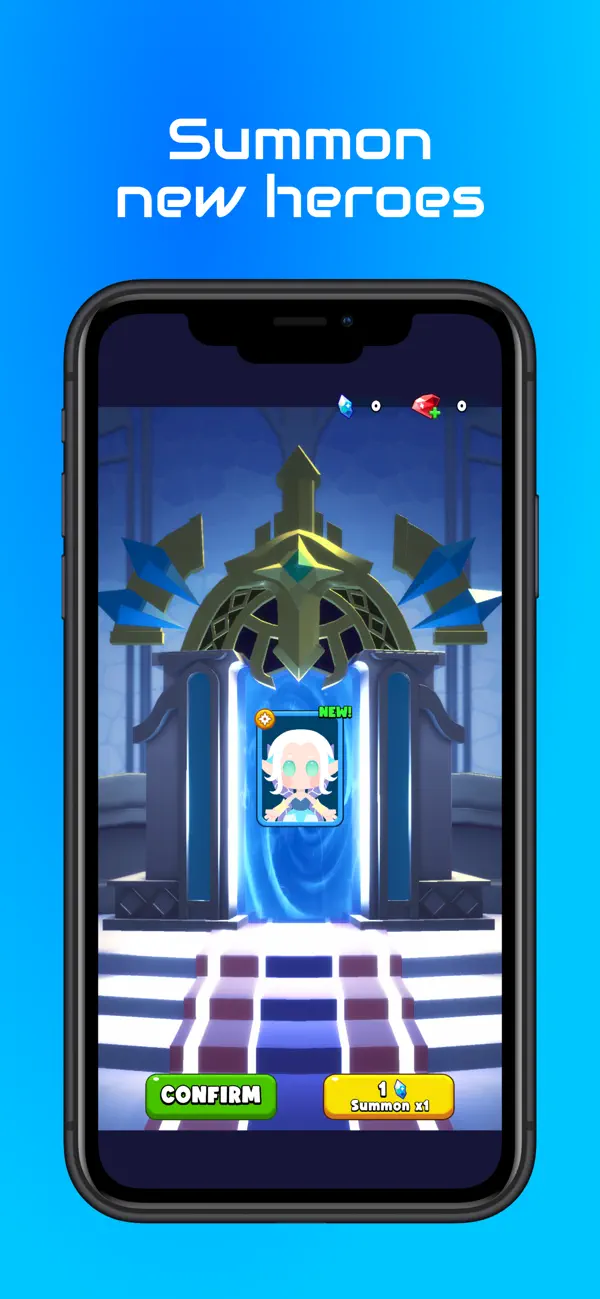
Deploy: Choose your heroes and place them to defend your territory.
Upgrade: Select the best cards to enhance your heroes' abilities as you level up.
Conquer: Annihilate the monster hordes and take down the final Boss!
Download now and become the ultimate tactical commander!

- iPhone أو iPad بجيلبريك أو بدون جيلبريك.
- Sideloadly أو بدائلها.
- كمبيوتر يعمل بنظام Windows/macOS/Linux مع تثبيت iTunes.
الخطوة 1: قم بتنزيل ملف .IPA المعدّل مسبقًا من الرابط أعلاه إلى الكمبيوتر الخاص بك. للتنزيل من تطبيق iOSGods App، اطلع على دليل تنزيل IPA من تطبيق iOSGods App الذي يتضمن مثالًا بالفيديو.
الخطوة 2: قم بتنزيل Sideloadly وتثبيته على جهاز Windows أو Mac.
الخطوة 3: افتح Sideloadly على الكمبيوتر، ووصّل جهاز iOS الخاص بك، وانتظر حتى يظهر اسم جهازك داخل Sideloadly.
الخطوة 4: بمجرد التعرّف على جهاز iDevice الخاص بك، اسحب ملف .IPA المعدّل الذي قمت بتنزيله وأفلِته داخل تطبيق Sideloadly.
الخطوة 5: أدخل البريد الإلكتروني لحساب Apple Account الخاص بك، ثم اضغط على «Start». سيُطلب منك بعد ذلك إدخال كلمة المرور. تابع وأدخل المعلومات المطلوبة.
الخطوة 6: انتظر حتى ينتهي Sideloadly من تحميل/تثبيت ملف IPA المعدّل. في حال واجهت أي مشاكل أثناء التثبيت، يرجى قراءة الملاحظة أدناه.
الخطوة 7: بعد اكتمال التثبيت ورؤية التطبيق على الشاشة الرئيسية، انتقل إلى Settings → General → Profiles / VPN & Device Management. ثم اضغط على البريد الإلكتروني الذي أدخلته في الخطوة 6، ثم اضغط على «الوثوق بـ [email protected]».
الخطوة 8: الآن انتقل إلى الشاشة الرئيسية وافتح التطبيق الذي تم تثبيته للتو وسيعمل كل شيء بشكل صحيح. قد تحتاج إلى اتباع تعليمات إضافية خاصة بكل تطبيق داخل النافذة المنبثقة للتعديل أثناء اللعب.
ملاحظة: بدءًا من iOS/iPadOS 16 وما بعده، يجب تفعيل وضع المطور (Developer Mode). بالنسبة لحسابات Apple Developer المجانية، ستحتاج إلى تكرار هذه العملية كل 7 أيام. إذا كانت لديك أي أسئلة أو مشاكل، يرجى قراءة قسم الأسئلة الشائعة حول Sideloadly في الموضوع.