Inicio de sesión requerido
Inicia sesión con tu cuenta de iOSGods para continuar.
Inicia sesión con tu cuenta de iOSGods para continuar.
Hack Features
- Unlimited Coins - Buy an in-game booster.
- Freeze Boosters
- No Booster Cost
- Freeze Lives
- Unlimited Lives - Spend one.
Esta app también incluye iGameGod, que te ofrece acceso a Auto Touch para automatizar tareas repetitivas, App Speed Manager para ajustar la velocidad del juego, edición de valores con Memory Engine y más potentes herramientas para juegos de iOS.
Descarga Yarn Loop: Knit Puzzle iOS Mod IPA desde los enlaces de arriba. Toca el botón de instalación y sigue las instrucciones para instalar este hack iOS en tu iPhone, iPad o Mac con Apple Silicon.
¿Necesitas más ayuda? Consulta nuestras Preguntas frecuentes de la app iOSGods para respuestas detalladas y consejos de solución de problemas.
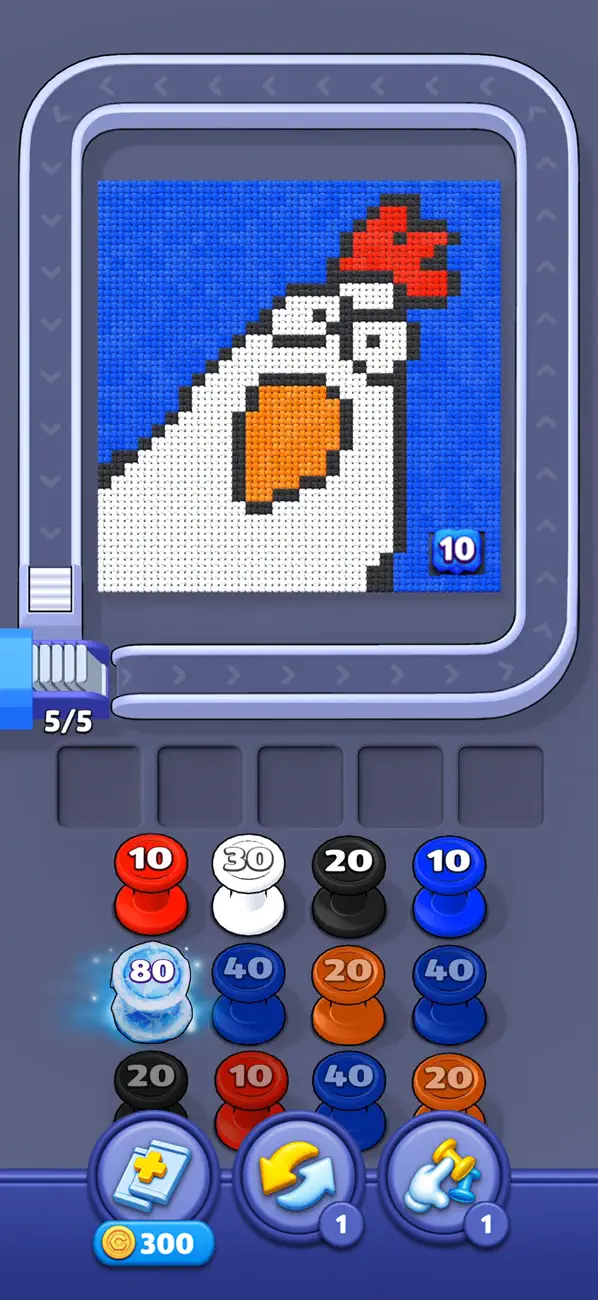
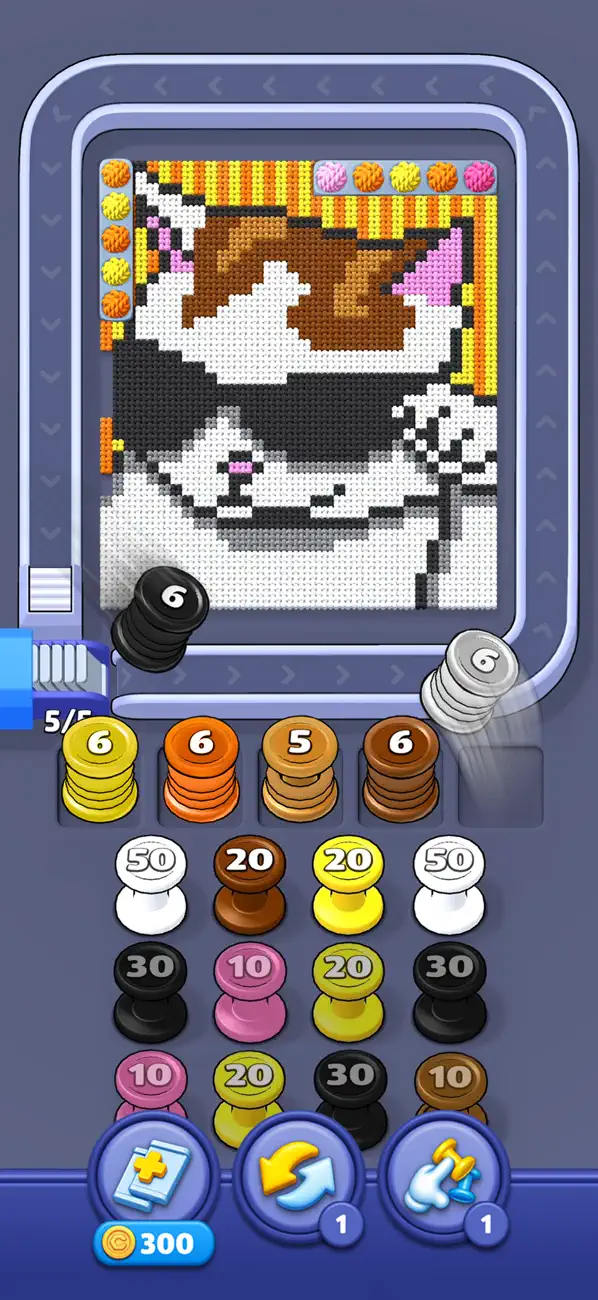
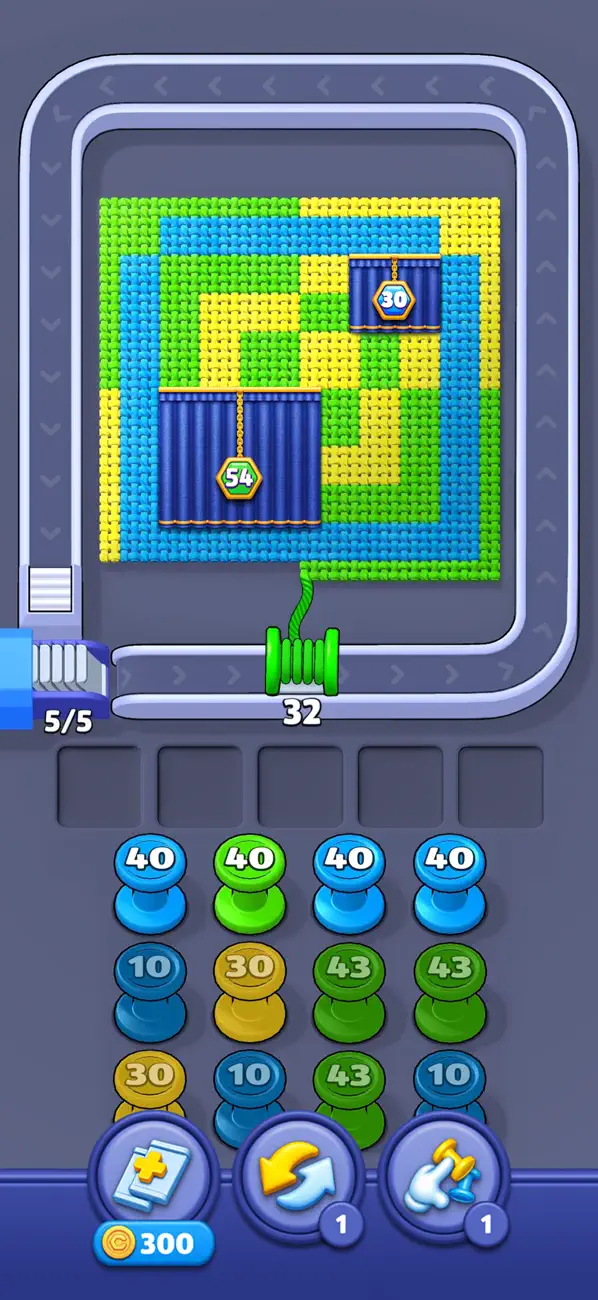
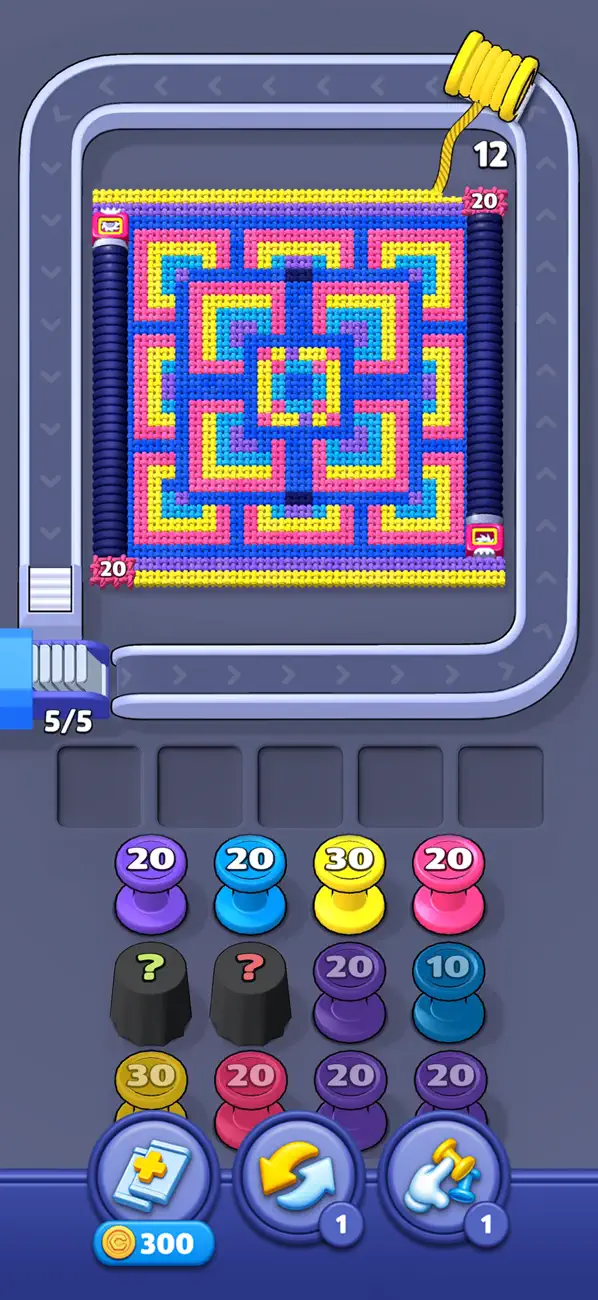
Yarn Loop is a relaxing and satisfying puzzle game featuring colorful yarn bobbins and knitted patterns.
Bobbins move onto the conveyor and collect stitches of their own color. Each bobbin has a capacity value that decreases as stitches are picked up. When its capacity reaches zero, the bobbin disappears. If capacity remains, the bobbin is transferred to the rack and can be used again later.
Complete each knitted pattern by using the right bobbins in the right order.
Game Features
► Simple One-Tap Gameplay: Bobbins move smoothly through the conveyor system and collect matching stitches with ease.
► Color-Based Collection Mechanic: Each bobbin clears only the stitches of its own color.
► Capacity Management System: Every bobbin has a limited pickup value, creating thoughtful and satisfying puzzle decisions.
► Rack Reuse Function: Bobbins that still have capacity return to the rack and remain available for later use.
► Hundreds of Engaging Levels: New knitted layouts, color combinations, and puzzle arrangements appear throughout progression.
► Cozy Yarn Aesthetic: Soft textures, warm colors, and pleasant animations create a calm and enjoyable experience.
Yarn Loop offers a smooth, calm, and visually charming journey through handcrafted yarn puzzles.
- iPhone o iPad con o sin Jailbreak.
- Sideloadly u otras alternativas.
- Ordenador con Windows/macOS/Linux e iTunes instalado.
PASO 1: Descargue el archivo .IPA pre-modificado desde el enlace de arriba a su ordenador. Para descargarlo desde la iOSGods App, consulte nuestro Tutorial de descarga del IPA desde la iOSGods App, que incluye un ejemplo en vídeo.
PASO 2: Descargue Sideloadly e instálelo en su Windows o Mac.
PASO 3: Abra Sideloadly en su ordenador, conecte su dispositivo iOS y espere hasta que el nombre del dispositivo aparezca en Sideloadly.
PASO 4: Una vez que su iDevice sea reconocido, arrastre el archivo .IPA modificado que descargó y suéltelo en la aplicación Sideloadly.
PASO 5: Introduzca el correo electrónico de su Apple Account y, a continuación, pulse «Start». Le pedirá que introduzca su contraseña. Proporcione la información solicitada.
PASO 6: Espere a que Sideloadly termine de hacer sideload/instalar el IPA modificado. Si surgen problemas durante la instalación, por favor lea la nota a continuación.
PASO 7: Una vez completada la instalación y al ver la app en la pantalla de inicio, deberá ir a Ajustes → General → Perfiles / VPN y Gestión de Dispositivos. Una vez allí, toque el correo electrónico que introdujo en el paso 6 y, después, toque en «Confiar en [email protected]».
PASO 8: Ahora vaya a la pantalla de inicio y abra la app recién instalada; todo debería funcionar correctamente. Es posible que tenga que seguir instrucciones adicionales específicas de cada app dentro del popup del hack en el juego.
NOTA: En iOS/iPadOS 16 y posteriores, debe activar el Modo Desarrollador. Para cuentas gratuitas de Apple Developer, deberá repetir este proceso cada 7 días. Si tiene alguna pregunta o problema, lea nuestra sección de Preguntas Frecuentes de Sideloadly del tema.


![Darts Club iOS Mod IPA [ Debug Menu ]](https://is1-ssl.mzstatic.com/image/thumb/Purple211/v4/d4/b8/c7/d4b8c7e6-5c42-c6a4-ef66-c7aa3c7a147e/AppIcon-0-0-1x_U007emarketing-0-8-0-85-220.png/100x100bb.jpg)


